
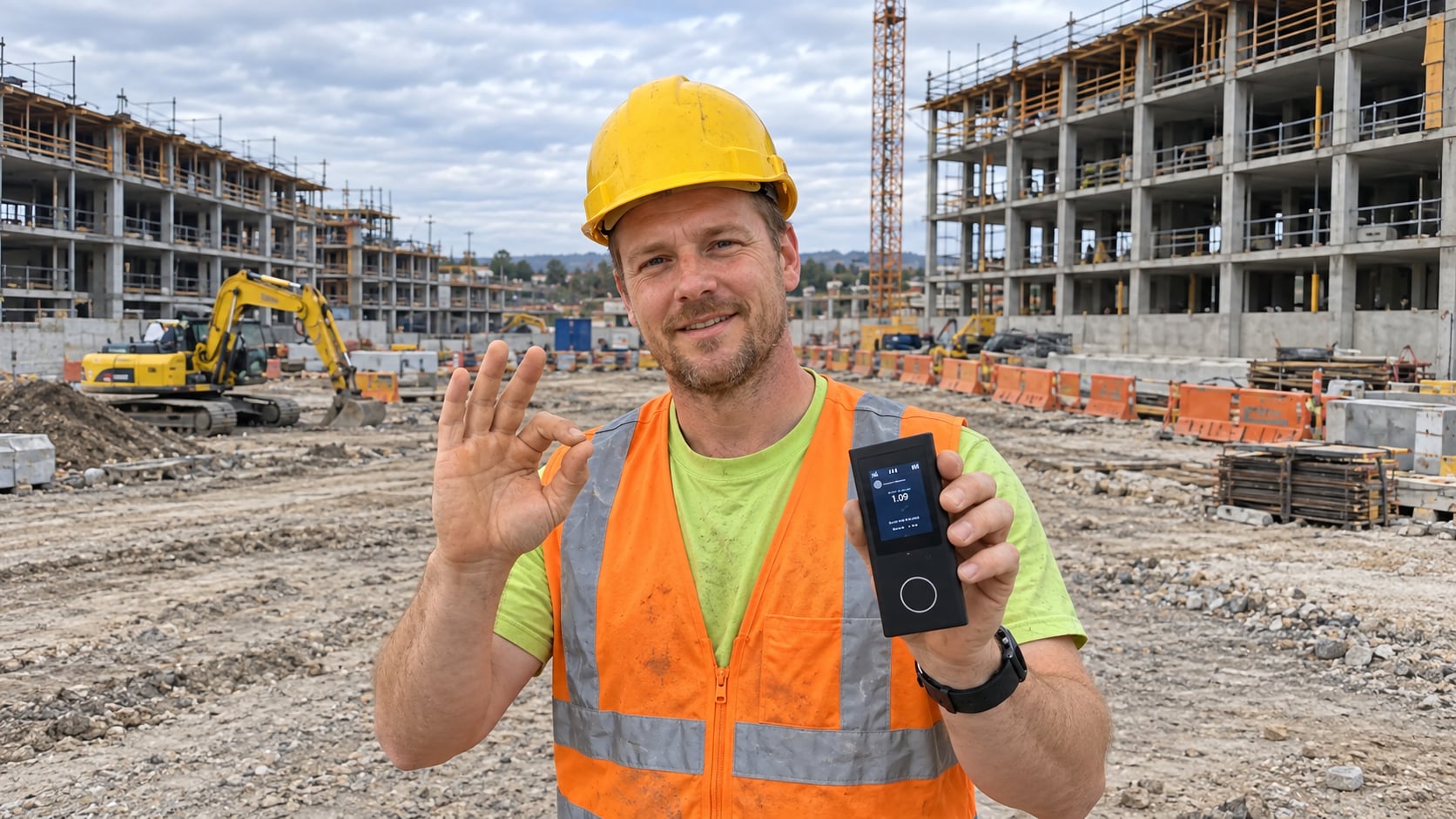
Construction site internet supports site-office laptops, plan downloads and progress-photo uploads. Teams often need a connection before fixed broadband is installed. A cellular hotspot or router is worth evaluating when the location has usable supported service and the equipment can be installed safely.
A file takes too long to load. A supervisor walks around looking for signal to send an update. Those interruptions are a reason to check the applications, working area and connection before the crew starts relying on it.
This guide compares jobsite internet solutions and sets out checks for a limited pilot. It is not a report of measured NomadsFi performance at a customer construction site. Coverage, device capacity, power and environmental limits must be verified for each project.
What does a construction site need to connect?
Construction work moves fast, but internet setup often does not. Many sites begin before permanent connectivity is installed. Others are in developing areas, edge-of-town lots, or temporary build zones where getting traditional broadband in place can take longer than the team can afford.
When there is no dependable connection, common jobsite tasks become harder than they should be:
- project managers cannot quickly pull up updated plans or documentation
- field teams struggle to send photos, videos, or issue reports
- subcontractors lose time waiting for instructions or confirmations
- cloud-based tools become frustrating to use on site
- invoices, approvals, and delivery coordination get delayed
This is not just a technology inconvenience. It affects the rhythm of the site. Construction is already full of moving parts, deadlines, and dependencies. Weak connectivity adds one more avoidable source of delay.
Why poor connectivity creates real jobsite costs
The most obvious cost is lost time. If workers need to leave the active area of the site just to get enough signal for a call or file upload, that is wasted effort. If updates are sent late because the internet is unreliable, small issues stay unresolved longer.
The less obvious cost is coordination risk. Construction relies on everyone working from the latest information. If one crew is using an outdated drawing because the newest file was difficult to access, mistakes become more likely. If a supplier change is not shared quickly, downstream tasks may get disrupted.
And then there is professionalism. Clients, vendors, and office teams expect timely responses. If the site is difficult to reach or documentation is always delayed, the operation looks less organized than it actually is.
Check the existing connection before replacing it
Compare the connection already available with the length of the project, the work area and the applications the crew uses.
Fixed broadband and installation timing
An available fixed connection can be a good fit for a stable site office. If installation has not been arranged, confirm the lead time and service agreement. A temporary office that moves during the project may need another arrangement.
Even when broadband is eventually available, it may not solve the immediate need for fast deployment.
Phone tethering and shared daily use
A phone hotspot can handle occasional work. For daily team use, check the tethering allowance, power and local reception. The phone also needs to remain available to the people sharing its connection.
Decide who owns the connection and what happens when that person or device leaves the site.
Permission and coverage on nearby WiFi
A nearby office network may be suitable if the owner authorizes access and reception reaches the required working area. Check credentials, permitted business use and application access instead of assuming a guest connection will fit the project.
When a larger network is justified
A larger or dispersed site may justify a designed network with additional access points and professional installation. Assess those requirements before relying on a single portable device.
Jobsite internet solutions compared
Construction site internet can come from several sources. Compare what is available at the address and what the team needs during this phase of the project.
| Option | Where it may fit | What to check |
|---|---|---|
| Fixed broadband | A longer project with an available installation. | Installation timing, service term, site access and the office location. |
| Phone hotspot | Occasional work or a short pilot with light use. | Tethering allowance, battery, reception and who keeps the phone on site. |
| Dedicated cellular hotspot | A small team sharing a portable connection where supported service is usable. | Model and plan compatibility, power, device load and protected placement. |
| Cellular router | A site-office position with suitable power and a tested network layout. | Actual interfaces, temperature limits, WiFi coverage and application load. |
| Satellite service | A location where a suitable satellite installation is feasible. | Provider terms, visibility requirements, power and installation constraints. |
A portable hotspot is one option for a limited deployment. A large site, a dedicated camera network or a project with security requirements may need a separate network design.
How NomadsFi helps
NomadsFi offers hotspots and routers that a project team can evaluate for a small temporary office or a separately tested backup connection. Match the model and data plan to the location and intended workload.
The following use cases still require a site test and confirmation of the equipment conditions.
Faster deployment for active worksites
Construction schedules do not pause while connectivity gets sorted out. A portable, flexible internet option helps teams get online sooner, so they can support coordination, communication, and digital workflows from the start of the project.
Better fit for temporary or changing site conditions
Construction projects evolve. Offices move. Work zones shift. Temporary trailers come and go. A more portable internet setup makes more sense than infrastructure that assumes the site will stay the same.
Easier support for cloud-based tools and communication
More construction teams now rely on shared files, jobsite apps, cloud reporting, and fast message coordination. NomadsFi helps support those day-to-day needs without forcing teams into a heavy setup process.
A more practical backup mindset
Even if a site eventually gets fixed broadband, a flexible connection option still matters. Internet problems do not wait for convenient timing. NomadsFi can help fill the gap before installation or act as backup when the primary line is unavailable.
Compare NomadsFi equipment for a limited pilot
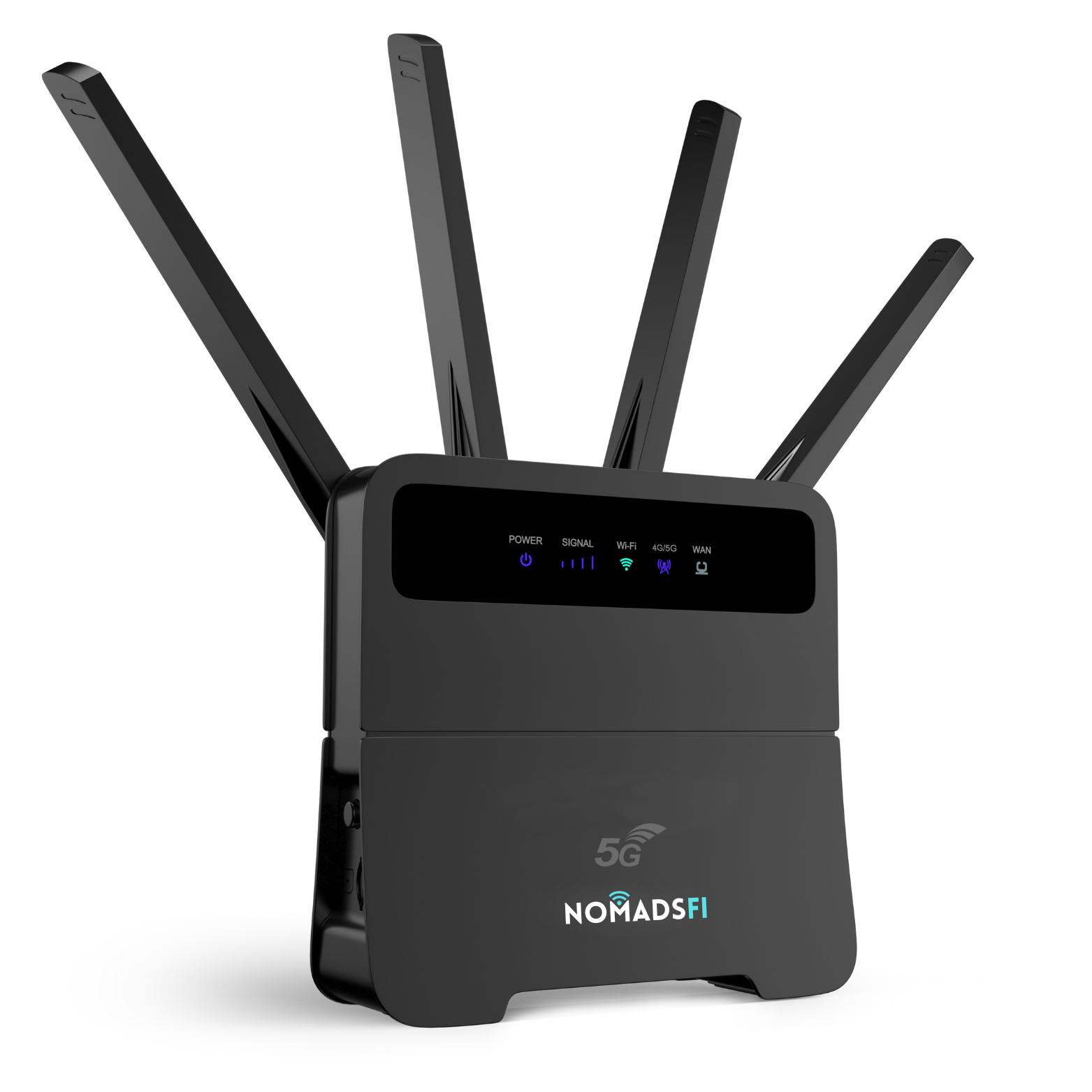
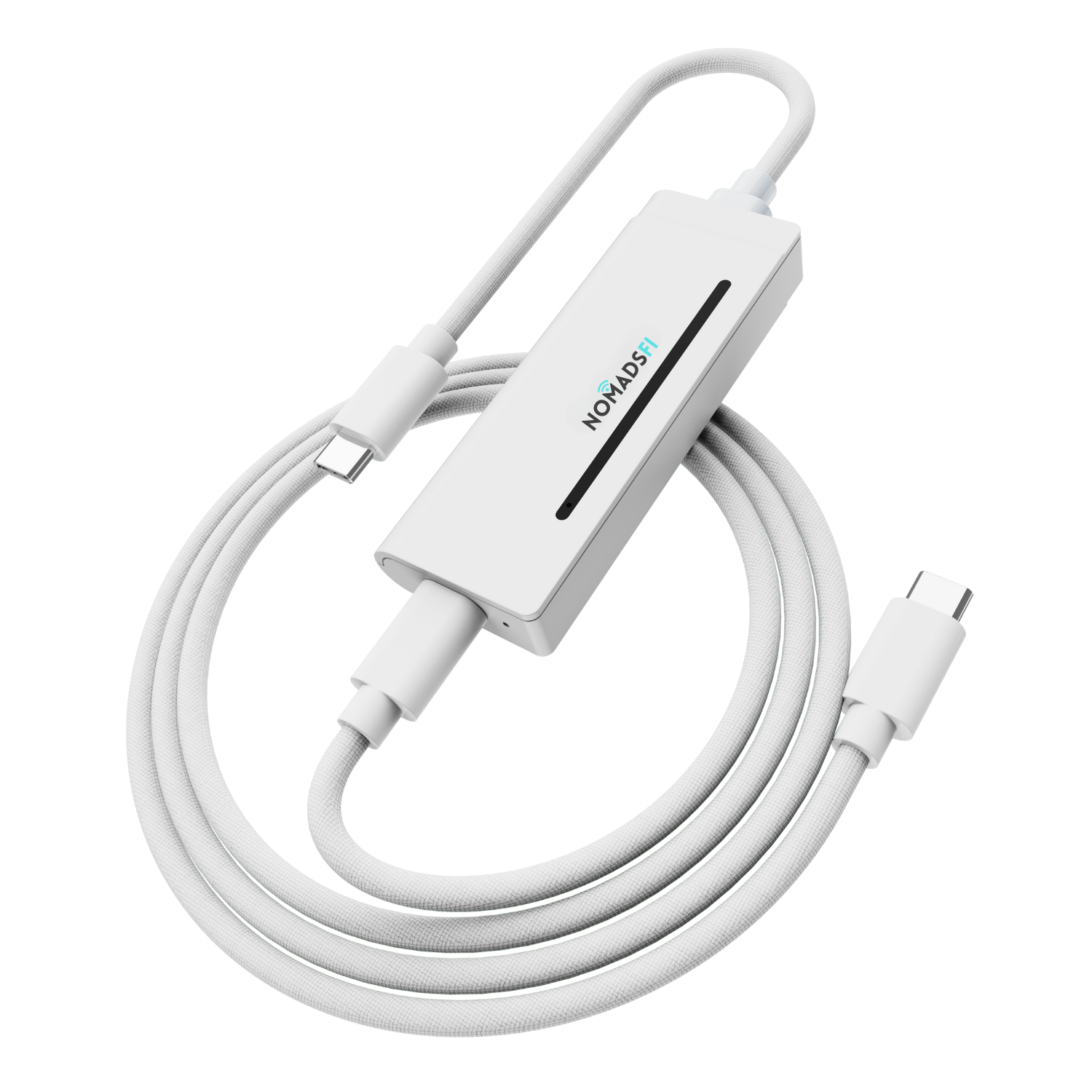
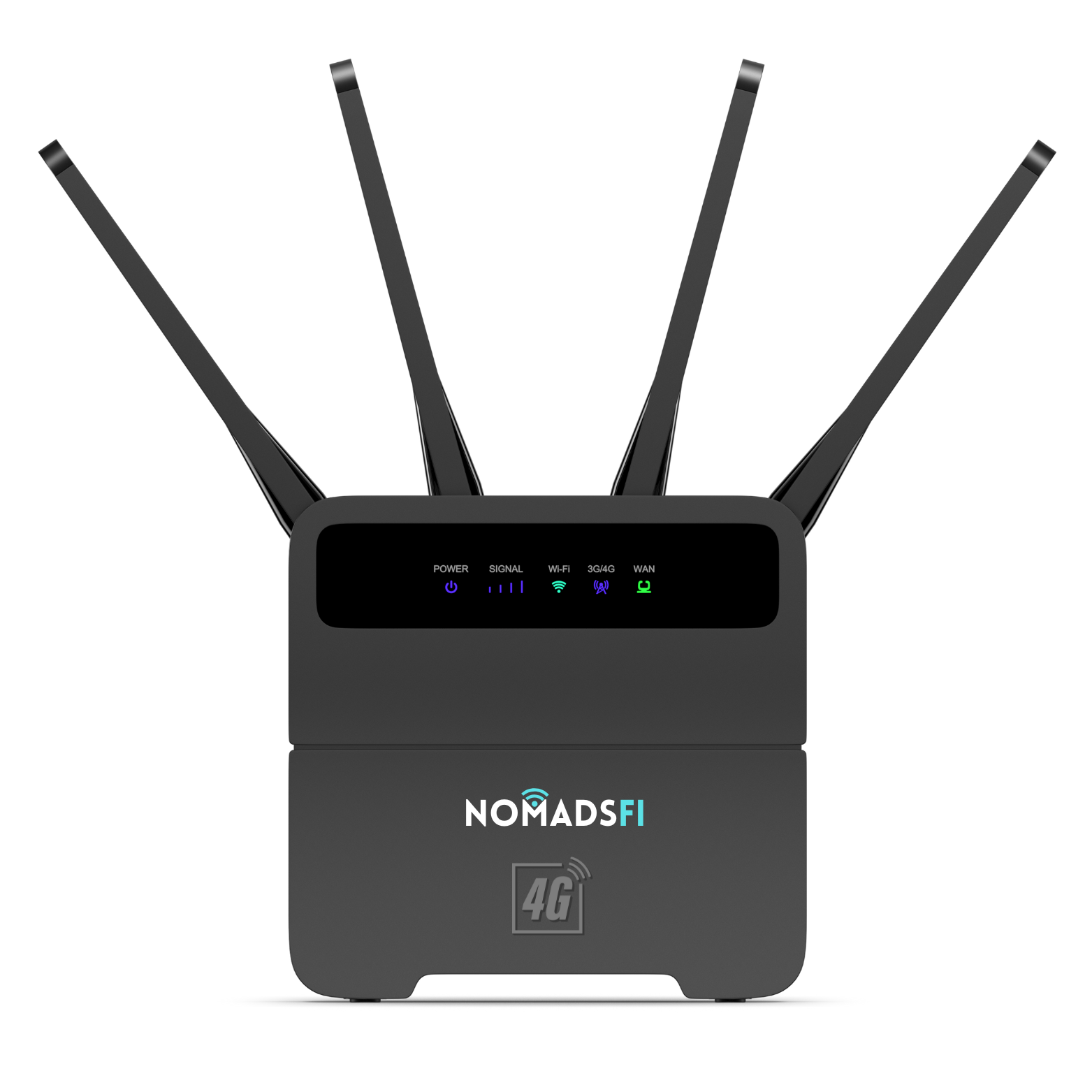
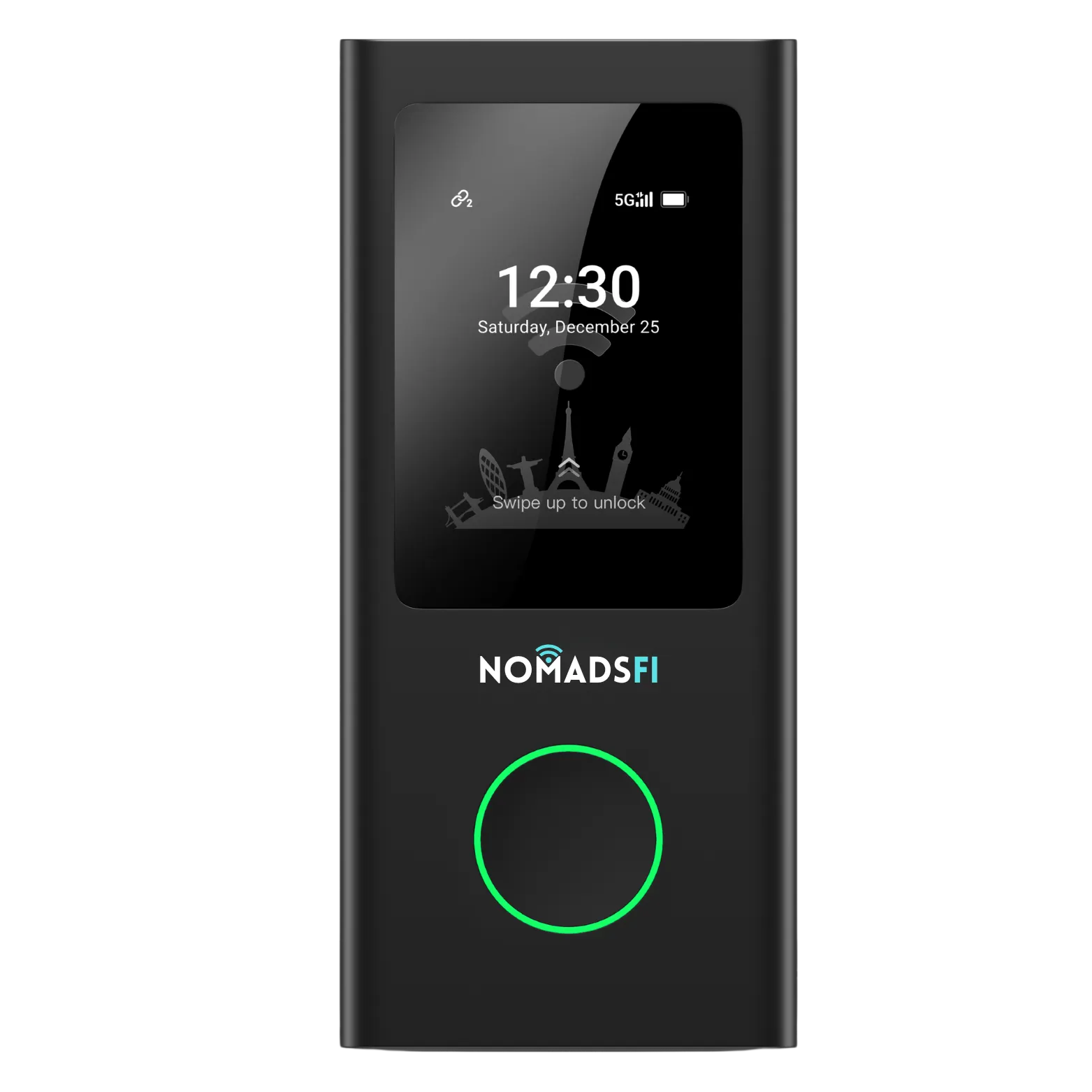
The NomadsFi 5G Router and PocketFi 5G portable hotspot are different formats to evaluate. Confirm the exact model, interfaces and plan before choosing. The original product photos below identify the hardware; they do not show a completed construction-site installation.
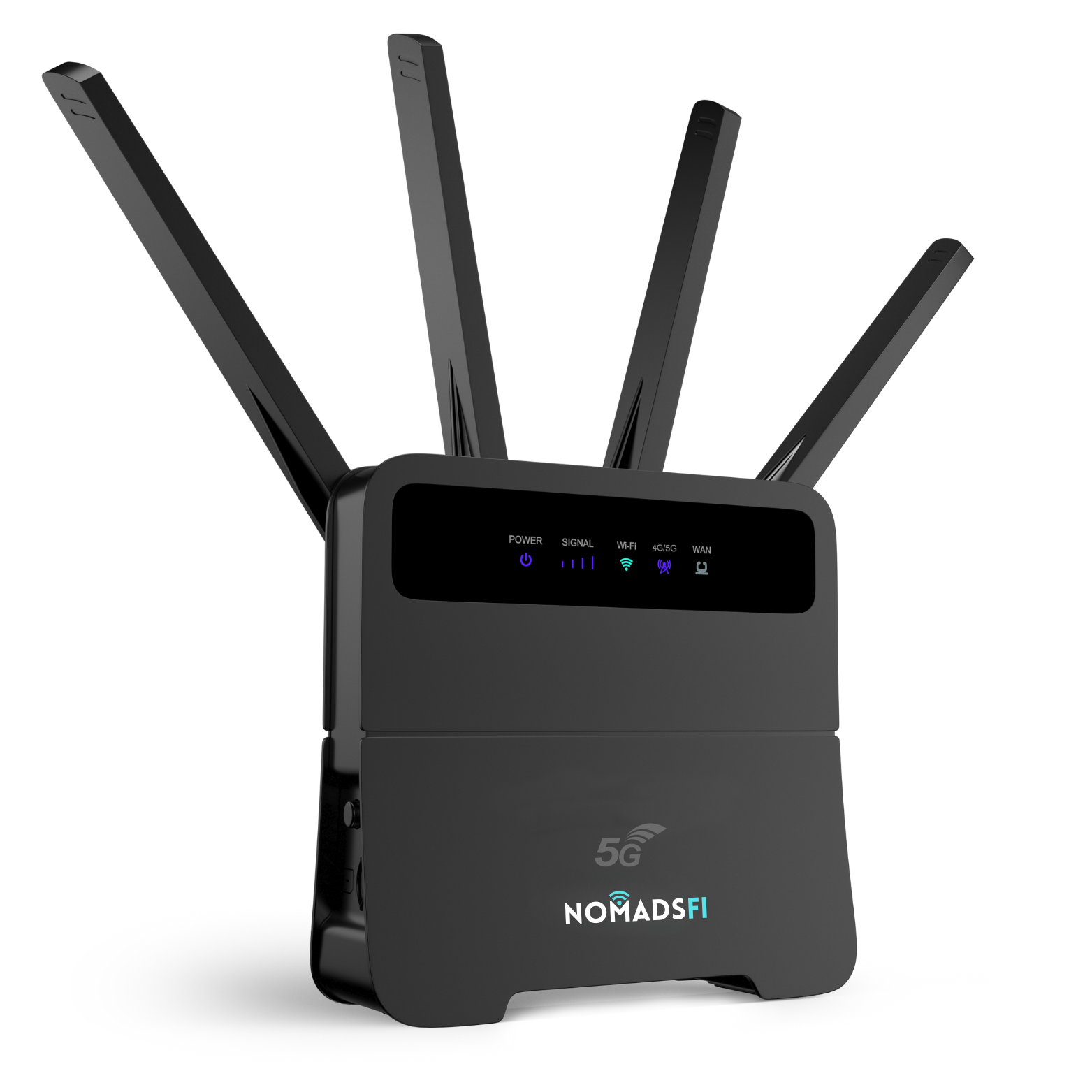
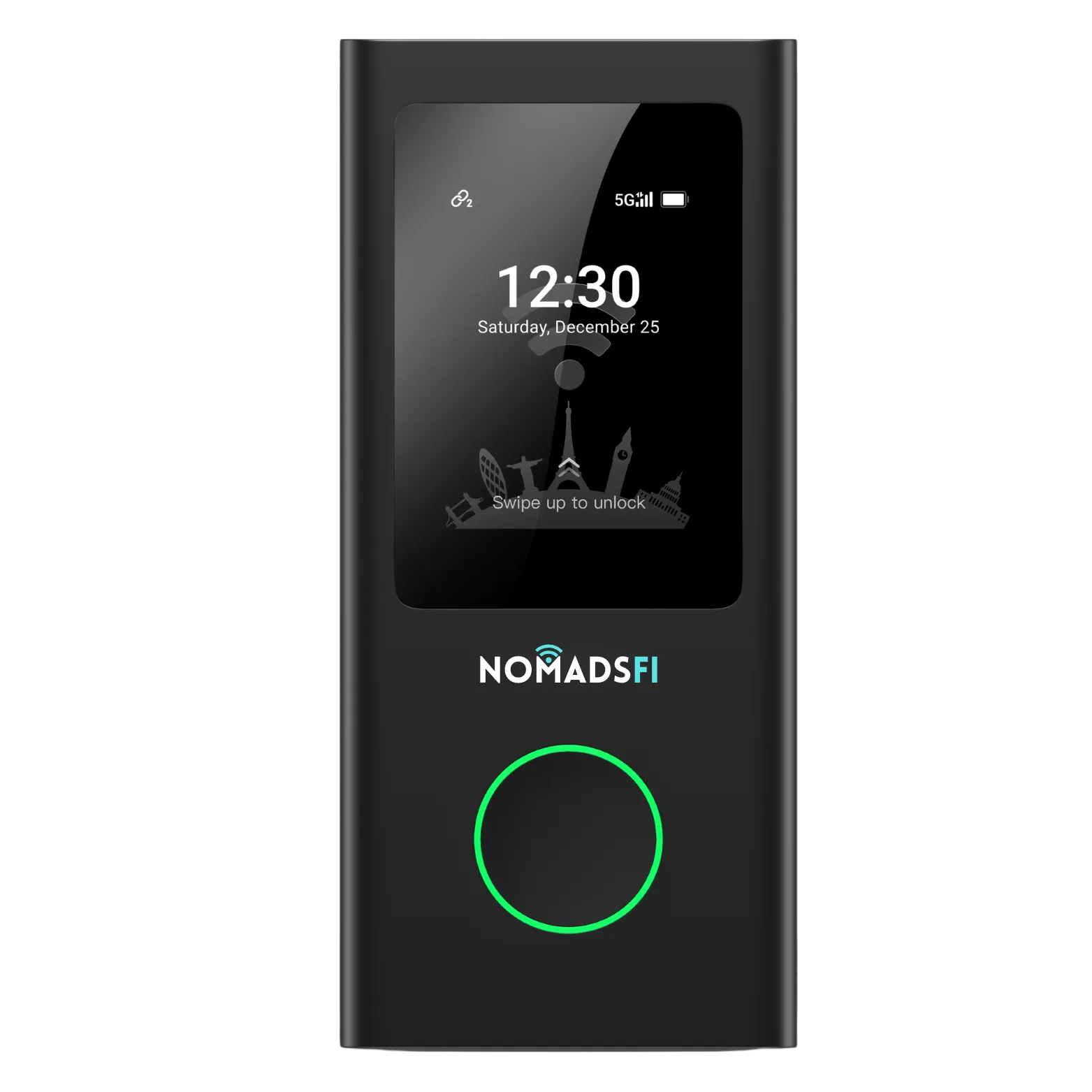
For a small site office, compare whether a portable hotspot or a router fits the required power arrangement and application load. Keep deployment requirements separate from a product's advertised connection count.
Situations to evaluate in a site pilot
Consider a limited pilot for the following situations before deciding whether to expand the setup.
New jobsites before fixed internet is available
Early-stage projects often need connectivity before the site is fully built out. This is one of the clearest use cases.
Temporary site offices and trailers
Job trailers and temporary offices need internet for admin work, scheduling, documentation, and coordination, but not every project justifies a heavy installation.
Renovation or redevelopment zones
In redevelopment or phased construction environments, the network situation can change as the site changes. Flexible internet is easier to adapt.
Backup internet for active projects
If the primary connection fails, communication and coordination can stall quickly. A backup option helps reduce disruption.
Smaller contractors who need simpler deployment
Not every builder has dedicated IT support or the time to manage complicated setup. A lighter option is easier to put to work.
Count the devices and the work they do
Start with simultaneous use. A headcount alone will not tell you how many laptops, tablets, phones or cameras will be online at once. Ask the software provider about connectivity requirements and include the busiest part of the working day in the pilot.
- Record which devices need access and which applications they use.
- Separate occasional drawing downloads and photo uploads from continuous camera traffic.
- Measure the upload workload as well as download speed. Schedule large software updates when practical.
- Confirm each model's connection limit without treating that number as a guarantee of useful capacity or whole-site coverage.
For a planning example, a camera uploading continuously at an assumed 2 Mbps for eight hours transfers about 7.2 GB in decimal units, before protocol overhead: 2 × 3,600 × 8 ÷ 8 ÷ 1,000. This is arithmetic based on an assumed bitrate, not a NomadsFi or camera performance measurement. Use the actual camera settings and working hours when sizing a plan.
Check coverage, power and protected placement
Use the FCC's guide to the National Broadband Map for an initial coverage review. Its mobile maps describe outdoor or in-vehicle service, not indoor reception. Test the router or hotspot in the actual trailer or office position.
- Confirm that the intended model and plan support the location.
- Put the device where it can receive service without exposing it to rain, dust, excessive heat or an unsafe mounting position. Confirm its environmental limits rather than assuming industrial protection.
- Use the required power supply. Verify an intended backup-power arrangement separately.
- Run the actual drawing, photo-upload and communication workflows at the expected busy time. Record unsuccessful uploads, slow responses and recovery after a planned restart.
- Recheck the setup when offices or work zones move.
Assign someone to manage the WiFi credentials and equipment updates. NIST SP 800-153 treats WLAN security as a deployment and maintenance responsibility; it does not certify a NomadsFi device or a proposed site installation. Confirm any required VPN, fixed IP or remote-management feature before purchase.
Compare the cost for this project
Request the total for the expected project period. Separate equipment purchase or rental from the data plan and its allowance, installation work, accessories and any return or cancellation conditions. For a plan described as unlimited, check speed and fair-use conditions and whether the exact device is eligible. Confirm current terms before ordering.
If a fixed line will arrive later, plan how the temporary connection will be retired or retained. A second service should have a tested recovery procedure; an extra router alone is not proof of automatic failover.
Frequently asked questions
What is the biggest internet challenge on construction sites?
Teams often need access before a fixed line is ready. Establish whether the site has usable cellular coverage, protected power and a suitable place for the equipment, then test the actual work applications.
Why is phone tethering not always enough for a jobsite?
A phone hotspot can handle light or occasional work. Shared daily use also depends on its tethering allowance, power, signal and whether the person carrying the phone remains on site. Compare that arrangement with a dedicated device.
Is fixed broadband still useful for some construction sites?
Yes. For a long project with a suitable installation and service agreement, fixed broadband can be a sensible primary connection. Evaluate cellular service for the period before installation or as a separately tested backup.
When does backup internet matter most on a jobsite?
A backup can be useful when a primary-line interruption would stop document access or coordination. Test the changeover procedure and the applications that need to recover. A second connection does not by itself provide automatic failover.
Who benefits most from a flexible construction site internet option?
Contractors and project teams working from a temporary office or trailer can evaluate a portable connection. Larger or dispersed sites may need an IT-designed network with separate access points or other equipment.
How can I get internet for construction sites before fixed broadband is installed?
Compare cellular hotspots, routers and other locally available services. Confirm model and plan compatibility, test reception at the actual office position, and run the work applications during expected working hours before relying on the setup.
Can one hotspot cover an entire construction site?
Do not assume it can. The number of connected devices and the usable WiFi area are different limits. Buildings, metal cabins, distances and application traffic need a site test; a larger site may require additional network design.
What information is needed for a jobsite internet quote?
Provide the address, project dates, office layout, power arrangement, expected simultaneous devices, application traffic and any camera or security requirements. Confirm the exact equipment, data plan and installation responsibilities before ordering.
Sources and scope
Product and deployment references reviewed November 4, 2026. Product photos and the retained illustrative cover are not evidence of a completed customer deployment.
- NomadsFi 5G Router product page
- PocketFi 5G product page
- NomadsFi data plans
- FCC: How to use the National Broadband Map
- NIST SP 800-153: securing wireless local area networks
Discuss a jobsite connectivity pilot
Send the project address, dates, office layout, expected simultaneous devices, application workload and power arrangement through the NomadsFi business partner portal. Include any camera, security or integration requirements that need a separate compatibility check.
Review the 5G Router, PocketFi 5G and current data plans before ordering. Ask about the specific location and equipment; a coverage country list does not confirm reception throughout a construction site.