

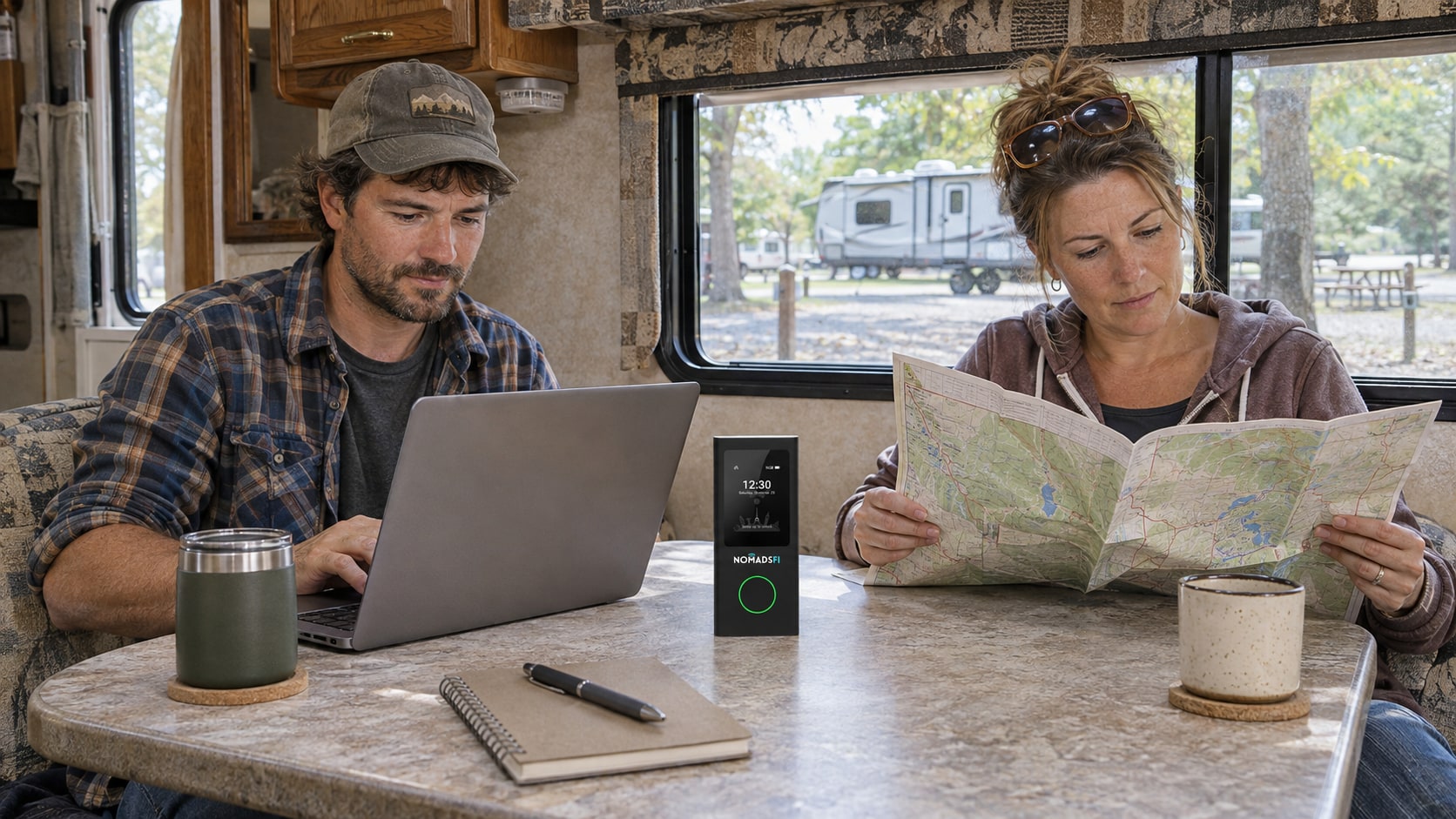
The right RV internet options depend on where you stop, how much work you do online and what your electrical system can support. Cellular is worth considering where your route has usable service. Campground WiFi can be enough at a well-connected park. Satellite deserves a closer look when your stops lack cellular coverage and have a suitable view of the sky.
For a weekend of bookings and email, your phone may already do the job. For daily video meetings, compare the whole setup, including data limits and a second connection you know how to use. None of these options guarantees service at every campsite.
RV WiFi is the local wireless connection your devices join. Its internet connection may come from cellular service, the campground's network or a satellite terminal. Check that you can load a page or complete your task, rather than relying on the WiFi symbol alone.
RV internet options compared: cellular, campground WiFi and satellite
| Option | When it fits | Main constraint | What to budget |
|---|---|---|---|
| Cellular hotspot or router | Stops with usable mobile service; a connection you can take between campsites | Local signal, congestion, device compatibility and plan terms | Device, service, data allowance and compatible power supply |
| Campground WiFi | A park whose actual connection meets your needs | Access-point reach, shared upstream capacity, login rules and guest restrictions | Any access fee and optional compatible WiFi equipment |
| Satellite | Stops without useful cellular service, subject to provider availability and suitable siting | Sky obstructions, equipment placement, electrical load and service terms | Terminal, service, mounts, accessories and energy |
These are selection criteria, not speed rankings. A tested campground network may serve you better than a weak cellular connection. Satellite is another candidate, with its own setup requirements.
How to choose the best internet for RV travel
The best RV internet setup for your trip should fit the work you need to finish at the places you plan to stop. Start with a typical day and the consequences of losing a connection, then decide which equipment deserves a test. These are planning recommendations, not results from a product benchmark.
Weekend stays with light online use
For reservations, email and occasional browsing, try your existing phone hotspot first. Confirm the tethering allowance and test it at the destinations you use. If your travel companion needs the connection while you take your phone elsewhere, compare a separate hotspot. Check package validity and the complete trip cost before buying equipment for infrequent use.
Regular remote work from a parked RV
Test a normal working session with the same laptops, calls and uploads you expect on the trip. Compare a phone hotspot with a dedicated cellular device where the route has usable service. Keep a second connection or a verified place to work for essential meetings, and practice switching before you need it. A dedicated device does not, by itself, establish better reception or continuity during a call.
Longer stays at stops with limited cellular coverage
Check whether the campground's actual WiFi meets your needs and assess satellite eligibility, sky view and electrical demand. If neither connection is suitable, changing the campsite or arranging an off-site workspace may be more practical than purchasing another cellular device for the same coverage gap. Judge each option against the specific stop, rather than assuming a technology label settles the decision.
Phone hotspot or dedicated cellular device?
Start by testing what you own. A phone hotspot can be a sensible primary connection for light use if your plan allows it and reception is adequate. Apple's Personal Hotspot guidance explains that it shares cellular data; supported connections and device limits depend on the phone and carrier.
A separate hotspot keeps the shared connection from leaving with your phone. A router may suit a more permanent workspace. Neither format proves better reception or faster service: compare the exact modem, supported networks, power arrangement and plan. A second device using the same underlying network may encounter the same coverage gap.
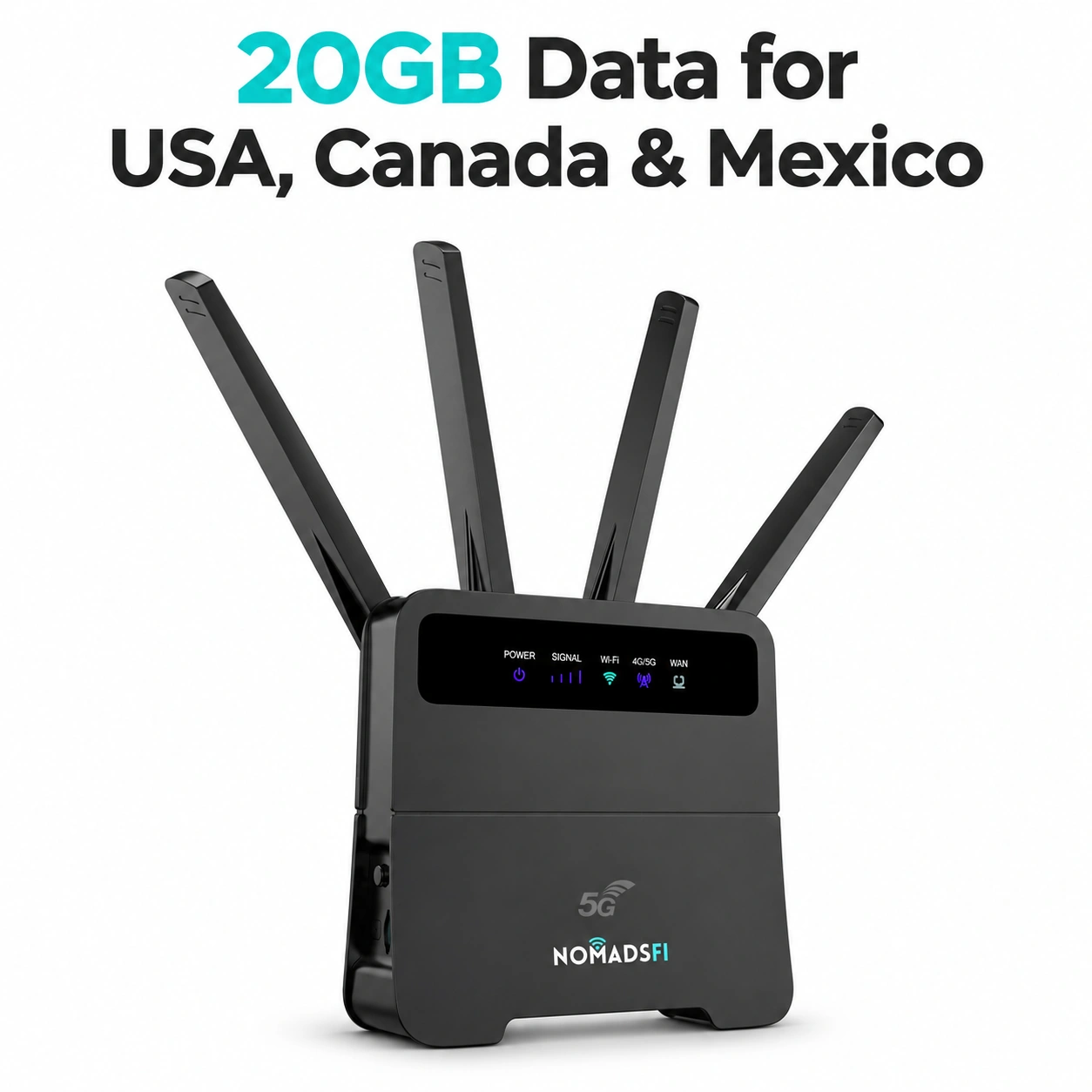
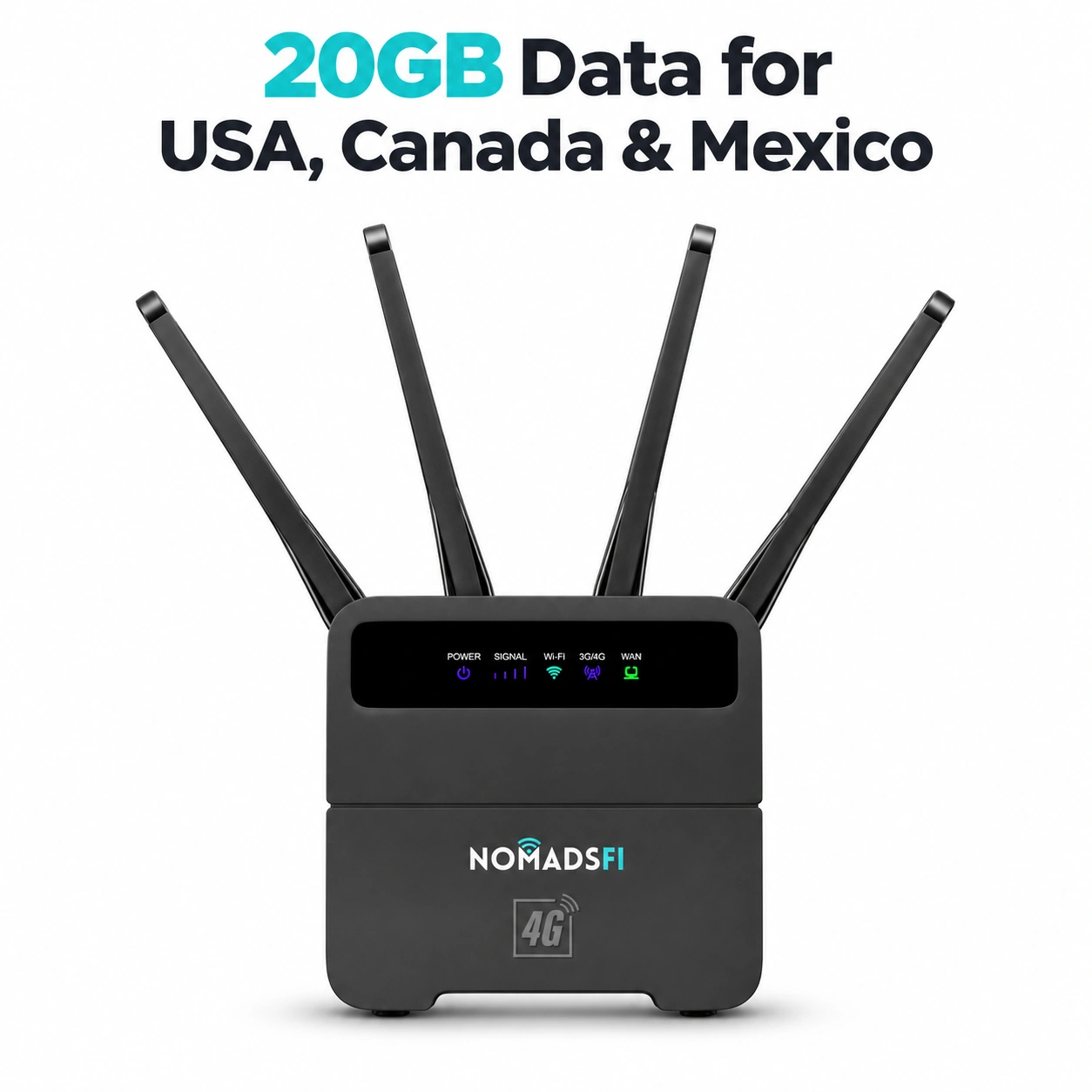
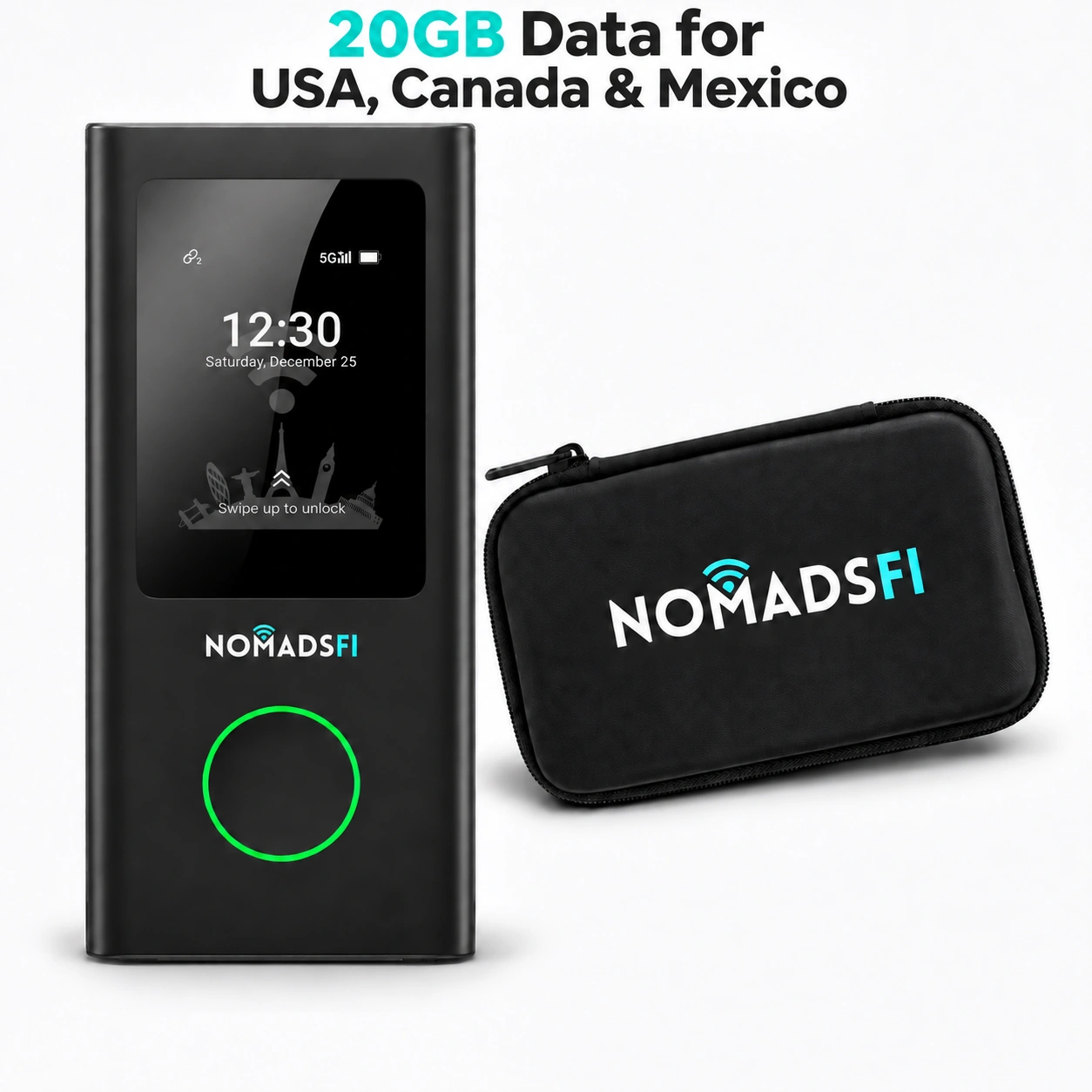
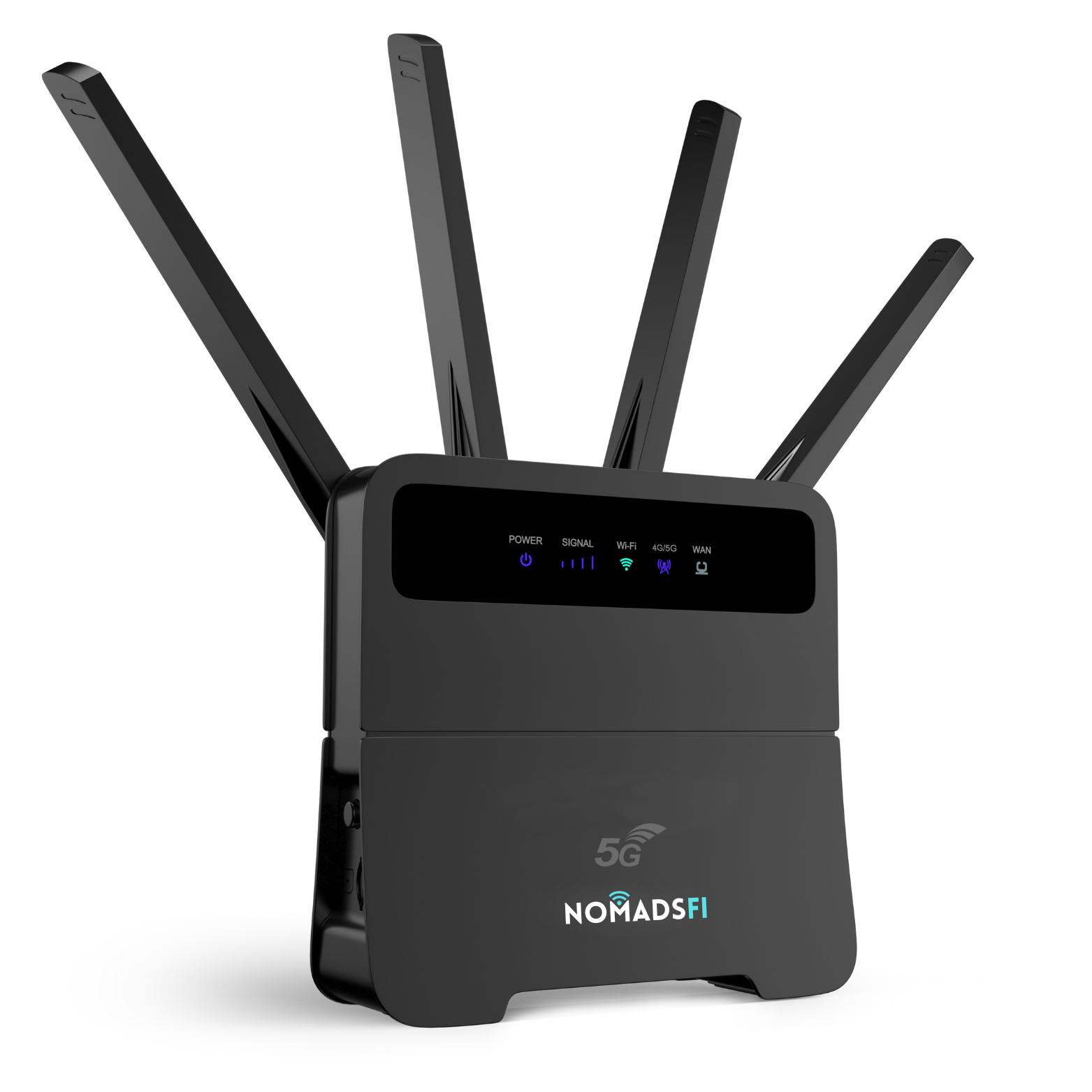
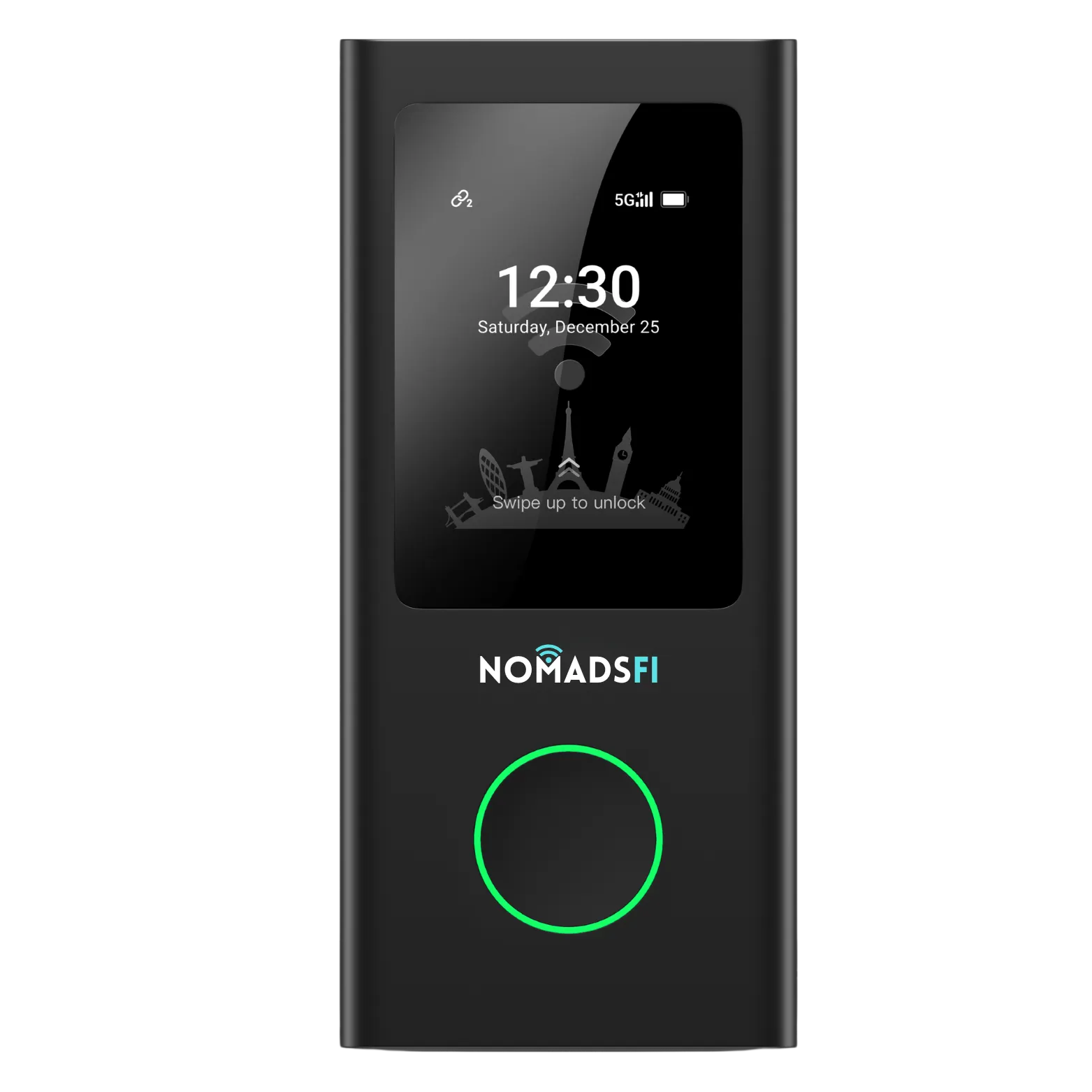
For NomadsFi, compare the PocketFi 5G hotspot, 5G Router and LTE Router as product categories. Ask which exact device and plan fit your trip before ordering.

When campground WiFi is enough
Ask the campground what reaches your assigned site, whether access costs extra and whether there are device or streaming limits. Test during the hours you intend to work. A fast download near reception in the morning does not establish how your evening meeting will behave inside the RV.
Try your actual applications, including sign-in and any employer-required VPN. Shared WiFi can be useful for downloads or routine browsing even when you choose another connection for calls. Follow your employer's public-network policy and confirm the network name with campground staff.
WiFi booster for RV travel: what it can and cannot fix
A WiFi extender works with an existing WiFi network. TP-Link's explanation of range extenders distinguishes extending wireless reach from increasing the internet capacity coming into the network. Better reception cannot fix an overloaded campground internet connection.
A WiFi booster is also different from a cellular booster. Neither creates a cellular network where none is available. Before buying either, identify whether the problem is WiFi reach, cellular reception or the upstream connection, and check compatibility and campground rules.
Satellite internet for RV travel: setup and power requirements
If cellular checks leave important stops uncovered, investigate satellite availability for those locations. Sky visibility matters: Starlink's installation guide, page 2, explains that obstructions can interrupt service and recommends checking the proposed location with its app.
A shaded campsite may therefore require a different terminal position. Check cable routing, safe placement and permission before committing. Confirm the current hardware and service combination for your destinations; parked use does not establish permission for in-motion use. Include the complete kit's electrical demand in your battery calculation.
Portable internet for camping: check coverage before arrival
List overnight stops and the places where being offline would disrupt work. Review the FCC National Broadband Map guidance: select Mobile Broadband, compare relevant providers and choose the appropriate outdoor-stationary or in-vehicle view. The FCC says these mobile maps do not show indoor coverage. They cannot establish reception inside your particular RV.
For park stays, read the individual park's visitor information. The National Park Service warns that cellular service can vary within a single park. Download maps and reservation details before arrival.
- While safely parked, test the connection from your actual work position.
- Run a normal call and upload a representative file. Note interruptions as well as speed.
- Repeat during your expected busy period, with the other devices you normally use.
- Try your alternative connection and record the steps needed to switch.
Keep a fallback work location for essential meetings. Two subscriptions do not establish automatic switching or uninterrupted sessions; test any claimed switching behavior on the exact equipment.
Build a data budget from your workload
Estimate both directions of traffic. For decimal gigabytes, GB = average Mbps x hours x 0.45. Add upload and download rates for a two-way activity. A speed-test result measures available throughput, not the average data rate your applications actually consume.
This example assumes one traveler over 20 workdays. Every rate and allowance below is an illustrative planning assumption, not a measured app requirement.
| Activity | Assumption and calculation | Decimal GB |
|---|---|---|
| Video calls | (1.5 Mbps download + 1.5 Mbps upload) x 2 hours/day x 0.45 x 20 days | 54 |
| Other online work | (0.5 Mbps download + 0.1 Mbps upload) x 4 hours/day x 0.45 x 20 days | 21.6 |
| Entertainment | Assumed transfer total | 30 |
| Additional file transfers | Assumed uploads and downloads combined, outside the work rows | 10 |
| Total before margin | 54 + 21.6 + 30 + 10 | 115.6 |
An assumed 20% planning margin brings that to 138.72 GB, about 139 GB. Replace the inputs with usage from your own devices. Adaptive video quality, updates and provider accounting can change the result. Check hotspot-specific allowances, reduced-speed thresholds and priority terms before comparing plans labeled unlimited.
Include internet equipment in the power budget
Use watts for power and watt-hours for energy. As an illustrative model, a complete connectivity setup averaging 30 W for eight hours needs 240 Wh delivered. At an assumed 85% conversion efficiency, it draws about 282 Wh from the battery, before any inverter idle consumption excluded from that assumption.
Those figures are not NomadsFi or Starlink specifications. Measure your actual kit, including its router, supply and accessories. Compare the result with usable battery energy after other loads and your reserve. If measuring at the battery, avoid adding conversion losses twice.
Confirm the required voltage, adapter and operating-temperature limits for each device. A consumer router should not be assumed suitable for a hot enclosed cabinet or direct connection to vehicle wiring.
Compare the cost of the whole trip
Request a quote for your exact travel dates and equipment. Add hardware or rental, activation, recurring service, additional data, mounts, power adapters, shipping and any campground WiFi fees. Check cancellation, pause and return conditions. A low recurring charge can be misleading when essential equipment is excluded.
For occasional weekends, first test the hotspot allowance you already have. For regular work on routes with usable cellular service, compare a dedicated device against that phone setup. For extended stays outside useful cellular coverage, weigh satellite against the cost and practicality of changing campsites or working elsewhere.
Ask NomadsFi about device and plan selection, with your itinerary, dates, simultaneous devices and estimated data. Use its coverage reference as an initial check, not proof of campsite reception. For a business purchasing equipment for traveling staff, use the business inquiry portal. Confirm deployment requirements before treating any product as a vehicle installation.
Turn RV internet options into a stop-by-stop plan
Before choosing among RV internet options, make a short plan for the stops where work cannot wait. Note the location, expected stay, electrical supply and what you need to do online. The same setup may be adequate for bookings at one campground and unsuitable for a long upload at another.
- For each stop, check cellular reception and ask about campground access. Test with your laptop from the parked RV.
- Budget data for the whole traveling party, including backups and software updates. Keep a reserve for work rather than assuming every plan includes unlimited high-speed use.
- Allow power for the chosen equipment. A battery-powered hotspot and a router that requires external power need different preparation.
- Decide what to do if the first connection fails. Test the switch before a scheduled meeting.
The FCC map guide is useful for preparation, while NIST telework guidance remains relevant when working away from the office. Compare data allowances after choosing the equipment. Rental operators have a different handover task: see the RV rental-fleet checklist.
RV internet FAQ
What is the best internet for an RV?
Choose by itinerary and workload. Test cellular where service is available, assess the actual campground network and investigate satellite for stops that need it. There is no connection type that wins at every campsite.
Can I use my phone hotspot as my main RV internet?
Yes, if your allowance, reception and daily workload fit. Test it before buying separate hardware. A dedicated device can keep the shared connection in the RV when someone takes the phone elsewhere.
Does a 5G router work where there is no cellular service?
No. A cellular router needs a compatible, usable mobile network and service plan. The 5G label does not establish coverage at a particular campsite or prove better performance than another connection.
Is campground WiFi good enough for remote work?
It can be, but assess your assigned site during working hours. Test calls, uploads and your work applications. Ask about access fees and restrictions instead of assuming every park has the same service.
Will a WiFi booster improve slow campground internet?
It may help when wireless reach is the problem. It cannot add upstream internet capacity to an overloaded campground connection. Check compatibility and permission before buying equipment.
Will satellite work under trees?
Obstructions can interrupt a satellite connection. Assess the intended terminal location and available sky view using the provider's guidance. A shaded campsite does not establish that a suitable installation position exists.
How much data do RV travelers need?
Estimate from your workload and measured usage. The assumed one-person example here totals 115.6 GB before a planning margin, or about 139 GB with 20% added. Your consumption may be substantially different.
Do two connections provide automatic failover?
No. Having two services does not prove automatic switching or preserve an active call. Verify the exact equipment's behavior and practice switching manually when needed.
Can I use the same setup while the RV is moving?
Check the exact hardware, installation and plan terms with the provider. Permission for parked use does not establish permission for in-motion use. Configure and test equipment while safely parked.
Which RV internet options should a remote worker test first?
Test the connections available at the stops where work is planned. Compare cellular, campground access and satellite against the same work tasks, power needs and total trip cost.