
.png?w=1000&h=1000)
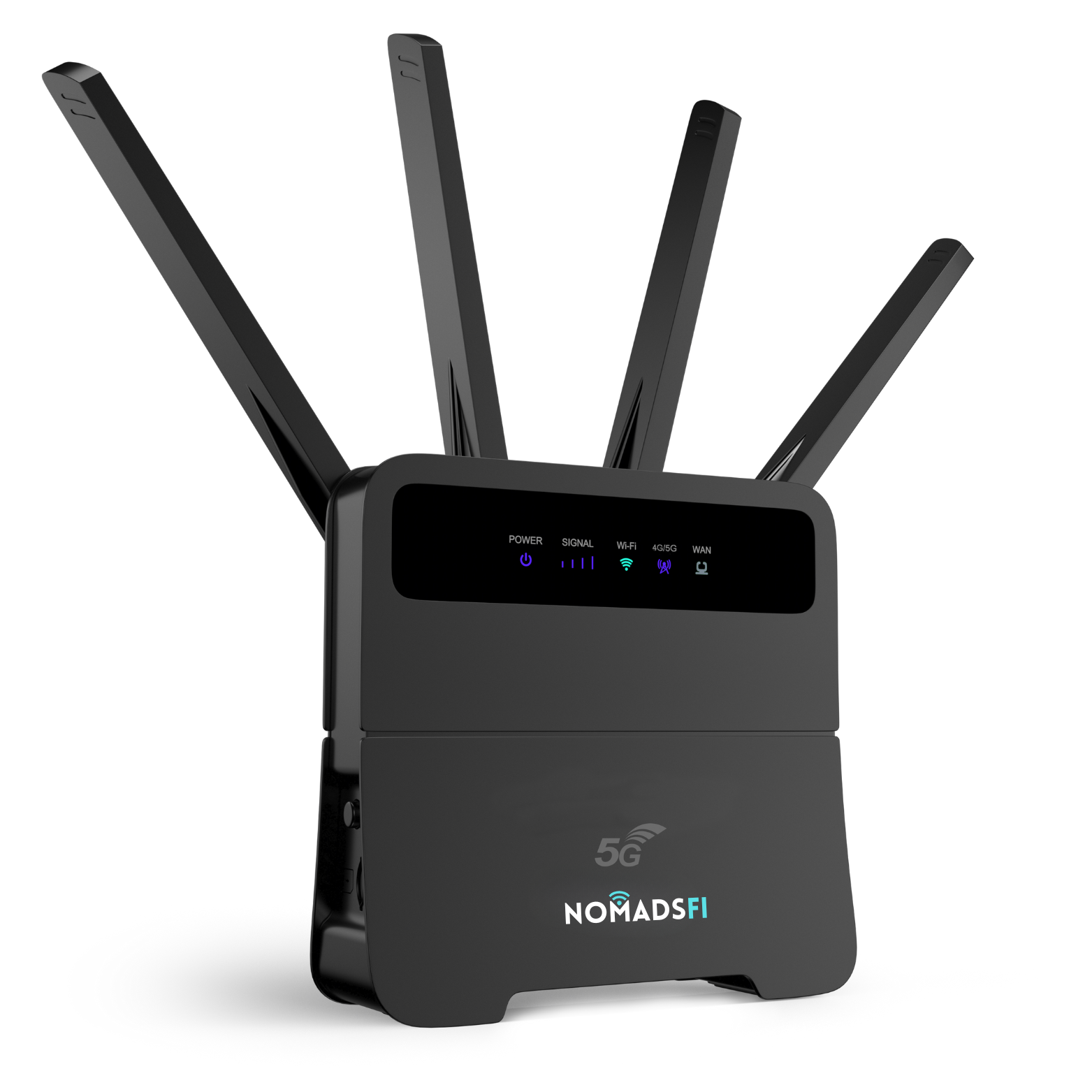
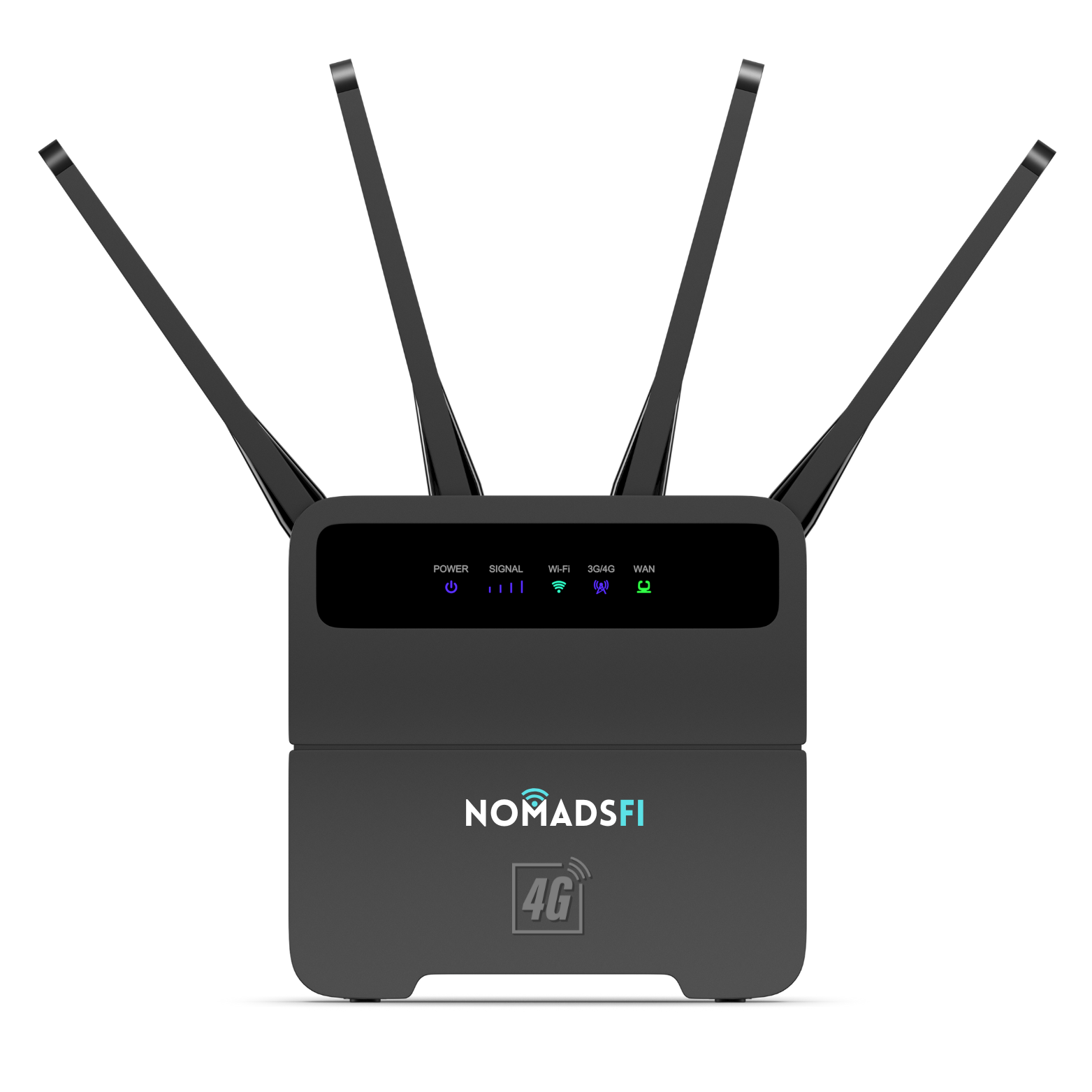
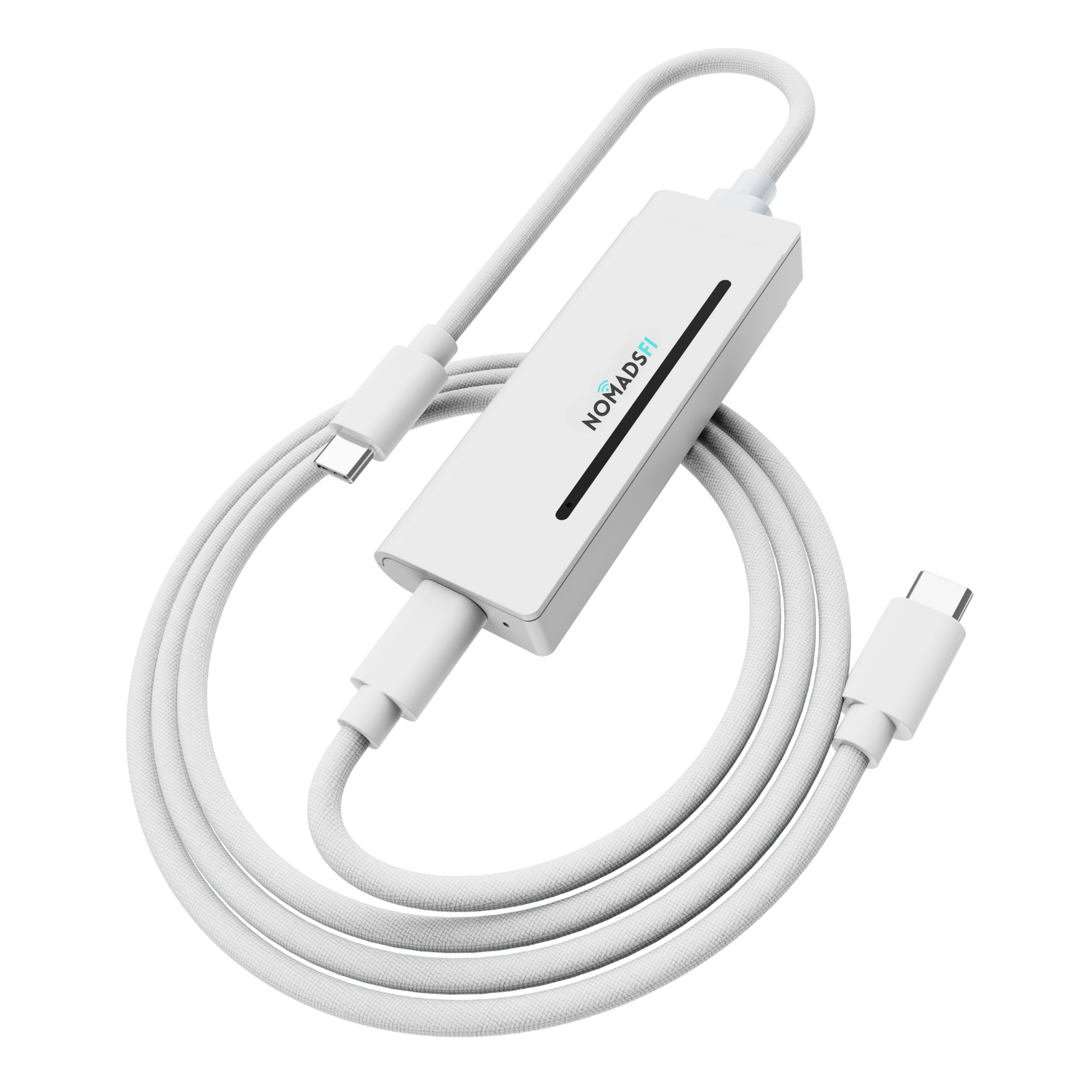
![[Copy2]copy PocketFi 5G.](https://img-va.myshopline.com/image/store/1738987129708/ZHUTU1.jpg?w=1563&h=1563)

Compare NomadsFi PocketFi 5G, GL.iNet Mudi 7, NETGEAR Nighthawk M7, T-Mobile hotspots, Solis and GlocalMe—and find the right connection for your next trip.
By NomadsFi Team · September 13, 2026
Your hotel WiFi looks fine until you join a meeting. Your phone can share its connection, but it is also your boarding pass, map and way to reach the host. A dedicated portable WiFi hotspot gives your laptop and travel companions a connection of their own.
The tricky part is choosing one. Some hotspots are built around a travel data service. Others give you more control over SIM cards and router settings. And a product sold as “5G internet” might actually be a gateway intended for a fixed address.
Our best overall WiFi hotspot for travel is NomadsFi PocketFi 5G, for travelers who prioritize straightforward setup, shared connectivity and a service designed for trips at home and abroad. Mudi 7 and Nighthawk M7 deserve a closer look if advanced networking or choosing your own SIM provider matters more.
About this guide: This is a NomadsFi brand-authored buying guide based on public manufacturer information, not a hands-on speed test. “Best” reflects our editorial priorities for travel. Prices and specifications were checked on September 13, 2026; availability and plan terms can change.
The best travel hotspots at a glance
| Hotspot | Our pick for | Connectivity and setup | Main buying consideration |
|---|---|---|---|
| NomadsFi PocketFi 5G | Best overall for straightforward travel connectivity | 5G-capable; NomadsFi plan activation; advertised multi-carrier switching | Confirm your destination, data allowance and plan conditions |
| GL.iNet Mudi 7 (GL-E5800) | VPN users and router control | 5G, WiFi 7, physical SIM and eSIM | Choose the correct regional model and compatible service |
| NETGEAR Nighthawk M7 (MH7150) | SIM and eSIM flexibility | 5G, WiFi 7, physical SIM and third-party eSIM | Check local carrier and plan compatibility |
| Inseego MiFi X PRO 5G, T-Mobile version | A dedicated hotspot on a U.S. carrier plan | 5G and WiFi 6 | Hotspot allowances and roaming depend on the plan |
| SIMO Solis Edge | Light-use travel backup with included monthly data | 5G-capable; SIMO-managed service | Included data is limited; check current bundle terms |
| GlocalMe Numen Air | CloudSIM travelers wanting a physical SIM option | 5G-capable; CloudSIM and Nano-SIM | Compare destination packages and recurring trip costs |
These are use-case recommendations, not a ranking by measured speed or sales. Official sources are linked in each product section.
1. NomadsFi PocketFi 5G
Best overall WiFi hotspot for travel
The best travel setup is one you can understand before leaving home. PocketFi 5G is our first choice for travelers who want to choose a plan, connect their devices and get on with the trip.
NomadsFi advertises NomadSwitch-AI carrier switching on the PocketFi 5G product page. Its listed device price is $299.99 USD, with device-only and data-bundle purchase options. Check the selected option at checkout; a device purchase does not mean ongoing data is included.
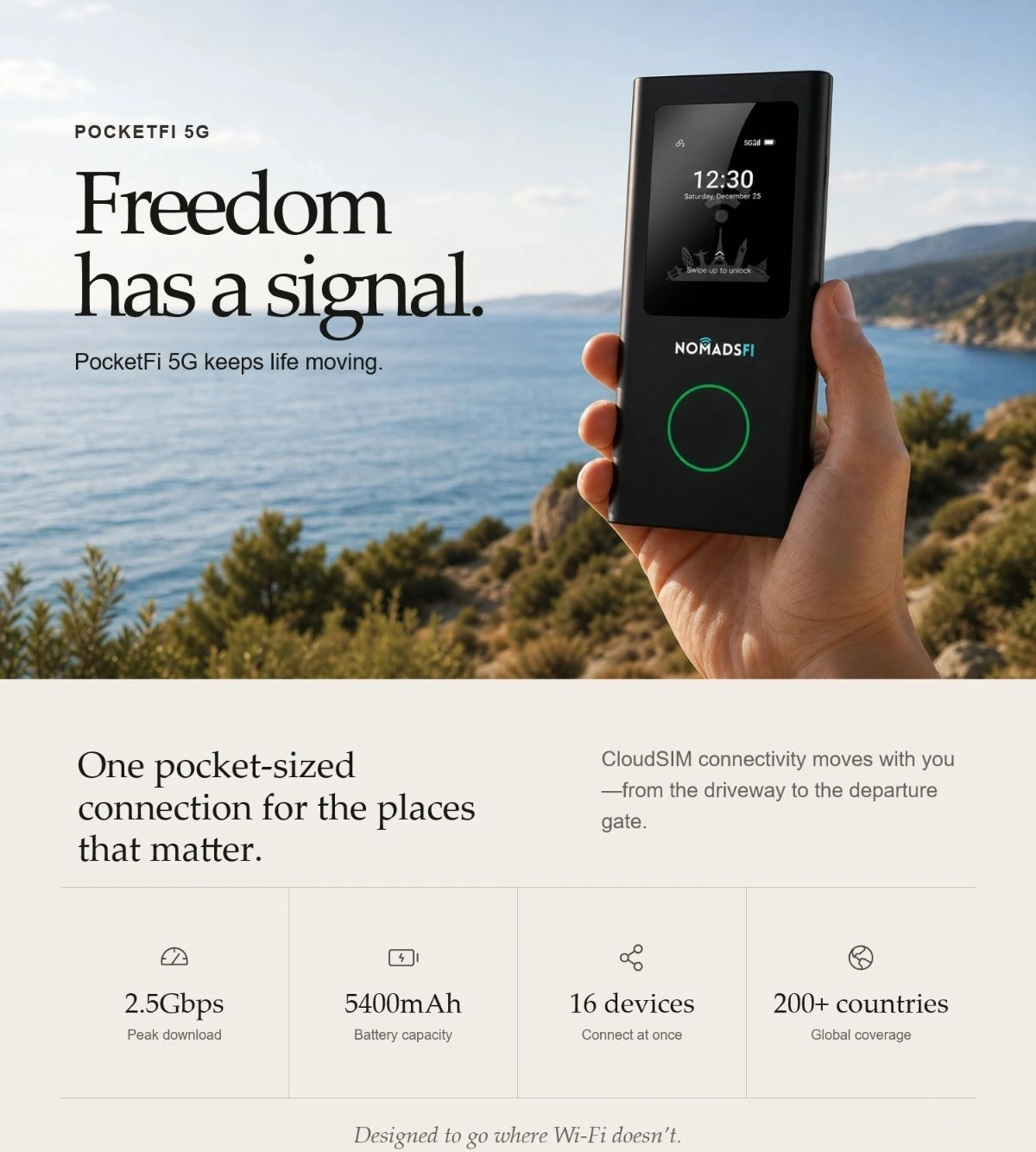
The official PocketFi overview lists support for up to 16 connected devices, up to 18 hours of battery life and speeds up to 350Mbps. Those are advertised maximums, not measurements from our testing. Actual performance may vary with signal, congestion, usage and the active plan.
Why it earns our first recommendation
Our travel priorities are a manageable setup, enough connections for a small group, and a clear route to buying data for the next destination. PocketFi brings those needs together. You can keep the laptop online while leaving your phone available for directions, photos and calls.
The multi-carrier approach is also worth considering when your itinerary moves between locations. It does not mean every network is accessible or that a call will continue uninterrupted during a switch. Confirm which service is available for your route.
What we like
- A travel-focused device and plan purchase path.
- Capacity suited to sharing among a couple, family or small working group.
- A dedicated connection that does not depend on leaving phone tethering switched on.
What to consider
- Allow for data costs as well as the device price.
- Verify destination coverage and 5G availability before buying a plan.
- If router-level VPN controls or extensive SIM customization are essential, compare Mudi 7 carefully.
Getting connected
Charge PocketFi, link the correct plan to its 15-digit IMEI, then restart it and connect using the WiFi credentials on the screen. The NomadsFi Help Center explains activation and troubleshooting. For trip planning, use the current data-plan selector and coverage page.
2. GL.iNet Mudi 7 (GL-E5800)
Best for VPN users and router control
If setting up your travel network is part of the appeal, Mudi 7 belongs on your shortlist. GL.iNet lists WiFi 7, a 2.5GbE port, dual Nano-SIM slots, built-in eSIM support and VPN features. Its advertised battery life reaches 13.5 hours. See the official Mudi 7 specifications.
What we like: More room to build a network around your own SIM choices, wired devices and VPN requirements.
What to consider: Regional models have different cellular bands. Also, “tri-band” does not mean three simultaneous WiFi bands here: GL.iNet specifies simultaneous 2.4GHz plus either 5GHz or 6GHz. Check the model and service before ordering.
PocketFi 5G vs Mudi 7: Start with PocketFi for our recommended travel-service approach. Pick Mudi 7 when control over the network is a central buying requirement. We are not claiming PocketFi beats it in router features or peak speed.
3. NETGEAR Nighthawk M7 (MH7150)
Best for SIM and eSIM flexibility
The Nighthawk name is likely to appear when you compare mobile hotspots. For this guide, the specific model is M7 MH7150. NETGEAR lists WiFi 7, up to 32 connected devices, up to 10 hours of battery life, and support for physical SIMs and third-party eSIMs. Its app also offers an eSIM marketplace. See NETGEAR’s official M7 announcement.
What we like: Flexibility for travelers who want to choose their data provider and connect a larger collection of devices.
What to consider: An unlocked hotspot still needs compatible bands and an appropriate plan. The M7 and M7 Pro are different products, so check the model number behind a retailer’s listing.
PocketFi 5G vs Nighthawk M7: Consider PocketFi when you prefer its device-and-service route. Consider M7 when selecting third-party SIMs and eSIMs is the priority. SIM-free setup is not exclusive to NomadsFi.
What about the Nighthawk M7 Pro?
For a more demanding wired setup, NETGEAR’s UK/EU M7 Pro MR7450 lists a built-in 2.5GbE port and support for up to 64 devices. Treat it as a separate option; do not assume those specifications apply to the regular M7 or every regional Pro model.
4. Inseego MiFi X PRO 5G on T-Mobile
Best for travelers choosing a U.S. carrier plan
If your trip stays in the United States, it makes sense to compare a dedicated T-Mobile hotspot with a travel-focused service. The Inseego MiFi X PRO family offers 5G, WiFi 6, up to 32 connections, a 5050mAh battery and Gigabit Ethernet. Use the Inseego product page alongside the T-Mobile model’s manual to identify the hardware.
What we like: A conventional carrier hotspot can suit someone who already understands their carrier account and knows coverage is good along their route.
What to consider: T-Mobile is the service provider; Inseego makes the device. International roaming, high-speed hotspot data and any speed reductions depend on the actual plan. A phone plan’s “unlimited data” label is not enough to establish the hotspot allowance.
PocketFi 5G vs T-Mobile hotspot: Compare your complete trip. For U.S. travel, look at coverage and usable data cost. For trips abroad, compare the destination plan and activation process too.
5. SIMO Solis Edge
Best for light-use backup with included monthly data
Solis Edge is worth comparing if you like having a small data allowance available between trips. SIMO’s listing advertises 1GB of global data per month with the device, alongside paid data options and 5G capability. See the current Solis Edge offer.
What we like: Included monthly data can be useful for occasional messages, arrival logistics or a brief backup connection.
What to consider: That allowance is not a full remote-work plan. Price the extra data you would actually use. The official listing also gives conflicting maximum device counts, so confirm the current specification if group sharing matters.
PocketFi 5G vs Solis: Compare both services for your destination and expected usage. Solis has an appealing included-data proposition; PocketFi remains our overall editorial choice for the travel setup described in this guide.
6. GlocalMe Numen Air
Best for CloudSIM travelers wanting a physical SIM option
GlocalMe Numen Air combines CloudSIM service with a Nano-SIM slot. The manufacturer lists up to 16 connected devices, a touchscreen and a 5400mAh battery, with advertised runtime of 11 hours on 5G or 15 hours on 4G. See the official Numen Air specifications.
What we like: It offers a service-managed connection with a physical SIM option for travelers who want that flexibility.
What to consider: Check compatibility for any SIM you plan to supply yourself. Compare package costs for your exact destinations; broad international coverage does not establish the price of a working month abroad.
PocketFi 5G vs GlocalMe: Both belong in a travel shortlist. Choose based on the plan, setup and support experience you prefer, and whether a physical SIM option matters to you.
Can you use T-Mobile Home Internet while traveling?
T-Mobile Home Internet, T-Mobile AWAY and a battery-powered T-Mobile hotspot serve different needs.
T-Mobile’s Home Internet FAQ says its standard home plans are for the approved home address. Do not buy one assuming it is an unrestricted travel service.
T-Mobile AWAY is the relevant alternative for RV and other travel use on T-Mobile’s U.S. network. It uses a gateway, requires an eligible address to activate, and has its own usage conditions. Compare its power and space requirements with a pocket hotspot before choosing.
For a laptop bag and changing destinations, start with a portable hotspot. For a U.S. RV setup, consider both hotspot and gateway options against your route and data needs.
How to choose the best portable WiFi hotspot
Start with the trip, then choose the hardware
Write down your destinations, how long you will stay and how many people will share the connection. A two-week holiday and a month of daily video meetings need different plans, even if they use the same device.
For NomadsFi, check the destination coverage before selecting a package. Coverage is location- and plan-dependent; a country on a list does not mean every campsite or building has service.
Separate 5G from WiFi 7
5G describes the cellular connection from the hotspot to the mobile network. WiFi 7 describes the local wireless connection between the hotspot and your devices. Buying the newest WiFi standard does not remove a weak cellular signal or a plan speed limit.
Compare the full trip cost
Use this simple calculation: device cost + trip data + likely top-ups + any activation, rental or delivery charges. Compare the same destination and data allowance. A discounted device can still be expensive if the plan does not suit your usage.
NomadsFi’s plan selector separates U.S., North America and global options, with AutoPay labels and regional conditions. Review renewal, validity and speed terms for the exact package you choose.
Treat battery figures as planning estimates
Advertised “up to” figures are not a standardized comparison between manufacturers. Heavy transfers, signal conditions and connected devices can affect runtime. For a working day away from outlets, plan charging access as well as data.
Frequently asked questions
What is the best WiFi hotspot for international travel?
PocketFi 5G is our first recommendation for travelers who prefer its straightforward travel-service approach. Mudi 7, Nighthawk M7, Solis Edge and GlocalMe Numen Air suit different priorities. The right purchase still depends on destination coverage and total data cost.
Is a portable hotspot better than using my phone?
A separate hotspot is useful when several devices need a shared connection or you want to preserve your phone for other tasks. For occasional laptop use, your existing phone hotspot may be enough. Check your plan’s tethering allowance before buying extra hardware.
Does PocketFi 5G work without buying a local SIM?
NomadsFi’s service setup uses plan activation linked to the device IMEI. Follow its activation instructions and choose a compatible plan. Do not assume that a SIM slot means arbitrary third-party SIMs are supported; confirm compatibility with support.
Can portable WiFi work where there is no cellular signal?
A cellular hotspot needs a usable mobile-network connection. Multi-carrier access can provide more options where supported service exists, but it cannot create coverage where no usable network is available.
Should I buy Mudi 7 or PocketFi 5G?
Choose based on the setup you want to manage. Mudi 7 is the stronger fit for the router and VPN features described above. PocketFi is our travel recommendation when the priority is a shared connection through NomadsFi’s service.
Is there unlimited portable WiFi for travel?
Some services sell plans labeled unlimited. Check their high-speed allowance, speed caps, network priority, fair-use rules and destinations. The word alone does not tell you how the plan will handle your workload.
Our pick: PocketFi 5G for your next trip
For this guide, our first recommendation is NomadsFi PocketFi 5G. It fits the traveler who wants a dedicated connection to share and a clear place to arrange data for the next journey.
Start with your itinerary. Check the coverage, choose enough data for your working days and downtime, and set up the device before departure.