

Cover: AI-generated illustration of remote teacher training and online learning; not a photograph of a school customer or deployment.
A teacher lands abroad for a week of professional development. The workshop materials are online, the laptop needs to sync, and there is a live session with colleagues back home that evening. The host school may have excellent WiFi. The hotel, train station and room used for that evening's call are separate questions.
Global education WiFi needs to cover those gaps in a teacher's day. A portable hotspot gives staff a connection they can carry between venues and share with their own devices, provided the destination has supported cellular service and the right data package is active.
Quick answer: NomadsFi is worth considering for short teacher-training trips, small staff groups and a backup connection for remote lessons. Its global service footprint covers 200+ countries, and PocketFi 5G supports up to 16 connected devices, according to the global service overview and device overview. Check the itinerary, plan and teaching workload together. A portable hotspot supplements a school network; it does not replace a campus WiFi system.
Education WiFi: match the connection to the teaching day
The useful question is where a lesson or training task will happen. WiFi for schools can mean a managed campus network, a borrowed hotspot for home study, or a connection that travels with a teacher. Those require different equipment and support.
| Situation | What needs to work | A practical starting point |
|---|---|---|
| Teacher training abroad | Learning platform, course materials and communication between venues | Host-school WiFi or eduroam, with a destination-matched portable hotspot |
| Remote teaching from temporary accommodation | A live call with working audio, screen sharing and file access | Test the primary connection and a cellular fallback in the actual room |
| Small visiting staff group | Several laptops and phones using shared materials | A shared hotspot, with an allowance sized for the group's work |
| Temporary training room | Multiple participants and planned lesson activities | A suitable router and site test; larger groups may need managed networking |
| Student home-internet support | School-approved access and a workable lending process | An IT-led managed hotspot program with the required controls |
Portable WiFi for teachers on overseas training trips
International professional development can involve job shadowing, observation or a course at another institution. Erasmus+ describes these activities for teaching and non-teaching staff. Each may take someone beyond their usual campus connection.
When choosing internet for teacher training abroad, start with the daily itinerary: the host institution, accommodation and any other working locations. Ask the host about guest WiFi before buying data. Eligible staff may already have access through eduroam.
Portable WiFi for teachers becomes useful when that access does not follow them to the next venue. One staff member can keep a laptop and phone online through a separate device, while a small group can share course materials without making one colleague's personal phone the connection everyone depends on.
For a teacher mobility program with several destinations, check each country against NomadsFi's coverage list and confirm the applicable data package. The same hardware can be reused on supported trips without buying a local physical SIM for each stop. Package inclusion, activation and local reception still need checking.
Remote learning internet: prepare for the live lesson
A worksheet can wait while a file uploads. A question from a learner on a live call cannot. Remote learning internet should be tested with the activities the lesson actually uses, including the teacher's upload connection and access to the school's learning platform.
For remote teaching internet, open the approved meeting app from the planned teaching location. Share a slide, speak with a colleague and upload a sample file. Repeat the test on the hotspot so the teacher knows how to switch connections before there is a class waiting.
Zoom publishes different bandwidth recommendations for video calling and screen sharing. It also adjusts to the available network. A plan that handles email and lesson preparation may therefore be too small for repeated video sessions.
Distance learning WiFi also needs an offline option. Keep a local copy of the slides and agree how learners will receive work if a call cannot continue. Cellular backup is useful where reception is available; it cannot guarantee a lesson through a local network or power outage.
Mobile hotspots for schools: several devices, one shared connection
When buying mobile hotspots for schools, count the tasks as well as the devices. A trainer's laptop presenting one call to a room has a different workload from every participant joining a separate video call.
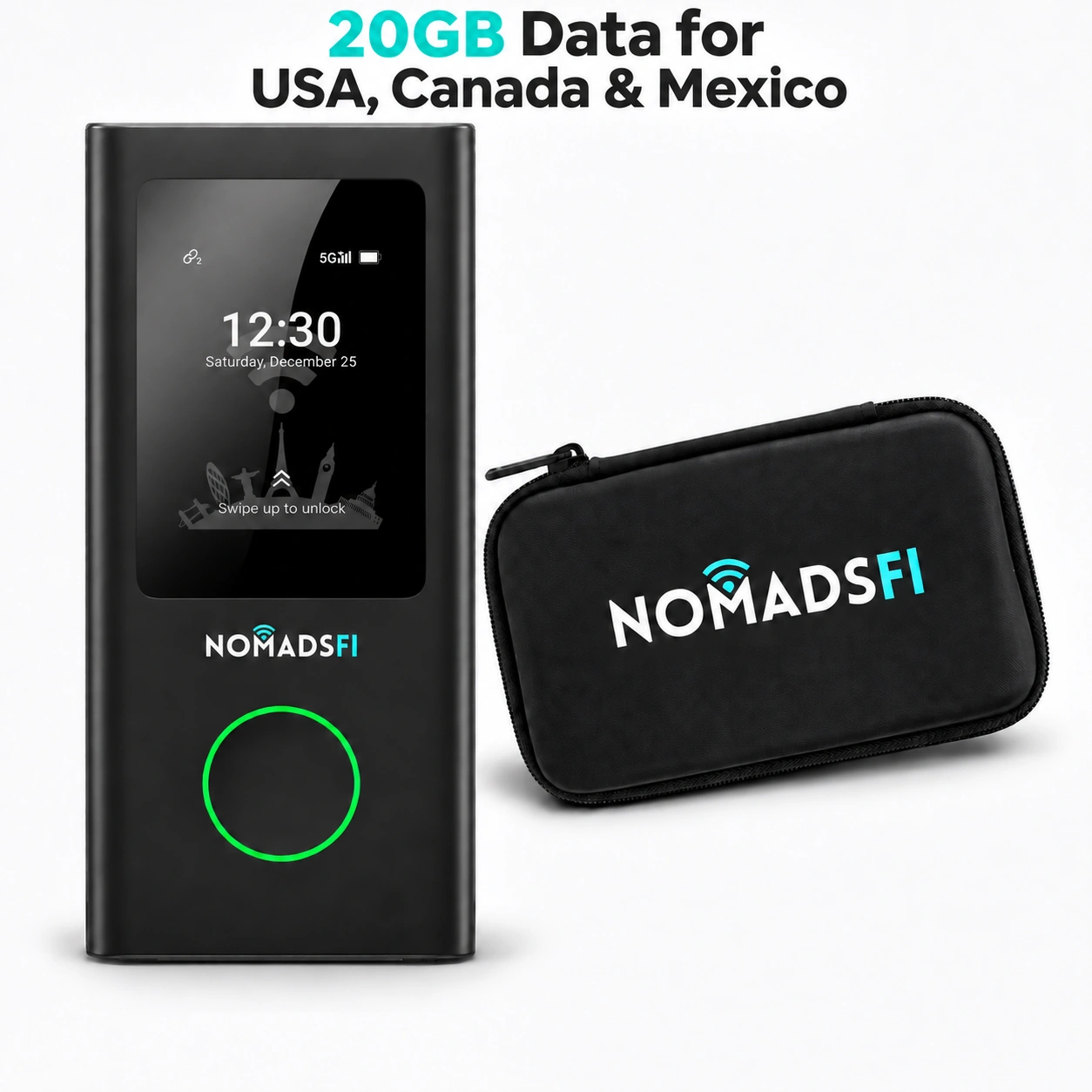
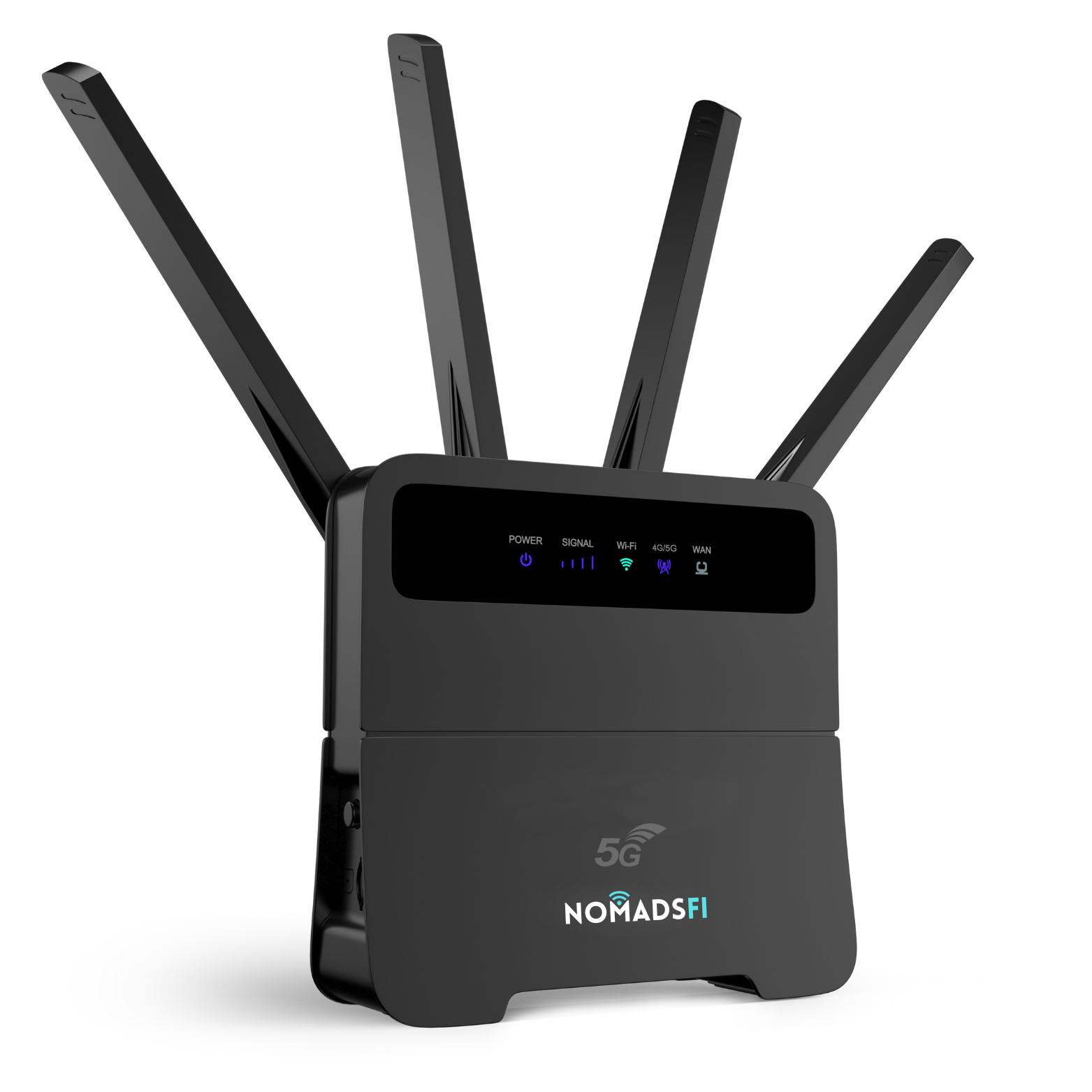
PocketFi 5G gives a small traveling group a separate WiFi connection for compatible laptops, tablets and phones. NomadsFi lists up to 16 connected devices for this model. That is a connection limit, not a promise that 16 devices can all stream HD lessons at full speed.

A multi-network mobile hotspot can select among supported carrier networks in a service area. NomadsFi describes automatic carrier selection as NomadSwitch-AI. Available networks depend on the location and package; the feature does not combine every carrier's bandwidth or guarantee an interruption-free call.
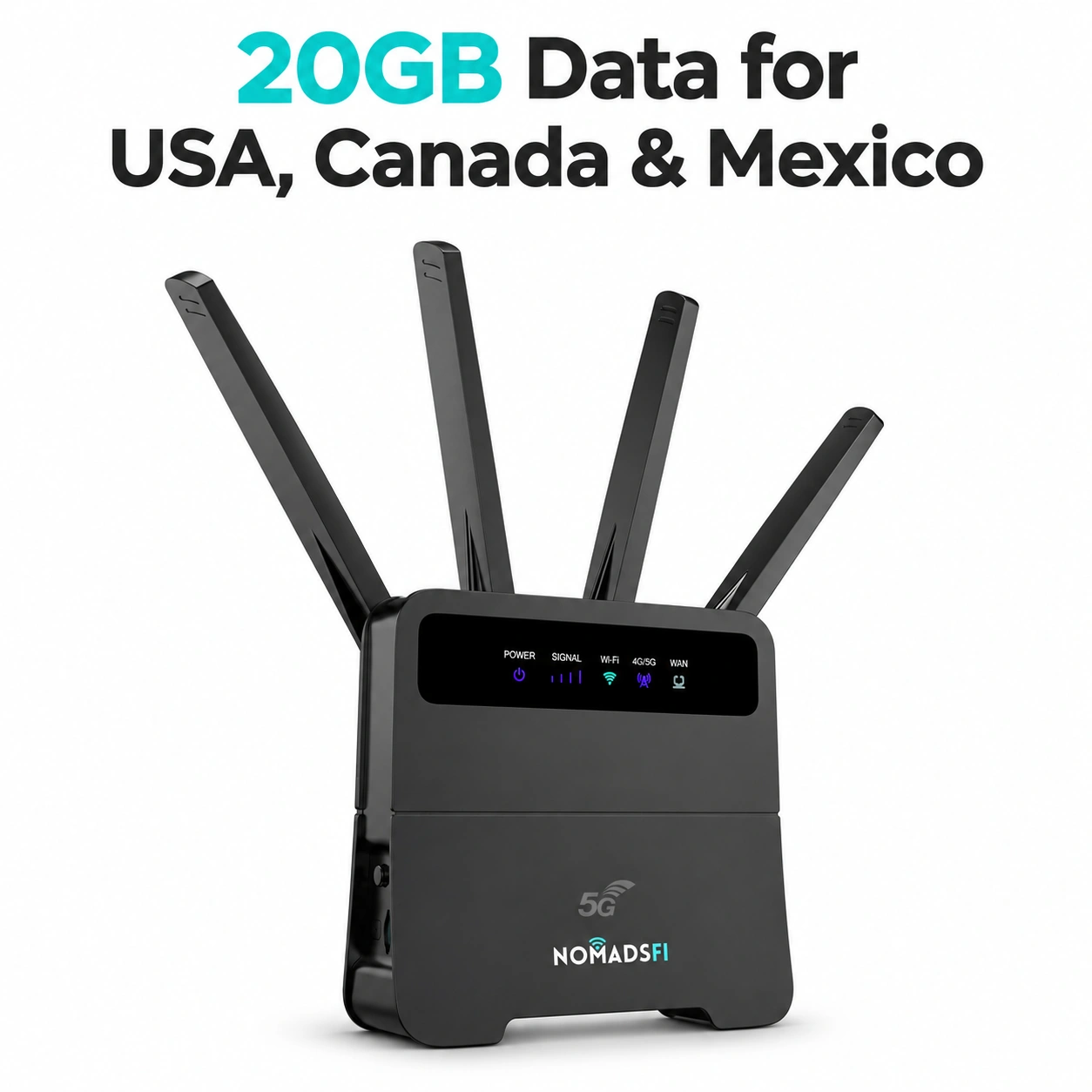
For temporary classroom WiFi in a fixed training room, ask about the NomadsFi 5G Router. The device overview lists up to 32 connections for that router. Room layout, concurrent activity and cellular capacity still determine whether it suits the group.
School WiFi, eduroam, eSIM or NomadsFi: which fits?
Campus access may already solve most of the trip. eduroam allows students, researchers and staff from participating institutions to connect at other participating sites. It is worth setting up before departure, with help from the home institution.
An eSIM is also a reasonable choice for a teacher traveling alone. Airalo confirms that personal hotspot sharing is supported where the device and network allow it. A separate hotspot's advantage is having a device assigned to the shared connection, rather than relying on a participant's phone.
| Option | Where it fits | Check before choosing |
|---|---|---|
| Host-school WiFi or eduroam | Work at a participating or authorized venue | Eligibility, credentials, guest access and access outside the venue |
| NomadsFi PocketFi 5G | Portable shared connectivity for staff travel and small groups | Destination package, reception, shared workload and school device policy |
| Phone roaming or travel eSIM | A compatible personal phone, with tethering where supported | Sharing terms, allowance, battery and the host phone staying with the group |
| Kajeet SmartSpot | Managed hotspots for student and library lending programs | Service area, filtering requirements, administration and program terms |
| Ericsson education connectivity | Managed cellular-router projects across education settings | Required hardware, management, deployment design and support |
Kajeet's education hotspot offering emphasizes managed, filtered access. Ericsson's education portfolio includes cloud-managed routers for staff and students. Those are useful references for a district-wide project. NomadsFi's proposal here focuses on global staff travel and temporary access; the cited product pages do not establish built-in school content filtering.
Our travel eSIM vs portable WiFi guide explains the individual-device choice in more detail. For procurement, compare the full cost of hardware, data and administration for the actual itinerary. A shared hotspot can make sense for a group, but it is not automatically the cheapest option for every traveler.
A two-week training trip: how a school could use NomadsFi
Consider four teachers attending a two-week course abroad. This is an illustrative planning example, not a reported NomadsFi customer deployment.
Before departure, their coordinator confirms access at the host institution and assigns a hotspot for work elsewhere. The teachers use the host network during scheduled sessions. In the evening, they use the shared hotspot to edit lesson plans and send files, after confirming reception in their accommodation.
For a group debrief with colleagues at home, one laptop hosts the call. If everyone instead needs a separate video session, the coordinator revises the bandwidth and data estimate. A global WiFi hotspot helps the group carry the same connection setup between supported destinations, while the plan is checked against each stop.
The return procedure matters too. Staff return the hotspot and charger together, report any connection problems and remove saved school sessions from shared computers. The next group receives a tested device and the correct package for its own trip.
WiFi for online classes: budget data around the timetable
Choosing WiFi for online classes starts with the scheduled call hours. Add file transfers, platform use and any recordings that must be uploaded. Several connected devices draw from the same available connection and allowance.
| Activity | What to check | Preparation that helps |
|---|---|---|
| Slides, email and learning-platform tasks | File sizes, background sync and material downloads | Download large materials over the institution's approved network before leaving |
| Live video or screen sharing | Call duration, video settings and simultaneous participants | Run a representative session and measure its data use |
| Recorded training and cloud backup | Recording size, upload timing and automatic backups | Schedule large transfers for a suitable approved connection |
| Several staff sharing | Total group use and who monitors the remaining allowance | Assign one coordinator to review usage and arrange extra data if needed |
As a calculation example, a combined average transfer rate of 2 Mbps for one hour is about 0.9 GB in decimal units: 2 × 3,600 ÷ 8 ÷ 1,000. This is an illustration, not a Zoom usage estimate or a NomadsFi speed promise. Actual calls vary, and other connected devices add traffic.
Use a test lesson to refine the estimate, then compare the relevant current NomadsFi plans. Check validity dates and top-up arrangements, especially when the training spans more than one country.
Set up a school hotspot lending program that staff can follow
A school hotspot lending program needs a named owner, a checkout record and instructions that fit on one page. Record the device ID, borrower, travel dates and approved destinations. Include the support contact and what to do if the connection or data allowance runs out.
Duke University's international IT checklist recommends arranging connectivity and configuring institutional access before travel. Its approach is useful here: prepare the accounts and access tools at home, while IT support is easy to reach.
- Confirm the destinations and the work staff must complete. Ask about host-school access and eduroam eligibility.
- Have school IT approve the hotspot, managed devices and required access controls. Test the learning platform, MFA and any institutional VPN.
- Activate the appropriate package and run a trial lesson. Include screen sharing and the number of devices expected on the trip.
- Hand over the charger, destination adapters and short connection instructions. Agree who checks usage during training.
- On return, check the equipment and review the remaining plan. Document practical issues before lending it again.
NomadsFi's enterprise offering describes a centralized management platform. A school coordinating multiple staff trips can ask which account, visibility and support functions fit its program. Discuss education requirements directly, including any filtering or reporting needed for student use.
For a broader staff-travel workflow, see our global travel and centralized IT management guide. The connectivity service supplies internet access; school policies still govern the devices and information using it.
Frequently asked questions
What is global education WiFi?
It describes connectivity used across education activities in different locations, such as overseas staff training or remote lessons. It can include institutional WiFi, eduroam and portable cellular hotspots. The right choice depends on the venue, users and school requirements.
Can teachers use NomadsFi while training abroad?
Yes, where the destination, device and active plan are supported and local cellular reception is available. Check every country on the itinerary before departure and test access to the institution's teaching tools.
Does one NomadsFi package include all 200+ countries?
Do not assume so. The advertised figure describes the service footprint. Confirm that the chosen package includes every destination, with suitable activation dates, validity and allowance.
How many devices can share PocketFi 5G?
NomadsFi lists up to 16 connected devices. They share the available connection and data allowance. This does not establish capacity for 16 simultaneous HD video classes.
Is a portable hotspot better than an eSIM for teachers?
A separate hotspot can suit a staff group or someone using several devices. A compatible phone with an eSIM can suit a solo traveler, and tethering may be supported. Compare the itinerary, sharing rules and complete cost.
Can NomadsFi provide WiFi for Zoom lessons?
A supported cellular connection may be suitable, but the actual room, upload performance and teaching workload need testing. Use the meeting platform's bandwidth guidance and keep an alternative way to share lesson materials.
Can a hotspot replace a whole school WiFi network?
A portable hotspot is intended for a limited group or temporary connection. A campus network with many rooms and concurrent users needs its own capacity, coverage and management design.
Does eduroam remove the need for travel WiFi?
It may cover work at participating institutions for eligible users. Check access with the home and host institutions. Accommodation and other working locations may need a different connection.
Does NomadsFi include education content filtering?
The product pages cited here do not establish built-in school content filtering. Have IT confirm any required filtering, device management and reporting before a student deployment.
How much data does remote learning require?
It depends on live-call hours, video settings, file transfers and the number of active users. Measure a representative lesson, estimate the full timetable and allow for other device traffic before choosing a package.
Plan WiFi around the next teacher-training trip
Send NomadsFi the destination countries, travel dates, staff numbers and expected online sessions. That gives the conversation a useful starting point for choosing hardware and data, whether the school needs one traveling hotspot or a small pool of shared equipment.
Discuss education connectivity Shop PocketFi 5G
For a fixed training room, explore the NomadsFi 5G Router, then confirm the proposed setup with your IT team.
Sources and further reading
Written by NomadsFi Team. Official sources reviewed October 29, 2026. Comparisons use published service descriptions and are not a joint performance test. The training example is illustrative; no school endorsement, measured education outcome or customer deployment is claimed.
- Erasmus+: training opportunities for education staff
- Duke University OIT: Global IT Checklist
- eduroam: what the service offers and who can use it
- Kajeet: closing the homework gap and advancing digital equity
- Kajeet SmartSpot: education WiFi hotspots
- Ericsson: connectivity for education
- Zoom: desktop app and bandwidth requirements
- Airalo: personal hotspot and eSIM tethering
- NomadsFi: PocketFi 5G
- NomadsFi: 5G Router
- NomadsFi: device connection limits and product overview
- NomadsFi: destination coverage
- NomadsFi: data-plan selection
- NomadsFi: global connectivity and centralized management