![[Copy2]copy PocketFi 5G.](https://img-va.myshopline.com/image/store/1738987129708/ZHUTU1.jpg?w=1563&h=1563)
.png?w=1000&h=1000)
Your home internet works perfectly—until the afternoon it doesn't. A storm takes down the cable line, a neighborhood outage lasts four hours, or your ISP's modem simply decides to stop working right in the middle of a client call. In 2026, home internet backup isn't optional anymore.
The cheapest and fastest backup for most households isn't a second wired line, a satellite dish, or an expensive UPS modem. It's a portable 5G hotspot sitting in a drawer, ready to connect your laptop, phone, TV, and smart devices the moment the main line drops.
By 2026, the average household connects more than 20 devices to a single home network — work laptops, school tablets, smart TVs, thermostats, doorbells, security cameras, and gaming consoles. When that one network goes down, the entire household goes down with it: a deadline is missed, a class is skipped, a security camera goes dark. That is why a backup connection is no longer a "nice to have" — it is the difference between an outage being a minor inconvenience and an outage costing you work, money, or peace of mind.
Why Wired Home Internet Fails When You Need It Most
Fixed broadband—cable, fiber, or DSL—is incredibly reliable when it works, but it's a single point of failure. Common causes of home internet outages include weather damage to cables, ISP maintenance windows, modem hardware failures, peak-hour congestion, and construction accidents cutting the line outside.
For remote workers, students attending virtual classes, and families relying on video streaming and smart cameras, a four-hour outage can mean a missed deadline, a kid missing a lesson, or a security camera blind spot.
The cost of downtime is higher than most people estimate. A single afternoon without internet can mean a lost client call, a failed software deployment, or a postponed online class — and for households with elderly family members monitored by cameras, it can mean hours without eyes on the home. Planning for failover is cheaper than every one of those outcomes.
The Old Solutions vs. the 2026 Solution
Adding a second wired line
A second cable or fiber connection doubles your monthly bill—often $80–$120 a month—for a backup you use maybe three times a year. Most households can't justify the cost.
Satellite backup
Satellite internet works in rural areas, but the hardware is expensive ($500+), monthly fees are high, and it's not ideal for rapid failover.
Phone tethering
Tethering to your phone works in a pinch, but it drains your battery and most carrier plans cap or throttle tethering speeds. It's fine for one laptop, not for a whole family.
A dedicated 4G/5G hotspot
This is the sweet spot. A compact 5G router or portable hotspot costs $100–$300 once, runs on a month-to-month data plan, and sits ready in your home. When the main line drops, you flip it on and keep working.
| Backup option | Setup speed | Devices covered | Works while traveling |
|---|---|---|---|
| Second wired line | Days — installation appointment | Whole home | No |
| Satellite | Hours — hardware setup | Whole home | No |
| Phone tethering | Minutes | 1–2 devices | Yes, but battery drain |
| 5G hotspot | Seconds — turn it on | 16–32 devices | Yes — 200+ countries |
What to Look For in a Home Backup Hotspot
- Multi-network / CloudSIM support — automatically picks the strongest nearby carrier.
- Connects 10+ devices — phones, laptops, tablets, smart TVs, cameras, and thermostats all at once.
- Battery or plug-in flexibility — battery means it works even if the power is also out.
- No contract, no activation lock-in — pause the plan in months you don't need it.
- Decent data allowance — 20–50 GB a month is plenty for backup use.
NomadsFi Home Backup Setup
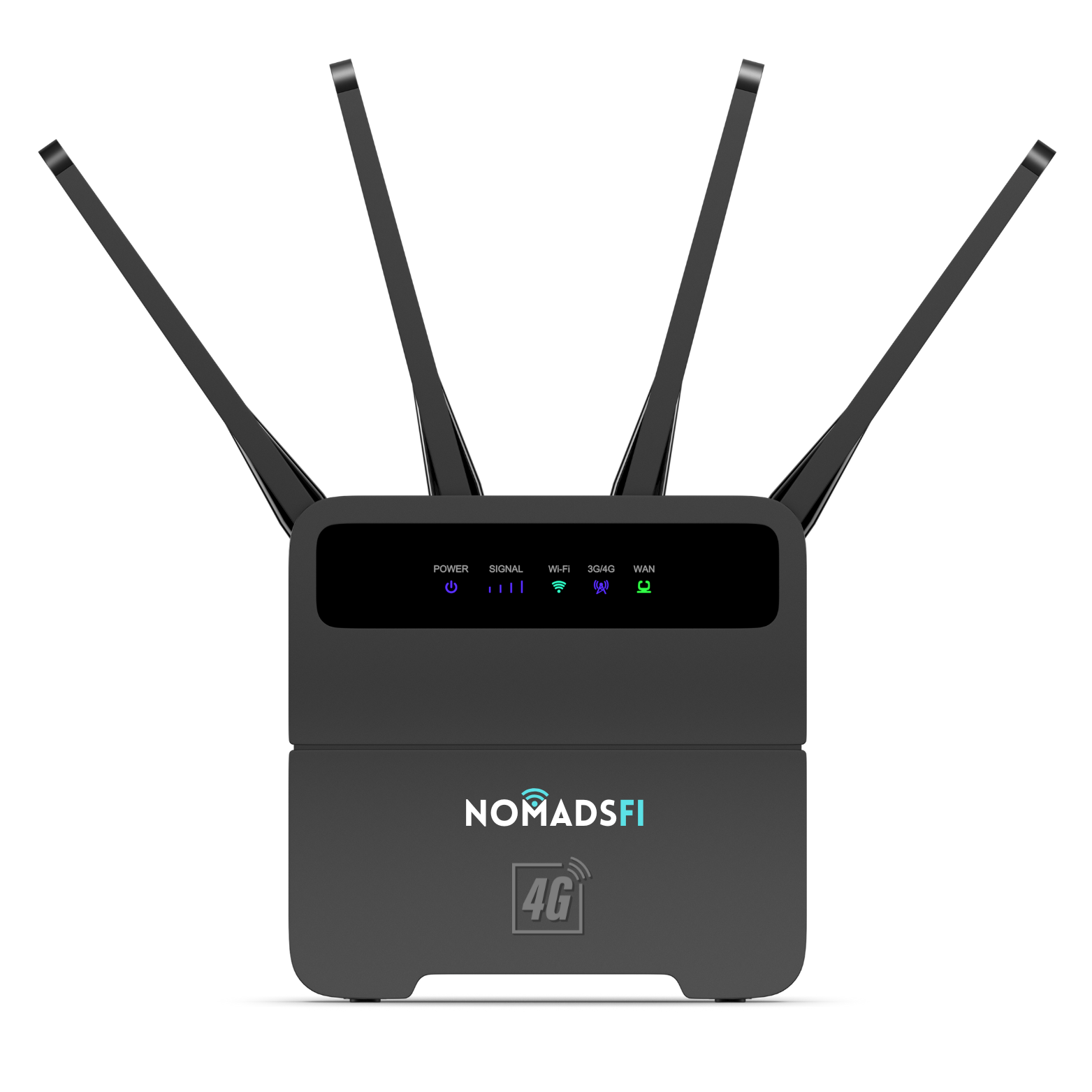
For most homes: NomadsFi 5G Router
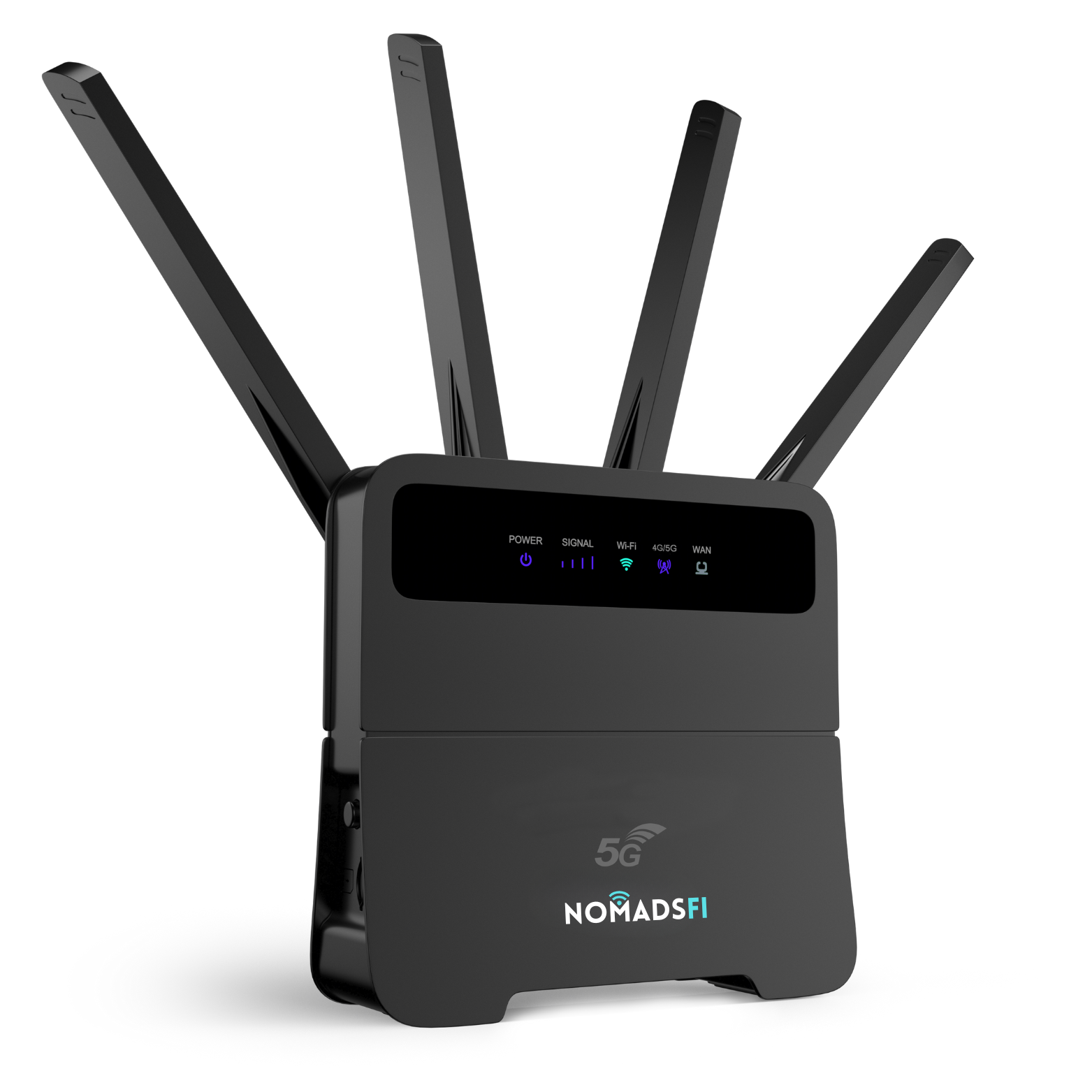
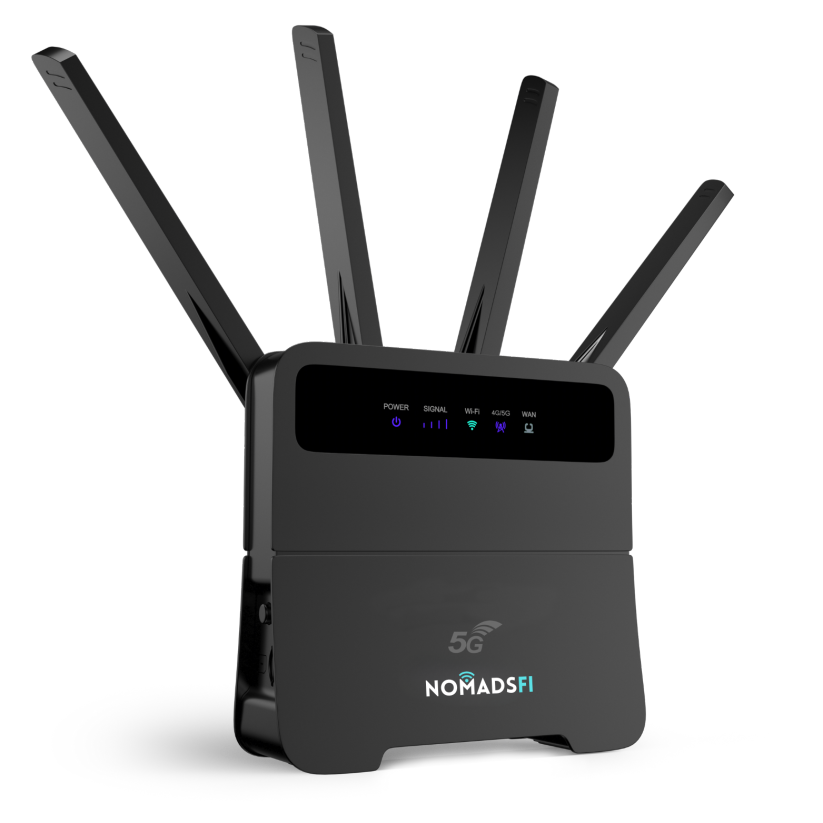
The NomadsFi 5G Router is a desktop-style device that plugs into your wall, connects up to 32 devices, and delivers speeds up to 350 Mbps. Leave it on a counter or shelf; it's the kind of backup you don't think about until you need it.
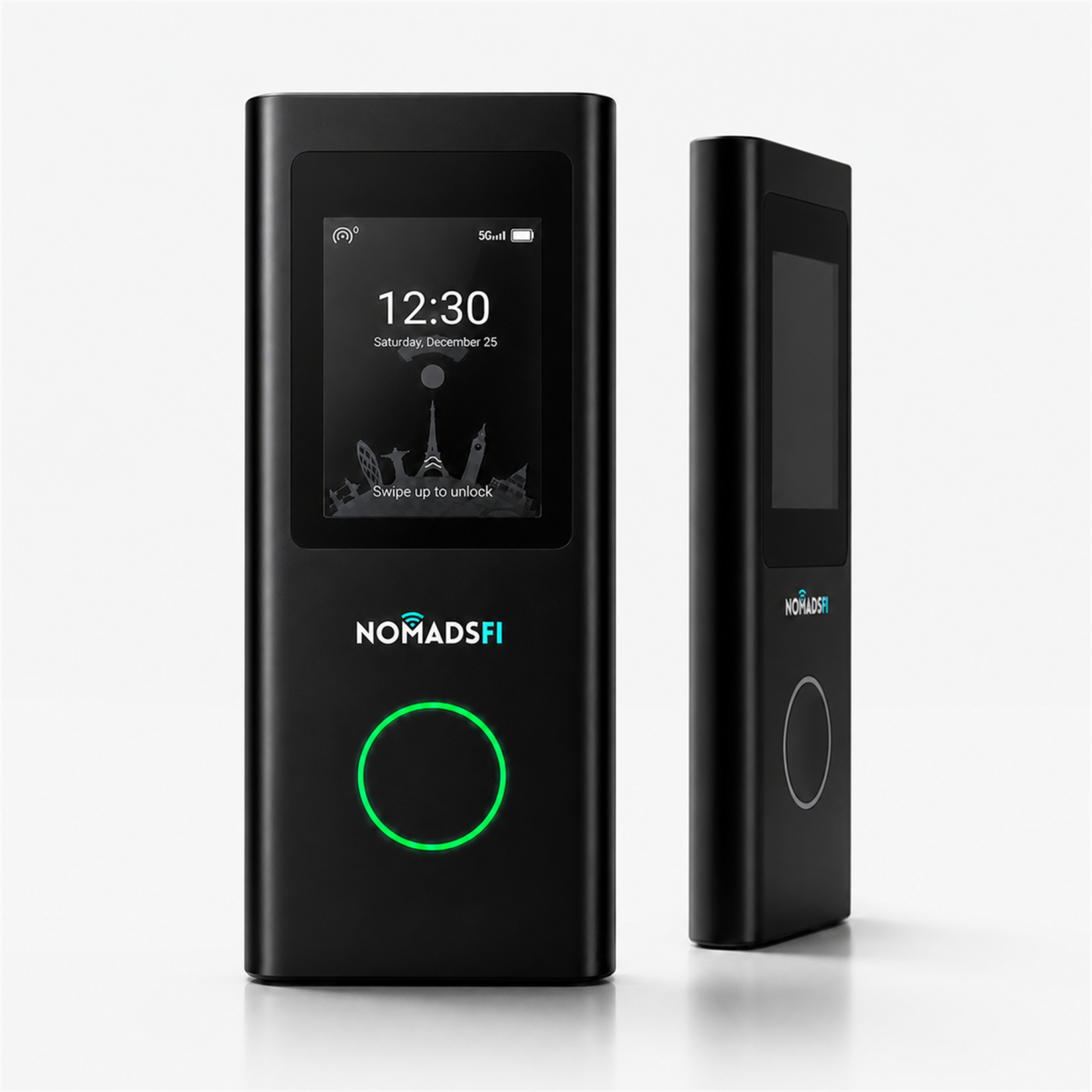
For renters and travelers: PocketFi 5G
If you move often or want a backup that doubles as a travel hotspot, the PocketFi 5G is battery-powered, pocket-sized, and connects up to 16 devices. It works at home, in the car, or on vacation.
Keeping an eye on home while you're away
For smart-home coverage, add a NomadVIZ E2 Dual camera to the same network. If your main internet goes out, the camera stays connected to the hotspot so you can still check on your house, pets, or elderly family members.
Keeping Smart Devices Online During Outages
A modern home has more internet-connected devices than most people realize: smart speakers, thermostats, lights, doorbells, security cameras, robot vacuums, TVs, and gaming consoles. When your main internet drops, all of them go dark—unless you have a backup network.
The practical play is to keep the most critical devices on the backup network during an outage: your work laptop, your security camera, and your phone. Everything else can wait until the main line comes back.
| Priority | Devices to keep online | Why |
|---|---|---|
| Critical | Work laptop, phone, security camera | Deadlines, calls, and home monitoring |
| High | Smart thermostat, doorbell | Comfort, safety, and delivery notifications |
| Normal | TV, tablets, speakers | Entertainment — can wait |
| Low | Robot vacuum, gaming consoles | Non-urgent — reconnect later |
Cost Breakdown
| Backup type | One-time cost | Monthly cost | Best for |
|---|---|---|---|
| Second wired line | $0–$200 install | $60–$120 | Business-critical homes |
| Satellite | $500+ | $50–$100 | Rural primary internet |
| Phone tethering | $0 | Included in phone plan | Single-device emergencies |
| NomadsFi 5G hotspot | $200–$300 | $20–$60 | Most households |
The math is clear: a one-time hardware purchase plus a $30–$50 a month data plan beats doubling your ISP bill. And unlike a second wired line, your backup works when you travel or RV too—see our guide to internet for vacation homes and Airbnb rentals.
Frequently Asked Questions
Do I need to keep the hotspot plugged in 24/7?
No. Plug it in when you need it, or leave the router-style model plugged in continuously. The battery-powered PocketFi 5G stays charged in a drawer.
Will a 5G hotspot handle video calls and streaming?
Yes. Speeds up to 350 Mbps are enough for multiple Zoom calls, HD streaming, and web browsing at the same time.
How fast is failover when the main line drops?
With the NomadsFi 5G Router, failover is manual but instant — you turn the device on and connect within seconds. The router-style model can be left always-on so devices reconnect automatically the moment the main line goes dark.
Can I use this plan for everyday internet, not just backup?
Absolutely. Many NomadsFi customers in rural areas or apartments use the hotspot as their primary connection. See how a portable hotspot keeps you online in emergencies.
What if the power goes out too?
A battery-powered hotspot like PocketFi 5G runs on its own battery for up to 18 hours. Pair it with a USB battery pack and your smart devices stay online.
Can I pause the plan if I don't use it for a month?
Yes. NomadsFi plans are month-to-month with no contract. You can pause or cancel any time.
Bottom Line
Home internet backup used to mean paying for a second wire you hope you never use. In 2026, it means a compact 5G hotspot that costs a few hundred dollars once, runs on a flexible monthly plan, and works at home, in the RV, and across 200+ countries.
Ready to set up your backup? Shop 5G hotspots, buy the NomadsFi 5G Router, or find the right data plan.