


An outdoor kiosk can be ready to take orders while its network connection is still unresolved. A temporary venue may have no broadband installation, and the nearest guest WiFi may require a browser login the terminal cannot complete. Kiosk cellular connectivity is worth assessing when a small deployment needs an internet connection without waiting for a fixed line.
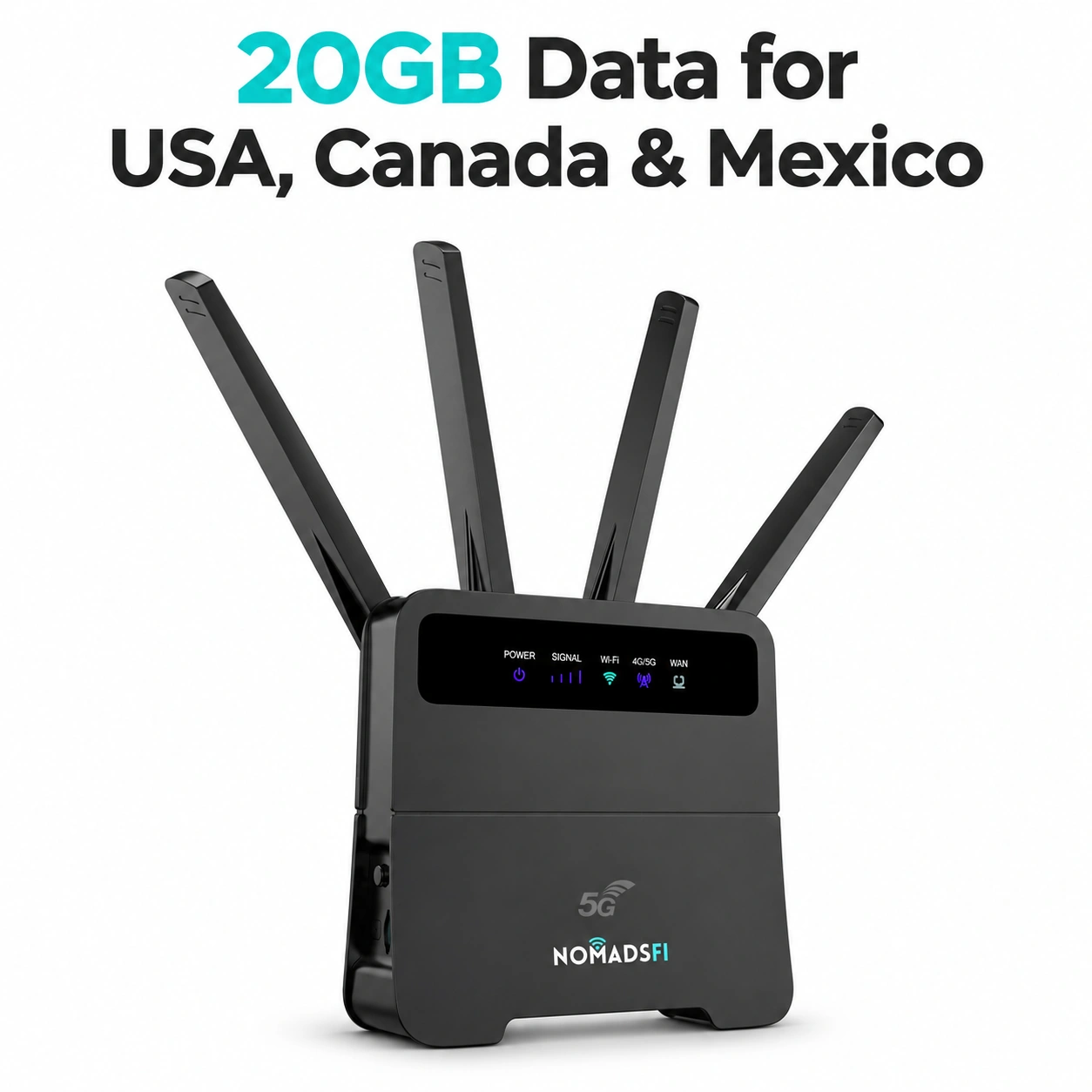
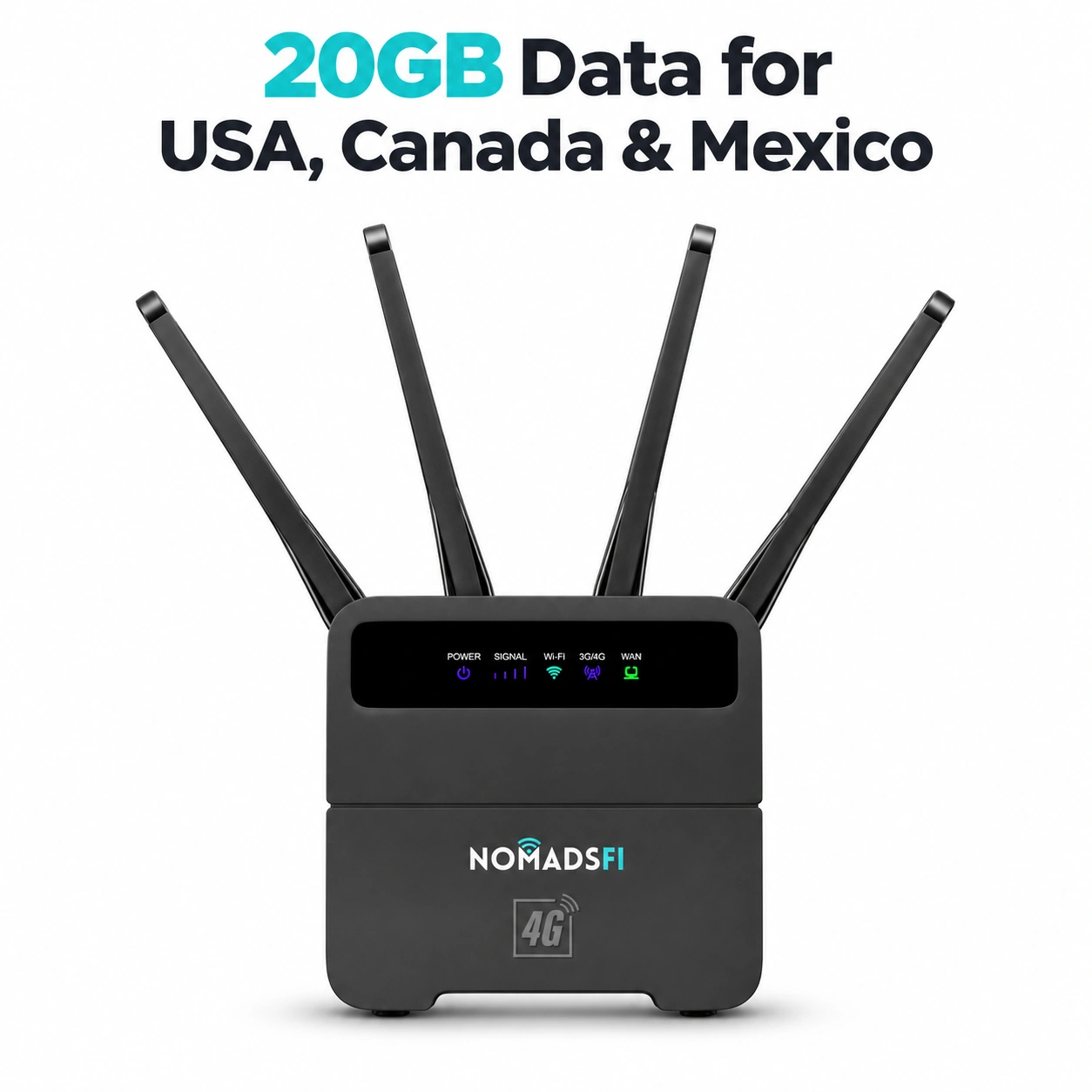
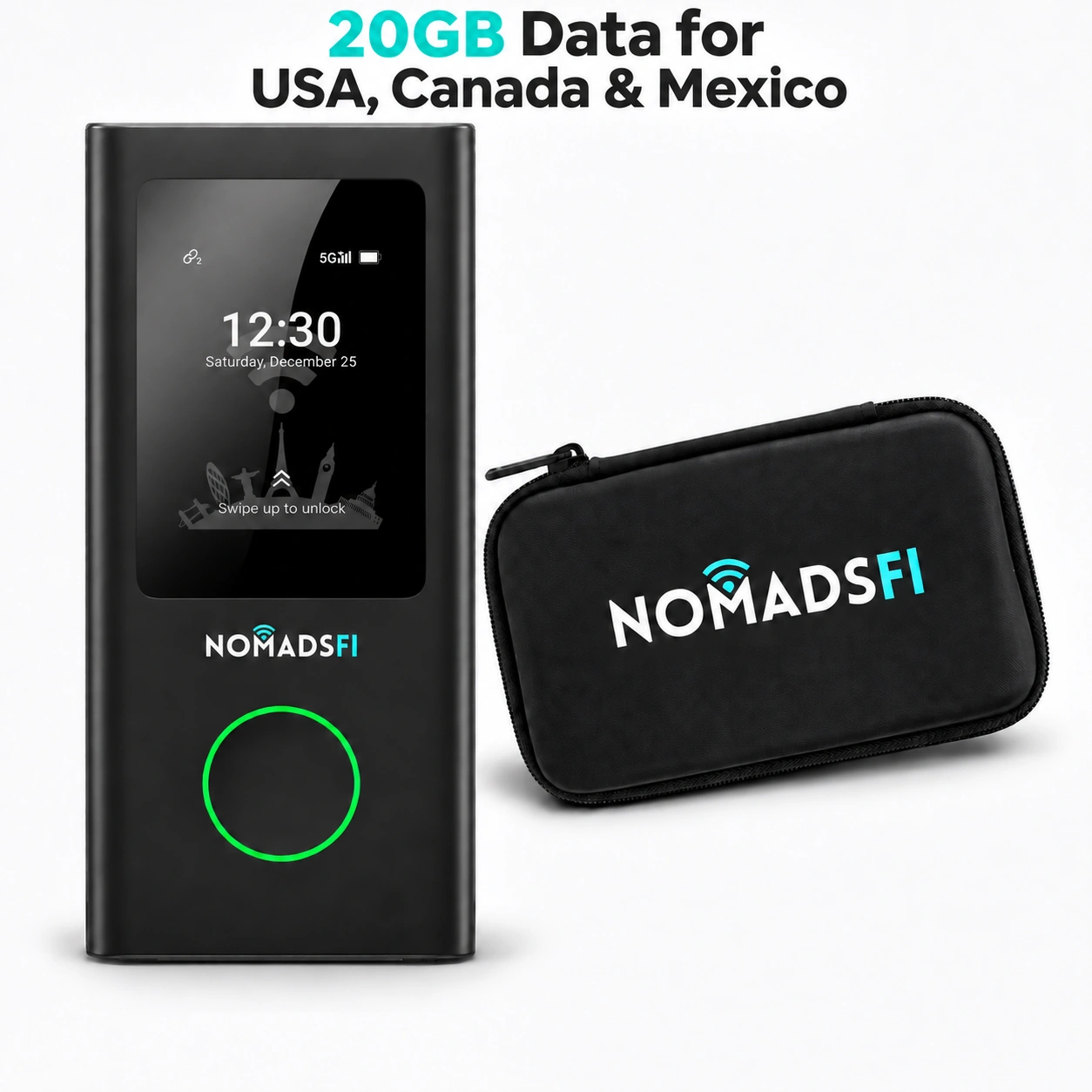
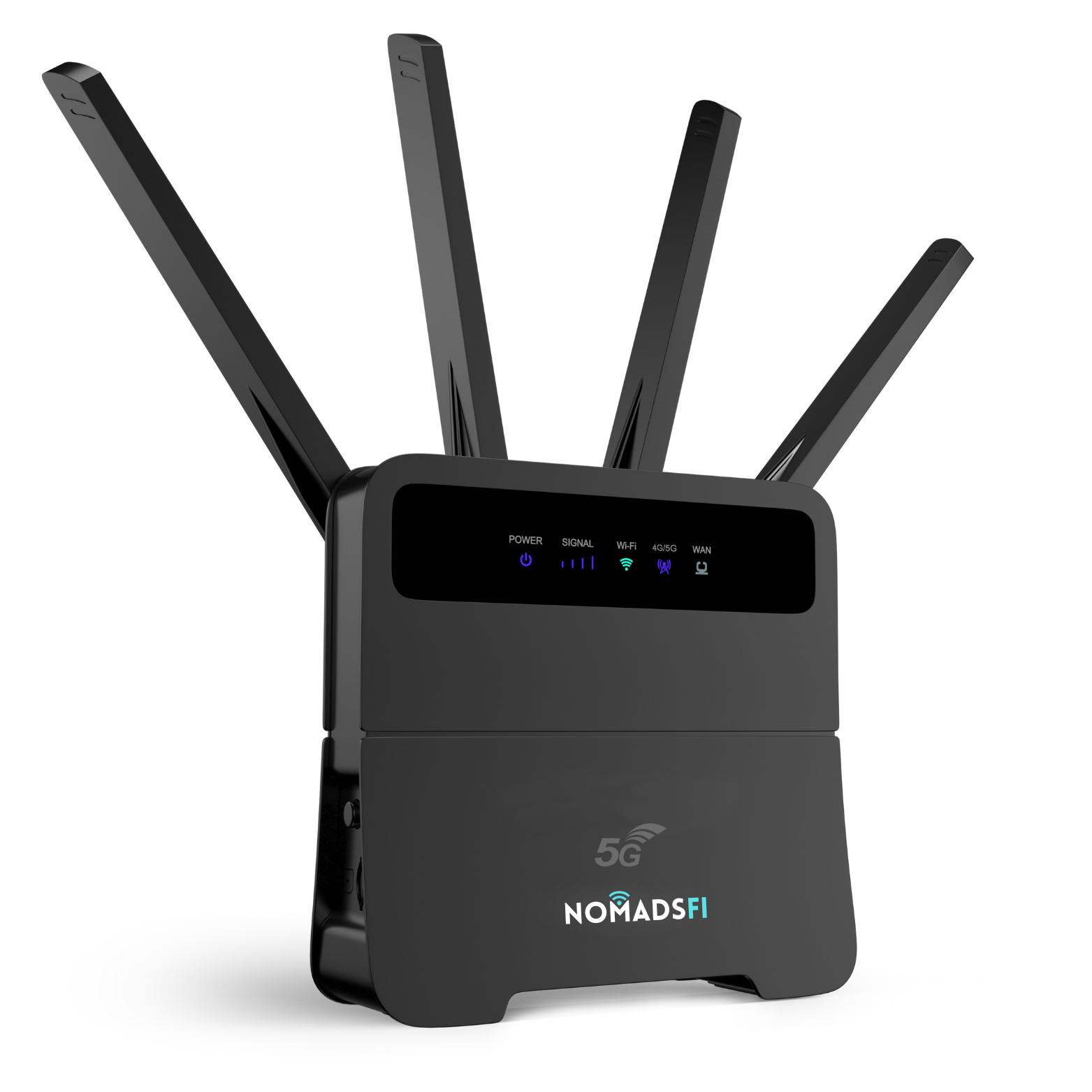
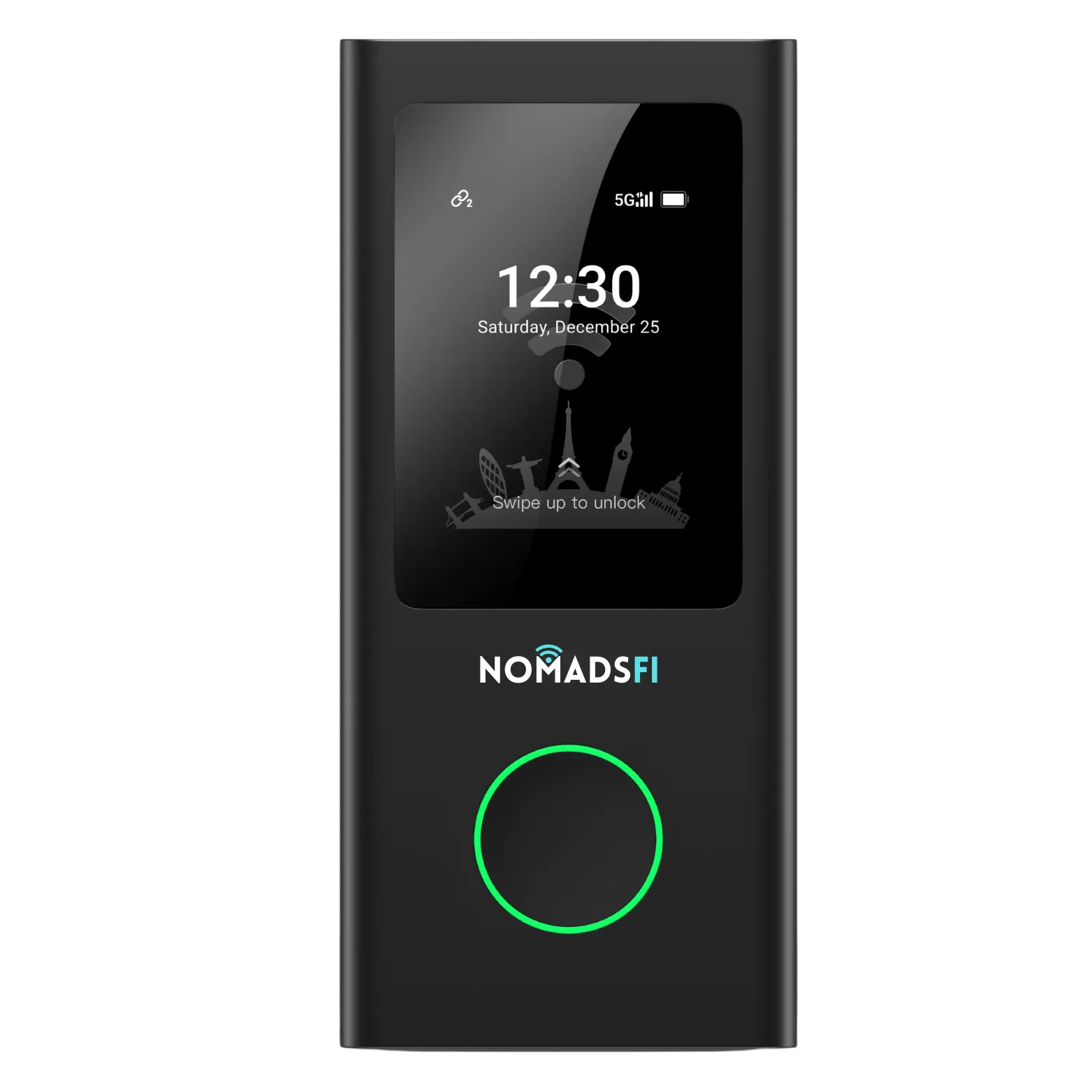
NomadsFi offers portable hotspots and powered routers. The useful question for an integrator is which model, connection method and data plan fit the terminal at that particular site. This guide is a deployment checklist, not a report of a completed customer installation.
Can a hotspot connect an outdoor kiosk?
A compatible kiosk can use a hotspot's WiFi connection where the hotspot has supported cellular service and an active, suitable plan. Keep the networking equipment protected and within its verified operating conditions. An outdoor kiosk location does not make a consumer hotspot weatherproof.
Start by checking the terminal's network interface. A WiFi-capable kiosk is a different project from an Ethernet-only terminal. Do not assume a hotspot includes Ethernet, supports a particular USB networking mode or can replace the industrial gateway already specified by the kiosk manufacturer.
Compare the available connections before choosing hardware
| Connection | Potential fit | Check before deployment |
|---|---|---|
| Venue WiFi or an existing wired line | A site with an approved, usable connection | Login requirements, permitted business use and access to the kiosk's cloud service |
| Portable cellular hotspot | A small, temporary WiFi-compatible installation | Signal, battery and charging, safe placement and application recovery |
| Powered cellular router | A site with reliable power and a compatible interface | Exact model ports, connected-device load, ventilation and restart behavior |
| Industrial cellular gateway | A project with specific environmental, networking or management requirements | Required certifications, enclosure design, remote access and integration support |
PocketFi 5G and a powered router have different limits
The NomadsFi model comparison lists up to 16 connections for PocketFi 5G and up to 32 for the NomadsFi LTE and 5G Routers. These are advertised connection ceilings. They do not establish how many kiosks can upload media or process transactions satisfactorily at one busy venue.
| Candidate | Deployment question | Next step |
|---|---|---|
| PocketFi 5G | Does a portable WiFi hotspot suit the terminal and shift length? | Review the PocketFi 5G product and test the application. |
| NomadsFi 5G Router | Is there dependable power at a more fixed installation? | Compare the 5G Router, confirming its exact interface and operating requirements. |
Multi-network service still needs a site test
Access to supported partner networks can provide options where one carrier is weak. It does not mean the device combines three carrier connections at once. Availability depends on the device, plan, destination and local service. Moving between networks should not be described as a guarantee that every kiosk session stays uninterrupted.
Test with the equipment in its intended position. The NomadsFi Help Center identifies metal obstructions and congestion as possible causes of connection problems. A signal measured beside an open kiosk door may differ from the signal after the cabinet is closed.
A practical kiosk connectivity pilot
- List the applications: catalog browsing, status messages, transaction requests, software updates and any video traffic. Record their separate data needs.
- Check whether the terminal can join a password-protected WiFi network without a captive portal. Confirm cloud-service access with the terminal supplier.
- Agree on protected placement, power and ventilation. Ask the equipment suppliers to confirm temperature limits and continuous-operation requirements.
- Run the real workflow during expected operating hours. Log failed requests, response times and recovery after a planned restart, using the kiosk supplier's safe test procedure.
- Measure data consumption before choosing an allowance. Schedule large updates deliberately and keep a support contact and recovery procedure with the operator.
For a multisite rollout, use the same acceptance checklist at each location. A successful pilot at one address does not establish coverage or application performance at every other address.
Security and operations belong in the acceptance test
NIST SP 800-153 treats WLAN security as a lifecycle covering deployment, configuration and monitoring. For a kiosk project, agree who owns credentials, updates and ongoing network checks. This guidance is not a certification of a NomadsFi product or of the installation.
If the application needs a fixed public IP, inbound access, a VPN or a managed fleet API, have those requirements confirmed explicitly. A working internet connection alone does not establish support for them. Payment-related applications should also be reviewed with the terminal provider and the organization's security team.
Frequently asked questions
Can PocketFi 5G connect 32 kiosks?
The current model comparison lists up to 16 connections for PocketFi 5G. The 32-device figure belongs to the NomadsFi LTE and 5G Routers. Practical kiosk capacity needs a workload test.
Can I leave a hotspot exposed outdoors?
Do not assume it is weatherproof. Confirm the device's operating limits and a protected, ventilated installation with the suppliers before deployment.
Does multi-network service guarantee an uninterrupted kiosk session?
No. Local coverage, congestion, power and application recovery still matter. Test switching and restart behavior with the actual terminal.
Can the same plan support kiosks in several countries?
Confirm each destination, model and selected plan. A global marketing headline does not establish availability at every site. Check ownership and rental-use restrictions separately.
What should an integrator send for a pilot assessment?
Provide the site locations, terminal model and network interface, expected device count, application traffic, power arrangement and any remote-access requirements.
Discuss a small kiosk pilot with NomadsFi
Use the NomadsFi business partner portal to request a model and plan assessment. Share the deployment checklist and start with a limited pilot before committing to a wider rollout.