

What Is CloudSIM? A Simple Guide to Portable WiFi Without SIM Swapping
Mobile internet used to begin with a small piece of plastic: choose a carrier, buy a SIM card, insert it into a phone or hotspot, and configure the service.
CloudSIM simplifies that process. With a supported device and data plan, network authentication and connectivity are managed through a cloud-based platform. Instead of routinely changing physical SIM cards, the customer activates a plan for the device and connects where that plan and local cellular coverage are available.
How does CloudSIM work?
A CloudSIM hotspot still uses real cellular networks. It does not create a signal or replace local carrier infrastructure. The difference is how the device receives permission to connect.
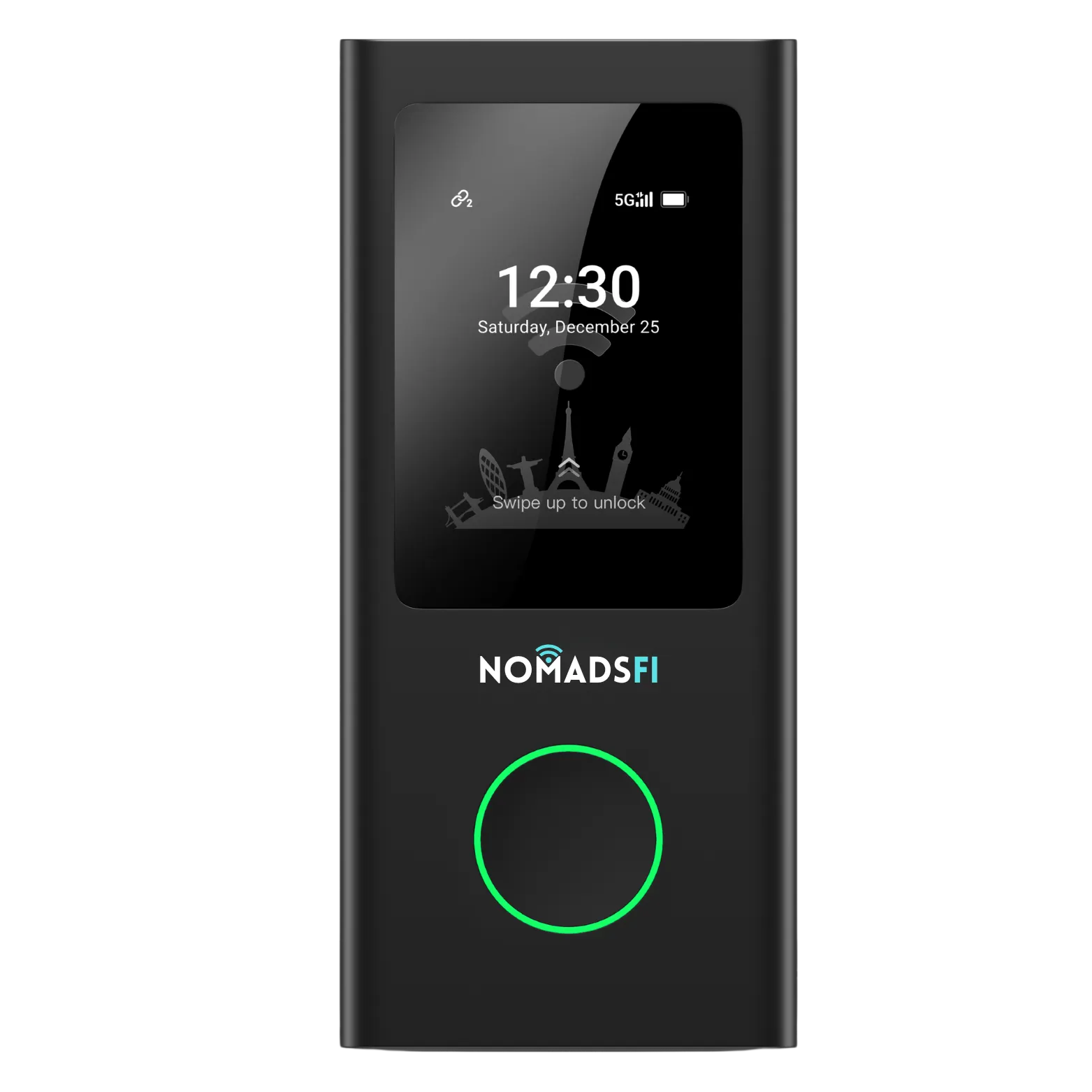
With NomadsFi PocketFi 5G, a customer links a data plan to the hotspot's 15-digit IMEI. After activation and a restart, the device registers on an available supported network. The hotspot then shares that cellular connection with nearby phones, laptops, tablets, and other Wi-Fi devices.
Why use a hotspot instead of phone tethering?
Phone tethering is useful for short sessions, but it can drain the phone battery, create extra heat, and interrupt the connection when the phone is needed for calls or other tasks.
A dedicated hotspot keeps the connection separate. It can stay in a better signal location, such as near a window, while connected devices are used elsewhere in the room, RV, vehicle, booth, or temporary office.
Where is CloudSIM portable WiFi useful?
- International and domestic travel
- RV trips and mobile living
- Remote work away from fixed broadband
- Home internet backup
- Trade shows and temporary offices
- Small-business continuity
- Shared family connectivity
What can PocketFi 5G show on its screen?
The touch screen provides quick access to the Wi-Fi name and password, battery level, network status, connected devices, and estimated remaining data. It also includes tools such as Network Optimization and Data Usage Protection.
What CloudSIM cannot guarantee
CloudSIM reduces activation and SIM-swapping friction, but cellular limitations still apply. Coverage and speed vary with location, terrain, building materials, congestion, carrier availability, and the selected plan.
No hotspot should be your only method for emergency communication. Keep another communication option available, especially during remote travel.
Getting started with NomadsFi
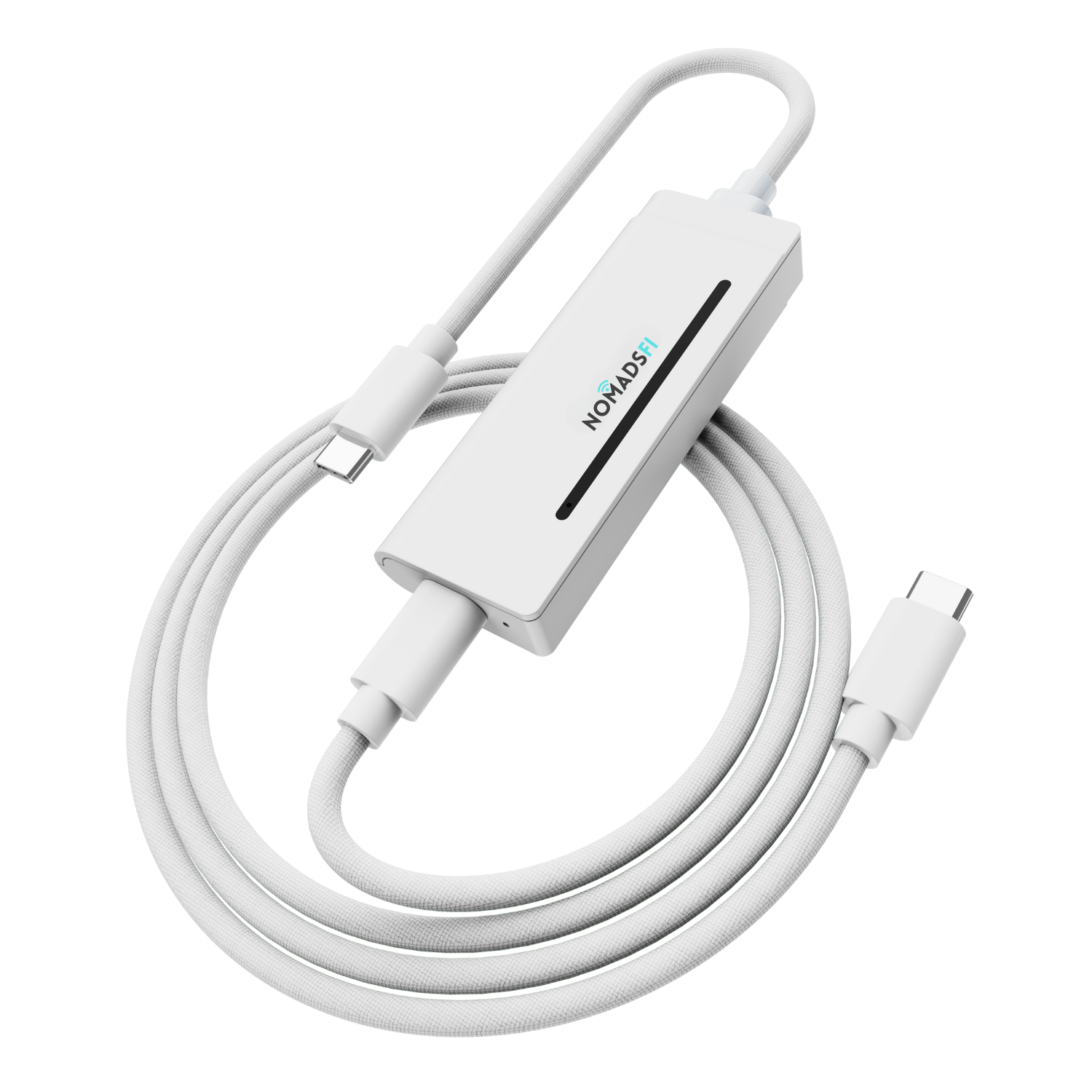
- Fully charge the PocketFi 5G with a certified USB-C charger and cable.
- Turn it on by holding the power button for about three seconds.
- Scan the device QR code or open the NomadsFi plan page.
- Enter the 15-digit IMEI exactly as printed.
- Select and purchase a supported data plan.
- Restart the hotspot and allow approximately 1-3 minutes for network registration.
- Connect your phone, laptop, or tablet with the Wi-Fi name and password displayed on the screen.
CloudSIM is not about promising a perfect signal everywhere. It is about making mobile connectivity easier to activate, easier to share, and easier to take with you.
For current devices, plans, destinations, and service terms, visit the latest NomadsFi product and plan pages.