


Cover: AI-generated rental-pickup illustration using a NomadsFi hotspot reference; not a photograph of an actual customer deployment.
The rental agreement is signed, the luggage is loaded, and the family still needs to get everyone online. One passenger wants maps on a phone. Another has a WiFi-only tablet. A business traveler needs a laptop connection at the next stop. For a rental company, that is a useful moment to offer a service the customer can understand.
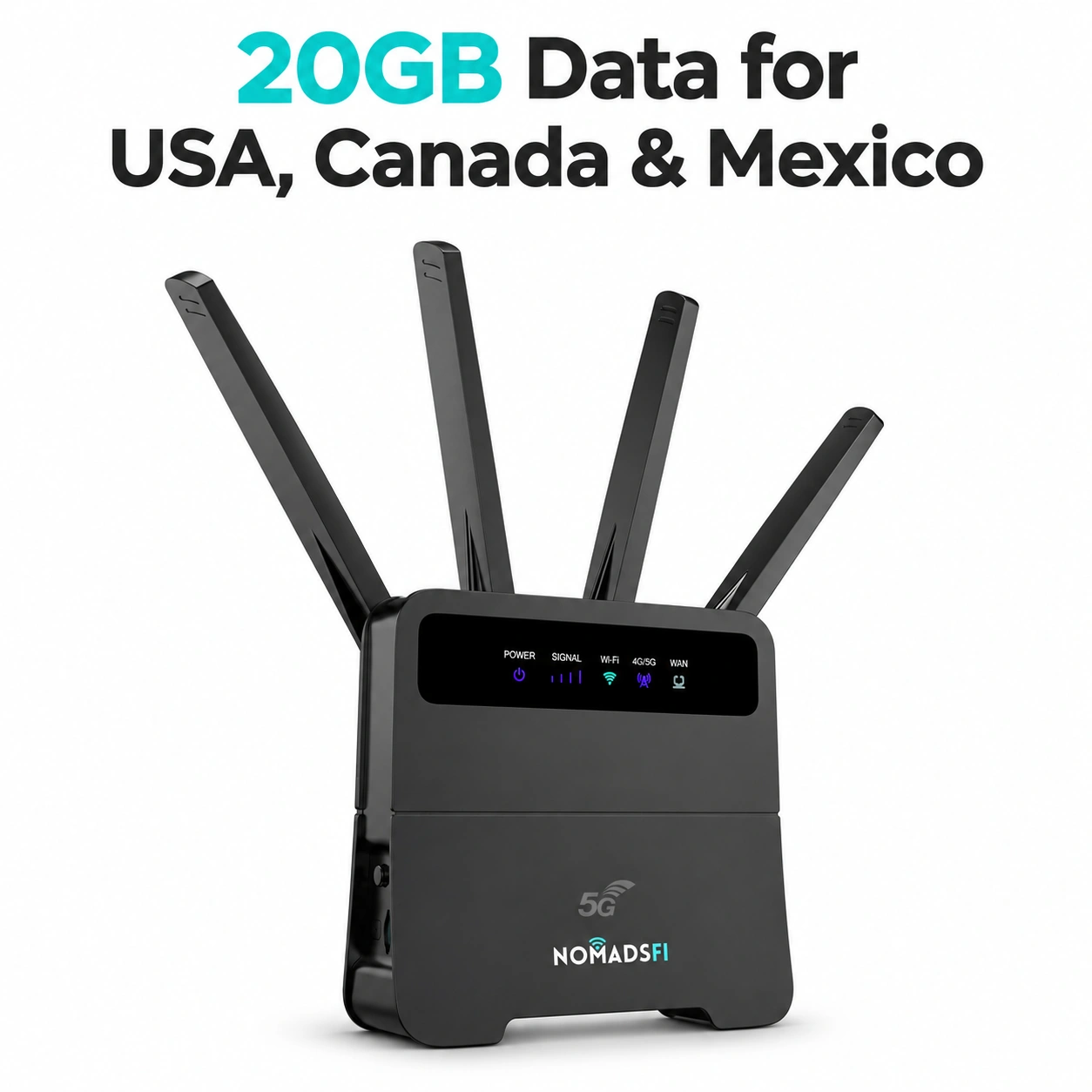
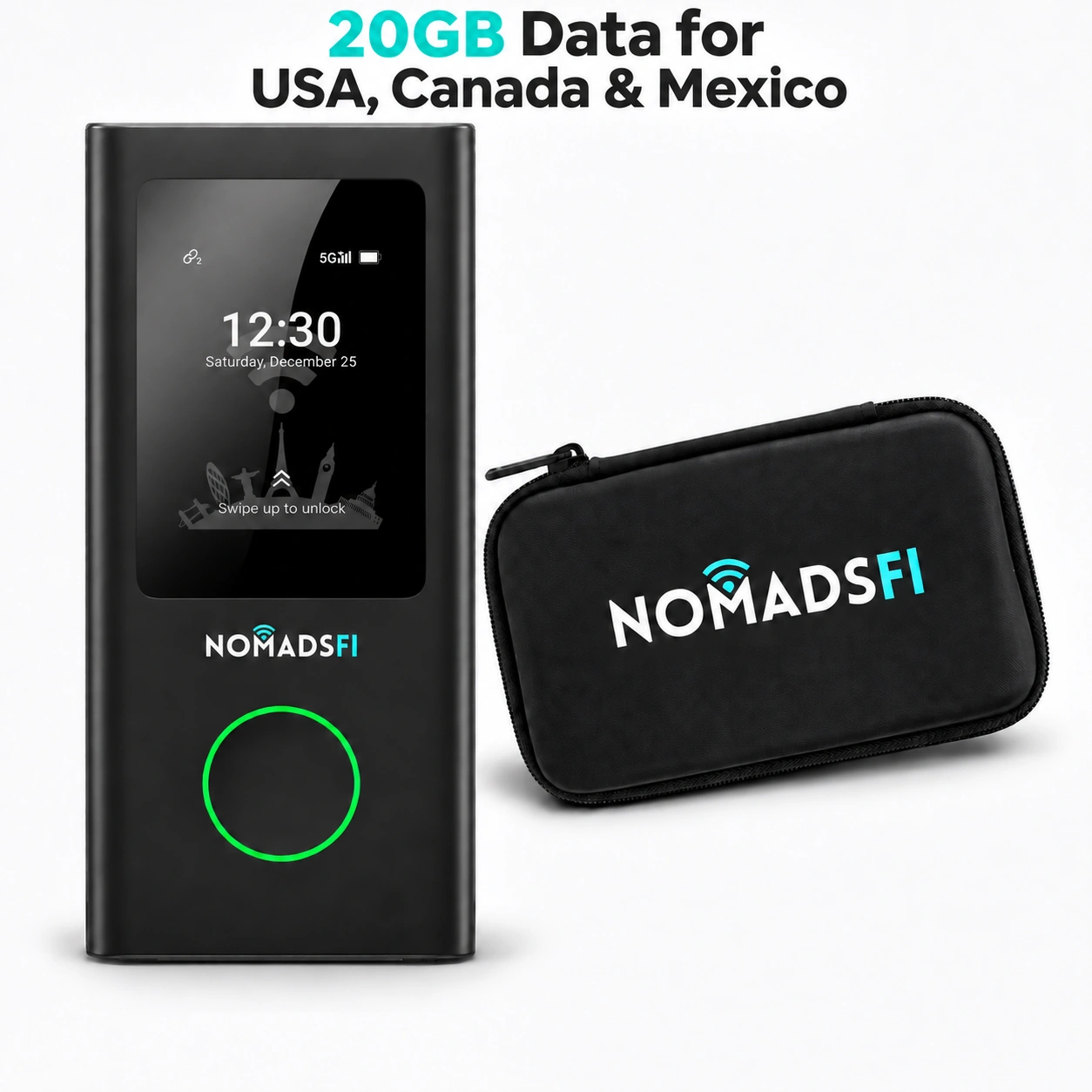
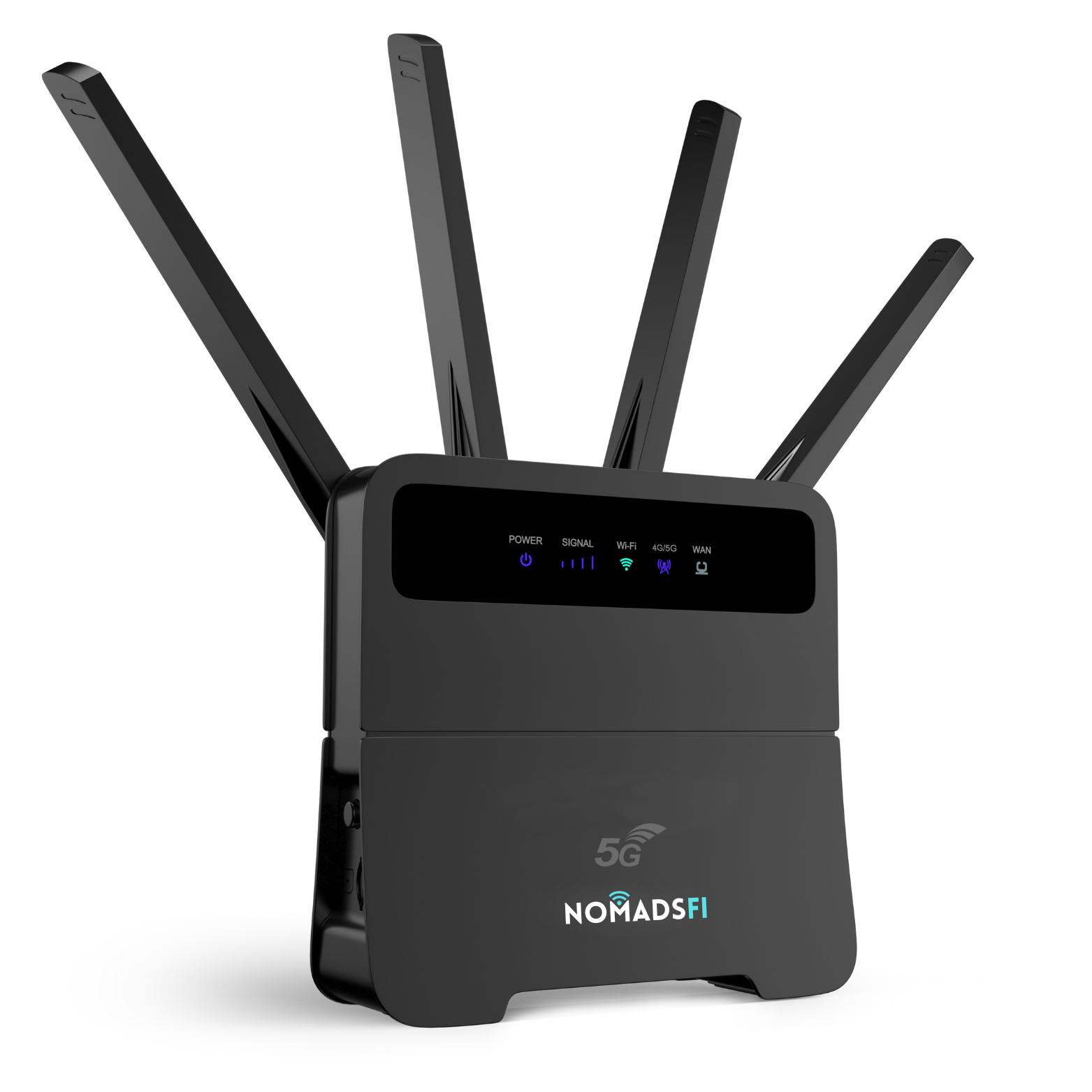
NomadsFi PocketFi 5G gives compatible devices a shared cellular connection they can take with them. A rental operator can evaluate it as an optional car WiFi service, with supported carrier selection, an appropriate data package and a simple checkout-and-return process.
This guide draws on published rental-industry examples and NomadsFi product information. The AVIS/GlocalMe example is an industry reference, not a claimed NomadsFi deployment. Connectivity depends on the device, eligible package and usable supported cellular coverage.
What makes a practical WiFi solution for a rental car fleet?
For operators evaluating WiFi for car rental companies, our recommended starting point is a portable hotspot pilot. It lets you test demand and service on the routes customers actually use, without beginning with a permanent vehicle installation.
The offer needs to explain what the renter receives: eligible data, connected-device capacity, permitted destinations and help if the connection fails. A separate device can stay with the passengers while one person's phone goes elsewhere. It can also move between cars after inspection and preparation for the next hire.
| Need | Where NomadsFi can fit | What to confirm |
|---|---|---|
| A family with several devices | One portable hotspot for compatible phones, tablets and laptops | Shared data, bandwidth and WiFi reception in the vehicle |
| Customers taking different routes | Supported carrier selection instead of depending on a single network option | Eligible local carriers and actual reception on representative routes |
| International visitors | Prepare service before pickup and explain the connection at the desk | Destination package, activation, validity and support arrangements |
| A repeatable rental add-on | Reusable hardware with a documented handover and return process | Commercial terms, charging, account handling and replacement responsibility |
The AVIS example: WiFi as a rental add-on
The industry already has a clear model for this service. AVIS's U.S. Mobile Wi-Fi page describes a rentable device with connectivity for up to five devices, alongside navigation and other functions. Separately, uCloudlink's partner site presents an AVIS example in which GlocalMe WiFi is offered as a value-added service.
For an operator planning rental car WiFi, the useful lesson is the placement of the offer in the customer journey. Internet can be a bookable accessory with a clear handover, much like other optional rental equipment. The rental desk supplies the device and explains the allowance; the customer uses the connection during the trip and returns the hardware.
Regional terms deserve attention. The AVIS UK Travel Companion page describes its own package choices and location-specific differences. A feature or allowance on one country's page should not be treated as the offer at every branch.
The comparison here uses those published service descriptions. It does not establish an AVIS relationship with NomadsFi or a rental-company endorsement of our product. The commercial approach can inform a new program; that program still needs its own coverage trial and commercial agreement.
Why a multi-network mobile hotspot helps on changing routes
A rental fleet does not have one fixed internet location. One car spends the day in a city; another heads toward a coastal hotel or a rural meeting. The network that works well at the pickup desk may perform differently at the customer's next stop.
PocketFi 5G's NomadSwitch-AI carrier-selection feature provides access to supported network options. For a rental program, the value is having another eligible carrier to use where one performs poorly. Ask which networks the proposed device and package permit in each operating area.
A multi-network mobile hotspot still needs a usable supported cellular signal. It does not combine every available carrier into one faster connection, and a network change can interrupt a session. Test the branch exit, common destinations and the less reliable stretches customers are likely to use.
Record where a trial succeeds and where it fails. A route-based coverage record is more useful to the rental desk than a broad promise that the hotspot works everywhere. For background on portable equipment, see our portable WiFi hotspot travel guide.
One in-car WiFi hotspot for several passenger devices
A family may arrive with two phones, a tablet and a laptop, each with a different mobile plan. An in-car WiFi hotspot gives compatible devices the same WiFi connection, including a tablet or laptop without its own cellular service.
The NomadsFi device overview lists up to 16 connected WiFi devices for PocketFi 5G. That is a connection limit, with all users sharing the available bandwidth and data allowance. It does not promise 16 simultaneous video streams at full quality.
Passenger WiFi should be demonstrated before departure. Have the customer connect a phone and, if available, a second device, then show where to check remaining data. Explain the effect of automatic photo backups, software updates and streaming on the shared allowance.
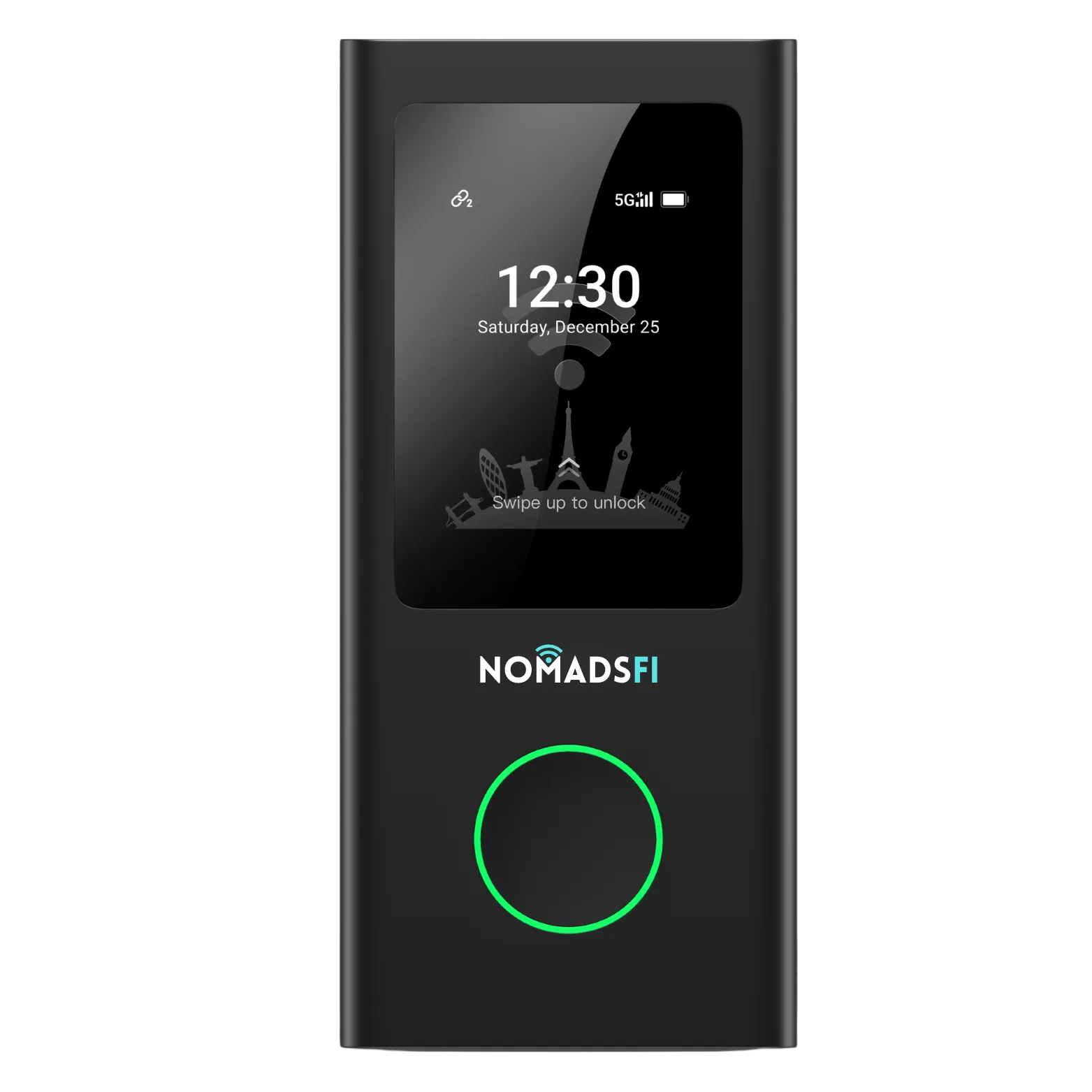
The customer's map and travel apps run on their own compatible devices. The hotspot supplies their internet path; the product is not being presented here as a built-in GPS navigation unit, advertising screen or vehicle tracking system.
Set up WiFi and navigation while parked. NHTSA identifies interacting with entertainment or navigation systems as a source of driver distraction. Keep device handling and passenger entertainment separate from the driver's task.
Rental car WiFi vs eSIM and other available connections
The rental car WiFi vs eSIM decision depends on who needs the data and which equipment is already available. An eSIM can suit a solo traveler with a compatible phone. A separate hotspot can suit passengers sharing a connection or a renter who wants a laptop online without making a personal phone the router.
Phone-based sharing is a real alternative. Airalo's help center confirms personal hotspot use when supported by the device and network. Check the actual package rather than assuming travel eSIMs cannot tether.
| Option | What it offers | What the operator or renter should check |
|---|---|---|
| NomadsFi PocketFi 5G | A portable shared connection; up to 16 connected devices listed in the device overview | Supported carriers, route coverage, commercial data terms and the handover workflow |
| AVIS U.S. Mobile Wi-Fi | The published page describes connectivity for up to five devices and additional travel functions | The actual pickup location's product, allowance, availability and price |
| Hertz Wi-Fi | The Australia-hosted service page describes a portable hotspot for up to five devices and travel functions | Availability at the intended location and the applicable package terms |
| Phone roaming or travel eSIM | Data on a compatible phone, with tethering where supported | Roaming allowance, compatibility, sharing terms and the host phone remaining available |
| WiFi built into the vehicle | A connection using equipment already installed in an equipped car | Active subscription, coverage, vehicle eligibility and how renter accounts are handled |
The connected-device figures are published limits from different service descriptions, not a joint performance test. More permitted connections do not by themselves establish higher speed, better coverage or lower cost. Rental-counter products can also include functions that a standalone hotspot does not.
For travelers, our travel eSIM vs portable WiFi comparison explains the personal-device choice. An operator should compare the commercial program, including support and returns, as well as the hardware.
International car rental WiFi: plan each permitted route
Cross-border trips create two separate checks: whether the rental agreement allows the vehicle to cross the border, and whether the data package covers the next country. A WiFi plan does not change the car's rental terms.
NomadsFi's global service covers 200+ countries. International car rental WiFi should still be configured around the itinerary. Reusing a hotspot in different supported countries does not mean every package includes every destination.
Before handover, compare the declared route with the current coverage list and confirm the relevant regional or global data package. Include validity dates, activation requirements and any roaming or fair-use conditions in the customer explanation.
For an airport branch serving international visitors, preparing service before pickup can spare the renter a separate SIM-shopping task. Keep a short setup card in the customer's language where possible, including how to find support if service does not start.
Fleet WiFi management starts at checkout and return
Fleet WiFi management includes keeping track of which unit left the branch, what service was assigned to it and when it is ready for another rental. The hardware can be easy to use while the desk process still needs careful planning.
NomadsFi describes a centralized management platform for enterprise mobility. Discuss your fleet requirements with the team before committing: device inventory visibility, usage reporting, branch access, service assignment and any integration needs. The exact controls and commercial terms should be confirmed for your program rather than assumed from a general portal description.
A practical handover record can contain the device identifier, rental reference, package, checkout date and expected return. Keep the data you collect limited to what the operation needs and follow your organization's privacy procedures.
| Stage | Branch action | Result to check |
|---|---|---|
| Before pickup | Charge and inspect the unit; prepare eligible service and a setup card | The unit connects before it is handed over |
| At checkout | Explain destinations, data and return terms; demonstrate a connection | The renter can connect and knows where to find help |
| During the rental | Use the agreed support and allowance-management process | Usage and service issues can be handled without unclear charges |
| On return | Recover the unit and accessories; inspect, clean and prepare account settings | The unit is ready for the next customer, without prior renter data |
The return step is part of a credible rental offer. Hertz's Wi-Fi FAQ describes resetting its device after every rental and generating a new password for each rental. Use that as a useful operating reference; establish the correct preparation and password process for the NomadsFi units you deploy.
Our enterprise connectivity guide discusses the broader need to manage portable internet across a business.
Can portable WiFi for rental cars add useful revenue?
Portable WiFi for rental cars can be offered as an optional paid accessory when customers value it and the operating costs make sense. A branch should test whether it improves the trip without slowing down checkout or creating avoidable support work.
Track paid device-days, the share of customers choosing the option, refunds and support time. Paid device-days count the days a unit actually earns the agreed rental charge. They should be kept separate from the number of days the hardware is owned or assigned to a branch.
For illustration, 20 hotspots each earning 10 paid rental days at $6 per day would produce $1,200 in gross rental revenue. These are hypothetical inputs, not NomadsFi or AVIS results and not a suggested customer price.
Subtract the actual data charges, hardware allocation, handling, support, payment costs and any loss or damage provision to evaluate the contribution. A large gross figure alone does not show a profitable service. Compare the result with the branch's existing accessories and the customer demand seen in the pilot.
The supplied industry reference suggests the idea of a recurring rental add-on. Your own fleet needs measured utilization and a written commercial quote before making revenue forecasts.
Pilot a car rental WiFi solution before rolling it out
Choose the customer and route
Start with a defined branch and the customers most likely to need shared internet, such as visiting families or business groups. Pick representative routes and destinations for testing. Let customers whose existing phone plan is sufficient make that choice.
Confirm the commercial package
Ask NomadsFi about the proposed rental use, operating countries, expected paid device-days and simultaneous devices. Agree the service, support and management scope in writing. A consumer plan's public listing should not be treated as a fleet-resale agreement.
Make the handover short enough to repeat
Prepare a device, charging accessory and clear setup card. Demonstrate the WiFi name and password while parked, show how the allowance works and explain returns. Record how long staff actually spend on the process.
Keep the device in a suitable environment
Follow the device's charging and operating instructions, keep it ventilated and avoid leaving a battery-powered hotspot in a hot parked car. If the fleet needs unattended or permanently powered vehicle equipment, discuss suitable automotive hardware and installation rather than treating a portable travel hotspot as that installation.
Review the trial before expansion
Compare take-up, coverage reports, support contacts, returns and the cost per paid device-day. A car rental WiFi solution is ready to expand when both the renter experience and the branch workflow work consistently in the intended operating area.
Frequently asked questions
How does WiFi in a rental car work?
A portable hotspot connects to a supported cellular network and shares that connection over WiFi. Compatible passenger phones, tablets and laptops can join it. The device needs active eligible data service and usable reception along the route.
Does NomadsFi supply WiFi for car rental companies?
Rental operators can discuss a NomadsFi portable WiFi program through the business team. Confirm the intended rental use, device, data package, support and management requirements before deploying. This guide presents a proposed NomadsFi approach, not a claimed AVIS implementation.
How many devices can connect to PocketFi 5G?
NomadsFi lists support for up to 16 connected WiFi devices. All share the available bandwidth and data allowance. That limit does not guarantee 16 simultaneous high-quality streams or whole-vehicle reception in every placement.
Does multi-network WiFi mean an uninterrupted connection?
No. Supported carrier selection offers network options where eligible service exists. It is different from combining several carriers at once, and changing networks may interrupt a session. Coverage still needs to be tested on the intended routes.
Is rental car WiFi better than a travel eSIM?
A separate hotspot can suit a shared group or WiFi-only devices. An eSIM may suit one traveler with a compatible phone, and supported eSIM plans can tether. Compare the package, hardware cost, sharing needs and available roaming benefits.
Can renters take the hotspot across borders?
Only use it where the device and package are eligible, and check activation, validity and local service conditions. Permission to take a rental car across a border is a separate matter governed by the vehicle rental agreement.
Is the AVIS case a NomadsFi customer case?
The public example cited here is presented by AVIS and by uCloudlink/GlocalMe as an industry reference. It is not presented as a NomadsFi customer deployment, partnership or endorsement.
What should a rental operator test before a WiFi rollout?
Test route coverage, device sharing, setup time, data use, support demand and returns. Confirm the commercial and management scope, keep the device in a suitable environment and evaluate costs against actual paid rental days.
Build a rental WiFi offer around your fleet
Send NomadsFi your operating countries, branch setup and expected rental use. A useful proposal should connect the device and package to the way your staff hand equipment out and bring it back into service.
Discuss a rental WiFi program Explore PocketFi 5G
Check destination coverage and current plan options, then confirm a commercial agreement for the proposed fleet use.
Sources and further reading
Written by NomadsFi Team. Official service pages reviewed on October 27, 2026. Rental offerings vary by branch and region. Comparisons use published descriptions; this guide includes no independent drive test, verified rental-revenue result or claimed AVIS/GlocalMe relationship with NomadsFi.
- AVIS U.S.: Mobile Wi-Fi and published connected-device capacity
- uCloudlink partner site: provider-reported AVIS value-added-service example
- AVIS UK: Travel Companion, options and location differences
- Hertz Australia: Wi-Fi service, device limit and reset process
- Airalo Help Center: personal hotspot and tethering support
- NHTSA: driver distraction and navigation systems
- NomadsFi PocketFi 5G: product and carrier-selection information
- NomadsFi device overview: PocketFi 5G supports up to 16 connected devices
- NomadsFi regional and global data packages
- NomadsFi destination coverage
- NomadsFi business services and centralized management platform