
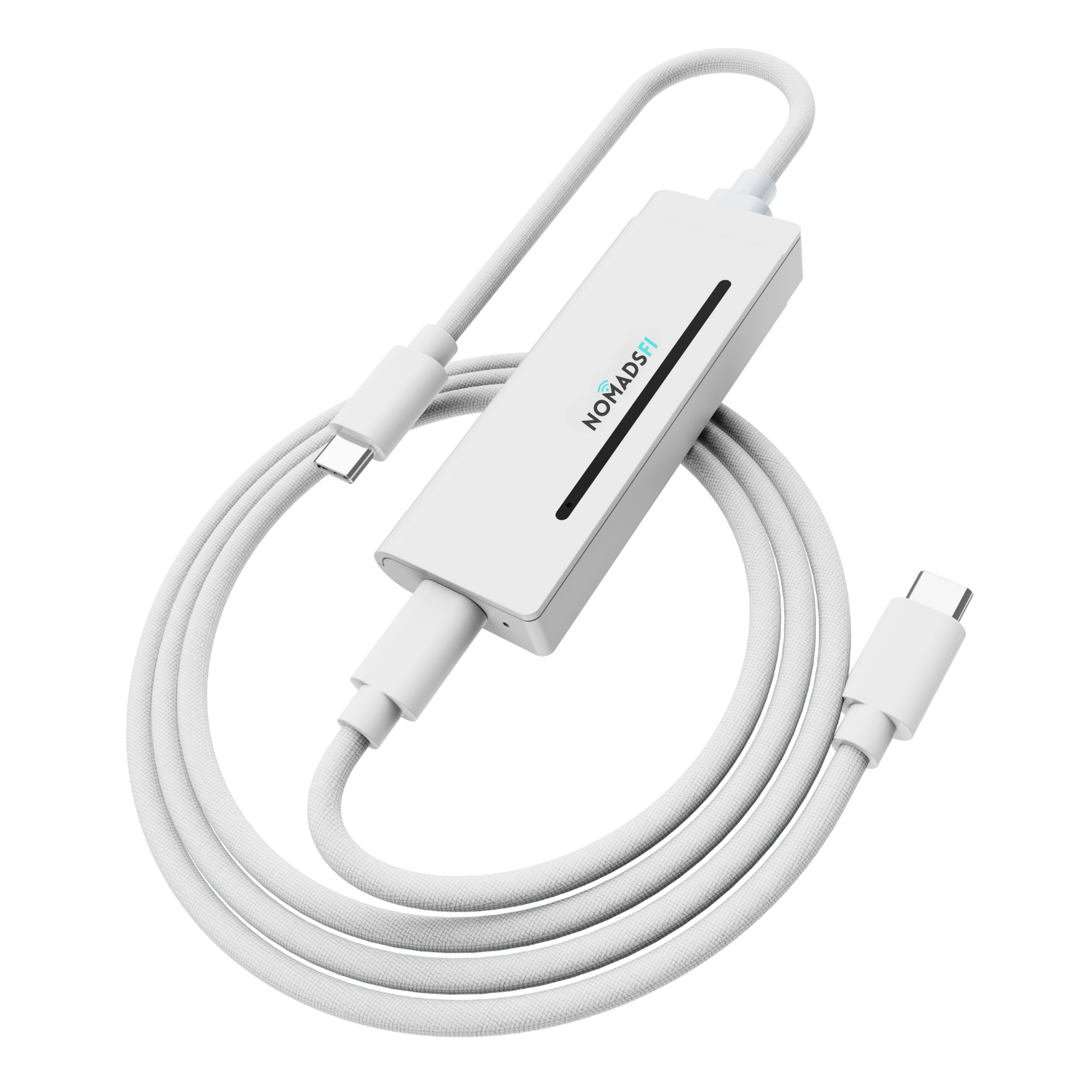
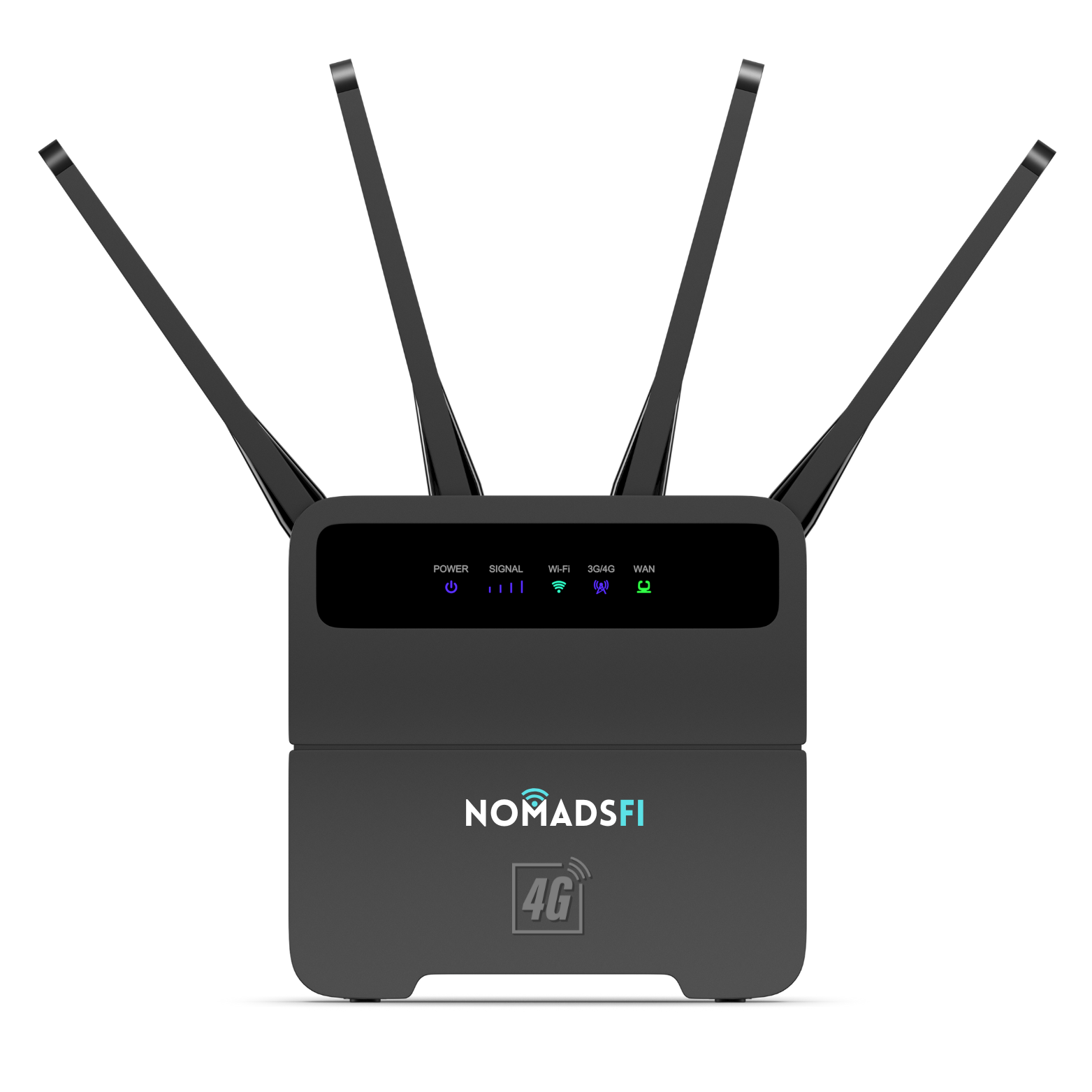
![[Copy2]copy PocketFi 5G.](https://img-va.myshopline.com/image/store/1738987129708/ZHUTU1.jpg?w=1563&h=1563)

NomadsFi is a practical starting point when your travel stops have usable cellular coverage and you want WiFi for a laptop or shared devices. Starlink deserves a closer look when your overnight stops are beyond that coverage and you can set up a powered satellite terminal with a clear view of the sky.
For an RV trip, write down where you expect to work before choosing hardware. A week of town stops presents a different problem from a week at an isolated campsite. Both systems can share internet over WiFi, but the connection beyond that WiFi network is different: mobile networks for NomadsFi and satellites for Starlink.
This is a NomadsFi-authored buying guide, not an independent speed test or a Starlink endorsement. It considers PocketFi 5G and the separate NomadsFi 5G router alongside a travel-oriented Starlink setup such as Mini with an eligible Roam plan. Features and power arrangements differ by model.
NomadsFi vs Starlink at a glance
| What matters | NomadsFi cellular WiFi | Starlink travel setup |
|---|---|---|
| Internet connection | Supported mobile networks through a compatible cellular device and plan. | Satellites through a dedicated terminal and eligible service. |
| Typical placement | Where the device can receive a usable cellular signal. | Where the terminal has the sky visibility its installation guide requires. |
| What you carry | A PocketFi hotspot or a separate router setup; choose the right form factor. | A terminal, its power equipment and any required mounting accessories. |
| Indoor stops | Potentially convenient, subject to signal through the building or vehicle. | Client devices can be indoors; suitable terminal placement is still needed. |
| No usable mobile service | A limitation that carrier switching cannot always solve. | A reason to consider satellite, subject to service availability and setup. |
| Budget checks | Device, eligible data allowance, renewals and top-ups. | Kit, eligible service, power or mounting accessories and recurring charges. |
| Backup use | Can provide a separate cellular connection. | Can provide a separate satellite connection. Neither implies automatic failover. |
Which setup fits the trip you are taking?
Hotels, cafes and frequent indoor stops
When your workday moves from a hotel room to a cafe, start by checking cellular service at those stops. A PocketFi 5G hotspot is the NomadsFi option to compare for a day bag. You still need a charged device and a suitable data package.
Satellite is harder to accommodate when you cannot place equipment outside. Before planning to use it at a rental or hotel, ask where the terminal and cable can go. An available balcony is not proof of a suitable sky view.
An RV park near town
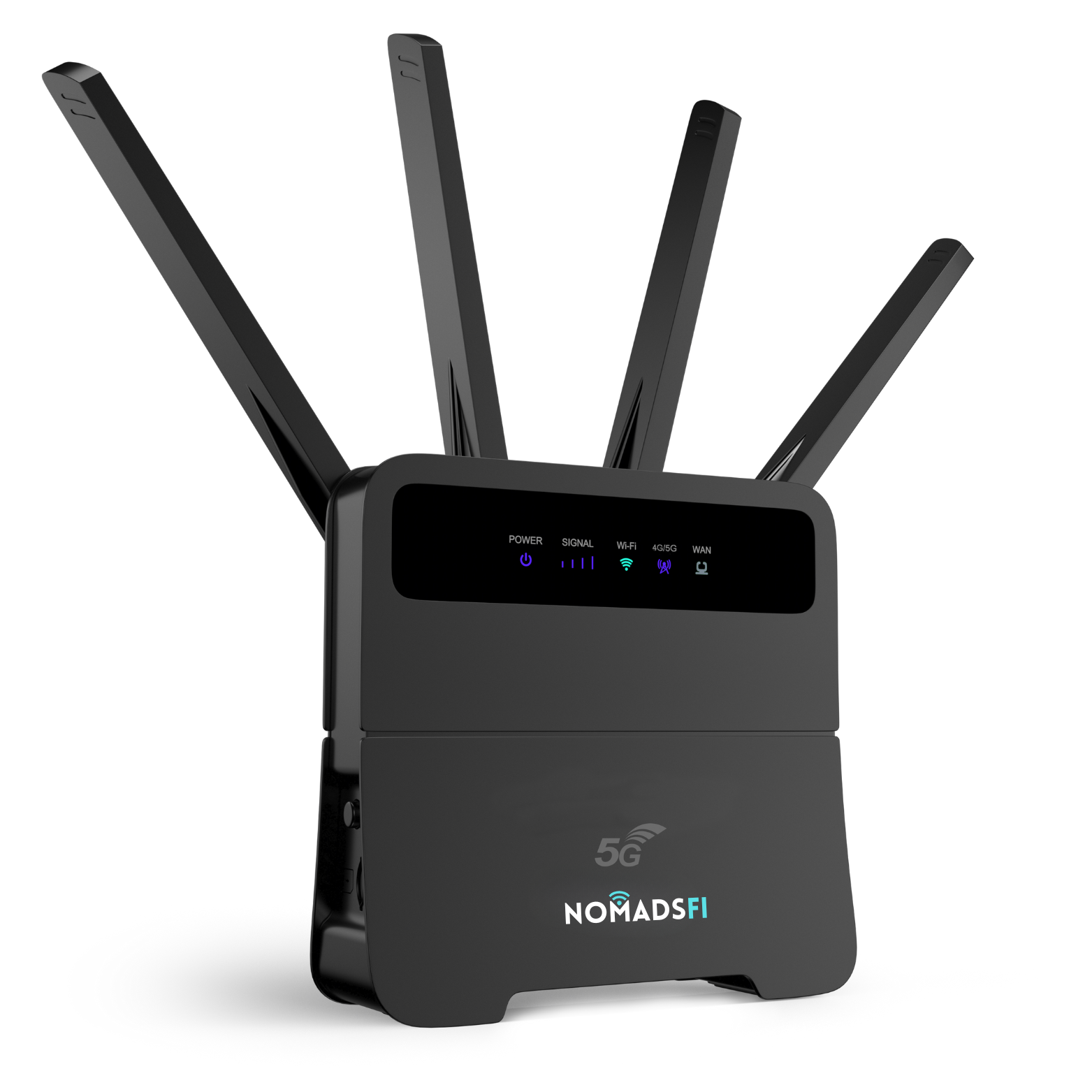
A NomadsFi 5G router may suit a desk or RV setup where supported cellular service is usable. Treat it as a different product from PocketFi; do not assume the same battery, ports or package eligibility. Test at the parking space itself rather than relying on a signal check made at the park entrance.
For a working stay, use the applications you actually need during that test. A short browser session tells you less than a video call and a file upload. Have an alternative work location ready if a connection proves unreliable.
A campsite beyond mobile coverage
Starlink is worth considering when usable supported cellular service is absent. Its setup still needs power, available service and suitable terminal placement. Read the Mini installation guide and check obstructions before relying on a site for work.
These are planning scenarios, not measurements from a campsite test. A shaded pitch can be appealing for an afternoon outdoors while being unsuitable for a satellite terminal. Make the connectivity check before settling in.
Compare the full trip cost
Price both options for the same trip length and expected use. Put hardware you still need to buy in one column and recurring costs in another. If you already own one system, calculate the extra cost of using it on this trip rather than treating every comparison as a new purchase.
- NomadsFi: selected device, compatible data package, likely top-ups, applicable renewal charges and power accessories.
- Starlink: selected kit, eligible service, any activation charges shown at checkout, required mounts or power accessories, and applicable pause or standby fees.
Check the NomadsFi plan selector and Starlink Roam plan details for current allowances and conditions. Ask what happens when high-speed data is used up and when billing begins. Package names and starting prices alone do not answer those questions.
This guide does not freeze a promotional price into the comparison. Device variants, destination and checkout terms can change the total. Keep a dated quote for each setup before committing to the trip budget.
Coverage and speed: check the places you will use
Start with NomadsFi destination coverage, then confirm your chosen device and plan support that destination. A country listing is not a signal guarantee at every parking space. Cellular reception inside a vehicle or building can differ from reception outside.
Starlink's app includes an obstruction check for terminal placement. That is a different check from cellular reception, so a site that is poor for one connection may still suit the other. Neither result should be assumed without checking the location.
Actual performance may vary with signal, network load, equipment, plan and placement. We have not measured a controlled NomadsFi-versus-Starlink speed comparison. For work, record upload performance and call stability as well as download speed.
Check international service rules separately
At this guide's September 22, 2026 review, Starlink's travel policy describes up to 30 days outside the registered home country for Roam Unlimited, while other Roam plans apply within the home country or specified grouped region. It also describes travel registration and location restrictions. Check the current rules for your account and itinerary; an older 60-day Roam summary may no longer apply.
For NomadsFi, match the package's listed destinations and validity to the same itinerary. If most of the trip involves just your phone, our travel eSIM vs portable WiFi guide covers another option worth pricing.
What to check before departure
For NomadsFi
Confirm the selected model, plan and activation instructions. The NomadsFi Help Center documents PocketFi setup, including linking the correct IMEI to a plan and joining its WiFi. Use the instructions for your exact router if choosing a different model. Test the laptop or tablet you intend to bring.
For Starlink
Follow the kit's installation and alignment instructions, check obstructions and account service, then test from the place you will work. Do not assume every kit or plan is approved for every moving-vehicle use; verify current hardware guidance and local requirements before installing it.
For an off-grid workday
Plan power for the full setup, including the laptop. Starlink publishes power requirements by hardware; use the appropriate specifications and compatible cables. For either system, estimate usable battery capacity against measured load and allow for conversion losses. A connector that fits does not establish electrical compatibility.
Can you use NomadsFi and Starlink together?
Yes. For a mixed itinerary, you might use cellular WiFi at covered stops and satellite at an open remote site. The additional subscription and equipment are worthwhile only when they solve a gap you expect to encounter.
Keeping two connections available is different from automatic failover. You can manually join the other WiFi network, but a call or upload may need to restart. Verify any router's dual-WAN or bonding capability before designing an automatic system around it. Both setups still depend on usable power.
Frequently asked questions
Is NomadsFi better than Starlink for travel?
NomadsFi is worth considering for indoor stops and travel routes with usable supported cellular service. Starlink can be more useful at remote stops without that service, provided its terminal has a suitable sky view, power and an eligible plan. Choose around your actual overnight and work locations.
Does NomadsFi work without a cellular signal?
No. NomadsFi cellular hotspots and routers need usable supported mobile-network coverage and an active compatible plan. Multi-carrier features cannot create service where no supported network is available.
Can Starlink work inside an RV?
You can use connected devices inside an RV, but the satellite terminal needs suitable placement with a clear view of the sky. The RV roof is an obstruction if it sits between the terminal and the satellites. Follow the installation guide for the exact kit.
Which is faster: NomadsFi or Starlink?
This guide does not establish a speed winner. Test download and upload performance, latency and call stability at your actual location. Equipment, plan limits, network load and placement all matter; advertised maximum speeds are not a controlled comparison.
Is NomadsFi cheaper than Starlink?
There is no universal price winner. Compare the hardware you still need to buy, eligible data service, accessories, taxes and recurring charges over the same travel period. The lower total is only useful if the connection meets your location and usage needs.
Can I use NomadsFi and Starlink together?
Yes, as separate connections when both services are active and available. Switching devices between their WiFi networks can be manual. Do not assume automatic failover, connection bonding or uninterrupted calls; those require verified compatible networking equipment and configuration.
Can I take Starlink Roam to another country?
Check the current policy for your registered home country, destination and plan. Starlink distinguishes Roam Unlimited from other Roam plans and applies grouped-region rules, registration requirements and location restrictions. Buying a portable terminal does not authorize service everywhere.
Should I choose PocketFi 5G or the NomadsFi 5G router?
PocketFi 5G is the portable hotspot to consider for a day bag and shared travel devices. Compare the separate NomadsFi 5G router for an RV or desk setup. Their hardware, power arrangements and eligible packages differ; confirm the exact model and plan before ordering.
Choose around your next travel stop
For covered routes and shared devices, compare NomadsFi hardware and confirm the right plan. For stays beyond mobile coverage, price a suitable Starlink setup and check terminal placement first.
Explore NomadsFi 5G Compare data plans
Prefer a smaller travel device? See PocketFi 5G or read our portable WiFi hotspot comparison.
Sources and review date
Reviewed September 22, 2026. This guide uses official product and support information. Confirm the latest equipment, destination and package terms before purchase. The cover is a lifestyle illustration based on the original NomadsFi router; the inline product image comes from its official listing.
- NomadsFi 5G router: hardware and purchase options
- NomadsFi PocketFi 5G: portable hotspot
- NomadsFi plan selector
- NomadsFi destination coverage
- NomadsFi Help Center: PocketFi setup and limitations
- Starlink Mini installation guide
- Starlink: Roam service plans
- Starlink: traveling with Roam
- Starlink: power requirements by hardware