
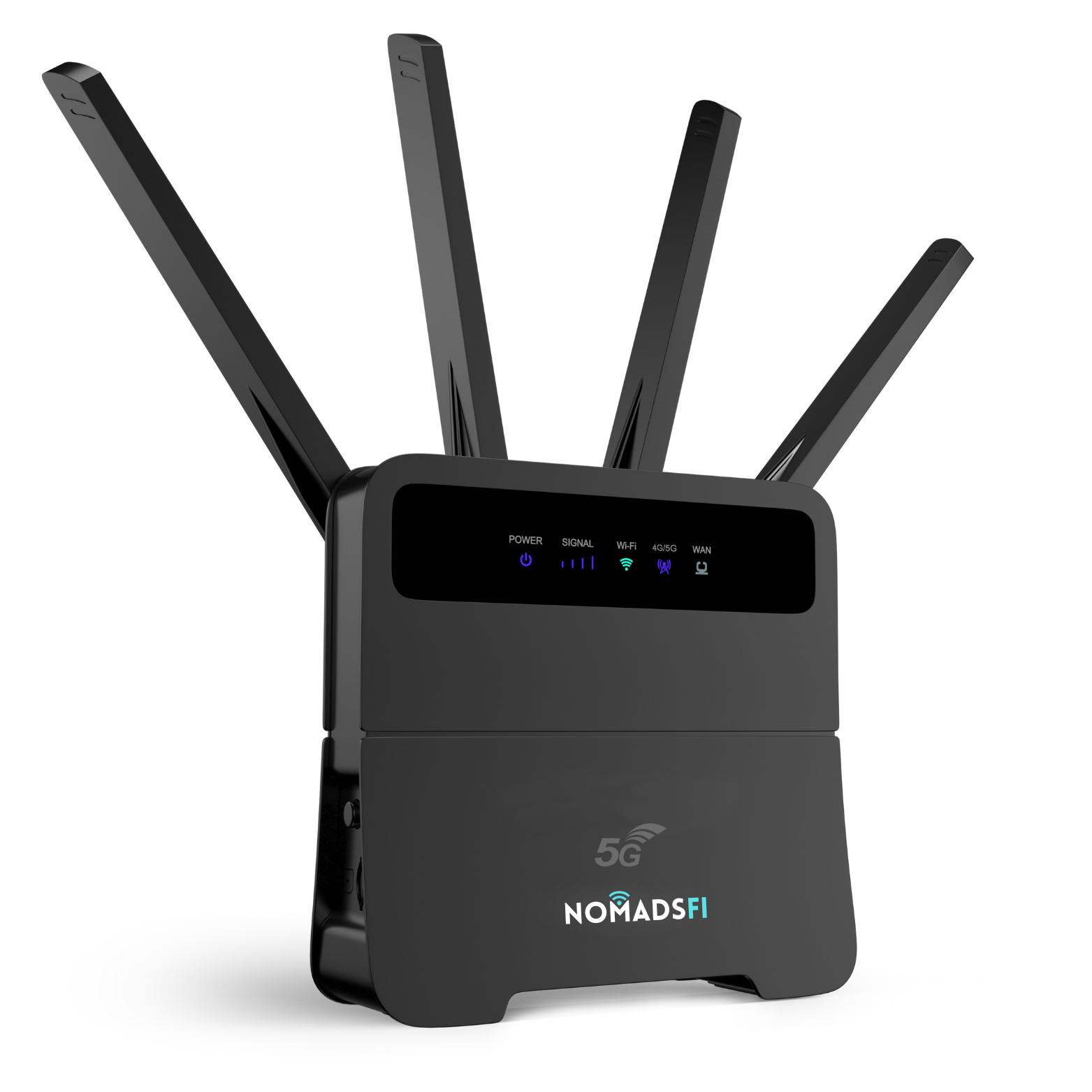

Quick answer: An internet hotspot device is a small cellular router that turns a mobile data plan into a private Wi-Fi network for laptops, phones, cameras, or an RV router. You buy the device, choose a month-to-month plan, and connect your gear. It does not create coverage on its own. The trade-off is practical: no long-term contract and no SIM swap to switch carriers, but speed and reliability depend on the carrier signal at the exact spot where you use it.
What an internet hotspot device actually solves
You need internet away from your home router. Maybe it’s a jobsite trailer, a truck cab, an RV, a temporary office, or a family road trip. You don’t want to tether every laptop and tablet to one phone, and you don’t want to sign a long-term contract for a location you’ll leave in three weeks. That’s the problem an internet hotspot device solves: it gives you one local Wi-Fi network fed by cellular data.
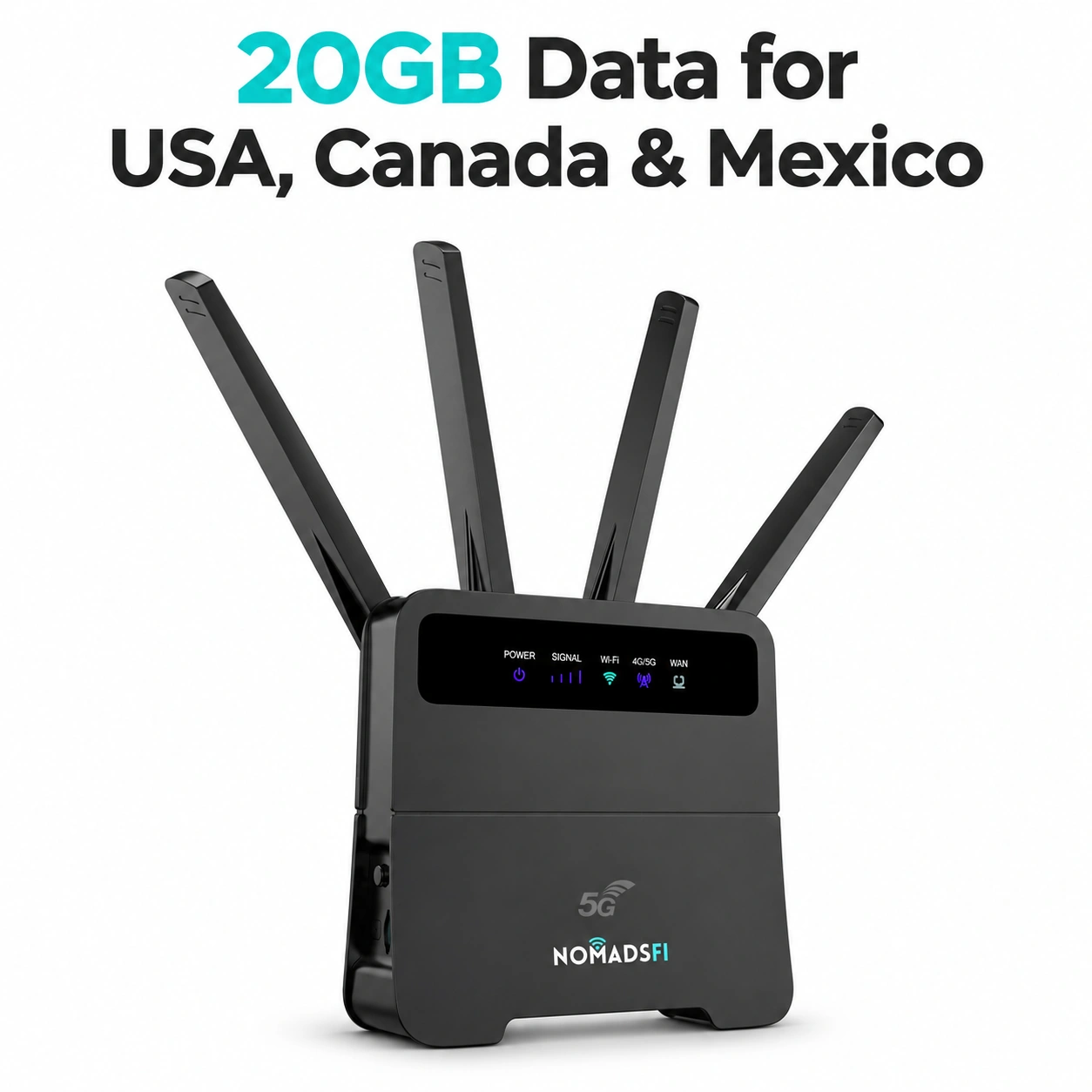
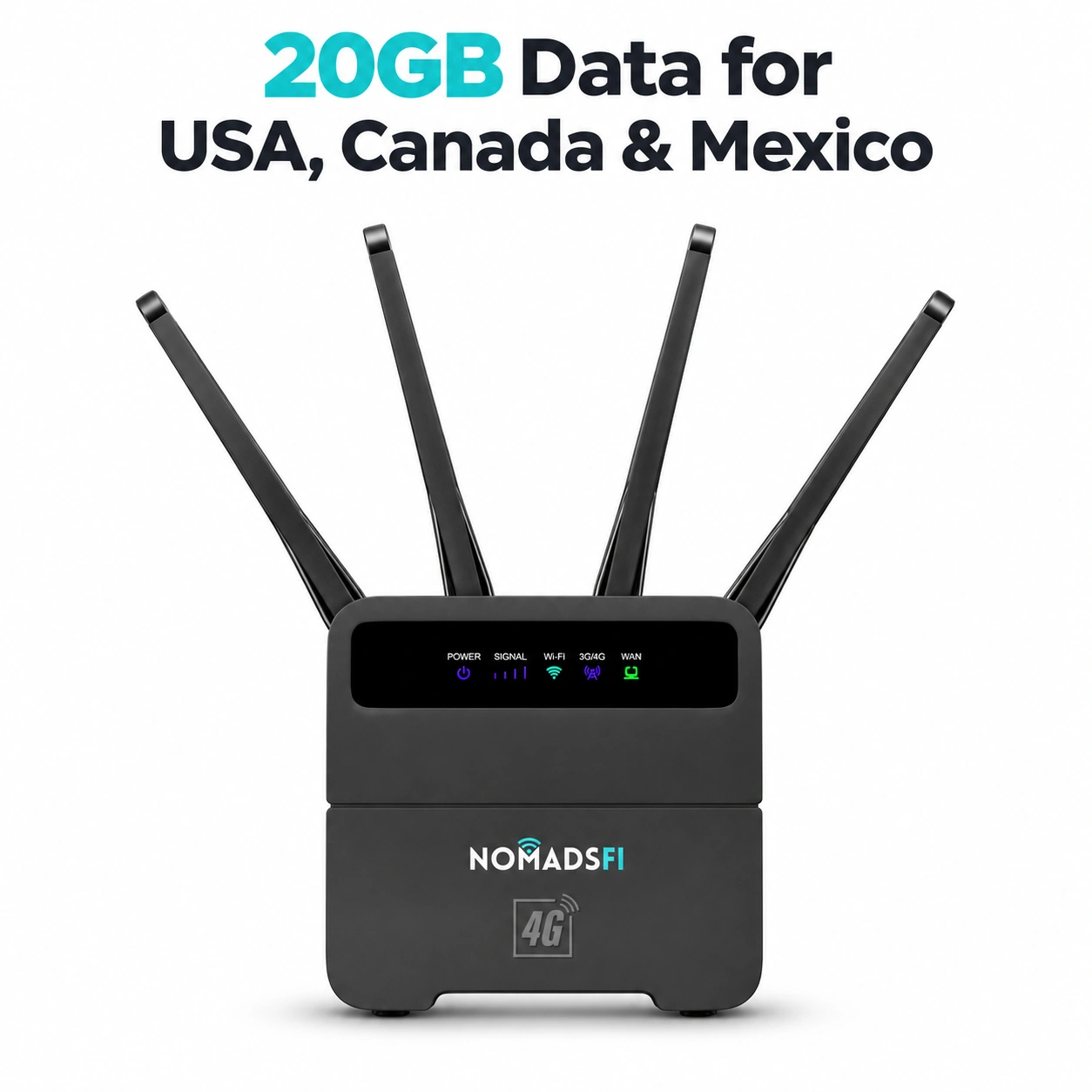
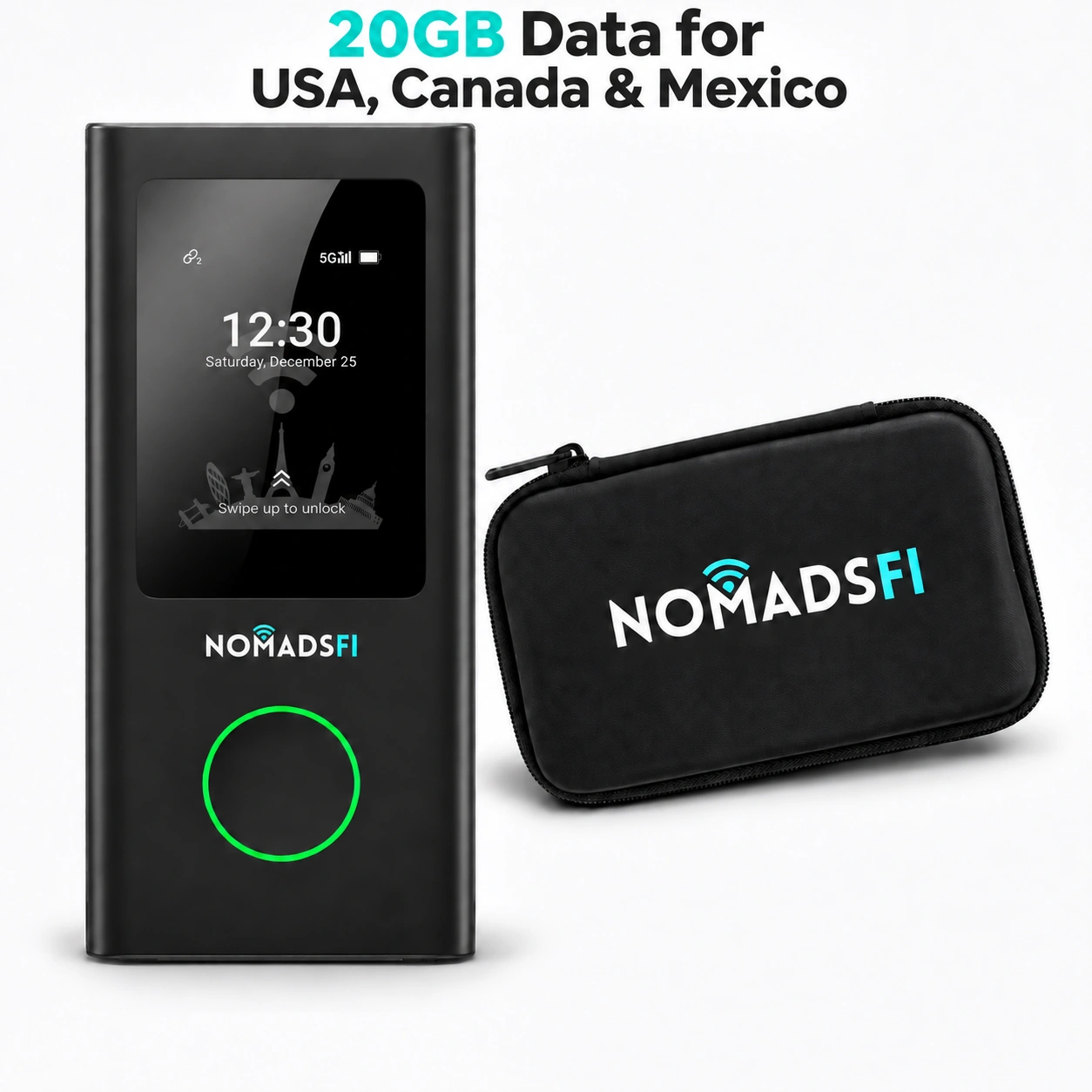
The device itself is not the internet. It’s a radio and a router in a box. It picks up the carrier signal where you set it down, turns that signal into Wi-Fi, and lets your devices connect. A pocket WiFi hotspot is the small battery-powered version you carry. A cellular router is the bigger version you leave plugged in for an RV, home office, or job trailer. Same basic job, different power and antenna trade-offs.
My stance: buy for the signal and the plan terms, not for the label on the box. A plain hotspot on the right carrier at your address beats a fancier one on the wrong carrier every time. That’s less exciting than shopping for hardware, but it’s the part that decides whether you get usable internet or another piece of gear that sits in a drawer.
How it works in four steps
Here’s the mechanism without the sales pitch.
- Put the device where the signal is strongest. A window sill, roof antenna, or raised shelf can beat the middle of a metal trailer. Placement is part of the setup, not an afterthought.
- Activate a data plan on the device. NomadsFi devices are sold SIM-free and can switch between carrier networks. The data plans are month-to-month with no long-term contract.
- Connect your gear to the hotspot’s Wi-Fi. Phones, laptops, tablets, cameras, or a travel router can join the network. For an RV or job trailer, you may connect a router so wired devices can share the connection.
- Manage power and data use. Battery hotspots need charging. Plug-in routers need a reliable power source. Both need enough plan data for the work you’re doing.
The part people miss: the hotspot is only as good as the carrier signal at that address. If the signal is weak, moving the device two feet can matter more than changing a setting.
What to check before you buy
Don’t start with the spec sheet. Start with the place you’ll use it and the way you’ll work. Four checks matter more than the box.
Signal at the exact address
Check the carrier signal where you’ll actually park, work, or camp. “Coverage” on a map is not the same as a usable signal inside a metal building or down a tree-lined road. Performance depends on carrier signal at the specific address. If you can, test with a phone on the same carrier before you buy. A 5G hotspot is not a blanket promise; 5G depends on the carrier and the spot.
Data use, not just speed
Add up what you’ll do. Email and browsing are light. Video calls, cloud backups, security cameras, and remote work are heavier. If a plan is described as unlimited, a fair-use high-speed allowance applies and speeds may reduce after it. Plan around the allowance, not the word “unlimited.”
Power and placement
A battery hotspot is convenient, but it needs charging and it may slow down in heat. A plug-in router is better for an RV or trailer, but you need a power source and a place to mount it. Keep the device out of direct sun when you can. Give it air. Don’t bury it under a pile of gear.
Contract terms and shipping limits
Month-to-month with no long-term contract matters if the job ends or the trip changes. SIM-free hardware matters if you need to switch carrier networks without buying another box. Be clear on the limits too: devices ship within the US only, and the rental program is for US use only. International data plans advertise coverage in 200+ countries, but that does not change the shipping and rental limits.
Match the setup to the situation
Not all hot spot boxes are built for the same job. A device that fits a family road trip may be a bad fit for a jobsite trailer with wired equipment and a metal roof. Use the situation to narrow the choice before you compare specs.
| Situation | What matters most | Setup that fits |
|---|---|---|
| Jobsite trailer | Signal at the trailer, power, and device count | Cellular router with wired power and external antenna options |
| RV trip | Antenna placement, battery power, and carrier coverage along the route | RV cellular router or hotspot with a window or roof antenna |
| Truck route | Quick setup, sturdy power, and handoff between coverage areas | Pocket WiFi hotspot or compact router with a vehicle charger |
| Temporary office | Upload needs, wired devices, and a stable spot near a window | Hotspot with Ethernet port or a small cellular router |
| Family road trip | Battery life, number of phones and tablets, and data use | Battery-powered pocket WiFi hotspot with a car charger |
For an RV, the weak point is usually antenna placement and where the signal enters the rig. My guide to an rv internet signal setup covers the practical side. For a jobsite, treat power and mounting as part of the internet setup, not as an accessory decision. For a truck route, keep the device simple enough that you’ll actually use it at a stop.
For a temporary office, check whether you need an Ethernet port for a printer, desktop, or point-of-sale gear. For a family road trip, a pocket WiFi hotspot with a car charger is usually enough for tablets and phones, but don’t expect it to carry four people streaming separate HD feeds unless the signal and plan support that load.
What most people get wrong
A lot of hot spot boxes get returned because the buyer checked the box, not the signal. These are the three mistakes I see most often.
They buy the box before checking the carrier
This is the expensive version of guessing. The device can be fine and still be useless if the carrier is weak where you park. Instead, check the carrier at the exact address first. If you’re moving between locations, check the route, not just one stop. Then buy the device and plan that match the signal you actually have.
They treat a hotspot as a home internet replacement
A hotspot can carry work, school, and streaming for a small group, but it is not the same as a wired home connection. Data use adds up, and speed depends on the carrier at that address. Instead, match the plan to the work. Use it for the job it can do, and keep a backup plan for critical work. If you need wired devices, choose a router or a hotspot with an Ethernet port.
They ignore heat, power, and placement
A hotspot in direct sun on a dashboard can overheat. A router in a metal cabinet can lose signal. A battery device that dies at lunch is not portable internet. Instead, give the device air, keep it out of direct sun, and use a power source that matches the job. In an RV or trailer, mount it higher and closer to the outside wall or antenna.
What it costs and what changes month to month
I’m not going to quote a price here because the honest number depends on the device, the plan, and the carrier. What I can tell you is what changes month to month. The plan is month-to-month with no long-term contract, so your bill follows the plan you choose, not a contract clock. If your data use changes, you can change the plan instead of being stuck.
Hardware is a separate decision. NomadsFi devices are sold SIM-free and can switch between carrier networks, so the box is not tied to one carrier forever. That matters if you move between job sites or take a route where one carrier is stronger than another. Devices ship within the US only. The rental program is for US use only and is described on NomadsFi’s rent program page.
International data plans advertise coverage in 200+ countries, but the shipping and rental limits still apply: US shipping only, US rentals only. If you’re buying for a US job, trip, or route, that’s the relevant frame. Read the plan terms before you rely on it for work.
One honest limitation: it needs a usable carrier signal
An internet hotspot device is not satellite service. It does not create a signal where the carrier has none. It will not carry you through a tower outage, a power cut, or a true dead zone. If the signal is weak, the hotspot can’t fix the tower side of the problem. If the power is out and your device has no battery, it won’t run.
This is the trade-off you accept when you choose cellular internet. You get portability and month-to-month terms, but you’re renting access to a carrier’s network at that location. Check the address, keep a backup for critical work, and don’t buy a fancier hotspot to solve a signal problem. If the signal isn’t there, the right move is a different location, a different carrier, or a different technology—not a fancier hotspot.
Frequently asked questions
Can an internet hotspot device replace home internet?
It can replace home internet for some work, but not all. A hotspot is best for email, browsing, video calls, and a small number of devices. Heavy streaming, large backups, and wired home equipment may need more data or a router. Check the carrier signal at your address first, then match the plan to your actual monthly use.
Do I need a contract or a new SIM to switch carriers?
No long-term contract is required for NomadsFi data plans; they are month-to-month. Devices are sold SIM-free and can switch between carrier networks. That means you’re not locked to one carrier by the hardware. You still need to confirm that the new carrier has usable signal at the address where you’ll use the device.
Will a hotspot work on an RV, jobsite, or truck route?
It can, if the carrier signal is usable where you park or stop. For an RV or trailer, placement and antenna options matter more than the box. For a truck route, check coverage along the route, not just at home. Devices ship within the US only, and the rental program is US-only. No hotspot works in a true dead zone or through a tower outage.
Coverage and speed depend on carrier signal at the address, and the rental program is for US use only. Confirm device compatibility and current plan terms on the NomadsFi product and plan pages before ordering.