


Quick answer: For most US RV trips, the reliable way to get internet for RV use is a cellular hotspot or router with a month-to-month data plan, paired with a signal check at each stop. RV park WiFi can help, but it often slows when the park fills. Pick a SIM-free device, confirm carrier signal where you park, and treat satellite internet for RV as a separate tool for places cellular cannot reach.
What internet for RV actually solves
Most people don’t need a perfect connection on the road. They need a predictable one. You want to join a work call without walking around the campground holding your phone in the air. You want maps, weather, messages, a kid’s streaming show, and maybe a security camera to keep working when the RV park WiFi gets busy. That’s the real job. Internet for RV use is not about turning a remote campsite into an office campus. It’s about keeping the tools you already depend on from failing at the worst time.
The RV internet options usually come down to a few practical sources: the park’s WiFi, your phone as a hotspot, or a dedicated hotspot or cellular router built for travel. Park WiFi is the cheapest-looking option until everyone returns at dinner time and starts streaming. Phone tethering is fine for a quick check, but it drains your phone battery and can hit plan limits fast. A dedicated device gives you your own network, your own data plan, and a cleaner setup for multiple devices. RV WiFi inside the coach is just the local network. It still needs a real source of cellular signal.
For internet for campers, the useful question is not “What’s the fastest device?” It’s “What has to work, and where will I be parked?” A weekend camper can get away with a phone and a park WiFi password. A remote worker who moves every week needs a better answer. A family with tablets, a TV, and a work laptop needs more than one bar on a phone. If you want a fuller build walkthrough, see how to build an RV internet setup.
WiFi for RV travel is not magic. It’s a chain: tower signal, modem or hotspot, router, then your devices. If the first link is weak, the rest can’t fix it. That’s why a cheap hotspot in a strong signal area can beat an expensive setup in a bad spot. It’s also why park WiFi should be treated as a bonus, not a foundation. The trade-off is simple. Park WiFi costs less upfront and can be good in an empty park. A dedicated cellular setup costs more, but it gives you control over the data plan and the network you rely on.
How a cellular RV setup works
A cellular hotspot or router does one main thing: it turns a carrier signal into a private WiFi network for your devices. Here’s the mechanism in plain steps.
- It picks up the carrier signal. The device uses a SIM or built-in carrier profile to connect to a cell tower. Signal depends on distance, terrain, trees, buildings, and where you place the device inside the RV.
- It creates a local network. Your laptop, phone, tablet, TV, or camera connects to the hotspot or router. This is the WiFi for RV part people see. The device is still dependent on the tower signal behind it.
- It uses your data plan. The plan sets how much high-speed data you get and what happens after that. A month-to-month plan with no long-term contract gives you room to change course.
- You manage placement and power. A device near a window usually beats one buried in a metal cabinet. A router with external antenna options can help in an RV, but it still can’t create signal where there is none.
Camper internet gets judged on the worst day, not the best one. A hotspot that works great in an open lot may struggle under heavy tree cover or inside a metal RV shell. A router mounted higher and away from metal can help. So can a device that stays plugged in instead of running on a battery all day. What you’re building is a small private network with a cellular backhaul. Keep that picture in mind and the shopping decisions get easier.
Don’t confuse this with satellite service. A cellular hotspot is not satellite internet. It won’t work through a tower outage, a power cut, or a true dead zone. It’s a land-based connection that depends on the carrier network at your specific location. That’s not a flaw to hide. It’s the main thing to plan around.
What to check before buying
Before you spend money on hardware, check the things that actually decide whether internet for RV campers works at your stops. The order matters. Signal first. Data second. Power third. Contract terms last, but don’t skip them.
Signal at the address, not the brand map
Carrier maps are a rough guide, not a promise. Performance depends on carrier signal at the specific address. A campground can sit on the edge of coverage, and site A can be better than site B. Ask the park what carrier works best for other guests. Check your own phone on the carrier you’re considering. Walk to the site you booked, if you can. Look for trees, hills, and metal buildings that block signal. For internet for RV users who move often, this check should happen before every long stay, not just at purchase.
Data use that matches your real day
Work calls, cloud backups, streaming, gaming, and security cameras all change the math. A plan that feels generous for email can disappear fast with video. If you’re shopping for the best unlimited internet for RV use, read the fine print. If a plan is described as unlimited, a fair-use high-speed allowance applies and speeds may reduce after it. That’s normal. The key is to know what happens after the allowance, not just the headline. Month-to-month plans with no long-term contract are useful here because you can change the plan as your travel changes.
Power, heat, and placement
A hotspot battery is handy for a day trip. For an RV, pass-through charging and a safe place to sit matter more. Heat is the quiet killer. A device in direct sun on a dashboard or trapped in a closed cabinet can overheat and slow down. Plan for ventilation. Plan for a USB or 12V outlet. If you use an inverter, know what else is running. A cellular router may need more power than a pocket hotspot, but it can stay in one place and serve the whole coach.
Contract terms and where the device ships
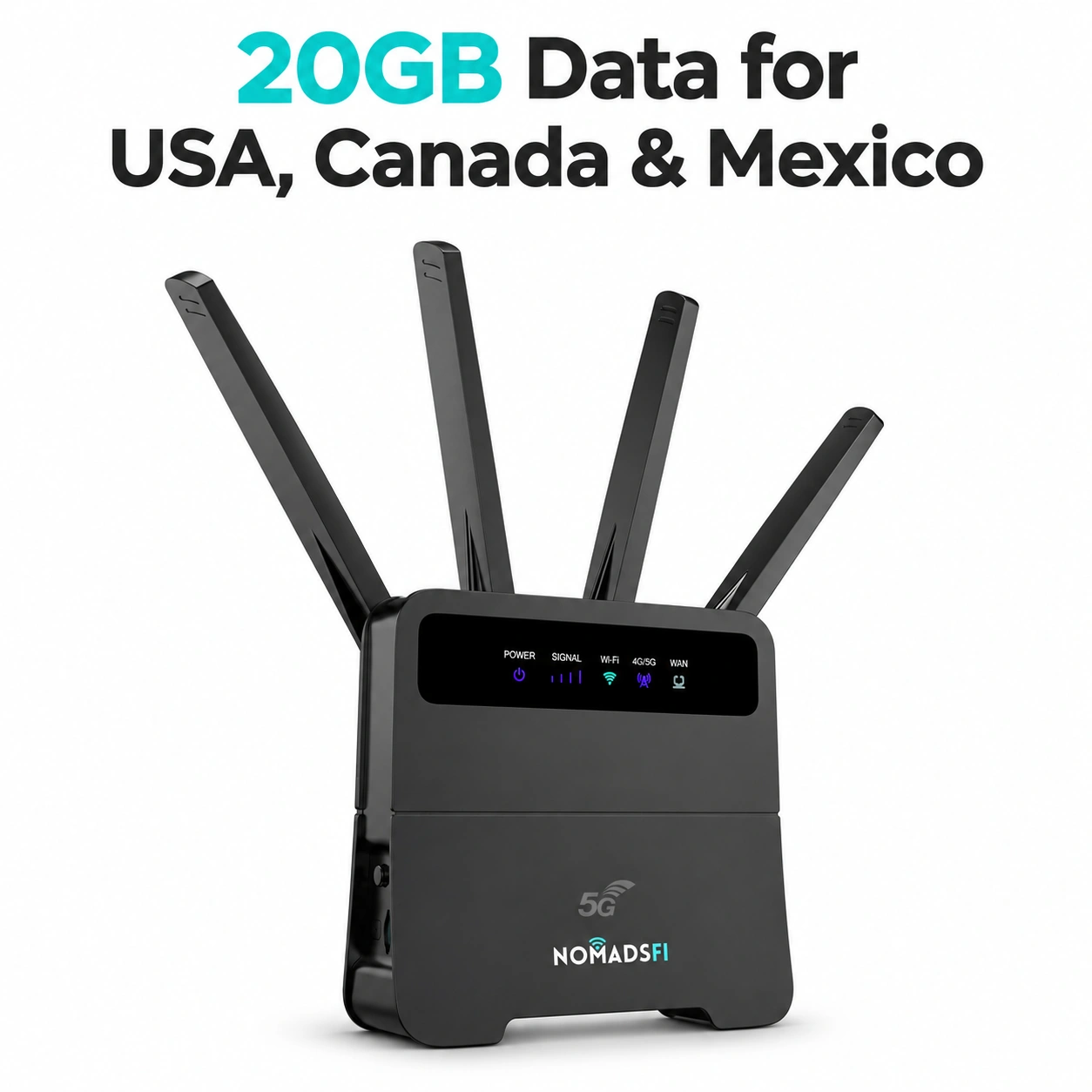
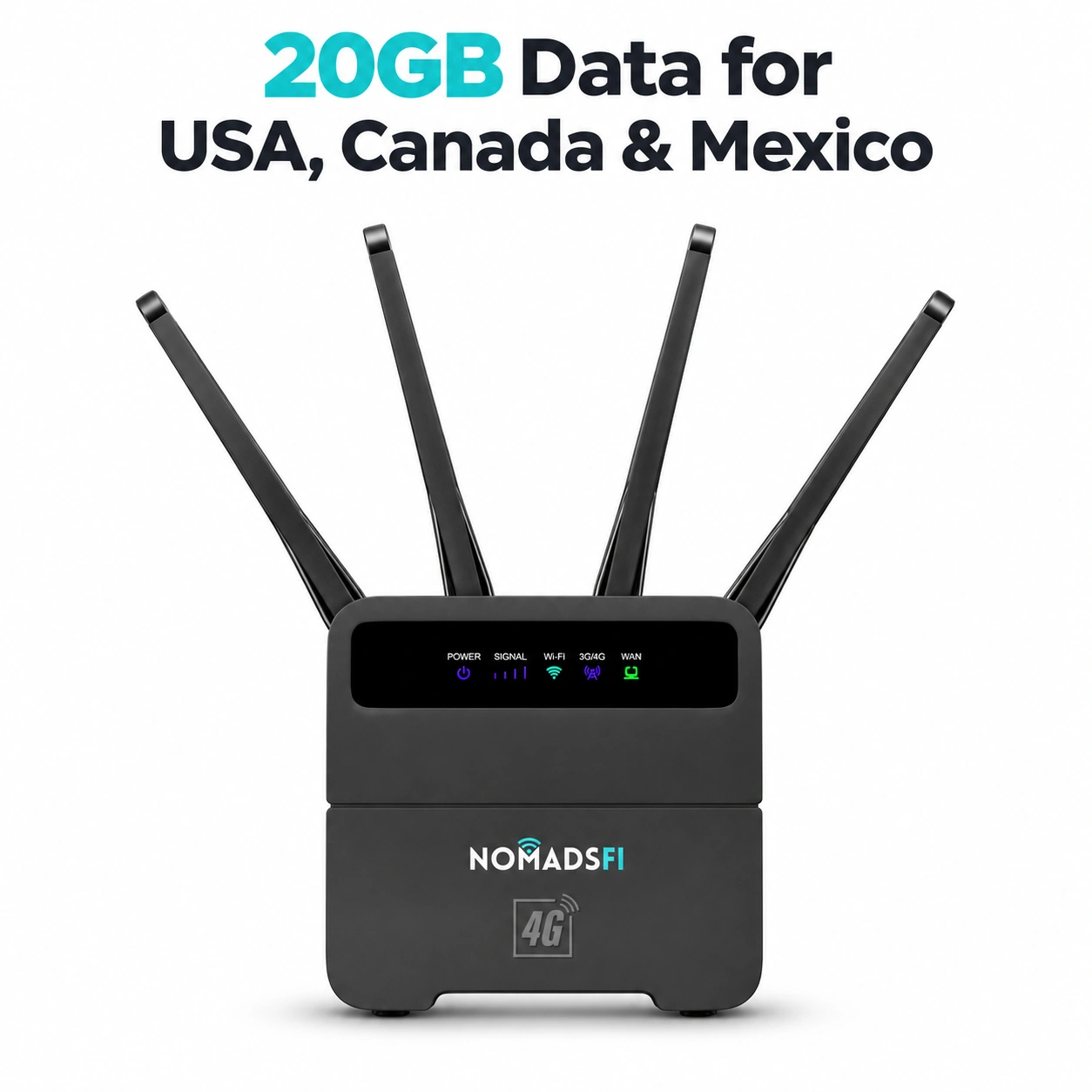
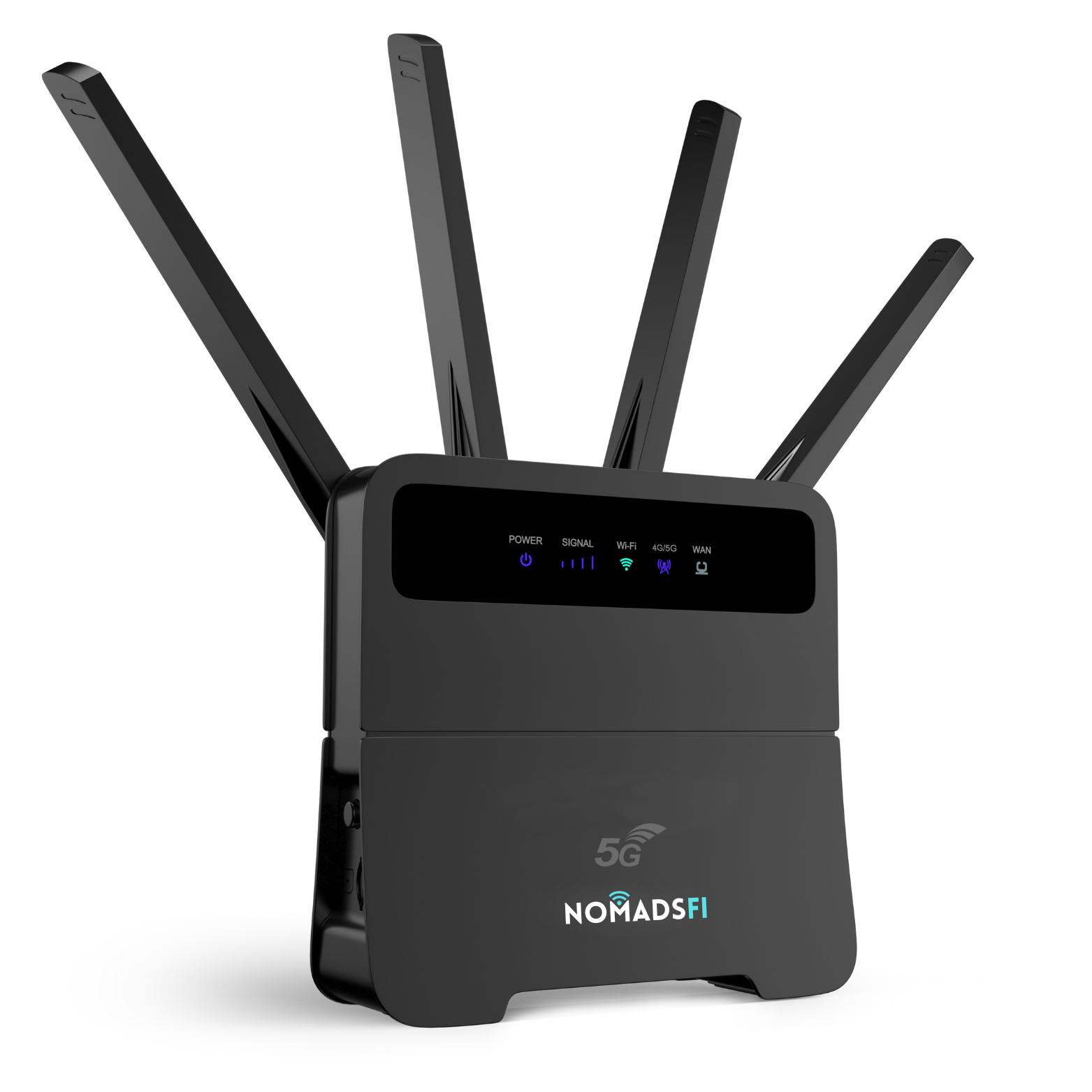
Check whether the plan is month-to-month with no long-term contract. Check whether the device is SIM-free and can switch between carrier networks. That flexibility matters when you move into a park where one carrier is stronger than another. NomadsFi devices are sold SIM-free and can switch between carrier networks. Devices ship within the US only, and the rental program is for US use only. If you want a practical pre-trip checklist, see our pre-trip connection checklist.
Match the setup to the situation
The best internet for RV travel depends on the trip, not on a spec sheet. A solo remote worker has a different problem than a family on a two-week road trip. A leased RV fleet has a different problem than a retired couple snowbirding for the season. Use the table below as a starting point, then check signal and data needs against your own route.
| Situation | What matters most | Setup direction | Watch-out |
|---|---|---|---|
| RV park with usable park WiFi | Park WiFi plus a cellular backup | Test park WiFi at your site, not just the office | Congestion during peak hours |
| Remote work with video calls | Stable upload and enough high-speed data | Dedicated hotspot or router placed near a window | Signal changes when you move sites |
| Family road trip, many devices | Device limits, battery life, and simple sharing | Hotspot with pass-through charging and clear device limits | Streaming can eat data fast |
| Boondocking or remote campsites | Carrier signal and antenna placement | Router with external antenna options; test before you commit | True dead zones still happen |
| Temporary jobsite or office | Power and a wired fallback option | Cellular router with Ethernet; hotspot as backup | Heat and dust can hurt cheap hardware |
| Short one-off US trip | Trip length and upfront cost | Rent for a one-off trip; buy if you travel often | Rental program is US-only |
If you move often, spend on the router and antenna placement before you spend on a bigger plan. If you stay in one park for weeks, a plan with more high-speed data may matter more than a fancy antenna. If you only need email and maps, a pocket hotspot is enough. If you need video calls and a security camera, treat the connection as work infrastructure. That’s the difference between best rv internet for a weekend and best rv internet for a rolling office.
Don’t buy for the trip you wish you were taking. Buy for the one you’re actually taking. A family that streams every night needs a different data plan than a solo traveler who checks messages twice a day. An RV that sits in one place for a month needs a different power setup than one that moves every morning. The device is only one part of the answer.
What most people get wrong
Most bad RV internet setups are not caused by the wrong device. They’re caused by the wrong order of decisions. Here are the mistakes I see most often, and what to do instead.
They buy the device before checking the signal
People see a speed claim or a sale price and buy first. Then they park in a tree-covered site and blame the device. Check the carrier signal at the places you actually stay before you buy. Ask the park. Test your phone. Move around the site. If the signal is weak, a different plan or a router with an external antenna may help, but no device can fix a true dead zone. For wifi for campers, location beats labels. Do the boring check first.
They treat park WiFi as the main connection
Park WiFi feels free, but it’s shared. When the park fills up, video calls stutter and pages crawl. Use park WiFi as a backup or a way to save data, not as the only plan. Keep your own hotspot or router ready. If you’re comparing best unlimited internet for rv plans, remember the fair-use rule: if a plan is described as unlimited, a fair-use high-speed allowance applies and speeds may reduce after it. Read that before you commit. A clear data bucket you can plan around often beats a vague promise.
They ignore power, heat, and placement
A hotspot tossed on a dashboard in July is a bad setup. A router buried in a metal cabinet is also a bad setup. Keep the device out of direct sun, give it airflow, and place it near a window when you can. Use pass-through charging so the battery isn’t the weak link. If you use an external antenna, route the cable without pinching it in a slide-out. For wifi for campers, small placement changes often do more than a new plan. Fix the physical setup before you buy more data.
What it costs and what changes month to month
RV internet costs come from a few places: the device, the data plan, any antenna or mounting gear, and power accessories. Prices change, so I won’t pretend a number here will hold. The bigger point is the structure. A dedicated hotspot or router usually means more money upfront and a monthly plan. Park WiFi may be included with a stay, but you don’t control it. Phone tethering feels cheap until you hit a plan limit or drain your battery every day.
Month-to-month data plans with no long-term contract are the right fit for RV travel because your needs change. You might need more high-speed data during a work-heavy month and less during a quiet stretch. You might move into a park where one carrier is stronger and want to switch networks without buying a new device. That’s why SIM-free devices matter. Devices ship within the US only. The rental program is for US use only and is described at nomadsfi.com/pages/rentprogram.
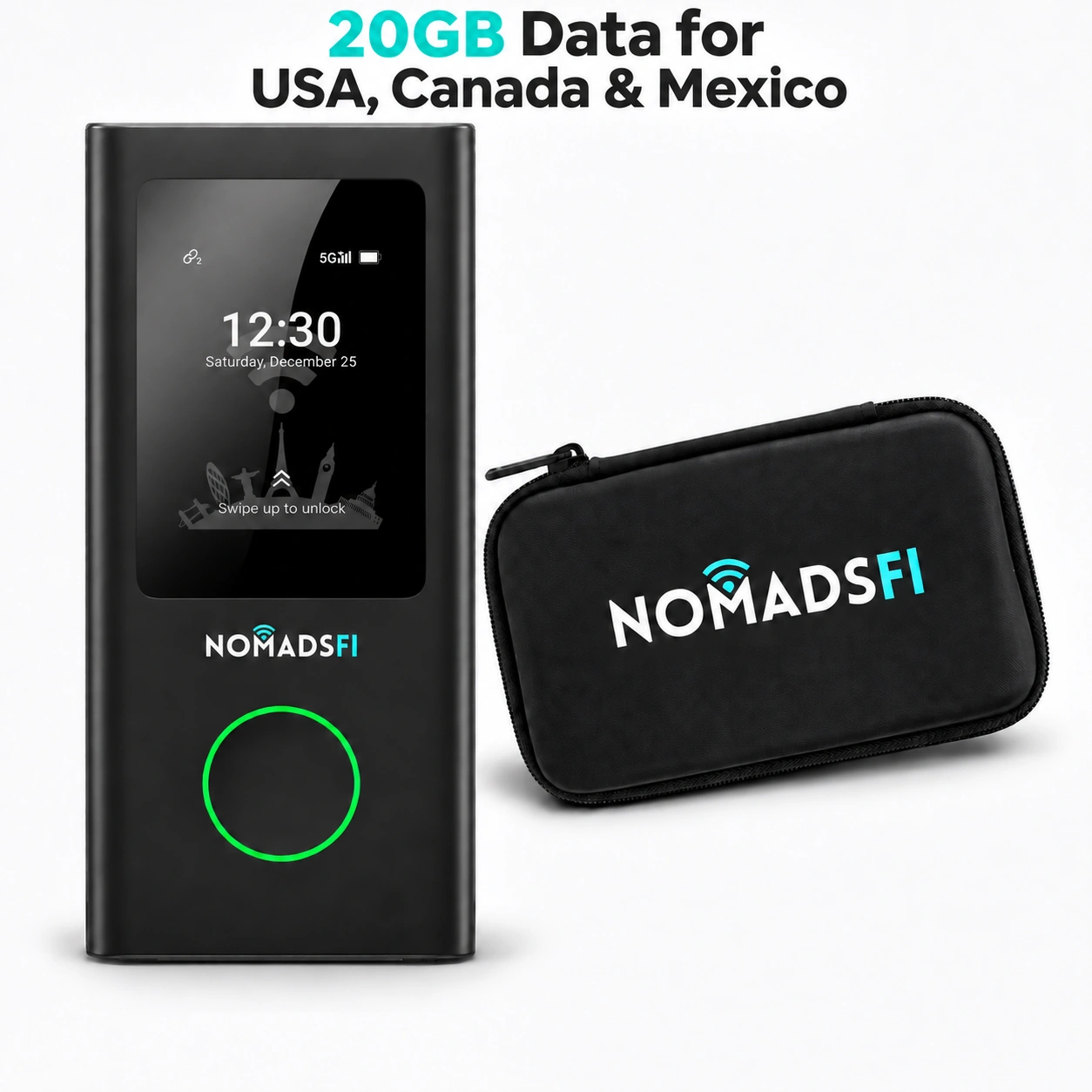
Renting can make sense for a short US trip or a one-time event. Buying can make sense if you travel often and want the device ready to go. If you’re weighing that choice, see renting versus buying for a short trip. If you want a compact option to compare against your data needs, the PocketFi 5G hotspot is worth a look. Just don’t buy on hardware alone. Check the carrier signal where you park, then match the plan to your real data use.
What changes month to month is not just the bill. It’s the signal, the congestion, and your own habits. A plan that works in an open park may struggle in a canyon. A device that works for email may not keep up with a work call and a streaming TV at the same time. Budget for flexibility, not just the lowest monthly number.
An honest limitation
Cellular internet for RV travel can’t fix a true dead zone. It won’t work through a tower outage. It won’t work through a power cut at the tower or in the park. Trees, hills, metal RV walls, and crowded campgrounds can all weaken the connection. A hotspot or router can improve your odds with better placement and a better antenna, but it can’t create signal where the carrier has none. That’s the trade-off. You get flexibility, no long-term contract, and a private network, but you still have to plan for dead spots.
Keep offline maps. Download shows before you leave. Have a backup way to send messages. Check your route for coverage gaps before a workday. If you need a connection for a live call, test the spot before you rely on it. The honest answer is that no single device is right for every campsite. The right setup is the one you’ve checked against your actual stops.
Frequently asked questions
Can I use park WiFi as my only internet for RV travel?
You can, but don’t count on it for work or streaming. Park WiFi is shared, so it often slows when the park fills. Test it at your site, not just near the office. Use it as a backup or a way to save data, and keep a cellular hotspot or router ready for the times it fails.
Do I need a router or is a hotspot enough?
A hotspot is enough for a few devices and light use. A cellular router makes more sense for a full-time RV, multiple devices, Ethernet, or an external antenna. The router can stay in one place and serve the coach, but it still depends on carrier signal at your specific address. Match the hardware to your devices and placement.
Does a cellular hotspot work in every campsite?
No. It depends on carrier signal at the specific address. A hotspot can work well in one site and struggle in the next because of trees, hills, metal walls, or network congestion. It won’t work in a true dead zone or through a tower outage. Check signal before you rely on it for work.
Coverage and speed depend on carrier signal at the address, and the rental program is for US use only. Confirm device compatibility and current plan terms on the NomadsFi product and plan pages before ordering.