
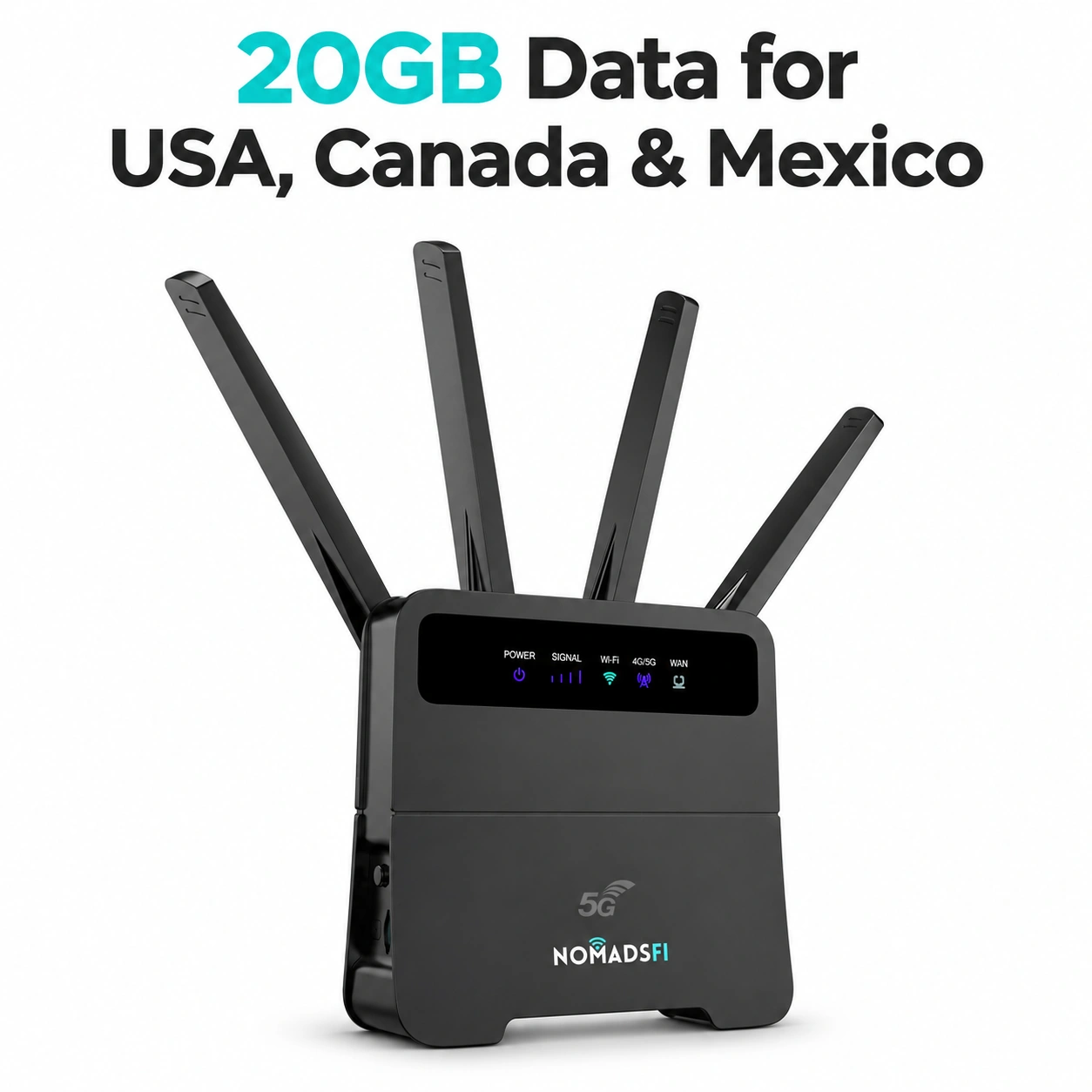
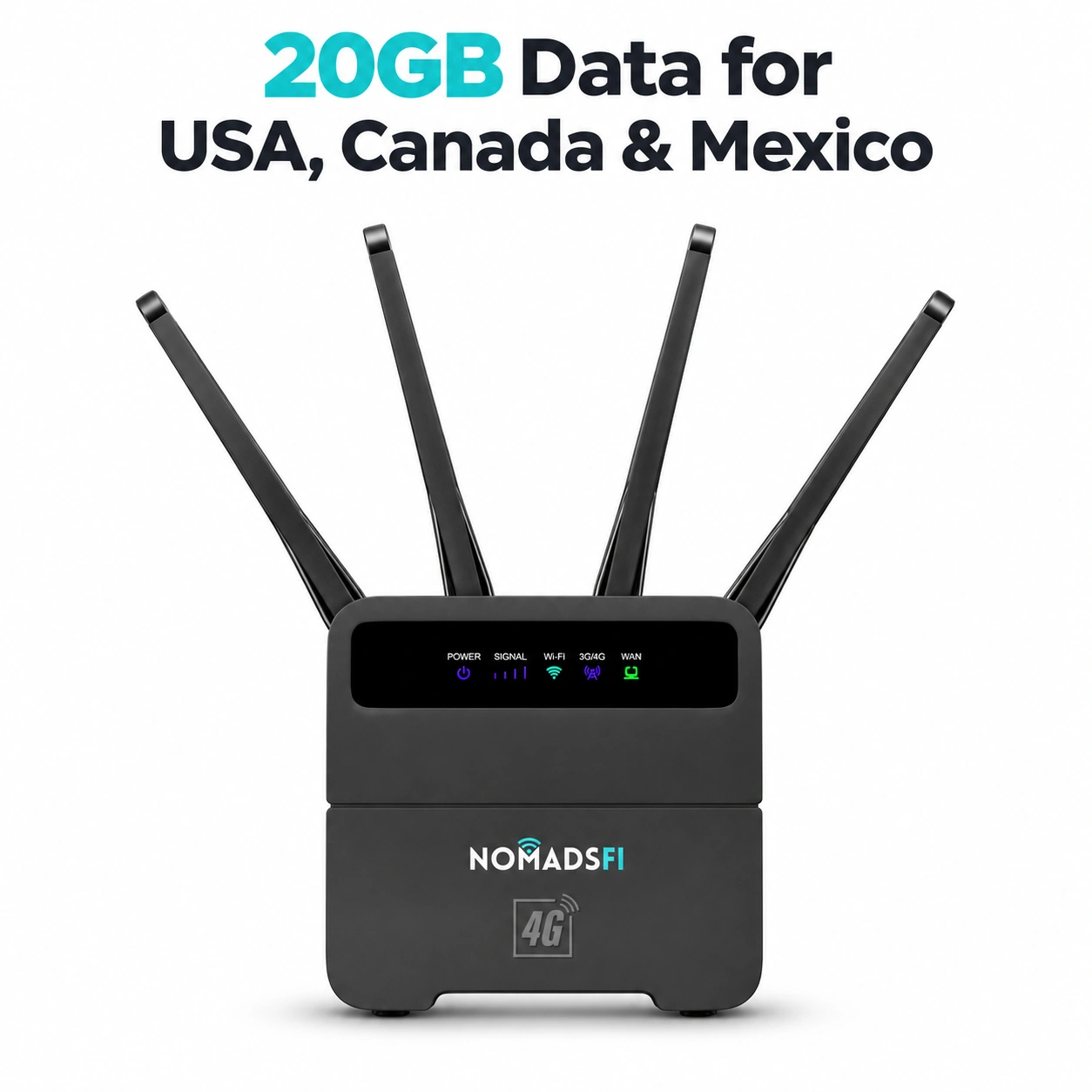
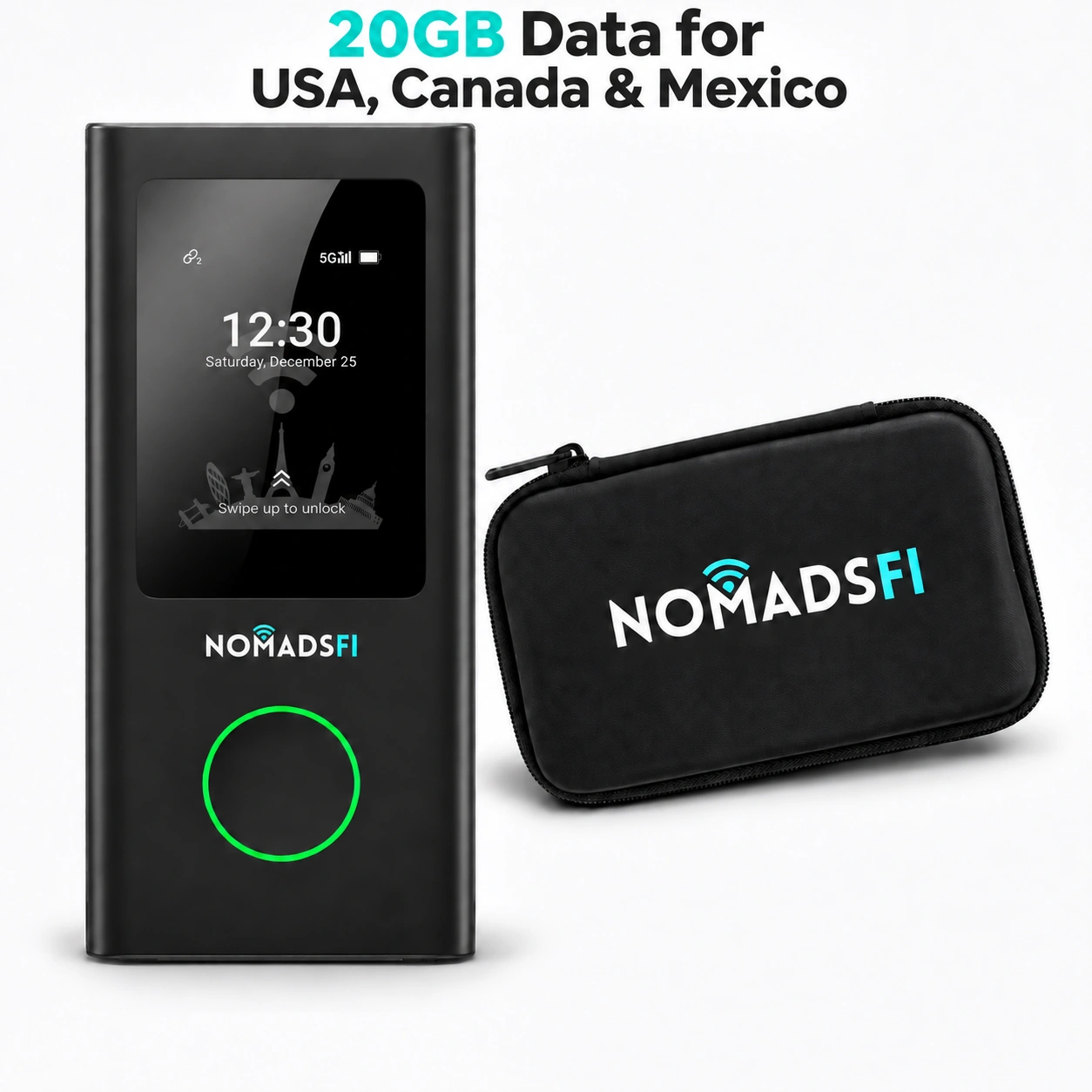
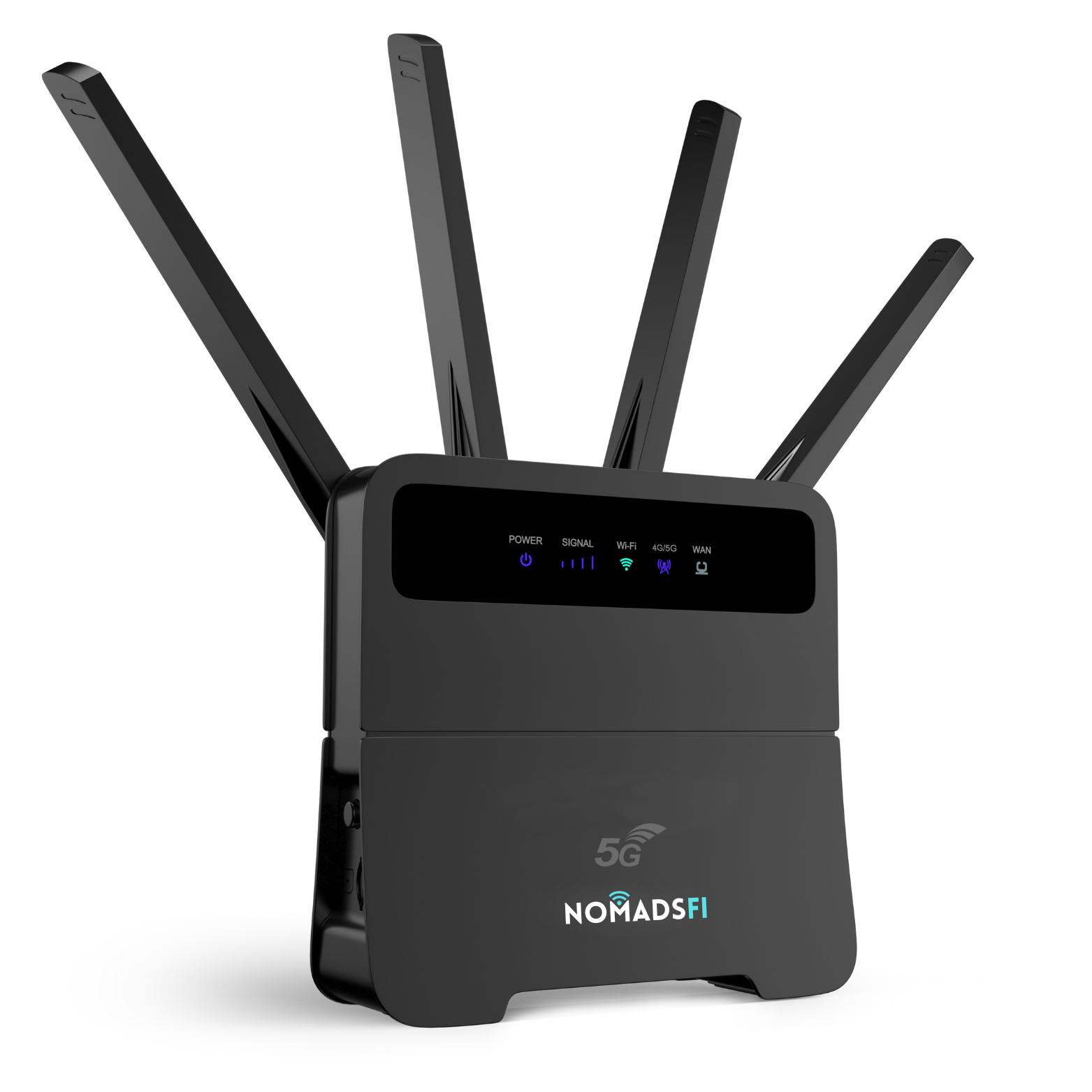

Quick answer: The decision that changes everything downstream is whether you're buying internet for a place or for a person. A pocket wifi device is a small battery-powered router that turns a cellular signal into a WiFi network, so laptops, tablets and a car full of phones share one plan instead of tethering one at a time. Buy for the place, then check carrier signal at that exact address before you spend anything.
What a pocket wifi actually solves
Getting online from a rental cabin, a job trailer, a truck stop or a campground usually fails for the same boring reason: there's one phone hotspot, four people want it, and that phone is also the map, the camera and somebody's actual phone line. A pocket wifi solves that specific problem. It's a separate unit with its own battery and its own data plan, and it broadcasts a WiFi network every laptop, tablet and phone in your group can join.
That's the outcome in plain words: one connection, shared, that doesn't drain the battery of the phone you need for everything else. You can leave the device on a kitchen counter in a rental and let the whole family connect to it, instead of passing a phone around and re-pairing it every twenty minutes.
Here's the trade-off most guides skip. If it's you, one laptop and a week of work, a phone hotspot is probably fine and costs you nothing extra. A portable wifi hotspot earns its money when the device count climbs, when several people need to be online at the same time, or when the connection has to sit still for days in one spot — an RV, a temporary office, a house you're staying in while a lease gets sorted out.
NomadsFi sells the device and the plan separately. Devices are SIM-free and can switch between carrier networks, and data plans are month-to-month with no long-term contract, so the connection can follow the season instead of a two-year commitment. If you want the scenarios spelled out, we wrote about 5 situations you need pocket wifi nomadsfi.
How it works, in four steps
Strip out the marketing and a pocket wifi device is four things happening in order.
- It listens. A radio inside the device picks up the cellular signal broadcast by a carrier's tower — 4G LTE or 5G, depending on the model and on what's actually available where you're standing.
- It builds a network. The device turns that cellular connection into its own WiFi network, with a name and password you control.
- Your devices join it. Laptops, tablets, phones, a WiFi printer — anything that connects to ordinary WiFi connects to the hotspot instead. No tethering cable, no pairing dance repeated per device.
- The plan sets the ceiling. Your data plan decides how much you can move and whether speeds reduce after an allowance is used. The device moves data; the plan decides how much of it you get.
There's no hidden magic in that chain, which is why the signal question matters more than the spec sheet. The device can't manufacture coverage that isn't there. Performance depends on carrier signal at the specific address, and that's the first thing to test — not the last.
What to check before you buy
Signal at the address, not the town
Carrier coverage maps are a rough guide drawn at a scale that hides your building. The useful question is narrower: what does signal look like at the exact spot where the device will sit — inside a metal RV, in a basement rental, behind a ridge, on the north side of a job trailer? Take a phone on the carrier you're considering to that spot, check the bars, and run a speed test at the time of day you'll actually be working. Five minutes of testing beats an hour of reading reviews.
Data use and what "unlimited" really means
Add up the habits, not the devices. One person on email and a browser is a different load from three people on video calls while a fourth streams television. If a plan is described as unlimited, a fair-use high-speed allowance applies and speeds may reduce after it. That's how cellular plans work, and it's better to plan around it than to be surprised by it on day nine of a ten-day job. A plan with a clear allowance you can live inside will treat you better than a promise you can't measure.
Power, heat and placement
This is a battery device, so charging is part of the routine. A full day of multi-device use usually means plugging it in overnight, and a car charger or power bank belongs in the kit if you'll be away from outlets. Placement matters as much as power: a unit sitting on a window sill or a shelf near the outside wall generally holds a signal better than one buried under a seat or inside a cabinet. Don't buy the hardware and then hide it.
Contract terms and switching
Ask what happens when you stop. NomadsFi data plans are month-to-month with no long-term contract, and the devices are SIM-free so they can switch between carrier networks. If your work moves — a winter in one state, a summer somewhere else — that flexibility is worth more than a small monthly difference on a plan you can't leave. If you want a shortlist plus buying criteria, our guide to the best mobile wifi hotspot covers how to compare units without drowning in spec sheets.
Match the setup to the situation
Three things decide the right setup: how many devices are online, whether the connection sits still, and how long you need it. The table below is the short version. Nothing in it is about brands, because the situation matters more than the label on the box.
| Situation | What to prioritize | What to watch |
|---|---|---|
| Solo remote work, one laptop | Phone tethering first — it's simpler and already paid for | Phone battery and heat on long calls |
| Family road trip, several phones | Battery that lasts a full driving day | Everyone drawing from one data allowance |
| RV or temporary housing | A unit that stays put and runs on wired power | Signal at the specific lot, not the nearest town |
| Job trailer or pop-up office | Capacity for several workers online at once | Upload speed for file transfers, not just download |
| Backup for a home connection | Month-to-month plan with no long-term contract | It won't help during a tower outage or a power cut |
Two patterns fall out of that. First, short US trips with a small group are the easy case: one hotspot, one month-to-month plan, done. If you'd rather not buy for a two-week stretch, the rental program is described at nomadsfi.com/pages/rentprogram — it's US-only, and devices ship within the US only. Second, anything stationary for months is a placement problem before it's a hardware problem. Find where the signal lives in the building, put the device there, and only then think about accessories.
If you're comparing units for a trip, our roundup of the best portable wifi hotspots for travel is a reasonable starting point. If range is the problem rather than speed, read up on why an rv wifi booster setup adds reach and not throughput — people buy the wrong fix for the wrong problem constantly.
What most people get wrong
Three assumptions come up again and again. None of them survive contact with a real trip.
Myth one: a pocket wifi is just a phone hotspot with extra steps
For one person with one laptop, that's close enough to true that you shouldn't spend the money. For a group, it isn't. A dedicated device keeps its own battery, stays in one place, accepts more connections, and doesn't leave you handing your unlocked phone to a client or a kid. The step that matters isn't technical — it's that the connection stops being attached to somebody's personal phone.
Do this instead: count the people and devices before you count the features. Three or more devices, or two or more people working at once, and a separate portable wifi hotspot is the sane call. Weigh both sides in portable wifi vs phone hotspot for travel before you buy either.
Myth two: a faster device or a bigger antenna will fix slow internet
Speed comes from the carrier signal at the address and from how congested that network is at the moment you're working. Buying a nicer box doesn't change either. A booster or external antenna helps when the problem is distance from the tower and you need the device to hear a signal it currently can't. It won't add capacity to a network that's already busy, and it won't turn two bars into a fast connection.
Do this instead: test the spot, then position the device, then decide whether you have a range problem or a capacity problem. Only the first one is solvable with hardware. And ignore the 5G badge on the box as a promise — 5G availability varies street by street, and the device falls back to whatever the tower actually gives it.
Myth three: I'll sort out connectivity when I arrive
For a domestic trip, that often works. For international travel, it doesn't. Devices ship within the US only, and the rental program is US-only, so the model is to buy the device and an international data plan in the US before you fly, set it up at home, and land with a working network instead of a shopping problem. International data plans advertise coverage in 200+ countries, which is a statement about carrier agreements — it isn't a promise about the inside of your specific apartment.
Do this instead: buy early enough to test before departure. Power the device on, connect two devices, confirm it behaves the way you expect, then pack it with the charger. Arriving with a unit you've never turned on is how people end up paying for a plan they can't use.
What it costs and what changes month to month
Two numbers matter: the device and the plan. They're separate purchases, and that's deliberate — you're not financing hardware through a two-year data contract. We're not going to quote prices here, because they move and a stale number in a blog post is worse than no number. Check the current listings on nomadsfi devices and read the plan terms next to them.
The device is a one-time cost that you keep. The plan is a monthly cost you can stop, since data plans are month-to-month with no long-term contract. That split is what makes the maths work for seasonal use: pay for the hardware once, run a plan during the months you actually need it, and don't pay for a connection that's sitting in a drawer.
What changes from month to month is mostly you, not the provider. Data use rises when a second person starts joining video calls. Signal quality changes when you move the device or the rig. Coverage changes when you cross into a different carrier's strong area — which is exactly why SIM-free hardware that can switch between carrier networks is worth more than a slightly cheaper unit that's stuck on one. If you're unsure which plan fits the way you work, the team can help you help choose a nomadsfi data plan based on device count and habits rather than guesswork.
One honest limitation
A pocket wifi doesn't create internet. It re-broadcasts an existing cellular signal, so if there's no usable signal where the device is sitting, there's no network to share — no clever setup changes that. It is not satellite service, it won't carry you through a tower outage, and it won't keep working in a power cut once the battery runs down. If your work genuinely depends on being online in remote country, this is the wrong category of tool and you should know that before you buy, not after.
The quieter limitation shows up in good signal: one device shared by a group means one connection shared by a group. A single heavy user — a big upload, an hours-long video call — affects everyone else on that network. That's not a defect, it's what sharing means. Plan the day's bandwidth-heavy tasks rather than assuming the device will sort it out.
Frequently asked questions
Is pocket wifi the same thing as a mobile hotspot?
Yes. "Pocket wifi" is just the common name for a portable wifi hotspot: a battery-powered device with its own data plan that broadcasts a WiFi network for your other devices. The difference is in the naming, not the technology. What varies between units is battery, how many devices it handles comfortably, and which networks it can use.
How many devices can share one pocket wifi device?
The honest answer is that the plan and the signal set the practical limit before the hardware does. Several laptops and phones will connect without trouble at a normal pace. Put three people on video calls at once and the shared connection and the data allowance both start to show the strain.
Can I rent a device for a trip outside the US?
No. The rental program is US-only, and devices ship within the US only. For international travel, buy the device and an international data plan in the US before you fly, set it up at home, and confirm the plan covers every country on your route. Landing with a unit you've already tested is the whole point.
Coverage and speed depend on carrier signal at the address, and the rental program is for US use only. Confirm device compatibility and current plan terms on the NomadsFi product and plan pages before ordering.