
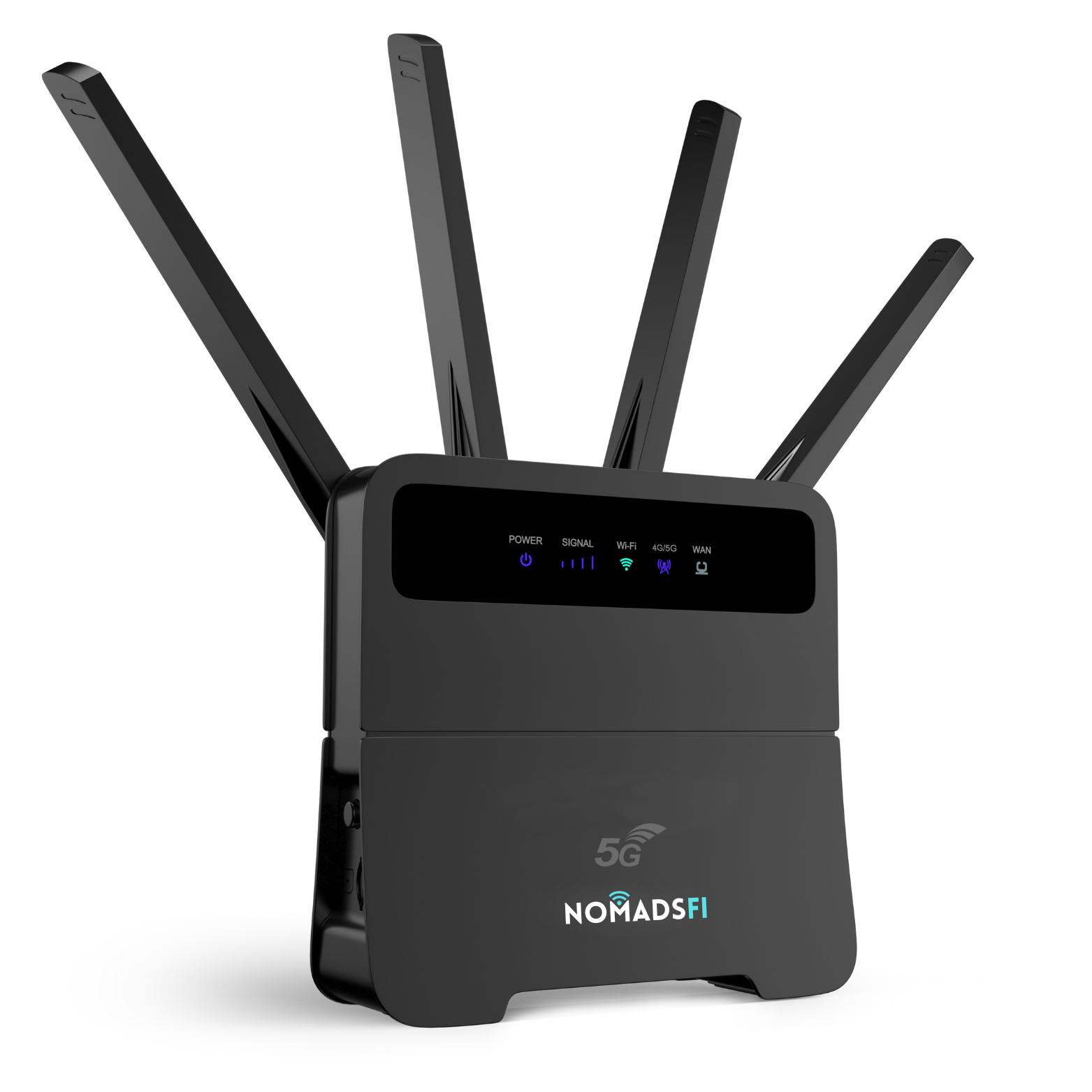
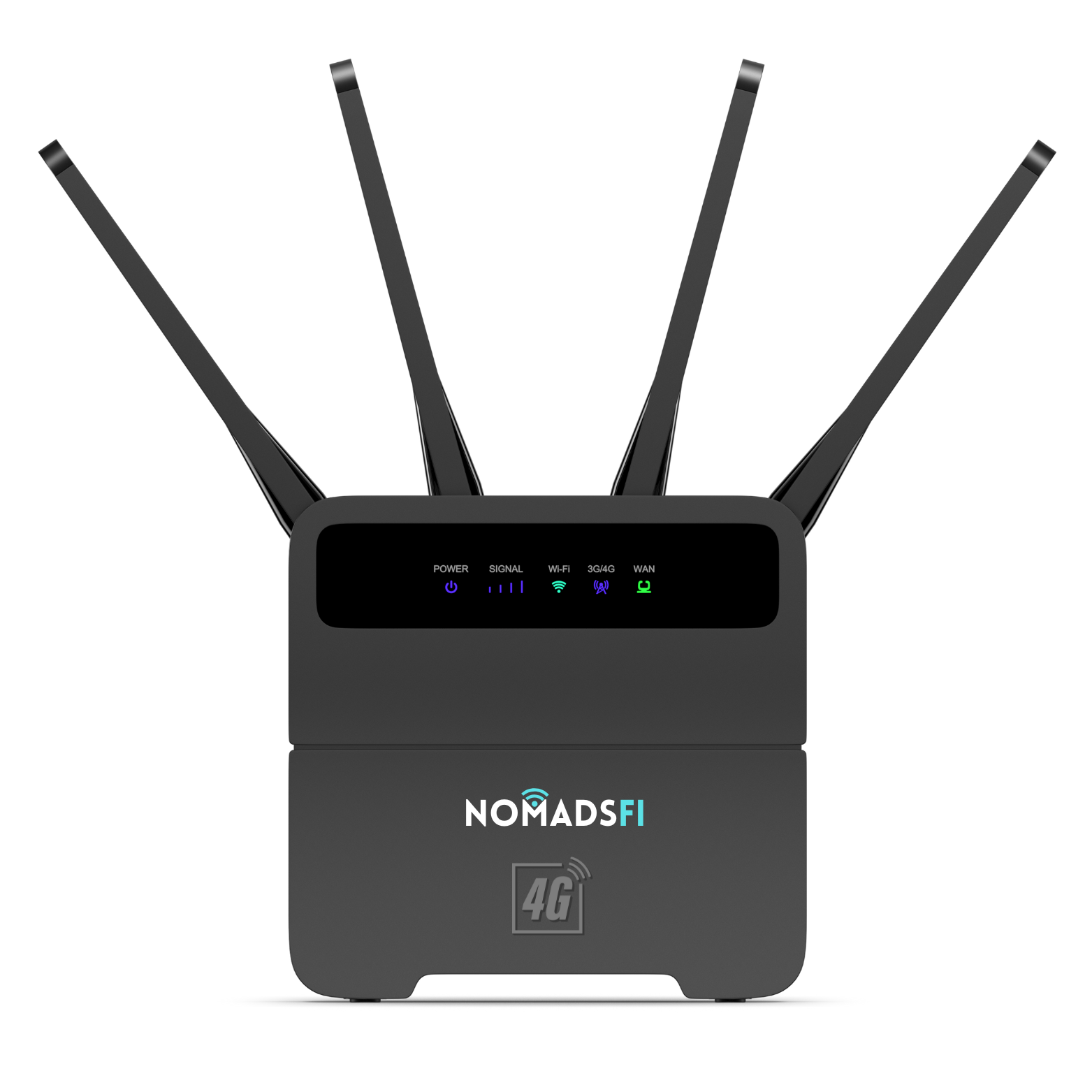

WiFi for truckers needs to fit the places a driver parks and the devices used during a break. A mobile hotspot for truckers can provide a separate connection for a laptop, tablet or off-duty devices where the selected plan can reach supported cellular service. NomadsFi is one multi-network option to compare with a phone hotspot and truck-stop WiFi.
Long-haul work changes your internet needs from day to day. Yesterday's reliable connection at a terminal may tell you little about tonight's truck stop. Choose around the places you park, the tasks you do and the data you expect to use.
This NomadsFi-authored guide compares practical connectivity options using official product information and linked marketplace listings. It is not a controlled highway coverage test. Set up devices and handle documents or entertainment while safely parked.
WiFi for truckers at a glance
| What matters | Phone hotspot | NomadsFi portable WiFi | Truck-stop WiFi |
|---|---|---|---|
| Where you connect | Where your phone and plan have service. | Where the device and plan can reach supported cellular service. | Within usable range of the venue's WiFi. |
| Network options | Determined by your carrier and any included roaming. | Multi-network access and carrier selection depend on the plan and location. | The venue selects and manages its internet service. |
| Shared devices | Your phone supplies the connection. | A dedicated hotspot supplies WiFi to compatible devices. | Login and device limits vary by venue. |
| Power | Tethering uses the phone's battery. | A separate device to charge and place in the cab. | Your laptop or tablet still needs power. |
| What to budget | Tethering allowance and possible top-ups. | Hardware, data plan and charging accessories. | Any access fee and the practical availability at your stop. |
How NomadsFi multi-network internet can help on a long route
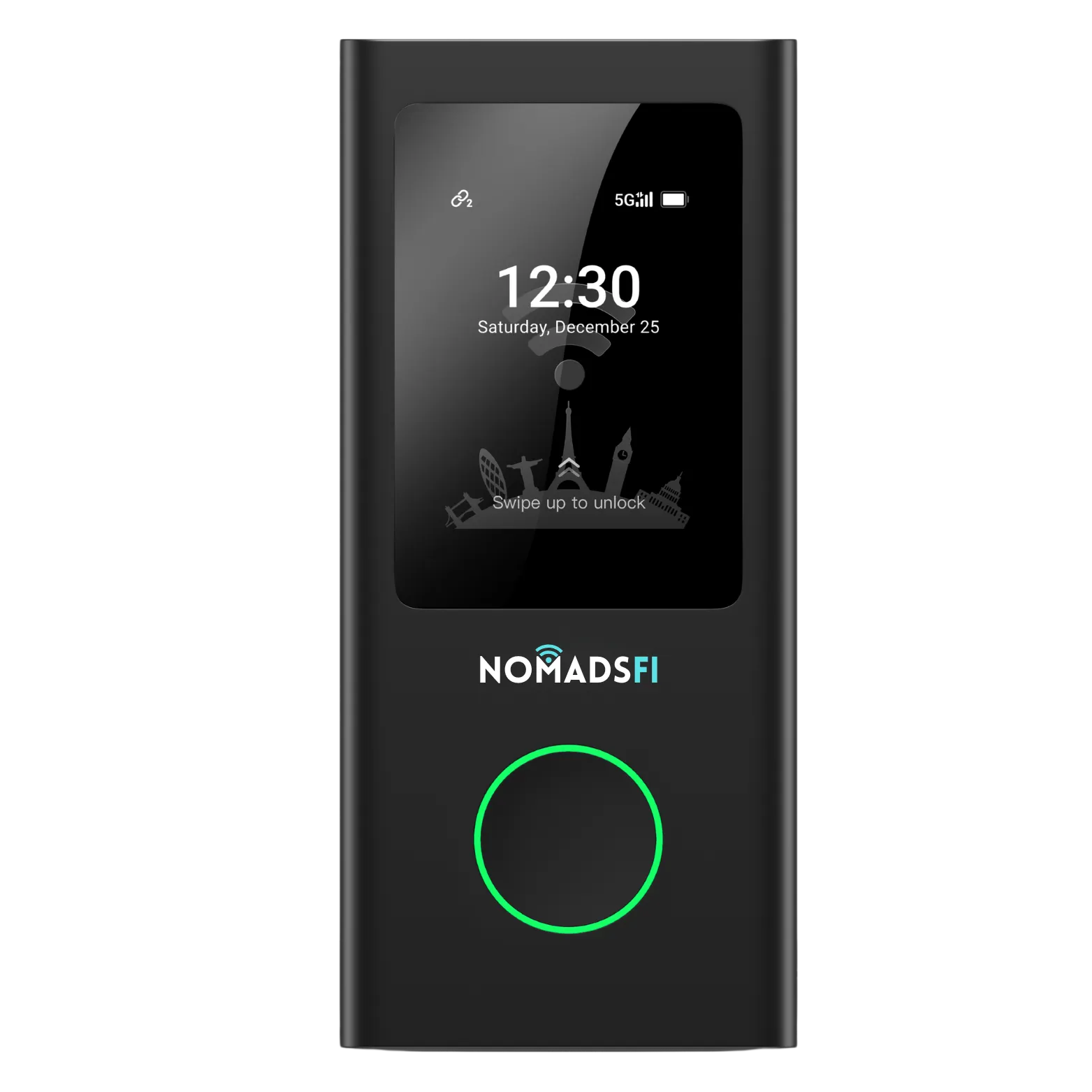
The useful question is whether you have another supported connection option when the first one is poor. NomadsFi describes automatic carrier selection through NomadSwitch-AI on its PocketFi 5G product page. The linked Amazon listing also describes carrier access through an active NomadsFi plan.
Consider two overnight stops. At the first, your usual carrier works well. At the second, that carrier struggles while another supported network remains usable. A multi-network service may offer a connection option at that second stop. This is a practical example of the potential benefit, not a measured result from a particular trucking route.
More network options do not mean several networks are combined into one faster connection. Carrier switching is different from bonding. This guide makes no claim that PocketFi adds multiple carriers' speeds together or that a video call continues without interruption during a switch.
Choosing a mobile hotspot for truckers
A regular regional route
If your phone already works well at the same terminals and overnight stops, test its hotspot feature first. Occasional document uploads may fit your existing allowance. A separate device makes more sense when you want to leave a shared connection with a laptop or reduce reliance on phone tethering.
Long-haul trips with changing overnight stops
This is where multi-network access is most relevant to the buying decision. A driver crossing several regions should compare service at planned stops, not assume a carrier that works near home will behave the same way throughout the trip.
A dedicated WiFi hotspot can provide a familiar connection for checking email, uploading paperwork or joining a call during a break. Once your devices are set up, you can use the hotspot without relying on every venue's guest-WiFi login process.
Off-duty time in the sleeper cab
A laptop or tablet connection can make time away from home more comfortable: a family video call, a show or downloaded entertainment for later. Plan around actual data consumption. Streaming quality, game updates and cloud backups can matter more to your bill than the number of devices connected.
If you also travel outside work, see Travel eSIM vs Portable WiFi: Is NomadsFi Right for You? for the trade-offs between individual phone service and shared internet.
Compare the full cost of internet for truck drivers
Compare a normal working month, including the nights you spend away. Use the same expected tasks and data needs for each quote.
- Phone hotspot: existing service, the high-speed tethering allowance and any extra data charges.
- Portable WiFi: device purchase or rental, the selected data package, top-ups and applicable recurring charges.
- Truck-stop WiFi: any access fees, plus whether service reaches the area where you will actually park.
Review the current NomadsFi plans for data allowance, validity, AutoPay and speed conditions. A starter-data bundle is not an ongoing unlimited subscription. If your work takes you into Canada or Mexico, confirm the specific package covers each destination before crossing the border.
Does multi-network WiFi mean better coverage or faster internet?
It can improve your options where supported networks differ in availability. It does not establish a universal speed advantage over a phone or another hotspot. Signal strength, congestion, terrain, the cab and the chosen package all affect the result.
Check NomadsFi coverage information against your planned stops and ask about service for recurring locations that matter to your work. A country-level coverage list cannot confirm reception in a specific parking bay or remote rest area.
A multi-network hotspot still needs a usable cellular connection. It cannot create signal in a dead zone. Actual performance may vary by location, local network conditions, device placement and plan restrictions. Keep essential route details and contacts available offline.
Where to buy NomadsFi and what customer ratings show
NomadsFi's About Us page identifies EE Connect LLC in Rowland Heights, California as the company behind the brand. It also confirms sales through retail locations across the United States and the rest of North America. Contact NomadsFi to check local availability and the exact model before making a store visit along your route.
NomadsFi products are listed on Amazon, Walmart Marketplace and eBay. These give shoppers places to compare the seller, product bundle, feedback and purchase terms. Marketplace availability is not evidence that a retailer has independently tested highway performance.
| Marketplace | Listing checked | What was visible |
|---|---|---|
| Amazon | PocketFi 5G, with 50GB U.S. starter data in the selected listing. | 4.4/5 from 10 global ratings. Sold by EE CONNECT; shipped by Amazon when checked. |
| Walmart Marketplace | PocketFi X 4G, with 10GB U.S. starter data selected. | 4.8/5 from 5 ratings. Sold and shipped by NomadsFi Electronics. |
| eBay | PocketFi 5G listing, with selectable data options. | The listing identifies the seller as “NomadsFi Official.” Check the live condition and purchase terms. |
The Amazon and Walmart scores are positive early customer signals, with small rating counts. They are separate listing-level snapshots, not a combined NomadsFi rating. Marketplaces may group feedback across variants; the Walmart score should not be presented as a PocketFi 5G score.
For confidence in a purchase, read the detailed reviews available to you and look for the model, type of trip and service conditions. Shipping and seller feedback answer different questions from product performance. Neither the ratings above nor the retailer names establish a trucker-specific reliability result.
Support is also part of a practical buying decision. NomadsFi publishes an activation and troubleshooting guide with a support contact. Check it before departure so you know how to manage the service and where to ask for help.
What to check before a long road trip
Choose and activate the right service
Match the exact hotspot model and data package to your route. Follow the setup instructions, link the plan to the correct IMEI and confirm that your laptop can access the internet through PocketFi. Save the instructions before leaving.
Test your parked setup
While safely parked, try the work tasks and off-duty devices you expect to use. Choose a secure, ventilated location for the hotspot and suitable charging equipment. Keep it away from excessive heat; do not leave it loose where it could interfere with driving.
Keep operational systems separate until compatibility is confirmed
Fleet communications, dispatch tools and electronic logging devices can have their own connectivity requirements. A consumer hotspot is not automatically an approved replacement. Confirm compatibility with the equipment provider or fleet administrator before changing an operational setup.
Powering a hotspot in a parked sleeper cab
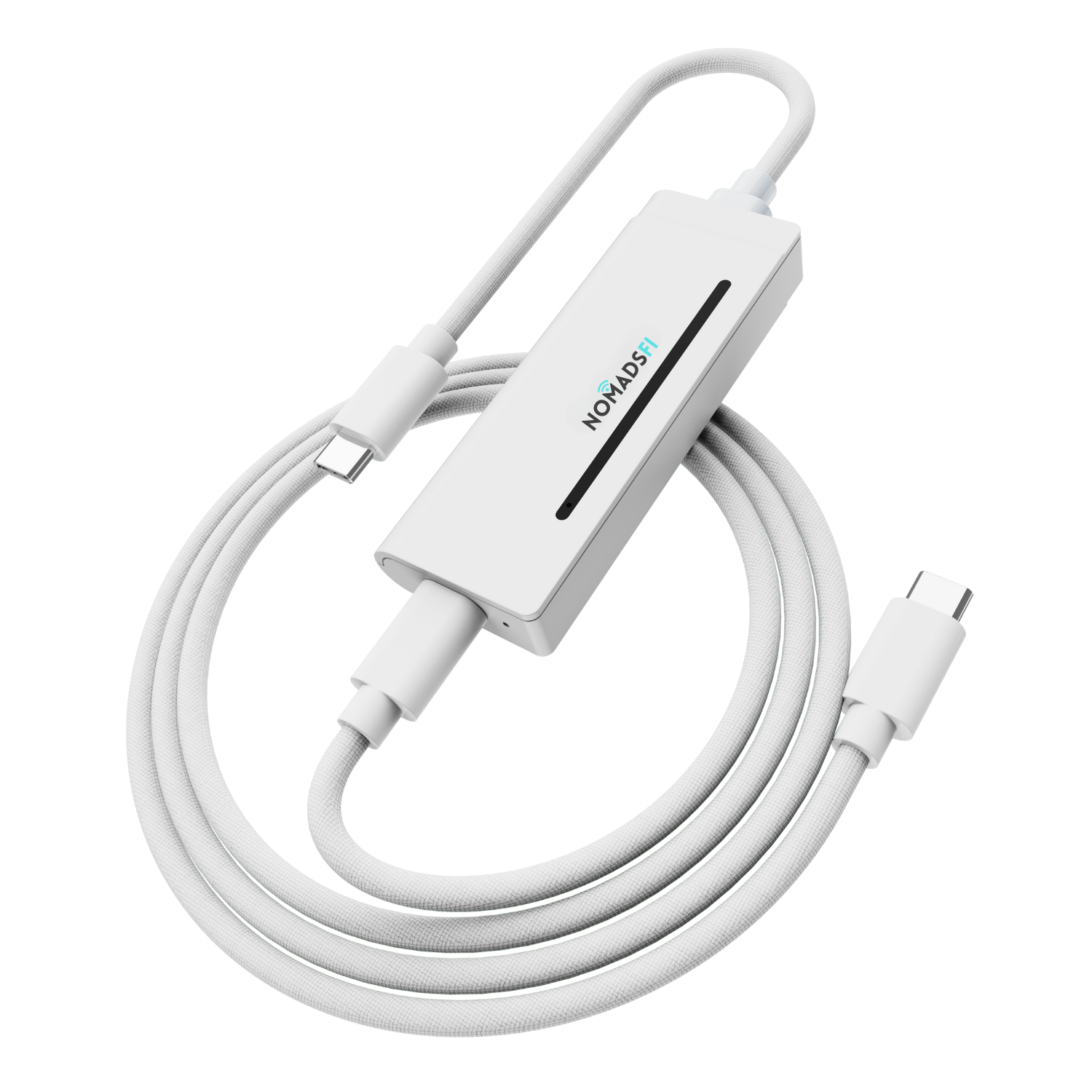
Check the input requirements for the exact device and choose a compatible charger or power supply. A product being portable does not establish that it can connect directly to every vehicle electrical system.
- Secure the hotspot and cables so they cannot interfere with vehicle controls or move when the truck does.
- Keep ventilation clear and test the intended placement while safely parked.
- Check the charging arrangement and any battery or vehicle-power limits before leaving it running during a rest period.
- Use an arrangement accepted by the fleet or vehicle provider where applicable.
Set up the connection and handle documents or entertainment only when safely parked. The FMCSA mobile-phone safety guidance restricts hand-held phone use by commercial drivers. Having a hotspot does not remove driving-distraction responsibilities.
A short connectivity check at a regular stop
Check the connection where you actually park. The FCC mobile coverage-map guidance describes outdoor or in-vehicle coverage, not a guarantee of reception inside a particular cab.
- Connect the laptop or tablet you intend to use.
- Try the document upload or call you need while parked, and note the time and location.
- Observe whether the application recovers after a planned device restart.
- Check the data used before choosing a package for a longer trip. Keep essential contacts and route information available offline.
Compare the results at recurring stops. This creates a useful record for a purchase discussion without treating a general coverage map as a route test.
Can you use phone service and a hotspot on the same route?
Yes. A driver can keep phone service for individual use and use a dedicated hotspot for parked laptop work and shared devices. Two subscriptions are not necessarily two independent networks, so check the underlying service if redundancy is your priority.
For a wider comparison, read our portable WiFi hotspot buying guide. If you are considering cellular and satellite options for stationary use, our NomadsFi vs Starlink guide explains their different setup needs.
Frequently asked questions
What is a good WiFi setup for truckers on long trips?
A dedicated mobile hotspot is worth considering when you need shared internet for a laptop or tablet across changing stops. NomadsFi offers a multi-network approach, subject to its supported networks and plan. Compare route coverage, data costs and power requirements with your existing phone hotspot before buying.
How can multi-network internet help truck drivers?
Access to more than one supported carrier can provide another connection option where a single-carrier service is weak. The benefit depends on which networks the device and plan can use at that location. It does not guarantee uninterrupted service or faster speeds at every stop.
Does NomadsFi combine several carriers to multiply internet speed?
Carrier switching and connection bonding are different. NomadsFi describes automatic carrier selection; this guide does not establish simultaneous bonding of multiple carrier connections. Do not assume that access to several networks adds their speeds together.
Will a mobile hotspot work in every rural area?
No. A cellular hotspot needs a usable supported network. Terrain, buildings, the truck cab, congestion and service outages can affect connectivity. Check planned stops and keep essential route and contact information available offline.
Is NomadsFi available on Amazon, Walmart and eBay?
NomadsFi product listings were found on all three marketplaces. The supplied Amazon page selects PocketFi 5G; the supplied Walmart page selects PocketFi X 4G; the linked eBay listing is for PocketFi 5G. Check the model, seller, included data and terms on the listing you choose.
What customer ratings does NomadsFi have?
On September 30, 2026, the supplied Amazon listing displayed 4.4 out of 5 from 10 global ratings, and the Walmart listing displayed 4.8 out of 5 from 5 ratings. These are separate listing-level snapshots, potentially shared across variants, not a combined brand rating or a trucker-specific test.
Can I use a hotspot for streaming in my sleeper cab?
A compatible device can stream through a hotspot while the truck is safely parked, if service and the data plan support it. Streaming and large downloads can consume substantial data. Compare the high-speed allowance and any speed limits with your expected off-duty use.
Can a hotspot replace my fleet communications or ELD connection?
Do not assume it can. Compatibility and connection requirements depend on the fleet system and equipment. Keep approved operational communications in place and confirm any proposed hotspot use with the provider or fleet administrator.
How does mobile WiFi for truckers compare with truck-stop WiFi?
A cellular hotspot uses a supported mobile network through its selected plan. Truck-stop WiFi depends on the venue and usable signal at your parking space. Test both where you regularly stop and compare login requirements, charges and data limits.
Can I power a hotspot in my parked cab?
Check the exact device input and use a compatible charger or power supply. Secure cables and the device, keep ventilation clear, and verify the arrangement with your vehicle or fleet requirements. Do not assume a router can connect directly to a vehicle electrical system.
Does an unlimited hotspot plan always include unlimited high-speed data?
No. Read the selected plan for any speed cap, high-speed allowance, congestion policy, fair-use conditions, renewal terms and compatible devices. A starter-data bundle is not an ongoing unlimited subscription.
Sources and review date
Product and deployment sources reviewed November 4, 2026. The marketplace ratings above remain dated September 30, 2026 snapshots and were not rechecked for this revision. They are not current ratings or evidence of truck-route reliability.
Choose internet for the route you actually drive
For truckers with changing stops and several devices, NomadsFi's multi-network approach offers a useful option to compare with single-carrier service. Choose around coverage, data and the tasks you need to finish when parked.
Explore PocketFi 5G, check the plan for your route and set up your devices before your next long trip.
Shop PocketFi 5G Compare data plans · Check coverage
Prefer a marketplace? View the Amazon PocketFi 5G listing, Walmart PocketFi X 4G listing or eBay PocketFi 5G listing. Compare the selected model and bundle before checking out.
Planning a driver-team pilot? Use the NomadsFi business partner portal to discuss recurring stops, compatible devices, power and expected data use. Confirm requirements with your fleet administrator and keep approved operational communications in place.