
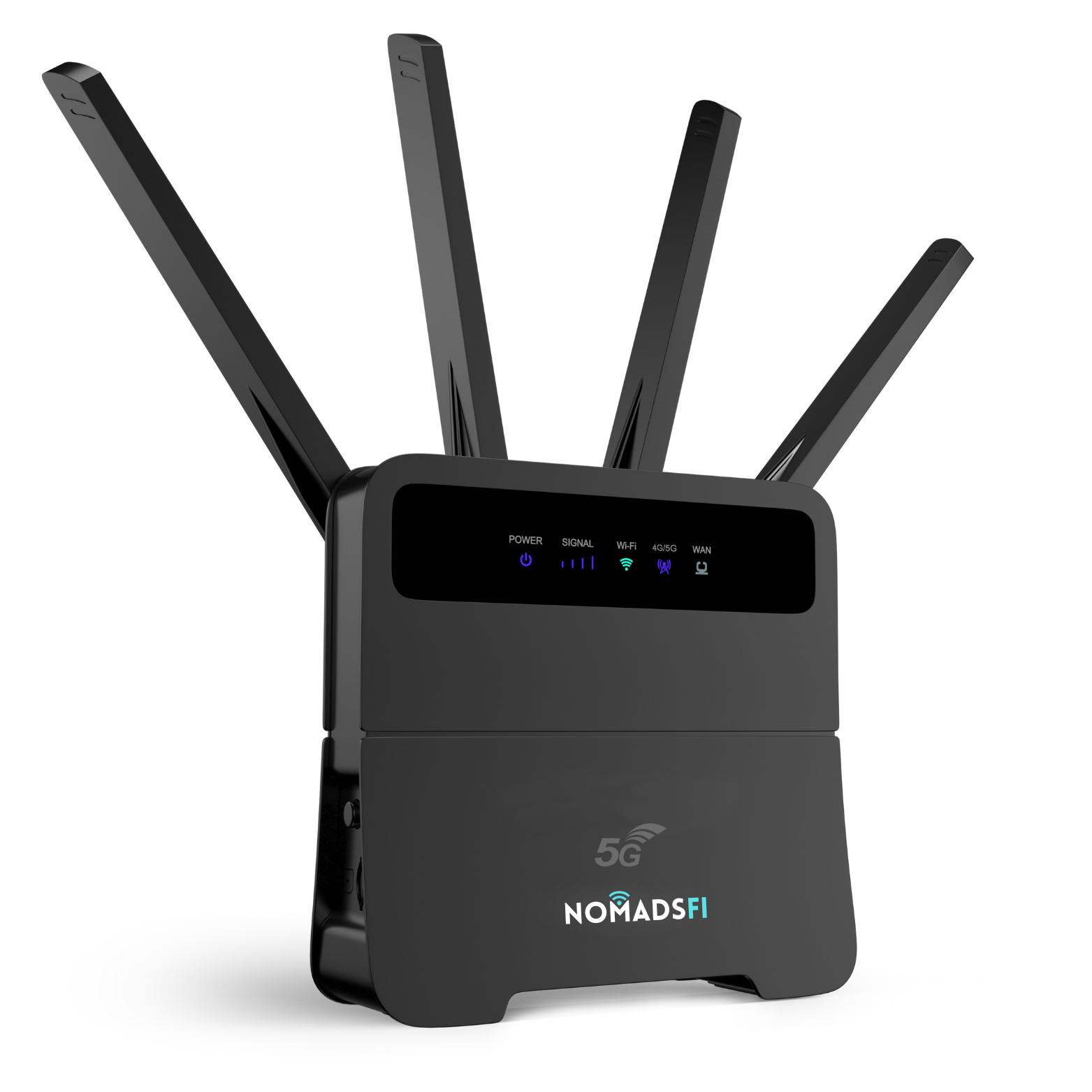
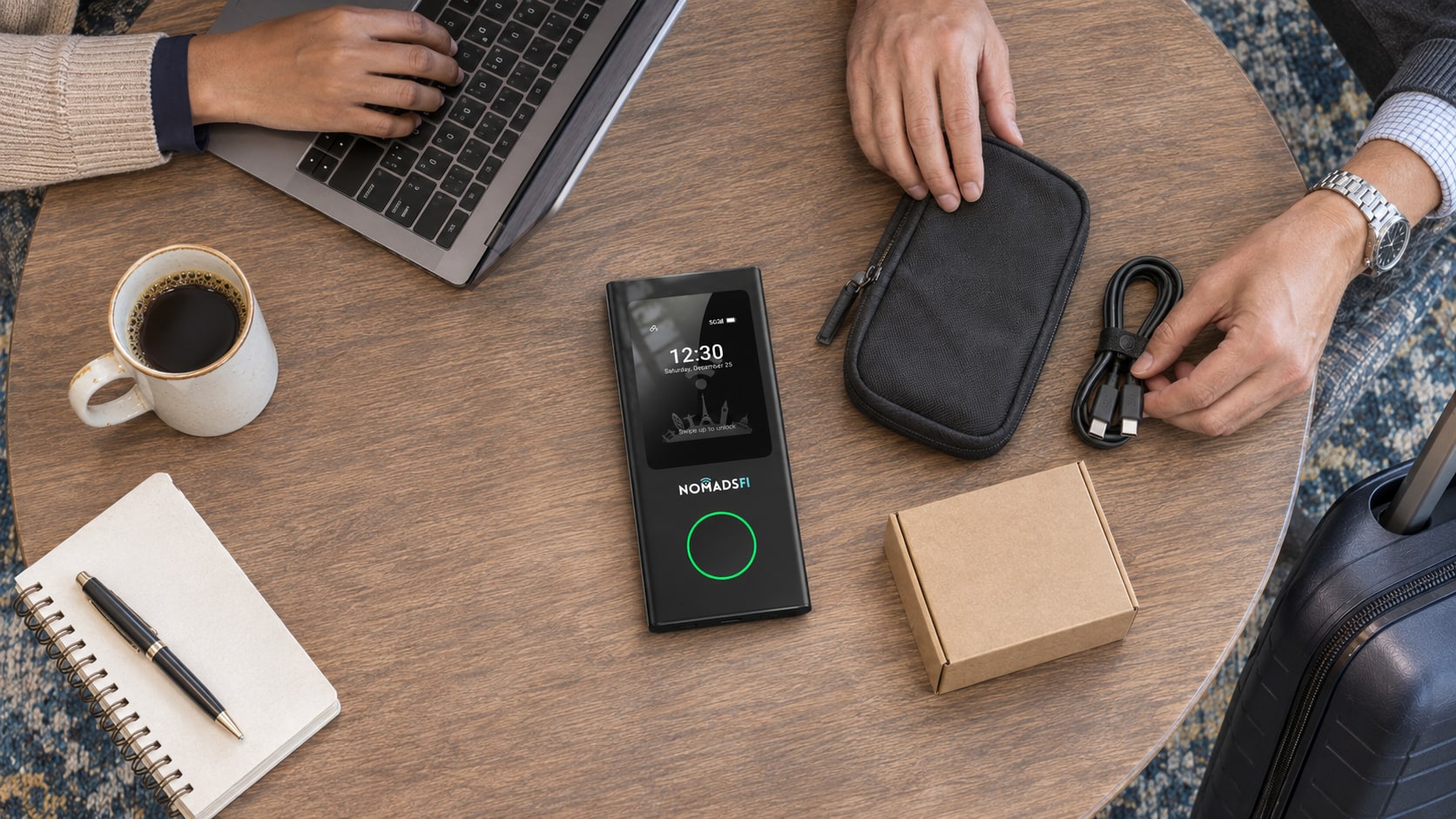
The hotspot rental vs buying decision depends on how often you travel, the complete quoted cost and who will keep the equipment ready. For an occasional U.S. business trip, renting may be practical if the device, data and delivery arrangements fit your dates. For recurring travel, buying deserves a closer look. An eligible phone hotspot may also cover a light workload without another device.
Compare the same trip dates, destinations and data needs before choosing. A rental day rate and a device purchase price measure different things. This 2026 guide focuses on U.S. business travelers and small teams. NomadsFi rentals are for U.S. use only. Confirm the currently available rental model and written terms through the NomadsFi rental program; a product pictured in a buying comparison is not a statement of rental inventory.
Rent for a U.S. trip or compare a device purchase for repeat travel. Check current availability and written package terms before booking.
Hotspot Rental vs. Buying: What Changes the Total Cost?
Start with the period you are comparing. For one trip, use the complete booking and return window. For a frequent traveler, compare several expected trips over the same period. Include the work required to receive, activate, maintain and return equipment as well as the service charges.
| Decision factor | Hotspot rental | Buying a hotspot |
|---|---|---|
| Equipment cost | Use the quoted charge for the full rental period. Check any deposit or authorization hold separately. | Include the device price, required accessories and shipping. |
| Data | Confirm what is included, its validity and the cost or consequence of additional use. | Include the eligible plans needed across the trips you are comparing. |
| Logistics | Account for delivery, receipt, return packaging and the required return deadline. | Account for delivery and storage between trips; there is no rental return to arrange. |
| Preparation | Test the issued device and confirm activation before the first meeting. | Check charging, software, credentials and service validity before each departure. |
| Repeat travel | Compare separate bookings and their handling requirements. | Spread the equipment cost across realistic future use, not an assumed number of trips. |
| Responsibility | Read the applicable damage, loss, cancellation and extension terms. | Plan for maintenance, replacement and the manufacturer's applicable support terms. |
| Geography | NomadsFi rental use is limited to the United States. | Confirm the exact device and destination plan; owning equipment does not establish international eligibility. |
A useful rental budget includes the quoted device and service charge, outbound delivery, return shipping and any applicable activation, optional protection, taxes or additional charges. Do not assume every item applies, or that an item missing from a quote is free. Ask for an itemized total.
For buying, combine the equipment and accessories with the plans required for your expected trips. Check renewal, validity and any unused period between trips. Hardware ownership and the terms of a data subscription are separate decisions.
Use a comparable break-even calculation
If each trip is similar, call the upfront ownership cost B, the complete rental cost per trip R, and the service cost per trip for the owned device P. Across N trips, compare N × R with B + N × P. When R is greater than P, the simple break-even point is B divided by (R minus P).
This is a planning formula, not a NomadsFi price quote or a savings prediction. Add differences in accessories, handling, replacement, subscription commitments and trip length before relying on it. A refundable deposit affects cash tied up during the booking; it is not automatically a final expense. Check the refund and charge conditions in writing.
When Does Portable WiFi Rental Make Sense?
Portable WiFi rental is worth evaluating for an isolated conference, a temporary assignment or a short project when your team has no suitable equipment. It can also be a way to assess a device category before committing to a purchase, provided the rental model and terms match the proposed use.
Consider a team attending one U.S. event. Before requesting a quote, list the travel dates, work location, number of people sharing the connection and essential applications. Ask whether the proposed package permits the intended use and whether the allowance covers it. The number of travel nights is not necessarily the number of chargeable rental days.
Renting also creates a return task. A traveler moving directly to another assignment needs a workable shipping or handoff plan. If receipt or return arrangements are uncertain, include that inconvenience in the decision instead of comparing the daily rate alone.
U.S. rentals only. Confirm the available model, data allowance and return procedure for your dates.
When Is Buying a Hotspot the Better Choice?
Buying is worth comparing when the same person travels regularly or when a company can keep a device ready for recurring assignments. You retain the hardware between trips, which may simplify preparation, but someone still needs to check service, charging and settings.
For example, a salesperson making regular domestic visits can compare the cumulative rental quotes with a device and the eligible plans needed for those visits. Use the actual itinerary and workload. A business that needs one device every month has a different ownership case from a team that needs several devices for one event.
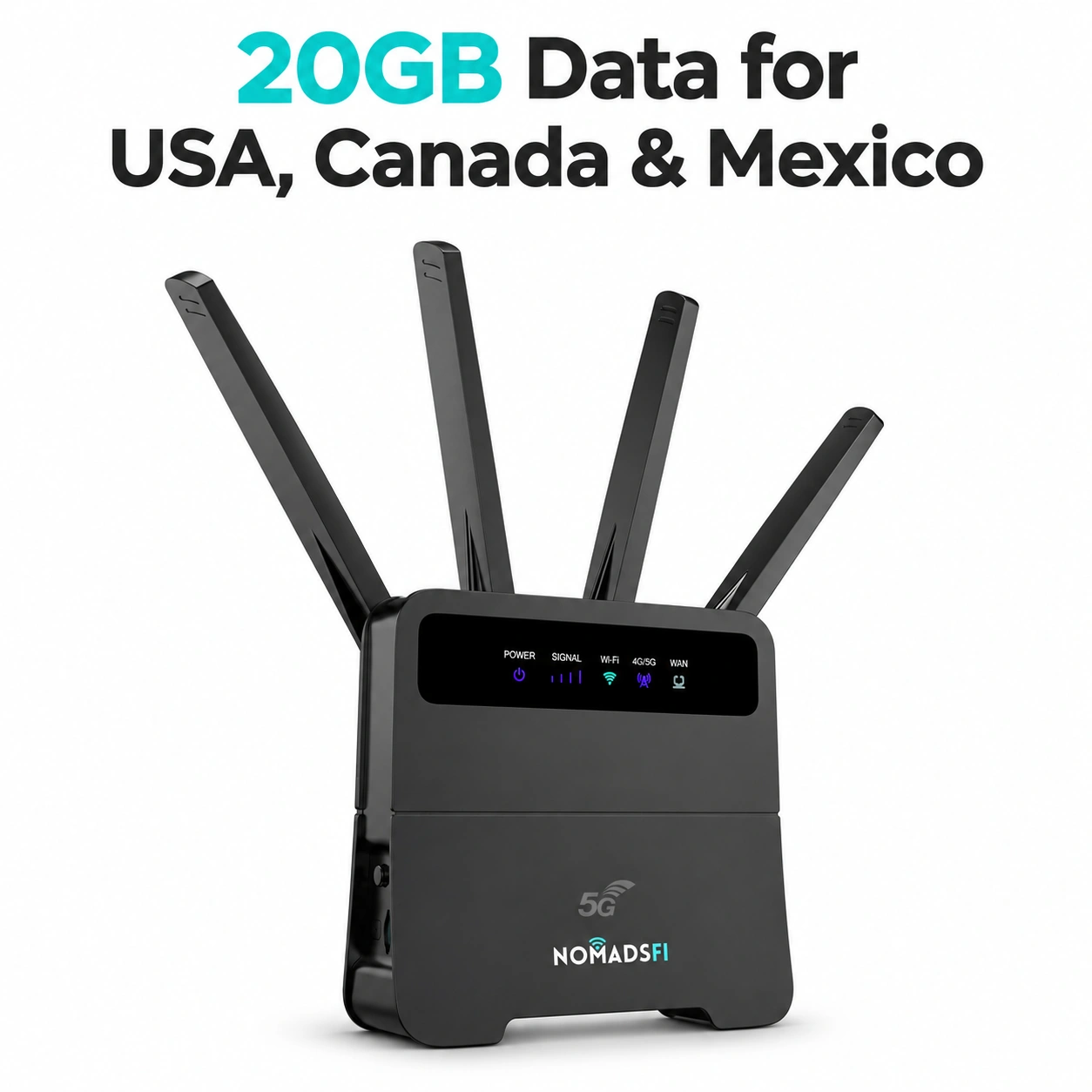
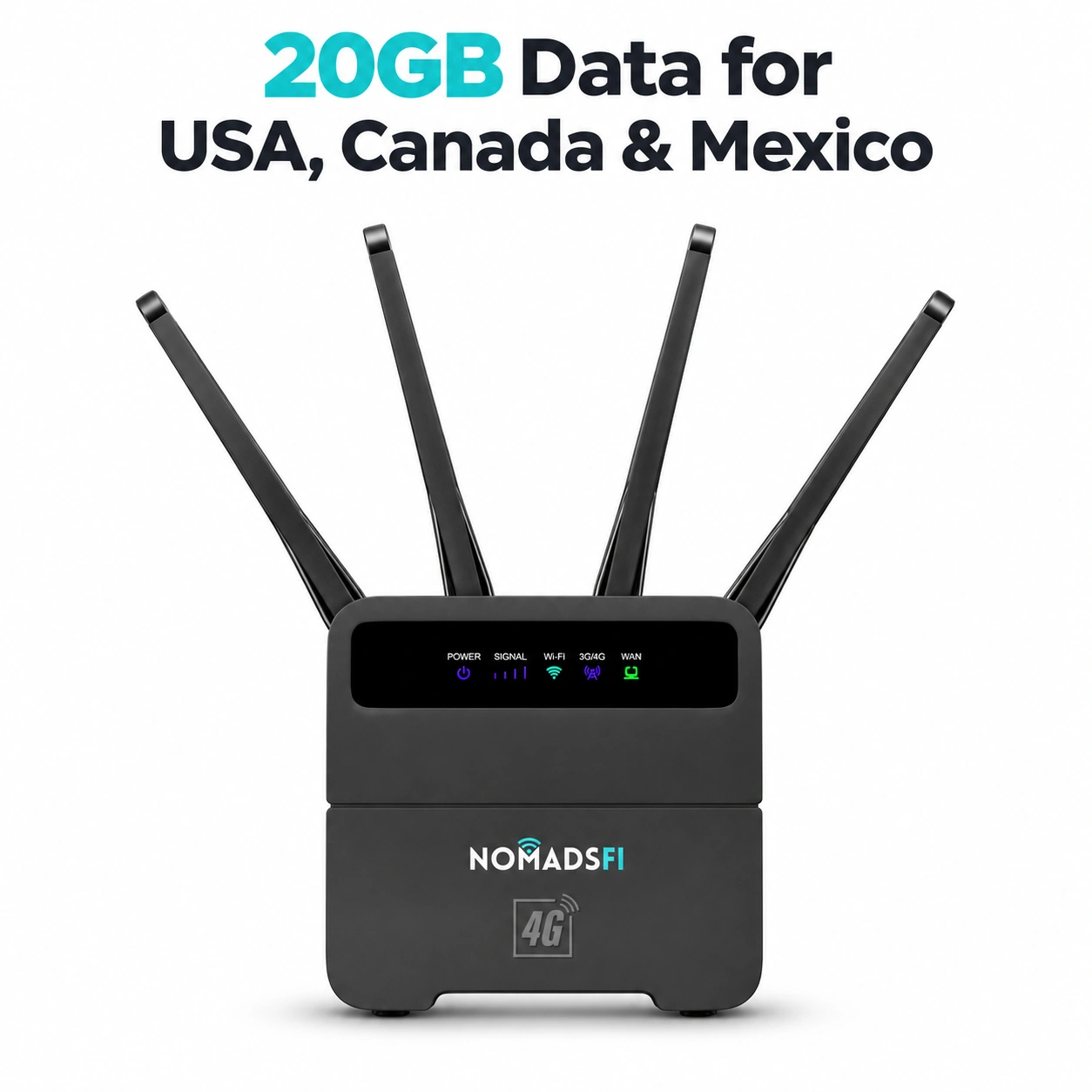
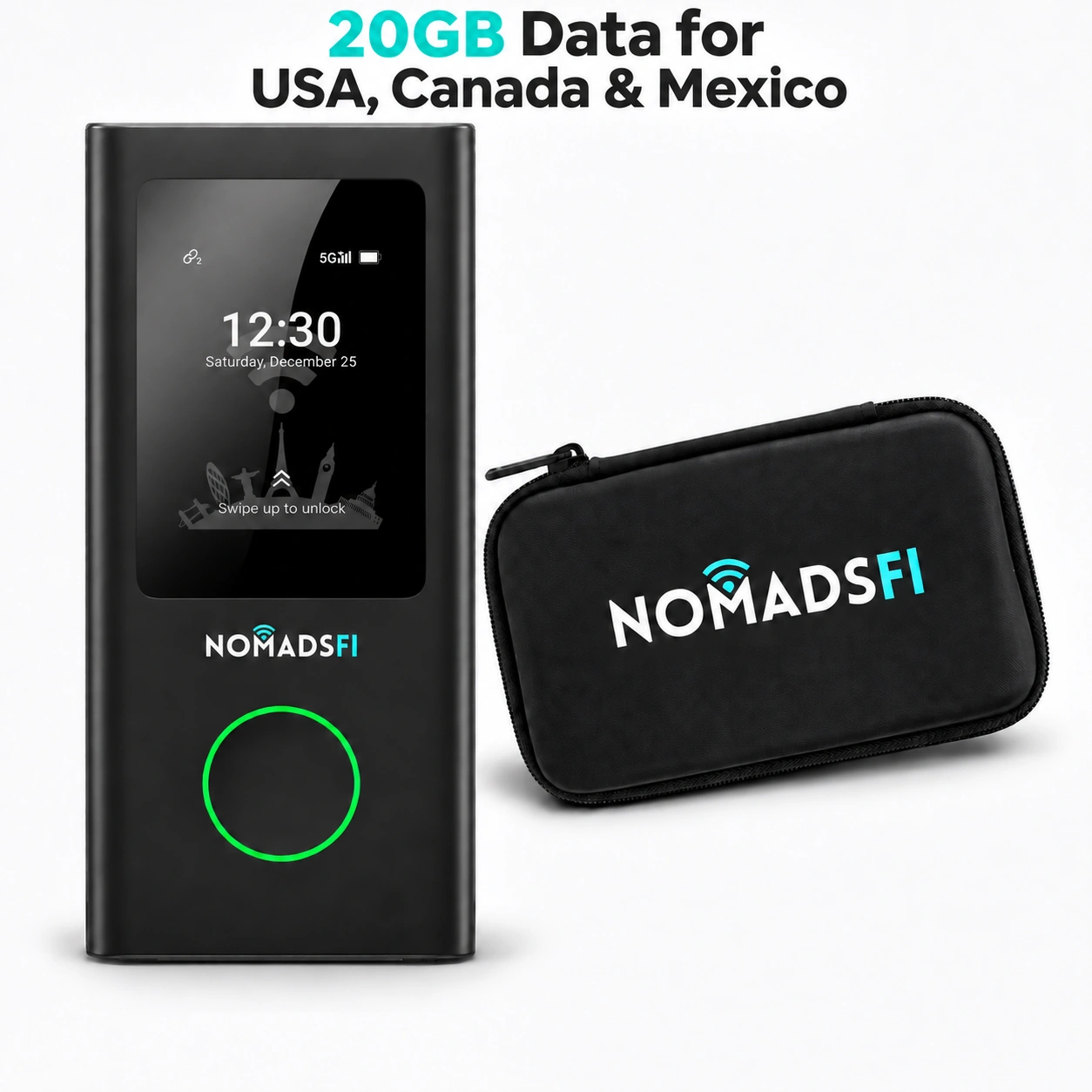
Review the NomadsFi device collection and PocketFi 5G product information for purchase comparisons, then confirm the current compatible options through NomadsFi plan selection. Do not assume a device purchase includes the same data or conditions as a rental package.
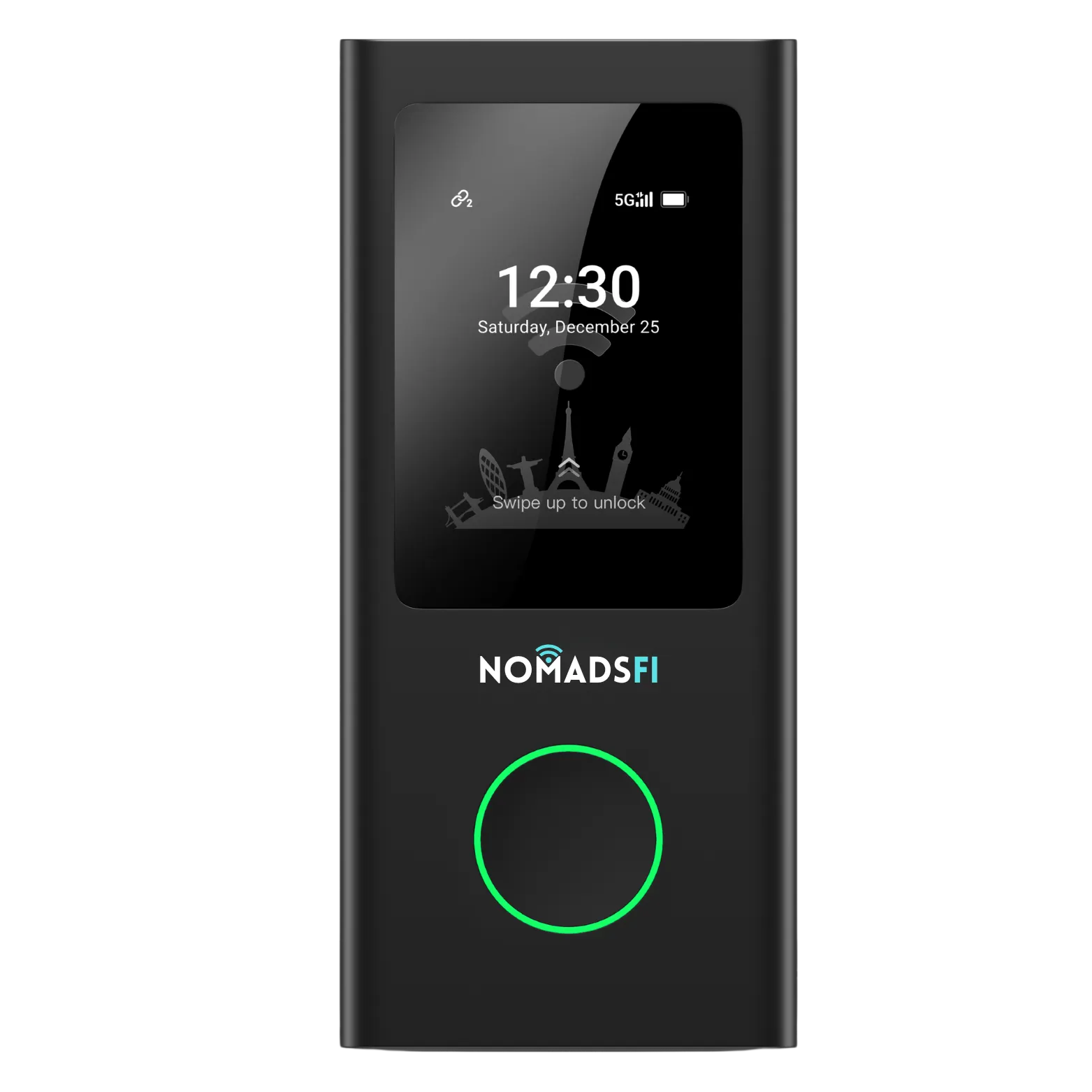
Purchase comparison option. Confirm the compatible plan separately; this product image does not establish rental availability.
Check whether your existing phone is enough
Apple's Personal Hotspot guidance explains that a phone hotspot shares its cellular data connection; availability and simultaneous connections depend on the carrier and device. Check your tethering allowance and employer's requirements, then try the applications you need.
A separate hotspot can keep a shared connection with colleagues when the person carrying the phone leaves. That is an operational reason to compare devices, not proof that a dedicated device will be faster or have better reception.
What to Check Before Booking a 5G Hotspot Rental
A search for 5G hotspot rental should lead to questions about the actual equipment and package. Confirm the model available for your dates, its supported service and the plan being quoted. A 5G label does not guarantee a 5G connection, a particular speed or indoor reception at your destination.
| Ask about | What you need to know |
|---|---|
| Model and accessories | The issued model, compatible charger, cable, case and anything you must supply. |
| Allowance and validity | Included data, when service starts, when it expires and what happens after any high-speed allowance. |
| Timing and fees | Minimum term, chargeable dates, taxes, delivery, return and any extension arrangements. |
| Shared use | Supported connections and the capacity needed for your actual simultaneous workload. |
| Problems and changes | Support hours, troubleshooting instructions, cancellation, replacement and loss or damage conditions. |
Estimate use from work rather than a device count alone. A laptop checking email differs from one uploading large project files. Include video calls, cloud synchronization and updates, then compare the same allowance and any post-threshold conditions on both rental and purchase options. Do not read unlimited as a promise of unrestricted high-speed service.
For a U.S. destination check, the FCC's National Broadband Map guide explains that mobile coverage represents outdoor or in-vehicle conditions, not indoor coverage. Use maps as an initial check and separately test the room or workspace where you will use the connection. A network symbol is not a substitute for completing a call or upload.
For NomadsFi, review its coverage reference with the exact device and package. If an event venue has connectivity rules, check them before bringing equipment. Cellular congestion, room reception and application compatibility can affect the result even when the destination is listed as covered.
U.S. Delivery, Activation and Return Checklist
Build preparation into the booking. Confirm the receiving address and who can accept the package. If using a hotel or business address, check its receiving policy directly. Do not assume airport pickup, hotel acceptance, same-day delivery or pre-activation is included.
- Before booking, confirm the available model, total quote, included service, rental dates and U.S.-only use restriction.
- Agree on the delivery window and allow time to receive the device and test it before essential work. Check what happens if delivery or travel plans change.
- On receipt, inspect the equipment and accessories. Follow the issued activation instructions and confirm when the data allowance becomes valid.
- Connect your intended devices and test a representative call or file transfer. Ask about any employer-required application or VPN restrictions before relying on the connection.
- Before the return, confirm the deadline, return method, packaging and responsibility for postage. Ask whether the deadline means carrier acceptance or receipt by the provider.
- Follow the provider's return instructions, keep the handoff or shipping evidence and retain the relevant charge or deposit record.
For a multi-person booking, name a person to manage equipment receipt, usage checks and returns. Give colleagues the instructions they need without sharing a billing or administrative account unnecessarily. Use the NomadsFi help center for model-specific guidance, and follow the return instructions rather than performing an unrequested factory reset.
Frequently Asked Questions
Is renting a hotspot suitable for a short U.S. business trip?
It can be if the available device, minimum term, allowance and delivery and return arrangements fit the trip. Compare the complete quote with buying and with an existing eligible phone hotspot before booking.
Does a hotspot rental fee include data?
Confirm this for the exact package. Ask for the included allowance, service start and expiry, and what happens after any high-speed limit. Do not assume every rental includes the same data or that a device charge includes service.
Can I take a NomadsFi rental outside the United States?
No. NomadsFi rentals are for U.S. use only. Do not use a rental booking for Canada, Mexico or another international destination. A separately purchased device and destination plan require their own compatibility and eligibility checks.
Is a 5G hotspot rental always faster than a 4G connection?
No. The connection depends on the actual device, supported network, local reception, capacity and package terms. Choose against your work requirements and test the intended location rather than relying on the generation label.
How should a small team compare rental WiFi with buying?
List the devices, simultaneous applications, locations and travel dates, then compare the full rental quote with equipment and eligible plans across realistic repeat trips. Confirm support and assign responsibility for receipt, preparation and return.
How many devices can share a rented hotspot?
Check the exact issued model and package. A stated connection limit does not establish that every connected device can make a video call at once. Test the applications and simultaneous load your team actually needs.
When must the rented hotspot be returned?
Use the deadline and procedure stated in the booking's written terms. Confirm whether it refers to carrier handoff or provider receipt, who pays postage and how an extension is handled. Do not infer a grace period from the number of travel nights.
Should frequent business travelers buy instead?
Buying is worth evaluating for recurring trips, but include the required plans, accessories and equipment upkeep. Compare the same period and workload. Frequency alone does not establish the cheapest option.
Can I use my phone instead of renting or buying?
Possibly. Confirm that your phone and carrier support tethering, check the allowance and test your workload. A separate device may be useful when colleagues need a shared connection while the phone is elsewhere.
Sources and Further Reading
These professional references explain the coverage and phone-hotspot checks used in this guide.
- FCC: How to Use the National Broadband Map — understand outdoor and in-vehicle coverage before checking the actual workspace.
- Apple: Connect to the Personal Hotspot of an iPhone or iPad — check the phone-sharing option and its carrier and device requirements.
Get a Quote for Your U.S. Business Trip
Send your travel dates, U.S. receiving location, intended work destinations, device count and main applications. Ask for the available rental model, included service and complete delivery and return terms. For repeat trips, request a comparable purchase-and-plan option.
Start with the NomadsFi rental program, compare NomadsFi devices, or contact NomadsFi about a small-team requirement. The useful comparison is the package that fits your actual dates and work, with its conditions understood before departure.