





















Customer story · Sailing team
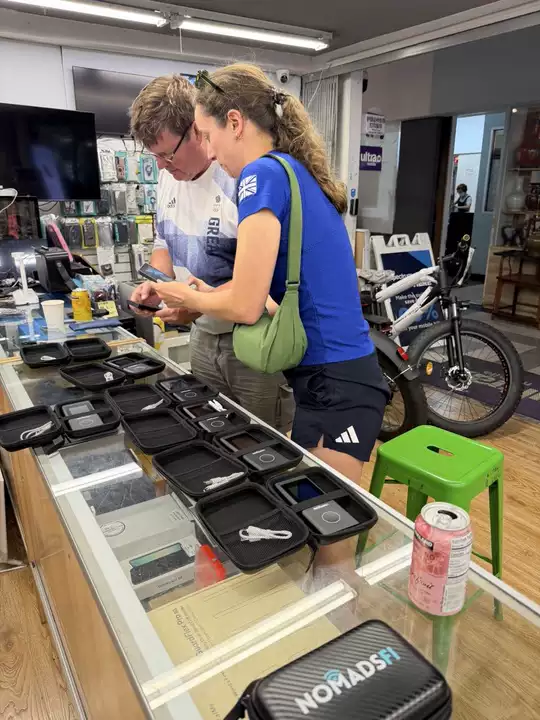
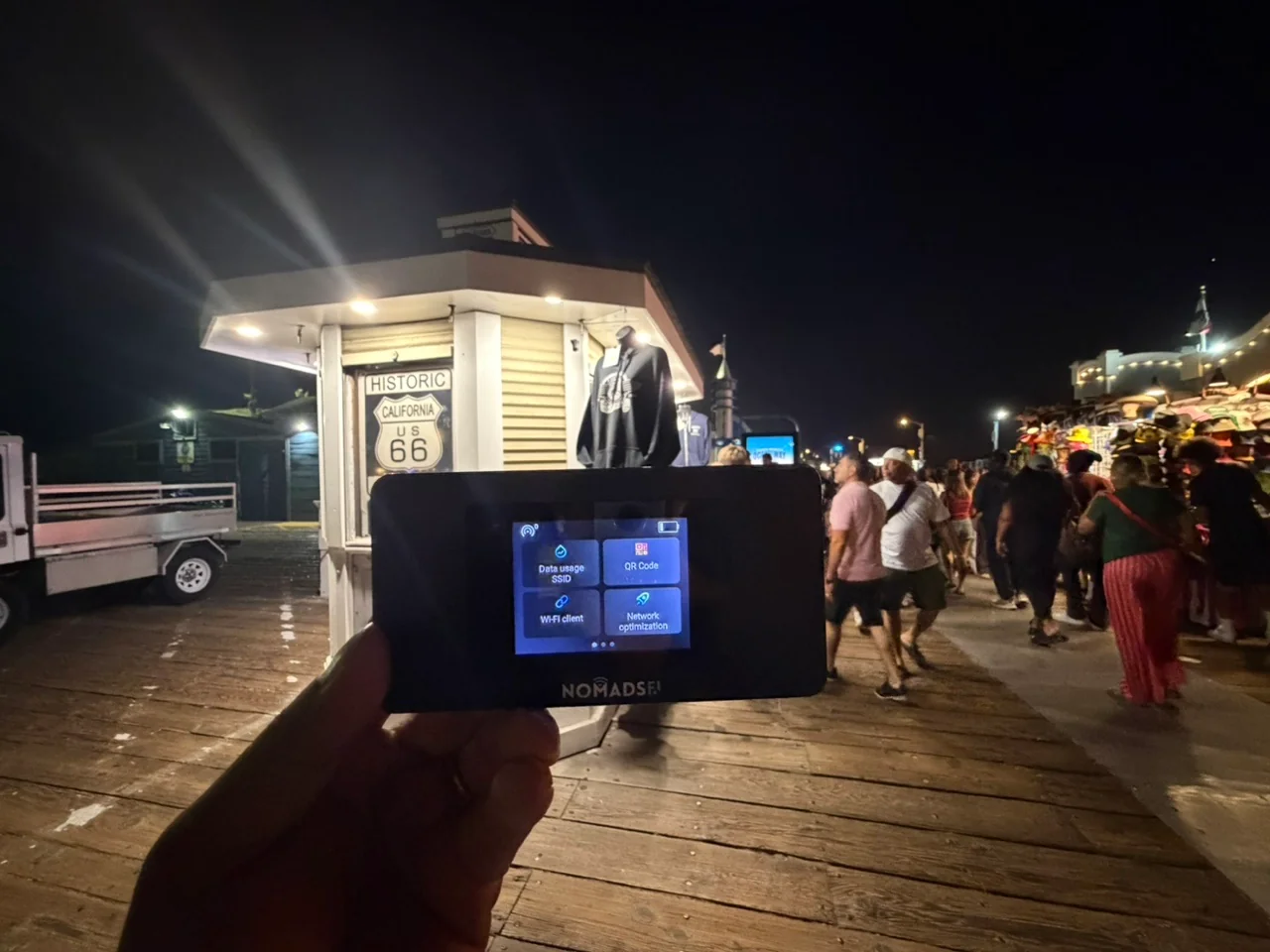
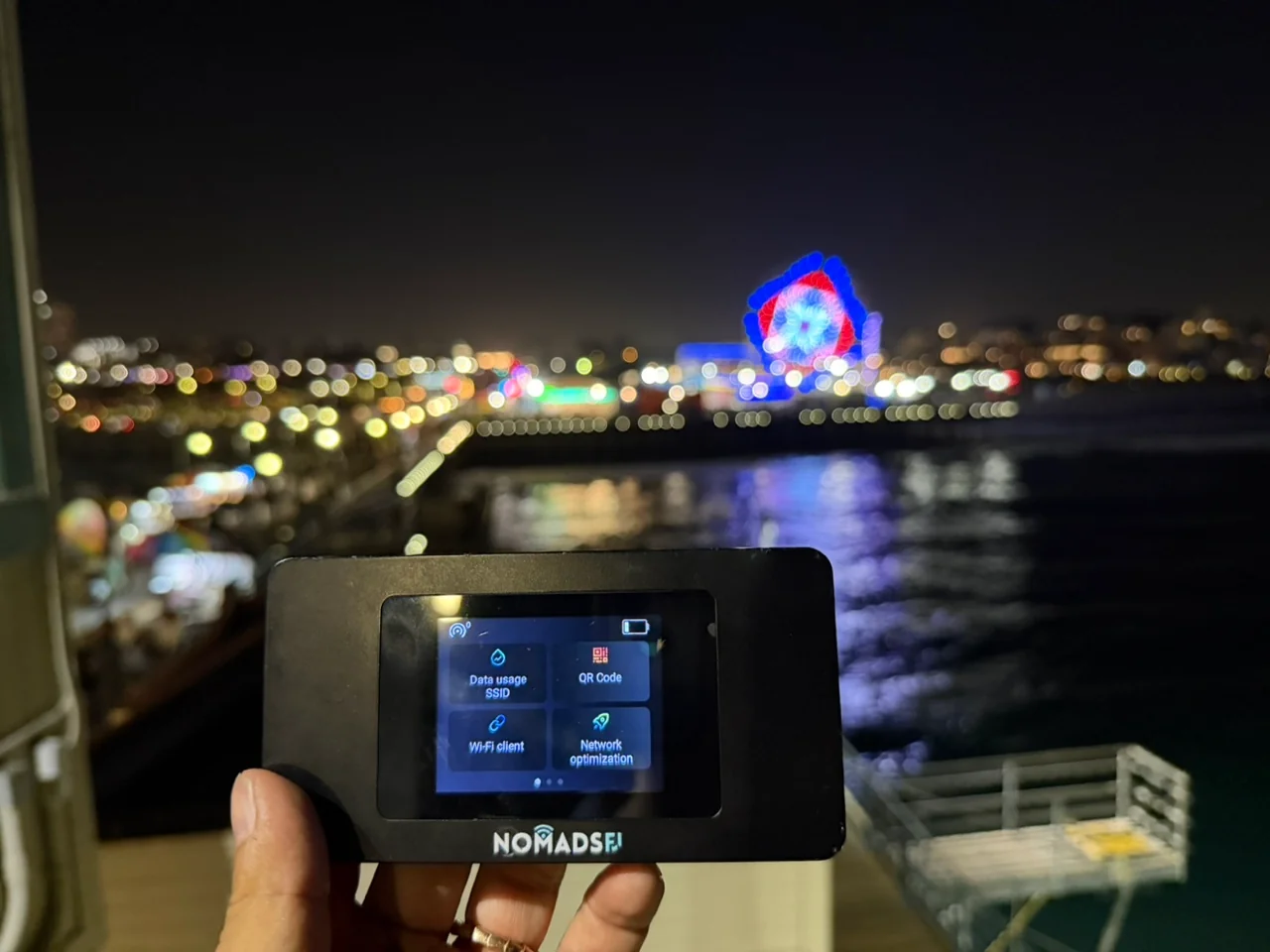
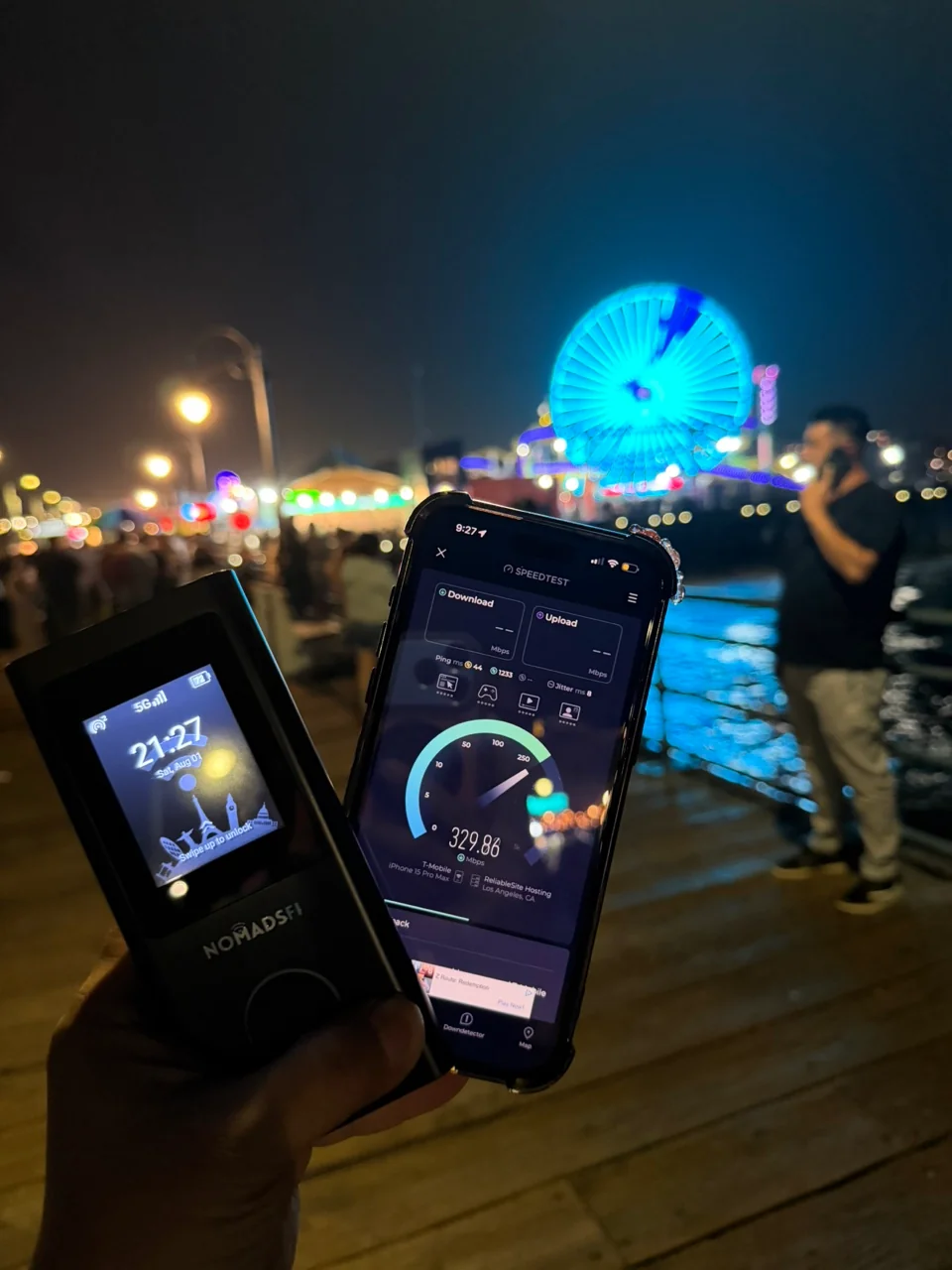
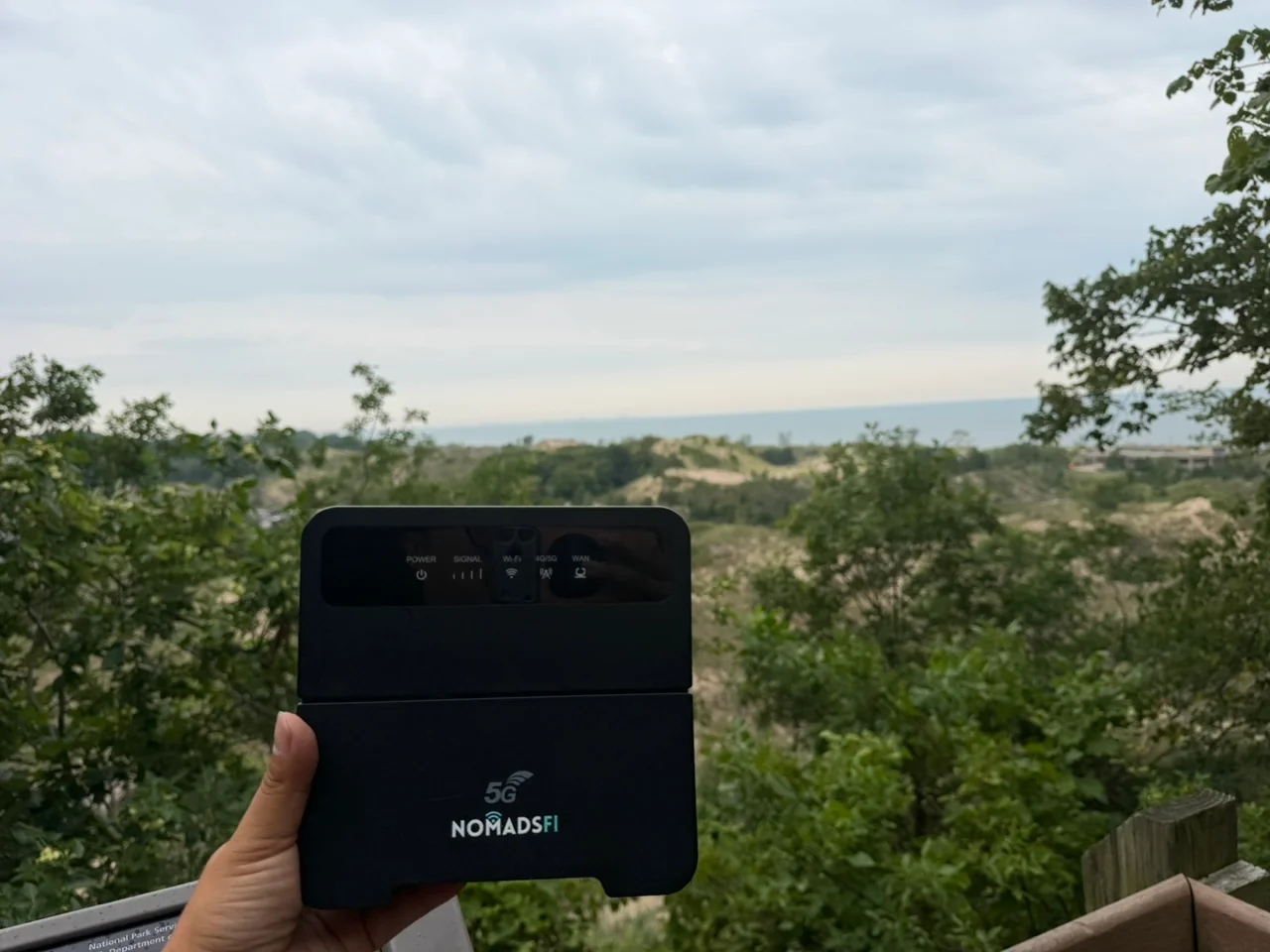
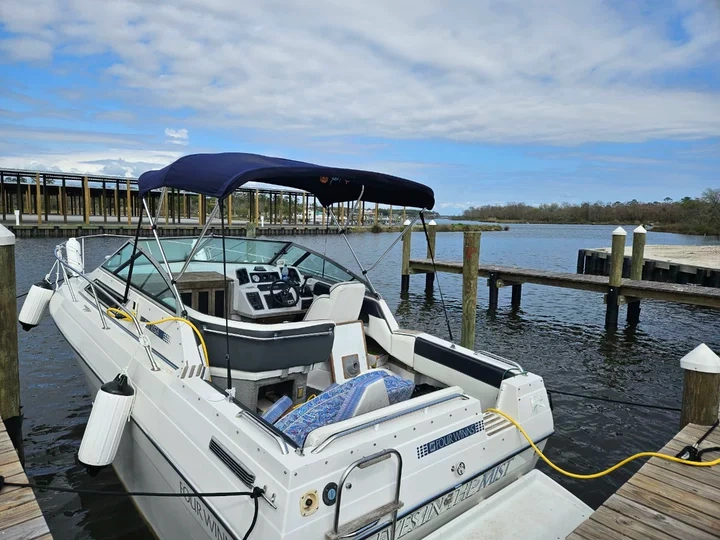
A UK sailing team stays connected through training
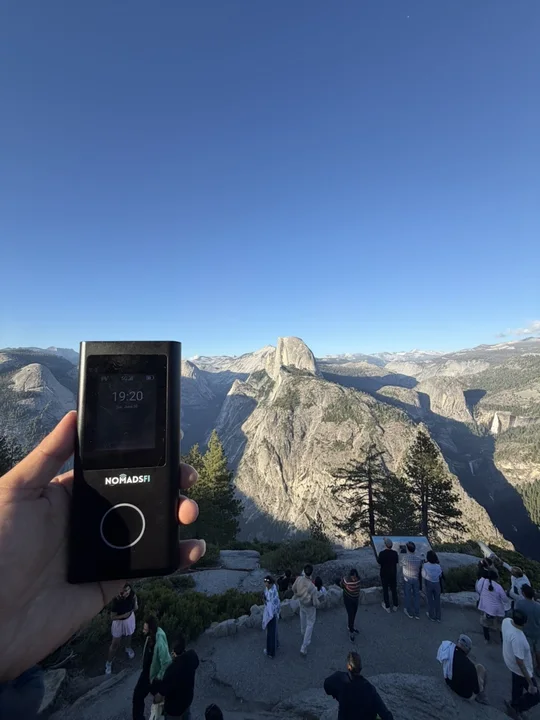
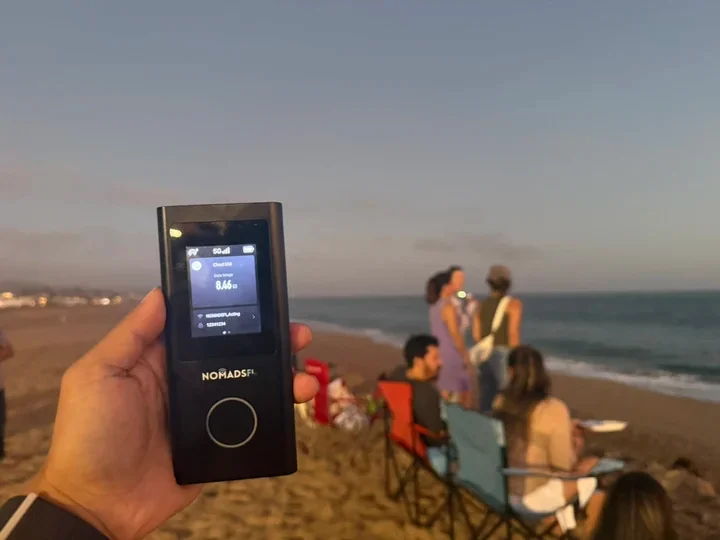
See how the UK sailing team used portable connectivity during a six-week training block in Los Angeles.
Explore customer stories and practical connectivity options for jobsites, events, inventory teams and business backup. Discuss a hotspot or router setup for your locations, people and project.
Explore Business Use Cases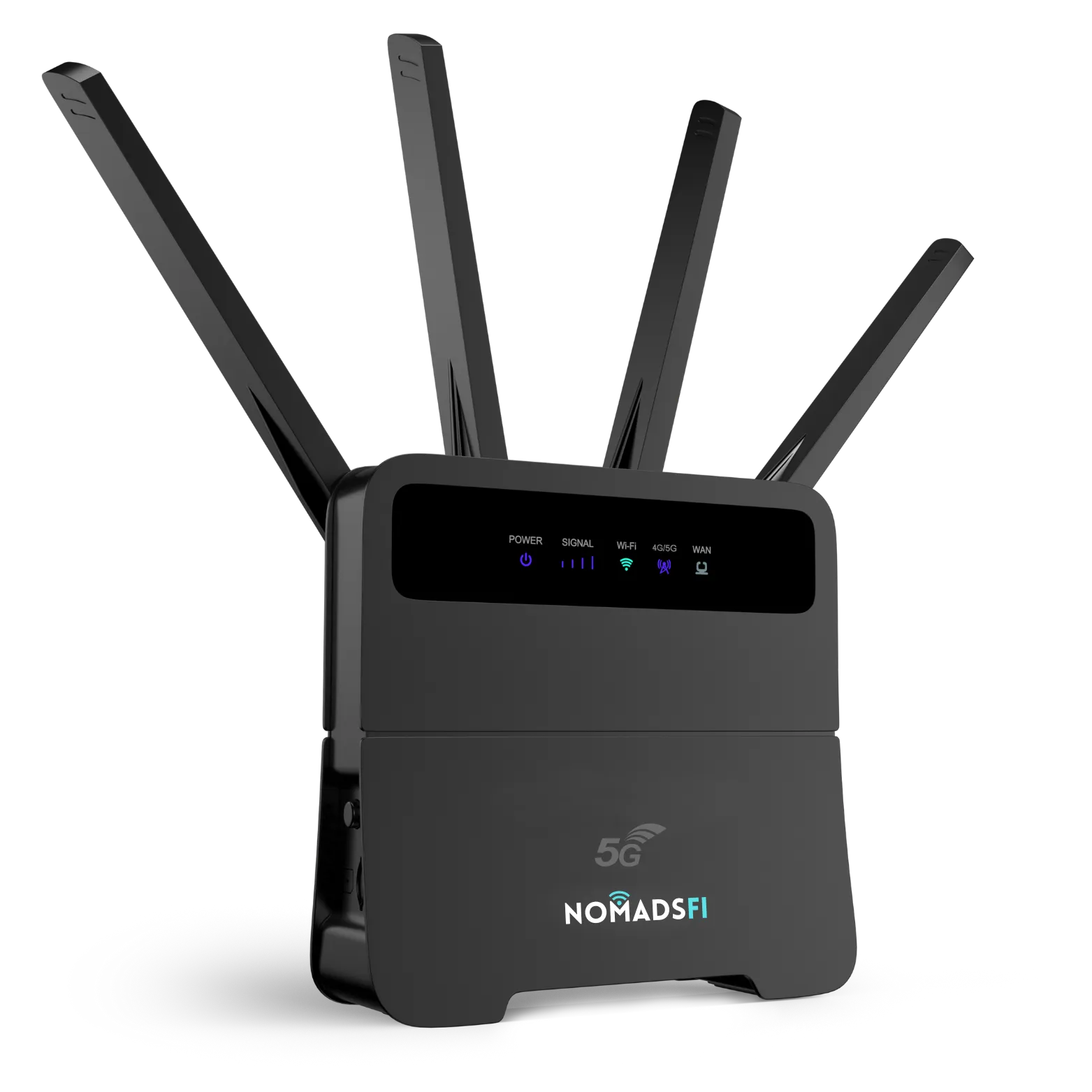



 LING




See how the UK sailing team used portable connectivity during a six-week training block in Los Angeles.
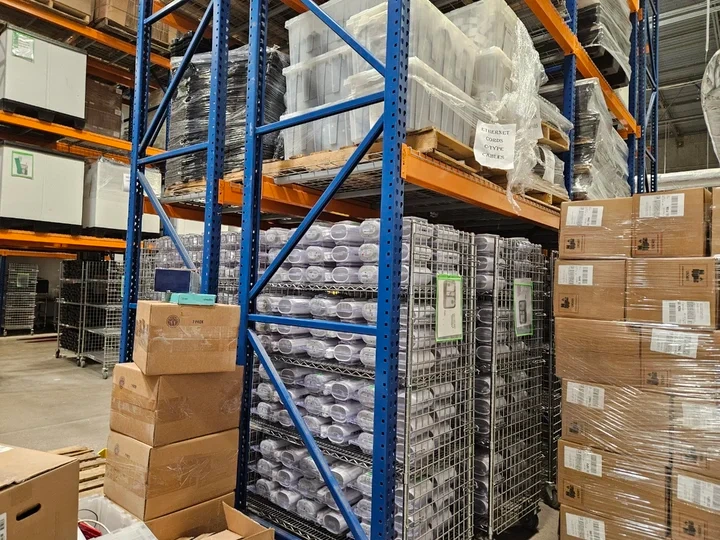
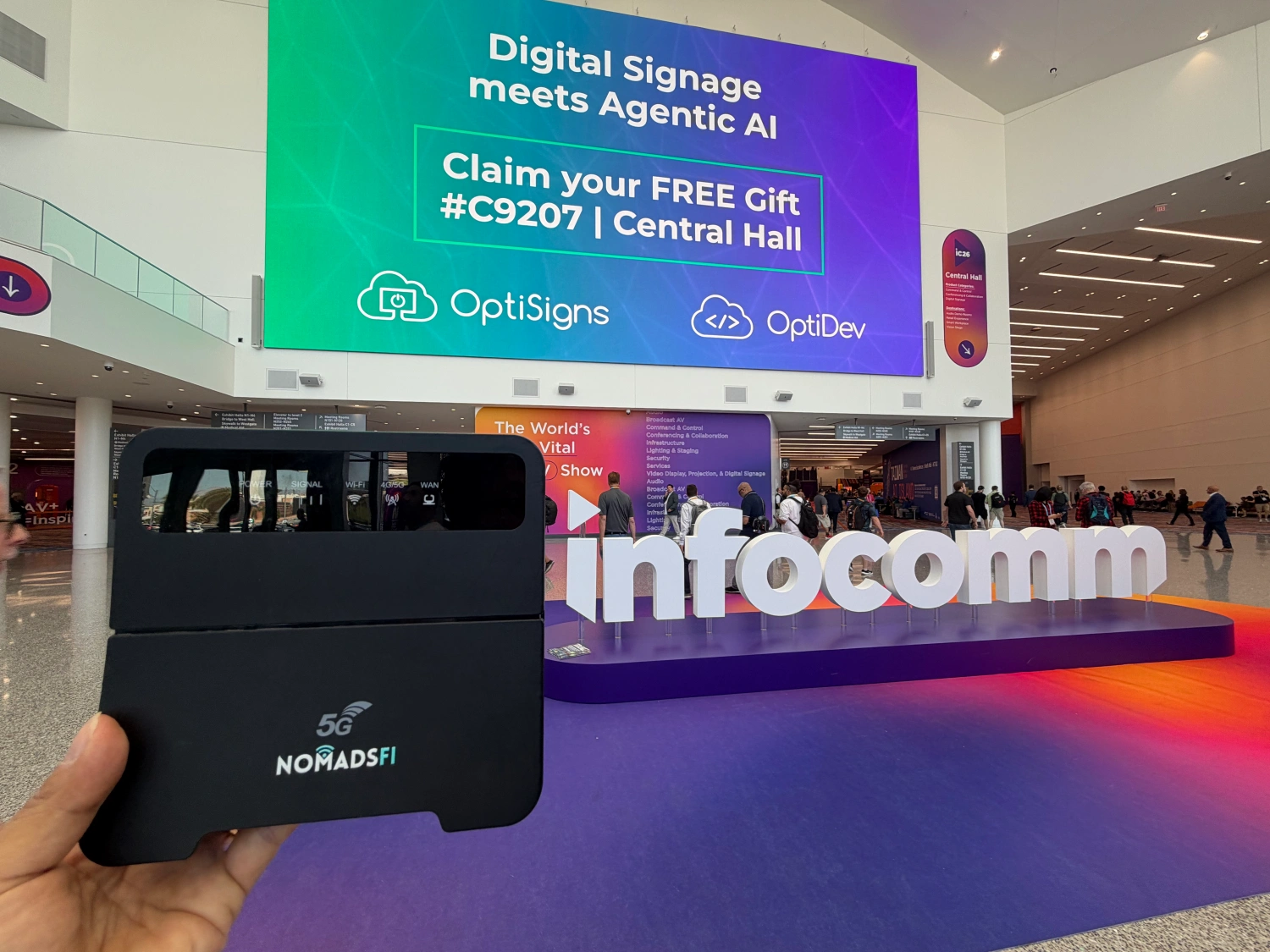
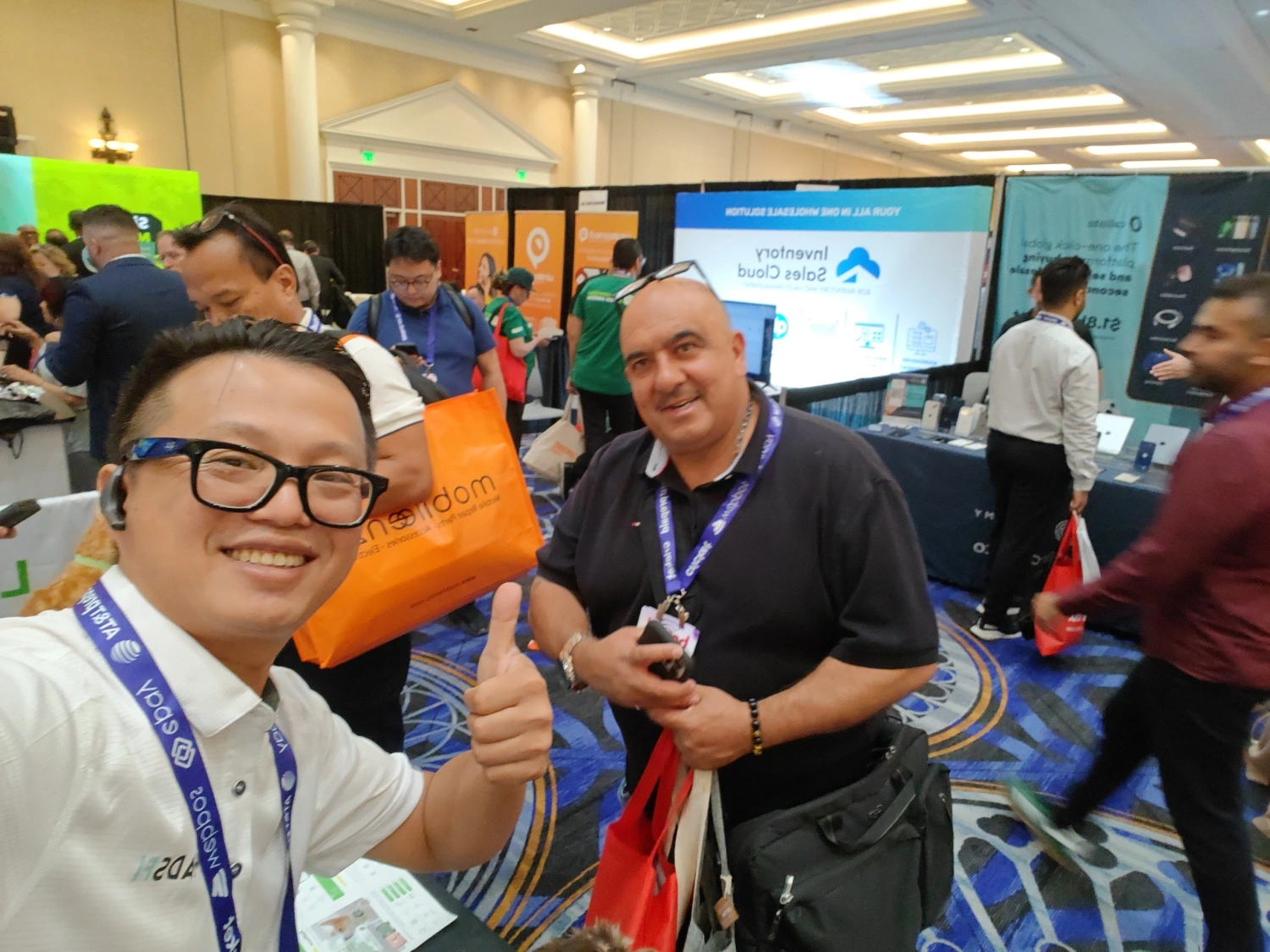
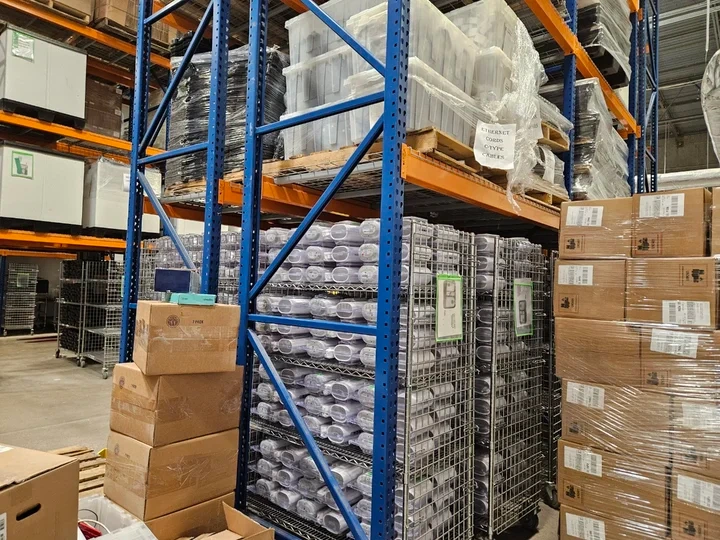
Read how a global inventory provider approached shared internet for mobile stock counts.
Explore jobsite internet solutions, event Wi-Fi, business backup and mobile-team connectivity. Read a story or guide, then discuss your own requirements.
Read how a global inventory provider approached shared connectivity for mobile stock counts.

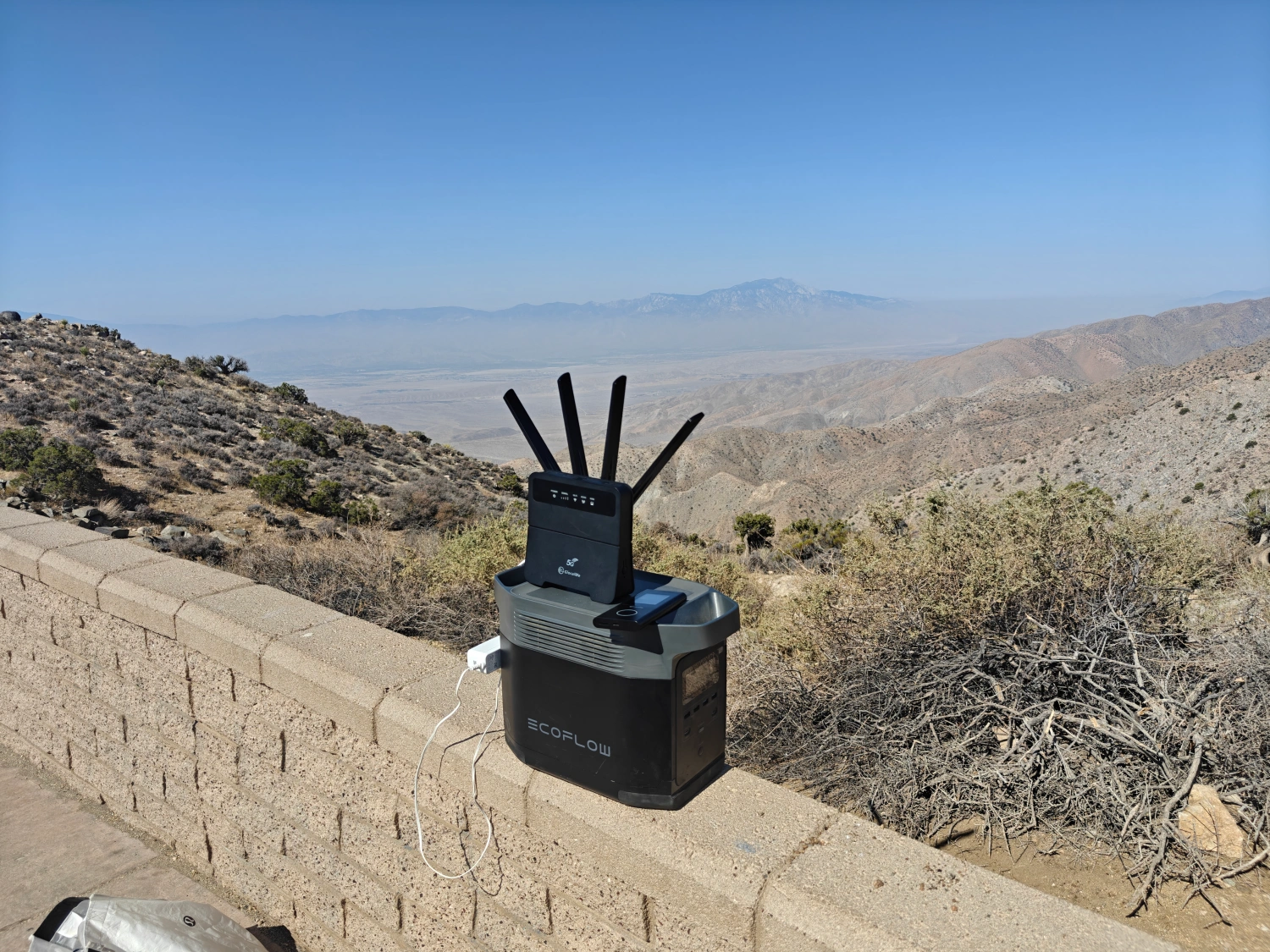
Plan remote jobsite connectivity for site offices, shared plans and field coordination before a fixed connection is ready.
Plan backup internet for an office or business location when the primary fixed connection is unavailable.
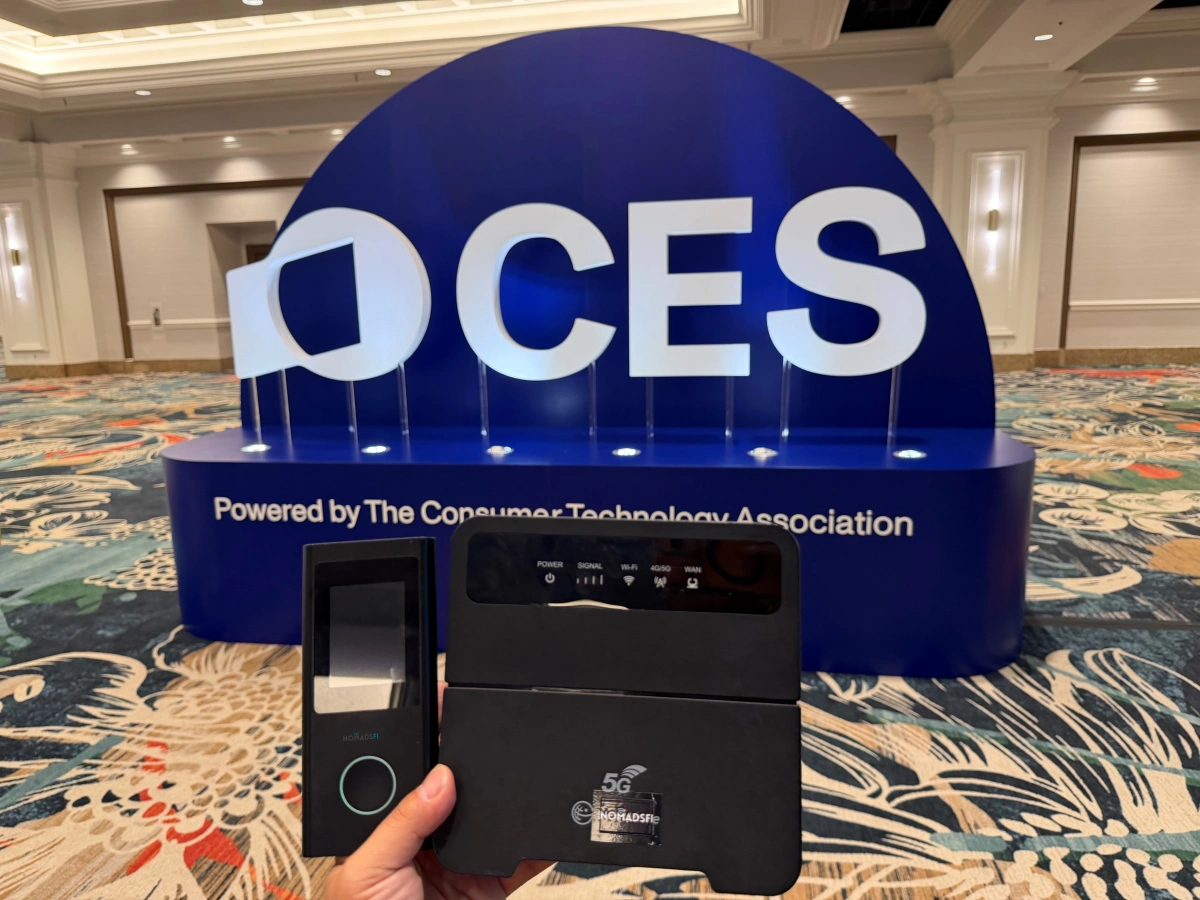
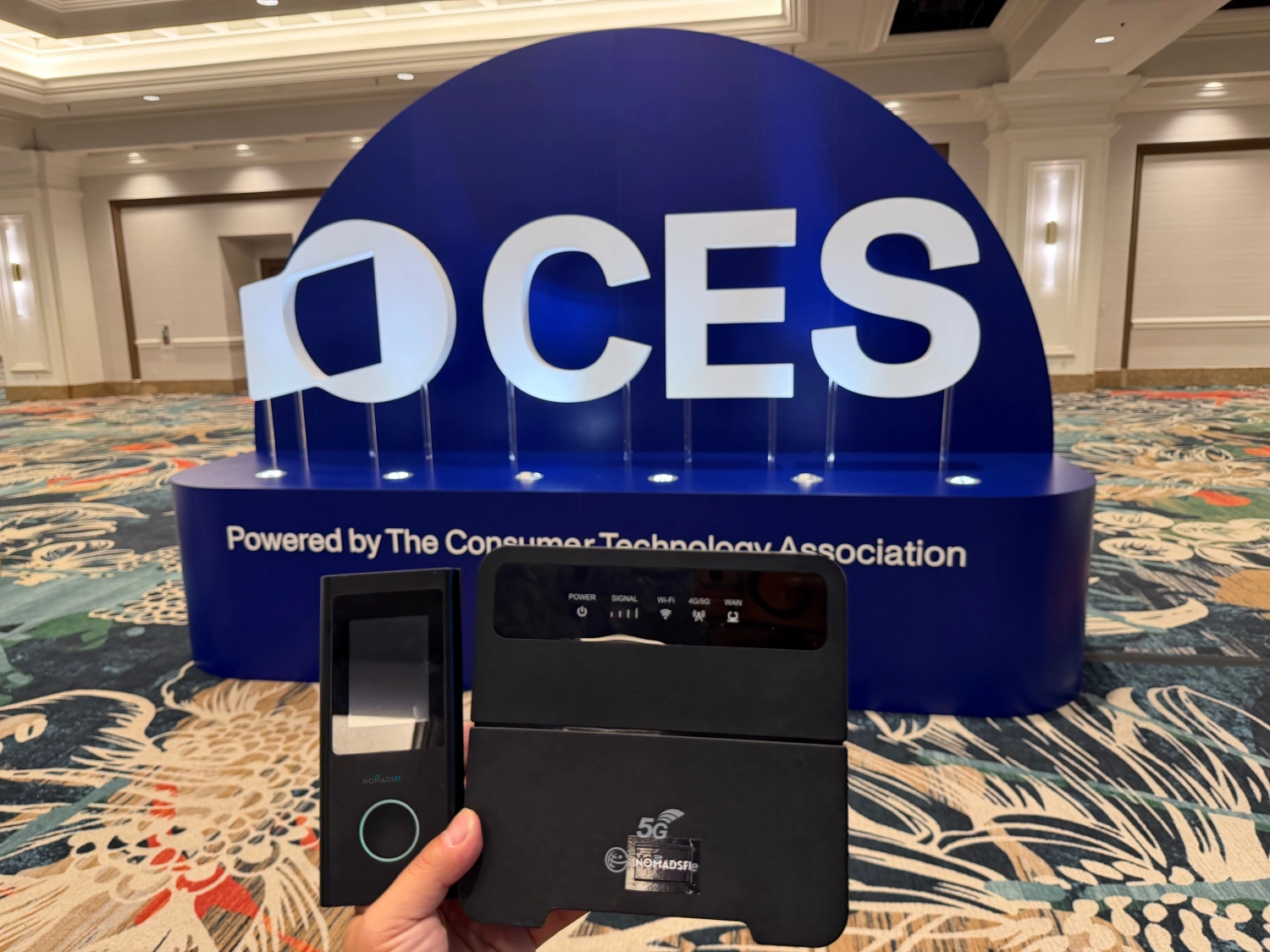
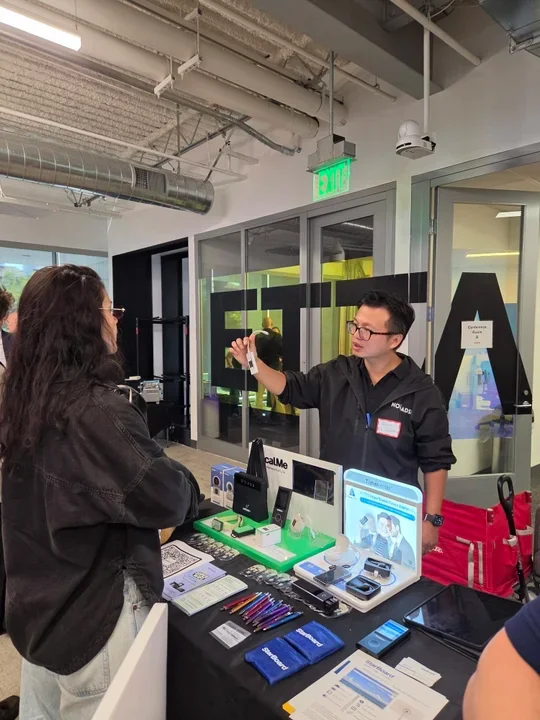
Explore portable Wi-Fi rental for exhibition booths, check-in and staff coordination. Discuss your event dates and device needs.

Discuss internet for a small team during an office move, project launch or short-term workspace setup.
Discuss an Office Setup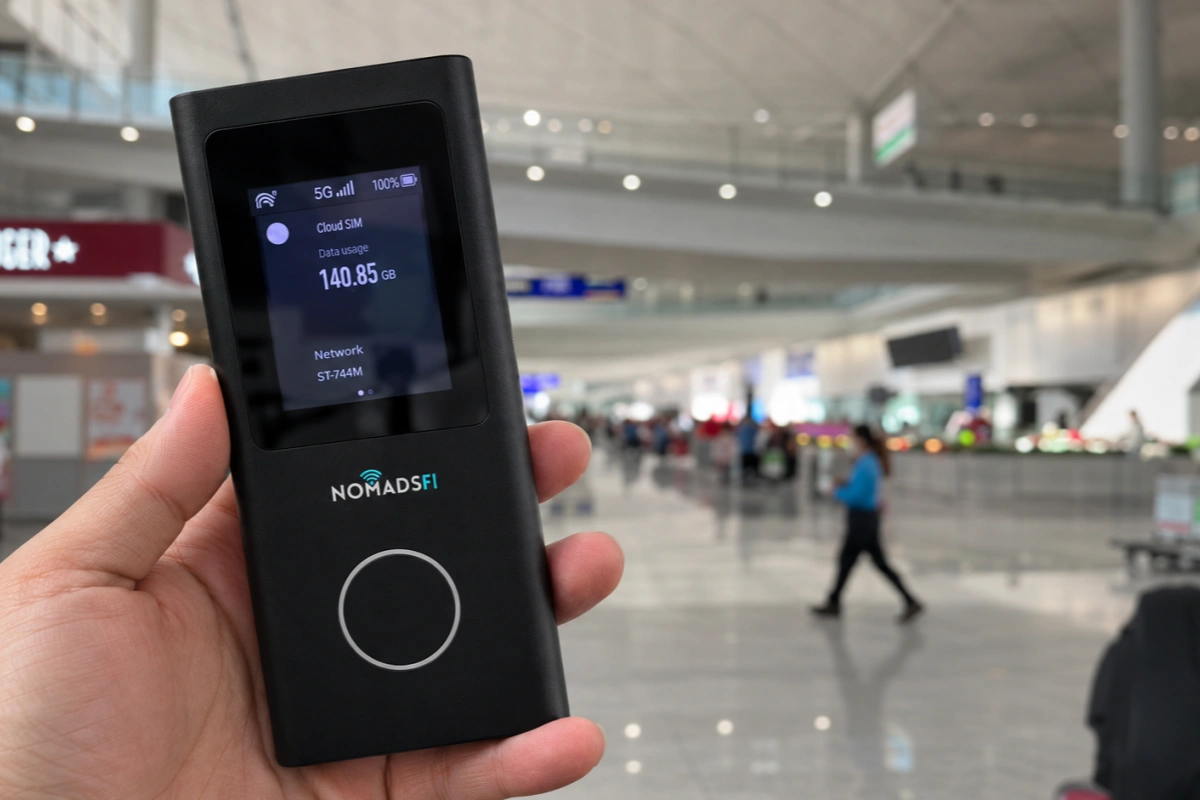
Plan enterprise hotspot connectivity for employees working across airports, hotels and customer sites.

See a documented training setup for a team collecting and sharing information near shore.

Plan connectivity for permitted point-of-sale tools and staff tasks at a moving storefront.
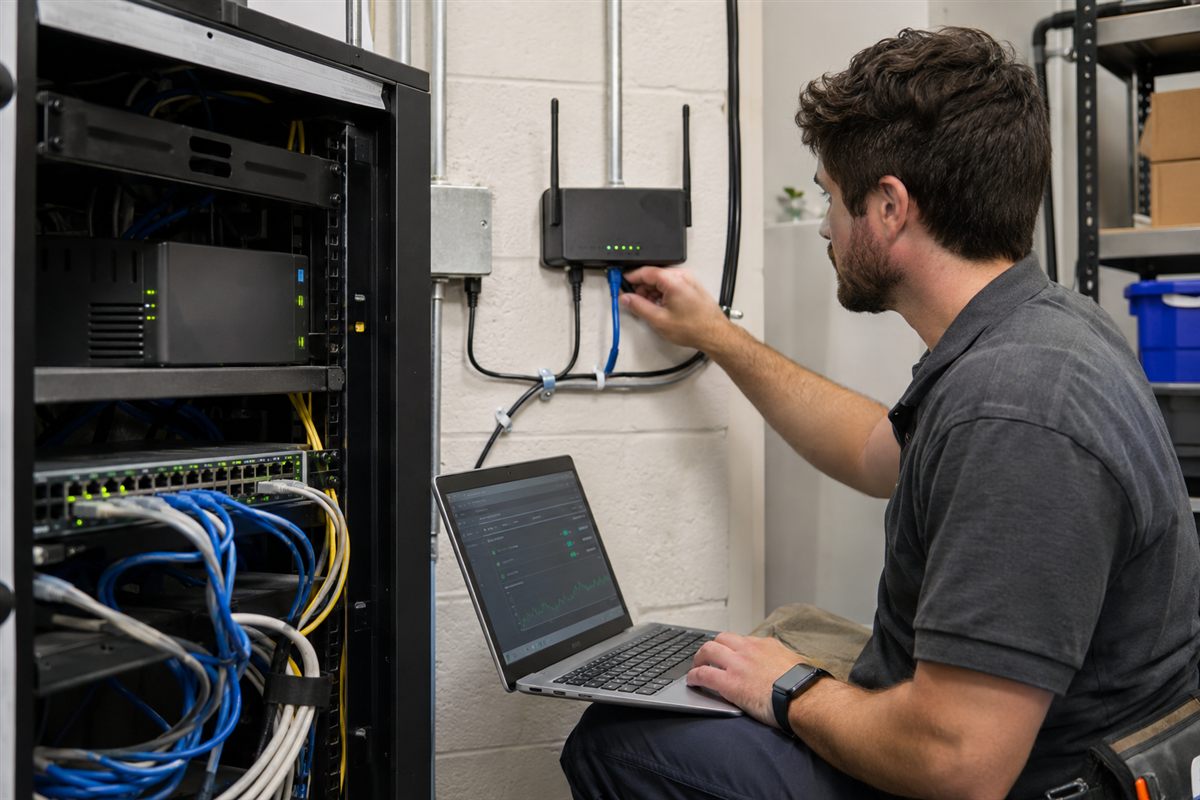
Discuss a wireless fallback at locations where fixed-service continuity matters.
Discuss Business Backup
Explore dockside or nearshore connectivity for vessel coordination and everyday crew tasks.
Discuss Crew Connectivity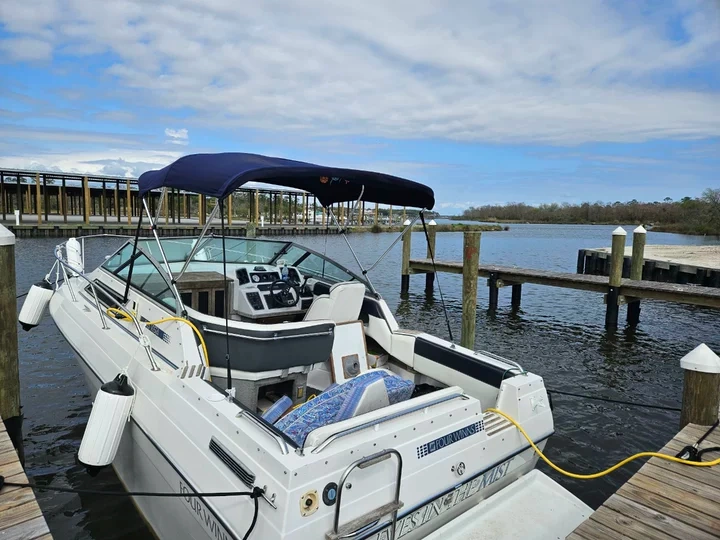
Plan portable connectivity for dockside coordination and coastal guest or crew needs.

Start with route, power, and passenger-demand testing before promising onboard Wi-Fi.

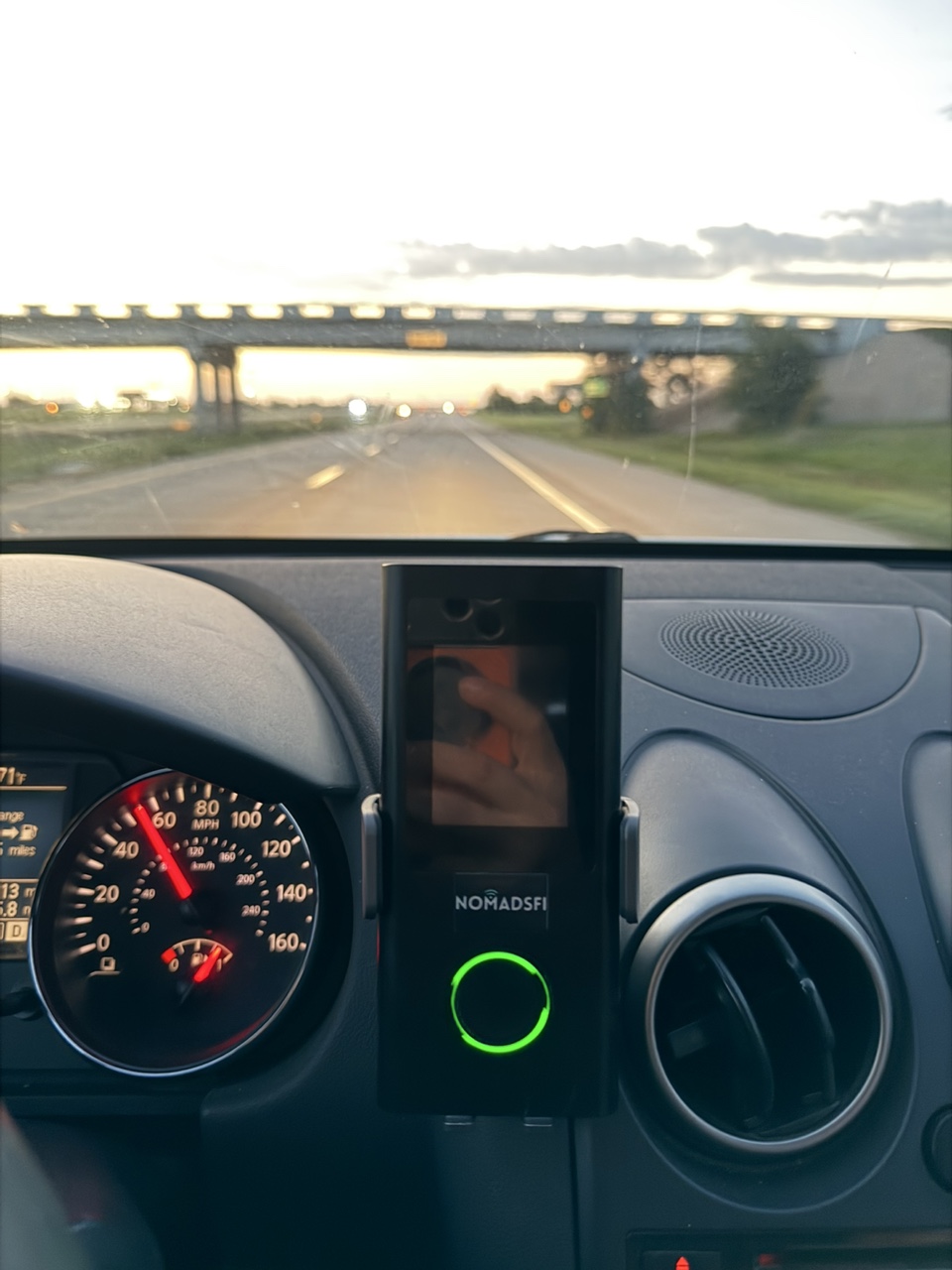
Plan Wi-Fi for paperwork, route planning, and off-duty devices at stops with supported cellular service.

Explore how a portable connection could fit a temporary handover or customer rental workflow.
Discuss Rental Connectivity
If a workflow depends on IP changes or remote access, confirm the exact network behavior before deployment.
Discuss Network Requirements
Explore portable internet for staff training trips and small remote-learning setups.
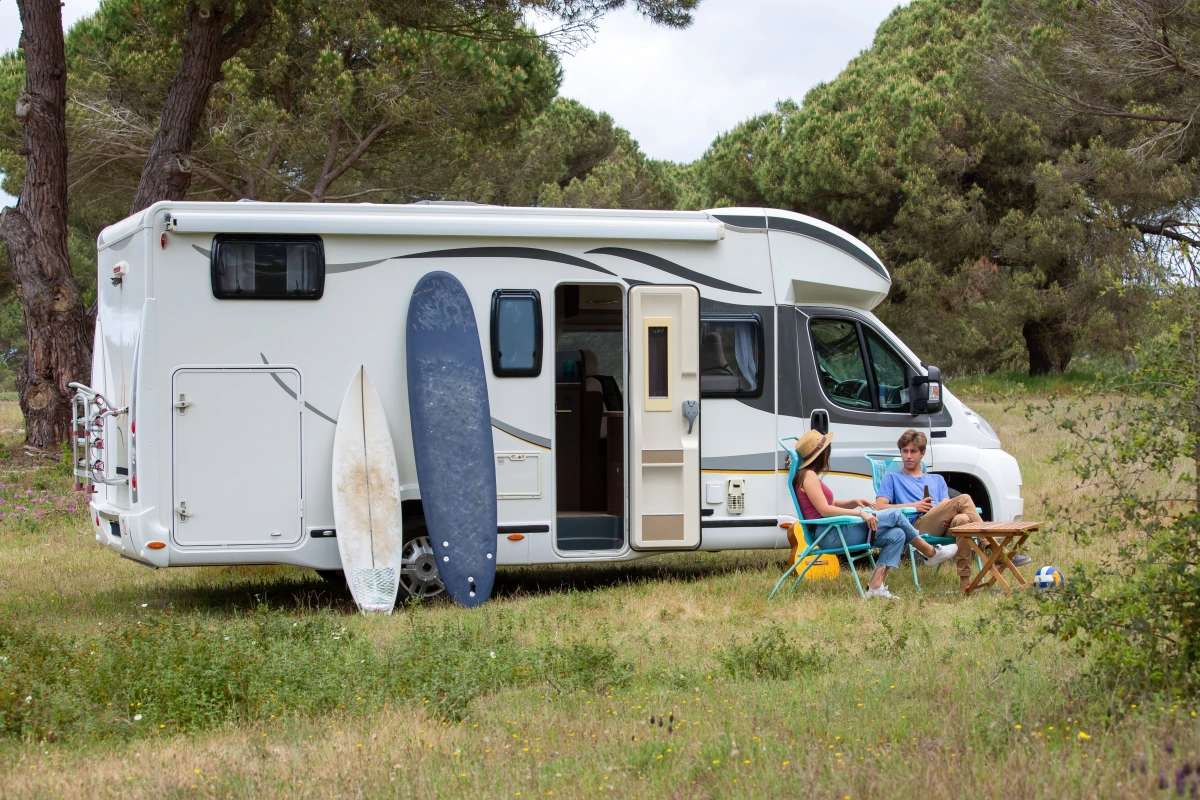
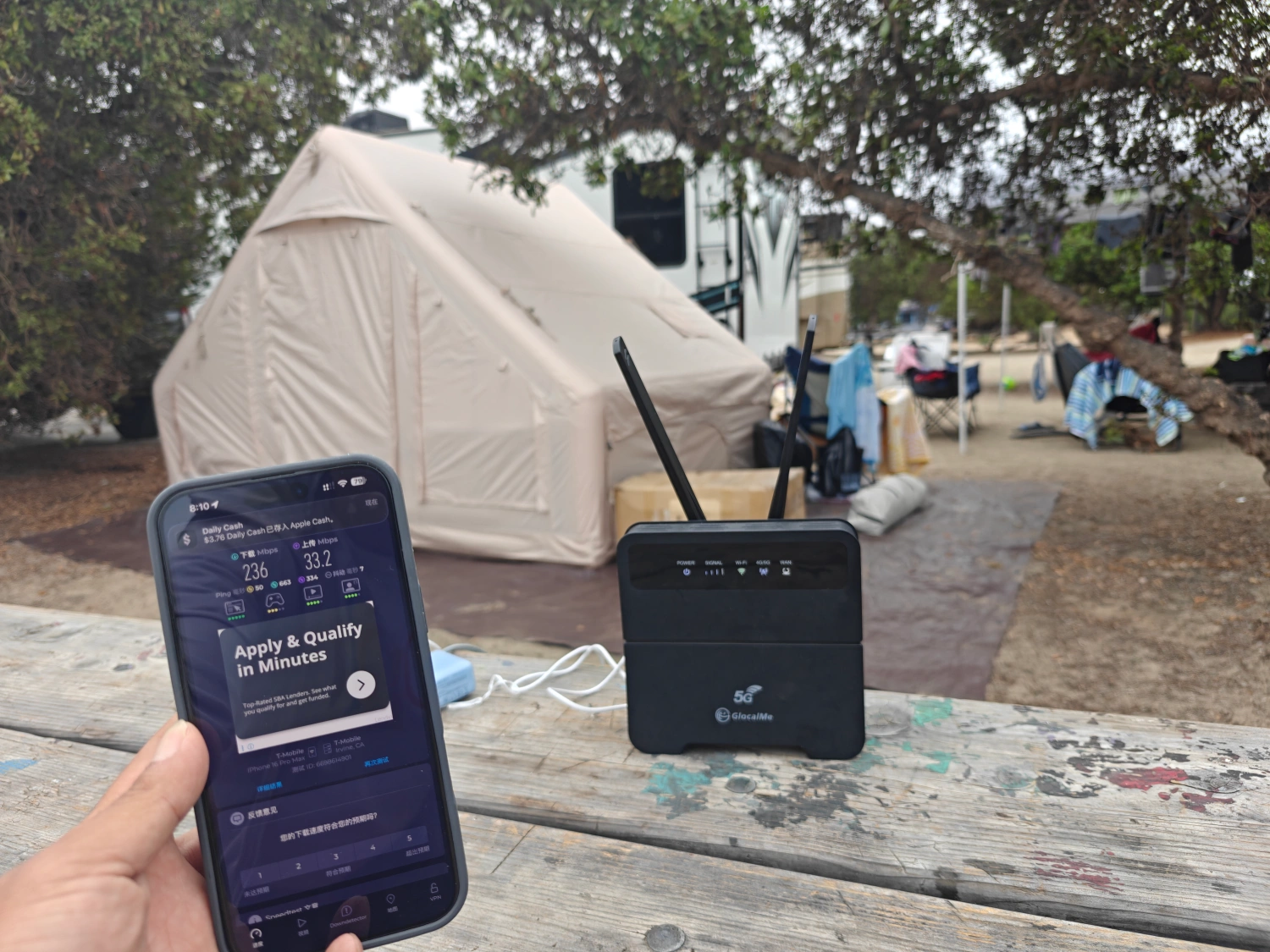
Bring a dedicated connection for campsite planning, work, maps, and shared devices where your route has service.
Read the RV guide
Explore connectivity for rural homes and remote work where supported cellular service is available.
Read the rural guide
Read one customer's experience using a portable hotspot during recovery after a local outage.
Read the customer account
Explore internet for a property used part time, with power, coverage, and data needs in mind.
Read the home guide
Personal Wi-Fi planning for troops, Army and Marine personnel, where use is permitted and cellular coverage is available.
Read the personal-use guide
Explore personal Wi-Fi for port calls and nearshore travel where supported cellular service is available.
Read the seafarer guideCompare devices, then discuss the right setup for your team size, locations and applications.
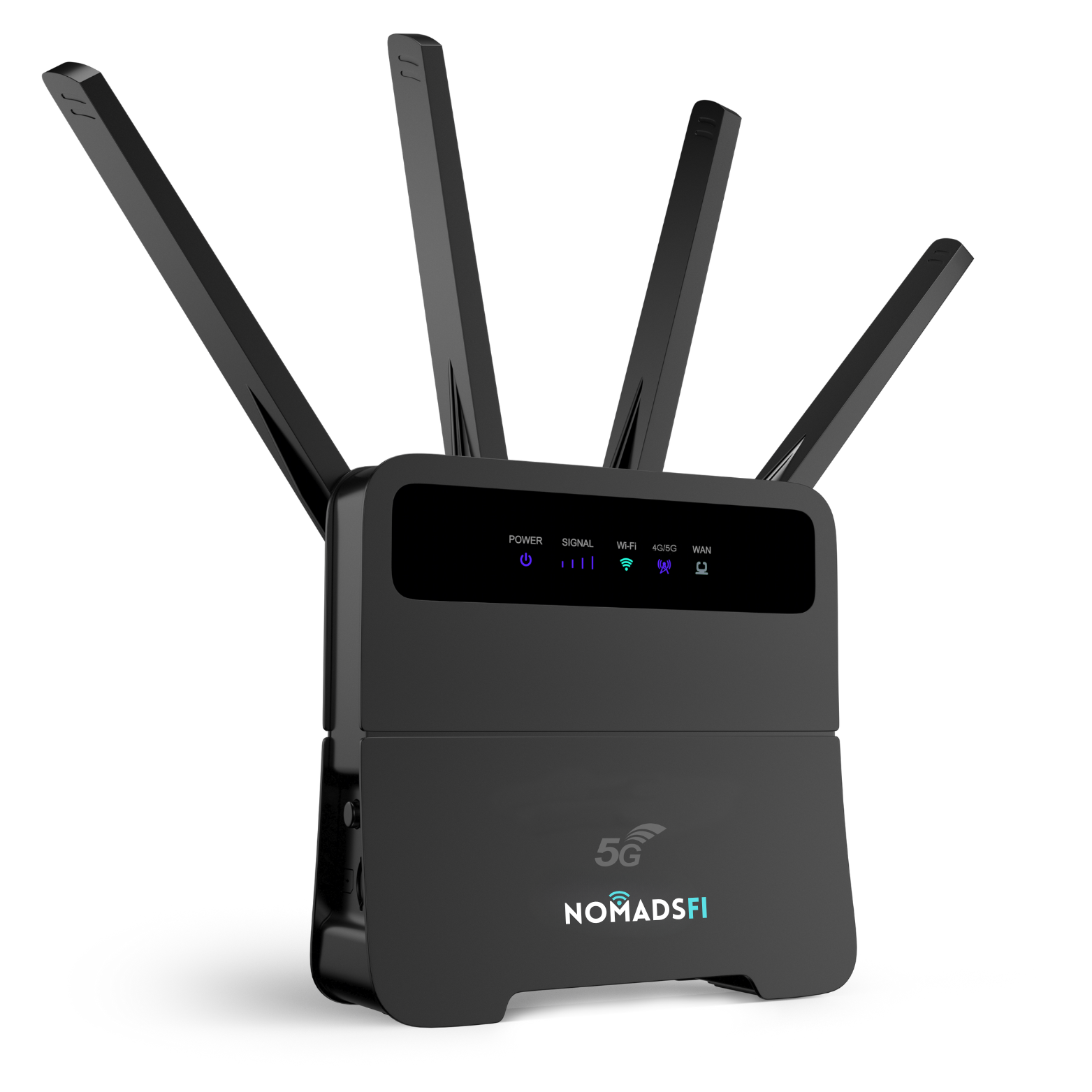


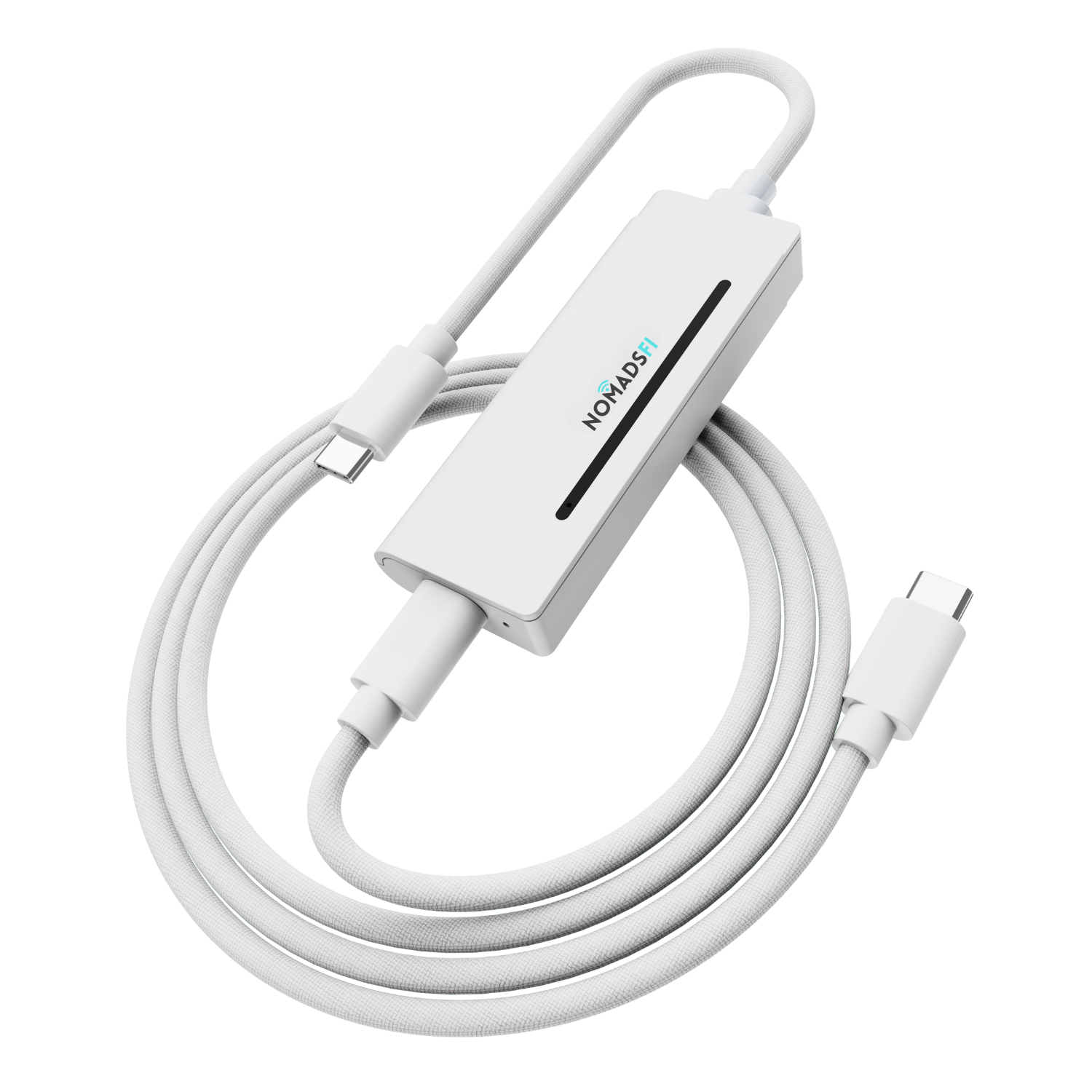
We also offer device rentals. Explore our rental program →
Tell us your use case, locations, approximate device count and project dates.
Discuss Your ProjectCompare hotspots, routers and eligible plans against the applications your team needs.
Compare data plansReview coverage and test the intended locations, applications and simultaneous connections before rollout.
Check coverageTell us where your team works, what needs to connect and when you need it. Our team can discuss suitable devices, plans and availability.
Request a Business QuoteBecome a Partner →Share your company, use case, locations and timing. For retail, reseller or ISP opportunities, tell us about your market and product interests.
Having trouble viewing the form? Open it in a new tab.
Share your use case, deployment locations, device count, expected data use and timeline through our business enquiry form. Our team can discuss devices, plans and availability for your requirements.
Items marked Customer story describe published customer accounts. Items marked Use case or Guide explain possible applications and planning considerations; they do not represent a verified deployment or guarantee the same results for every business.
Yes. Select Become a Partner and tell us about your business, market and product interests. Partnership options and eligibility depend on the applicable program terms.
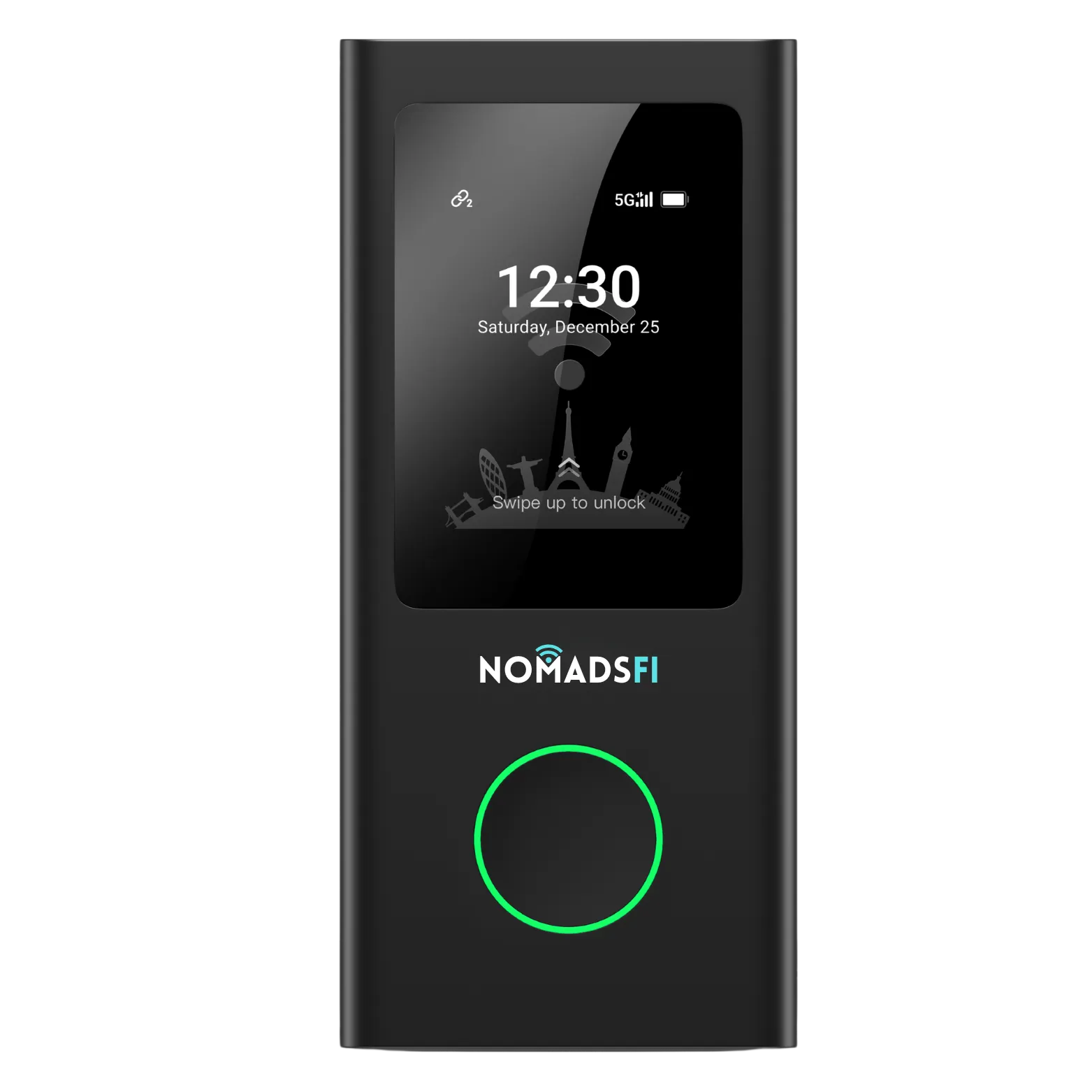
NomadsFi offers portable hotspots and routers for home internet, RV trips, travel, remote work, and business backup. Choose a device and data plan for the places you visit and the way you use the internet. Explore the devices.
NomadsFi lists service in the U.S. and more than 200 countries and regions. Actual availability depends on the local network, your device, and your plan. Check coverage for each destination before you travel.
No. A rented device remains NomadsFi property and must be returned when rental service ends unless NomadsFi tells you otherwise in writing. Review the return policy for device condition, shipping, and possible charges.
NomadsFi offers monthly service without a long-term service contract. Your order may still include plan, rental, shipping, or return-related charges. Review the amount at checkout and the return and cancellation terms.
Most devices can be activated and connected in a few minutes. Use the QR code or activation page to select or activate a plan, turn on the device, and connect your phone or computer to its Wi-Fi.
NomadsFi states that its service uses encryption. Keep your device and Wi-Fi credentials private, and use the same care you would with any internet connection.
NomadsFi describes its service as contract-free. You can request cancellation; if you rented a device, the rental ends after the required device return and inspection. See the current policy for the full process.
On a plan with a data limit, service pauses after you use the included amount. To continue, choose a larger plan or buy an add-on through Manage My Plans.