

The laptop needs to send a proposal. A colleague is reviewing drawings on a tablet, and two phones are handling messages. You are between client visits abroad, with another call due before you reach the hotel.
This is where an international WiFi hotspot can earn its place in a work bag. It gives compatible devices a shared connection that travels with the group, using supported local cellular networks and an active data package.
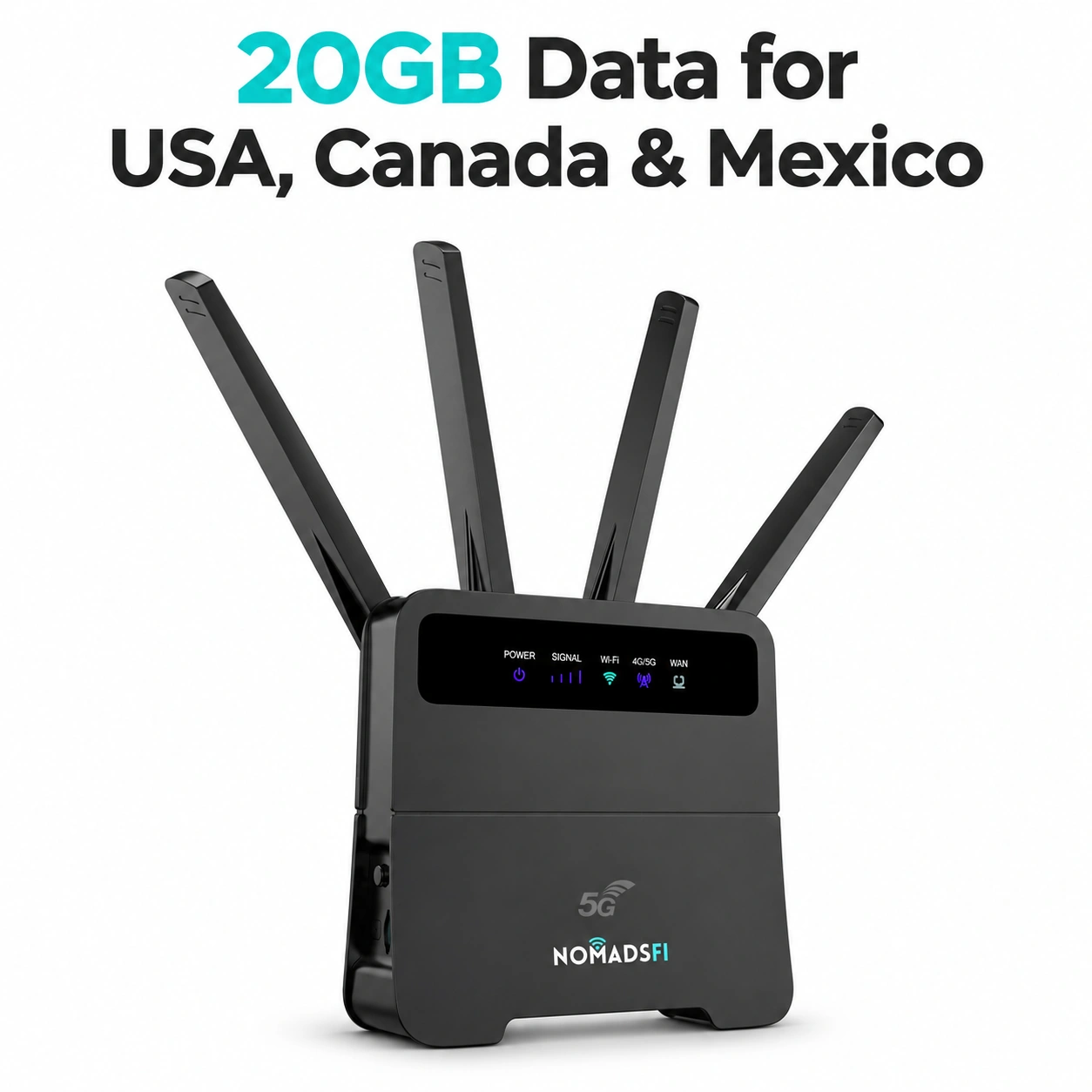
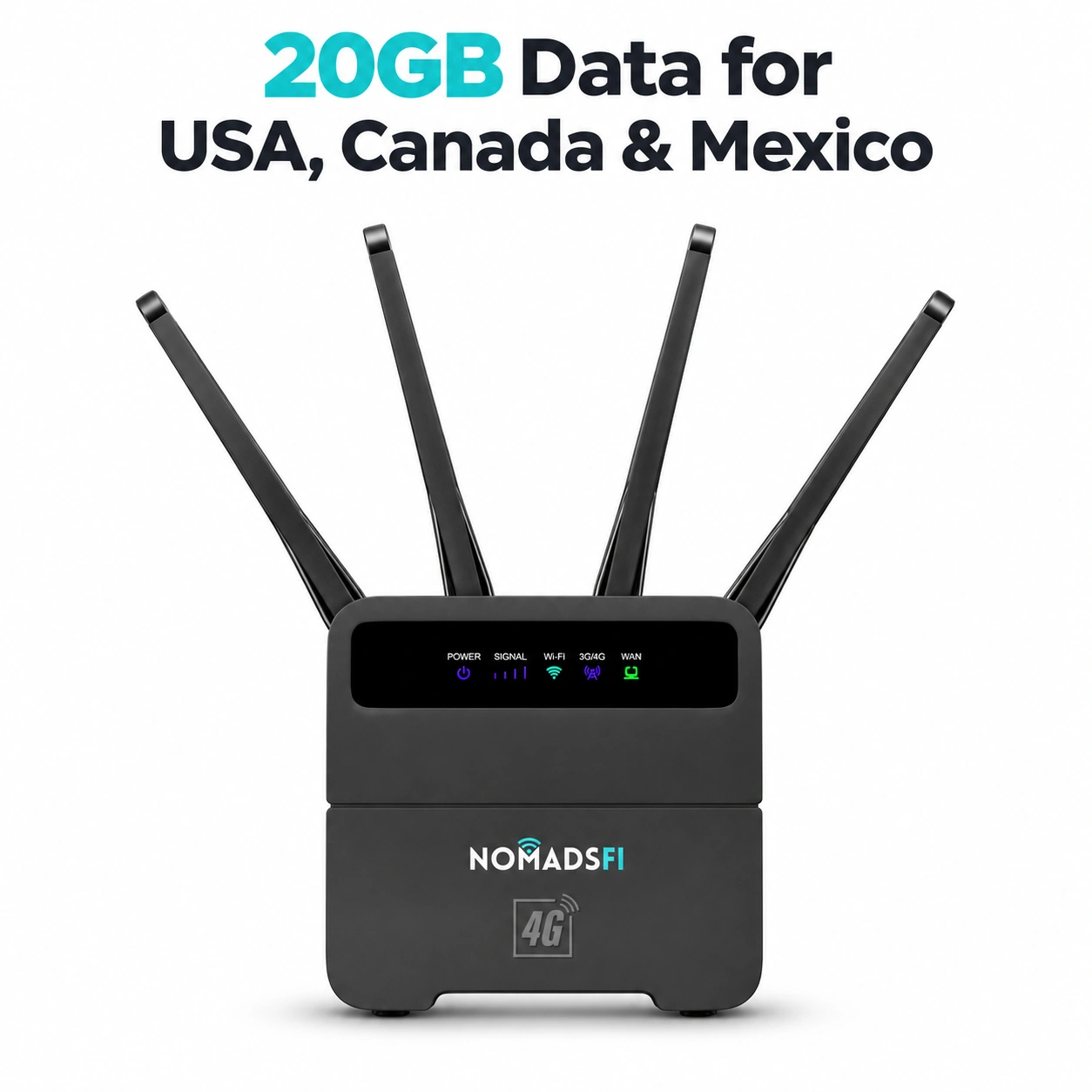
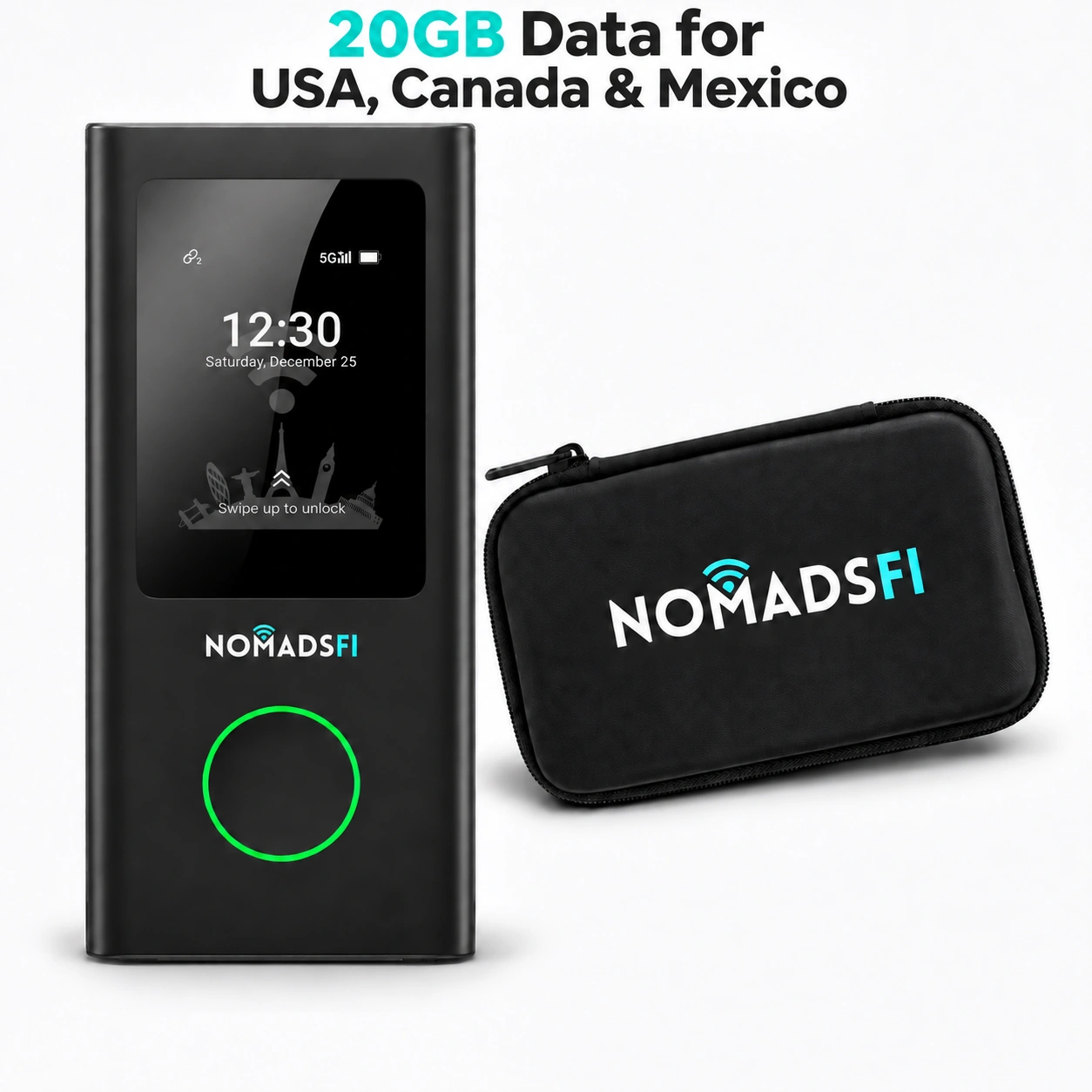
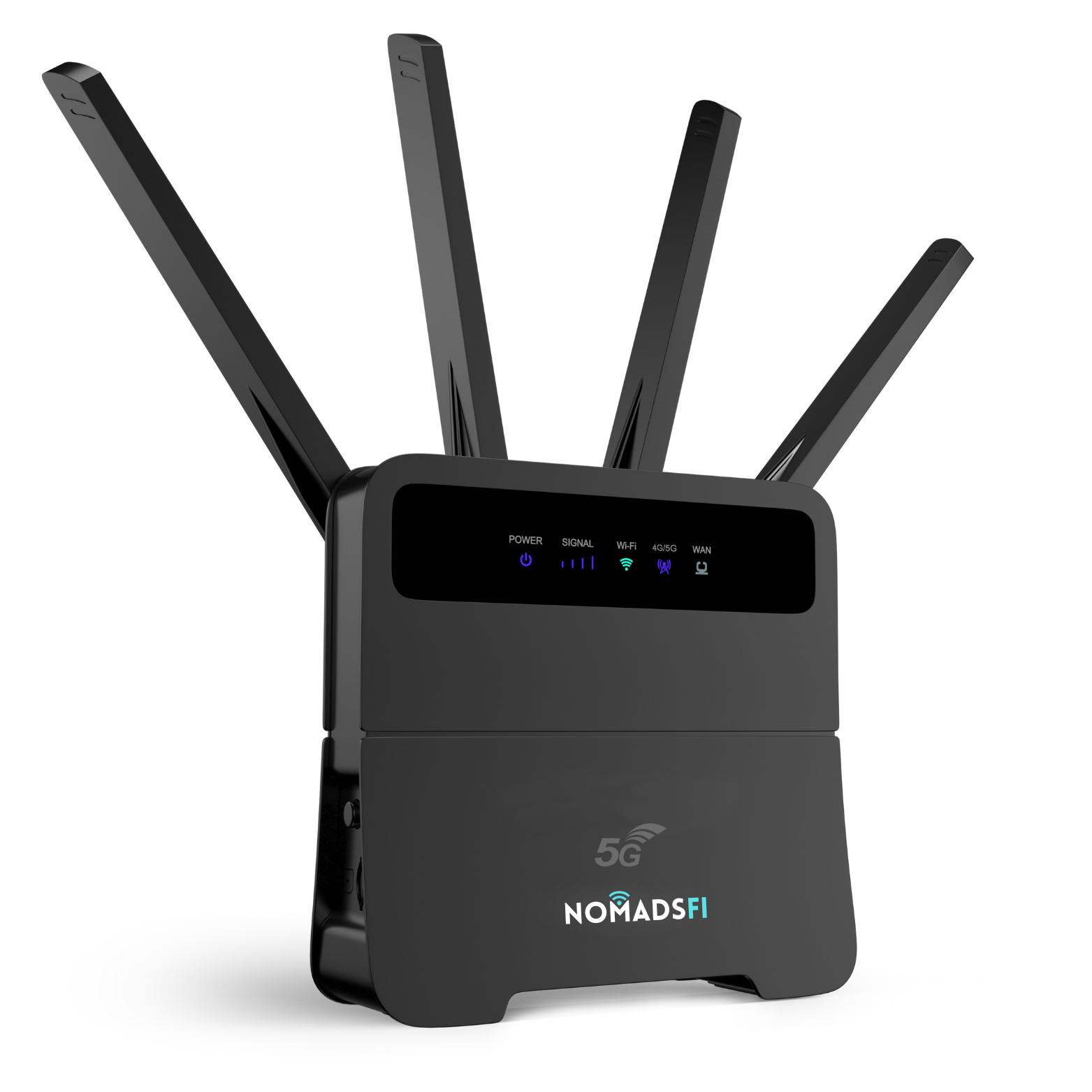
Quick answer: For several work devices or a small team staying together, NomadsFi PocketFi 5G is a practical option to evaluate alongside phone tethering. NomadsFi lists support for up to 16 connected devices and a global service footprint spanning 200+ countries in its device overview. Choose the package for the countries you will visit, then test it with the work you need to do. Those published figures do not establish reception at every address or capacity for 16 simultaneous video calls.
Which connection fits your business trip?
Start with who needs to connect and whether they will stay together. A solo traveler checking email has a different requirement from colleagues sharing large files or joining separate calls.
| Your working day | Connection to consider | Check first |
|---|---|---|
| One person, occasional laptop access | Phone hotspot using an eligible roaming or eSIM package | Tethering allowance, destination inclusion and phone charging |
| Several devices or colleagues working together | A separate shared hotspot such as PocketFi 5G | Concurrent workload, shared data and who carries the device |
| Frequent video meetings and file uploads | A tested primary connection with a prepared alternative | Actual upload performance, call quality and usage |
| Work in both the U.S. and Canada | A package explicitly including both countries | Country list, validity dates and any speed or fair-use terms |
Portable WiFi for international travel is most useful when it follows the working day beyond one venue. It still needs usable cellular service. Moving the same device between countries also requires a package that supports each destination.
Portable WiFi or phone hotspot for international travel?
A phone hotspot is a sensible place to start if you travel alone and already have an appropriate plan. Apple explains that Personal Hotspot shares a cellular connection and requires carrier and plan support. Check that the allowance covers the laptop's work as well as the phone's own use.
Travel eSIMs can also support sharing. Airalo allows tethering where the device and network support it. The comparison should therefore be about your package and working setup, rather than an assumption that an eSIM cannot connect other devices.
A separate hotspot gives the shared connection its own device. That can be convenient when one person needs their phone for navigation or leaves with a client while the hotspot stays with colleagues. The group still needs to remain within the hotspot's local WiFi range; it cannot connect teammates working across town.
| Option | Sharing and location | What to budget or verify |
|---|---|---|
| NomadsFi PocketFi 5G | Several compatible devices share a separate hotspot while nearby | Hardware, eligible destination package, total group use and charging |
| Phone hotspot with roaming or eSIM | Other devices connect through the host phone while it remains available | Plan support, tethering terms, allowance and phone power needs |
| Host-office, hotel or coworking WiFi | Access at that venue, subject to its permissions and service | Availability, access terms, any charges and company policy |
For colleagues staying together, compare one hotspot and the required shared allowance with the individual plans they would otherwise need. If they split up for most of the day, separate connections may suit them better. Neither arrangement is automatically cheaper on every itinerary.
Our travel eSIM vs portable WiFi guide covers the personal-device choice in more detail. For this trip, choose portable WiFi or phone hotspot access around the people and tasks involved.
One international hotspot for multiple devices
Choosing an international hotspot for multiple devices starts with a list of what will actually be online. Include laptops, tablets and phones, then identify which ones will be actively transferring data at the same time.
A business WiFi hotspot serves those devices through one available cellular connection. A phone receiving messages and a tablet displaying a downloaded document have different demands from two laptops uploading recordings. The shared allowance also covers background traffic, including software updates and cloud synchronization.
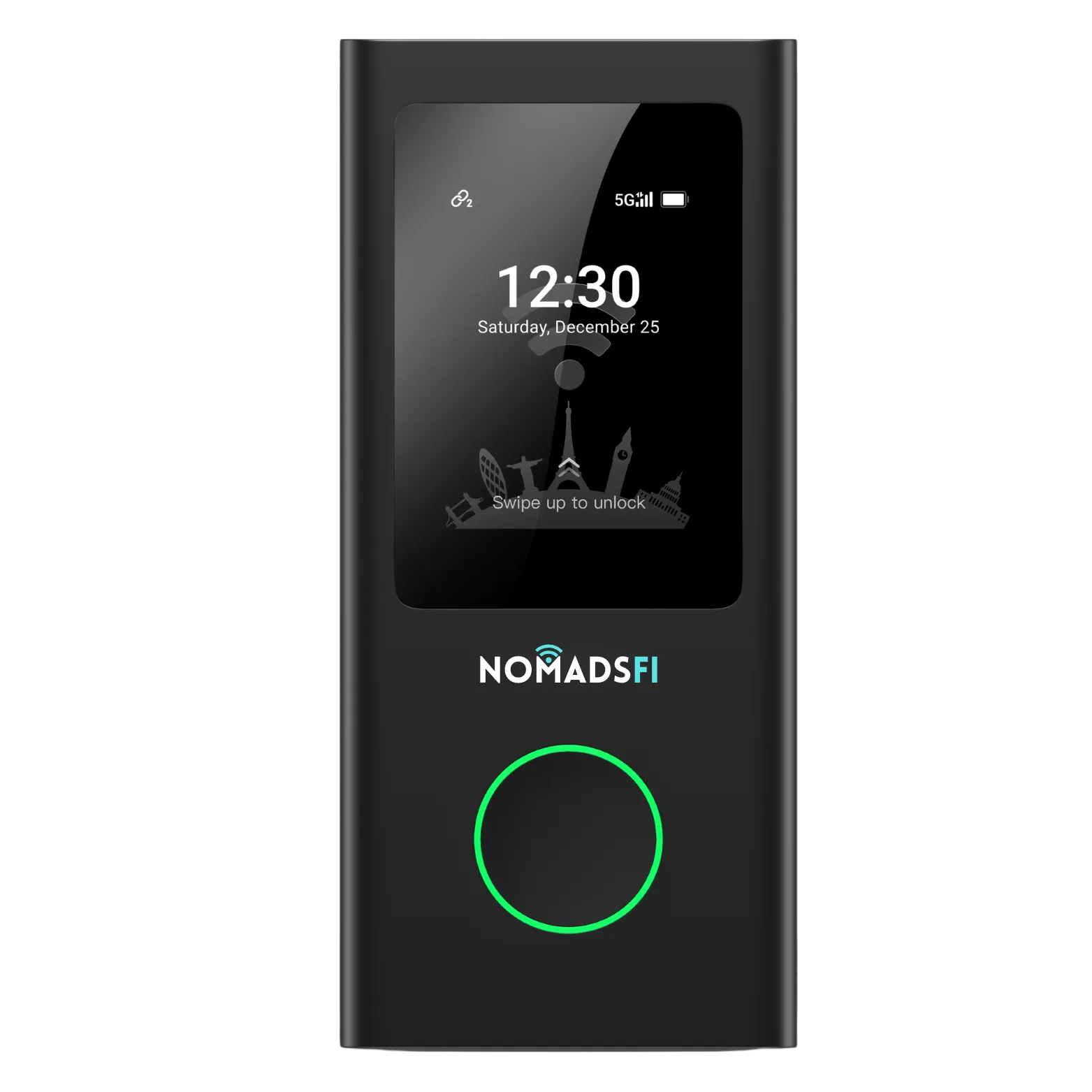
PocketFi 5G's published connection limit gives a small group room to connect different work devices. For a live meeting, the meaningful question is whether the available network can handle the active workload in that location. Keep a separate record of connected devices, concurrent calls and data use during a trial.
The PocketFi 5G product page also describes NomadSwitch-AI carrier selection. Ask which networks the service supports at the intended destinations and how network selection works there. Access to multiple supported networks does not establish combined carrier bandwidth or guarantee that a call will continue through a network change.
How to choose the best hotspots for remote work
When comparing the best hotspots for remote work, work backward from the calendar. A day of calls followed by a large upload should influence the choice more than the highest speed printed on a device page.
Test the applications you use
Open the meeting platform from the planned working location. Speak with a colleague, share your screen and send a representative file. Test the company's approved VPN and sign-in process too, if those are required for work.
Zoom's bandwidth guidance distinguishes video formats and screen sharing. That is a useful reminder to test the actual call format. A simple speed-test result cannot show how your whole working session will behave.
Estimate the group's data use
Use an observed test session to estimate calls, then add downloads and file uploads. As an arithmetic example only, if a one-hour trial used 0.8 GB, ten comparable hours would use about 8 GB before other traffic. That is an assumed input, not a measured NomadsFi result or a standard allowance for Zoom.
Check the remaining data during the trip and know how to add more. Review plan validity and any speed restrictions before scheduling several hours of meetings. Keep large nonessential transfers for a suitable approved connection.
Prepare power and support
Charge the hotspot and work devices before leaving. Pack the charging equipment and destination adapters they require, and save connection instructions offline. Give the group a support contact and agree who will manage the package if the allowance runs low.
Taking a WiFi hotspot worldwide: match the package to the trip
Taking a WiFi hotspot worldwide means checking two things separately: where the service is offered and what the package you will activate includes. The same device can be useful on different supported trips without every data package covering every stop.
NomadsFi's coverage page lists Canada, Haiti and Ukraine. Use that as a starting point for a package check. For a specific journey, confirm inclusion, current availability, validity and local reception before relying on the connection for work.
| Itinerary | Where to start | What must be confirmed |
|---|---|---|
| U.S. and Canada | North America plans, or a Global package that lists both | Both countries in the selected package, travel dates and the required allowance |
| Haiti | The exact package's country list and current service information | Explicit inclusion, activation and availability for the intended location |
| Ukraine | The exact package's country list and current service information | Explicit inclusion and current conditions for the planned location and dates |
For a US–Canada road trip, begin with the North America plan category. Confirm the actual package includes both countries; a U.S.-only package should not be assumed to continue across the border. The public category page alone does not establish every package's terms.
For Haiti or Ukraine, check the selected package before buying or activating it. If the country is not explicitly named, ask NomadsFi to confirm the current options. Keep essential work materials available offline when connectivity is uncertain.
A small-team trip: put the shared connection where the work happens
Consider three colleagues visiting customers over several days. They have three phones, two laptops and a tablet. This is an illustrative deployment example, not a reported customer case.
Before departure, the coordinator checks the itinerary and prepares a destination-matched hotspot. At the accommodation, the group tests access to proposals and client systems. For a shared briefing, one laptop hosts the call; large background transfers wait until afterward.
The next morning, one colleague leaves for a separate appointment. The hotspot stays with the two people preparing documents, while the departing colleague uses their own eligible mobile connection. Shared WiFi works best when the device's location follows the group using it.
For international WiFi for business teams, this handover plan is part of deployment. Assign a person to carry the device, monitor usage and return it with its charger. Our business travel and IT coordination guide provides broader context for organizations managing staff travel.
What a cellular hotspot can do during a power outage
If fixed broadband stops working while a supported cellular network remains available, a charged hotspot may provide another way to send work or join a call. Test that option before an outage, while there is time to resolve access problems.
Its usefulness still depends on the network. The US EPA explains that internet and cellular communications can fail as backup power is depleted. A battery in the hotspot does not power the carrier's infrastructure or repair a failed network connection.
Keep the hotspot charged and understand its charging requirements. Plan for offline work and another way to contact colleagues if service is unavailable. A portable cellular connection can be part of a backup arrangement, with its limits included in that plan.
Before your team travels: a practical setup checklist
- List every country, travel date and working location. Distinguish the service coverage map from the selected package's country list.
- Count the devices and simultaneous tasks. Decide whether colleagues will stay together or need separate connections.
- Compare the full trip cost: hardware, data, any phone roaming and ongoing plan terms. Confirm validity, top-ups and speed conditions.
- Run a trial with the company's approved tools. Check meeting audio, screen sharing and a representative upload.
- Assign responsibility for charging, usage monitoring and support. Save setup instructions and essential files offline.
- After the trip, review the actual workload and return the equipment together. Use that information when planning the next deployment.
For a larger rollout, send NomadsFi the destinations and expected work first. Confirm any account or management functions you need through a demonstration before building them into the procurement decision.
Frequently asked questions
Portable WiFi or phone hotspot for international travel?
A phone hotspot can suit a solo traveler with an eligible roaming or eSIM package and supported tethering. A separate hotspot can suit several work devices or a small group staying together. Compare sharing terms, destination inclusion and full trip cost; neither option is always faster or cheaper.
How do I choose a hotspot for remote work while travelling?
Check destination coverage and the exact package, then the number of active devices, meeting upload needs, data allowance, speed restrictions, validity, charging and support. Run a trial with the meeting app and company access tools you will use.
Can I use my NomadsFi hotspot in Canada?
Canada is on the published coverage list. You still need compatible hardware, an active package explicitly including Canada and usable local reception. Do not assume a U.S.-only package includes Canadian use.
Which hotspot plan covers a US–Canada road trip?
Start with the North America category or a Global package explicitly including both countries. Verify the selected package's country list, validity, allowance and applicable restrictions before activation. A category name alone is not confirmation of a particular package's terms.
Does my hotspot plan include Haiti?
Haiti appears in the general coverage list, but that does not confirm inclusion in your current package. Check the exact package's country list and current service availability. Ask support before departure if Haiti is not explicitly listed.
What should I check before taking portable WiFi to Haiti?
Confirm package inclusion, compatible hardware, current local availability, activation, data allowance, validity and top-up arrangements. Prepare suitable charging equipment and offline copies of essential work. A country listing does not guarantee reception at a particular location.
Does my hotspot data plan cover Ukraine?
Ukraine appears in the published coverage list. Confirm that your exact package includes it and check current availability for the intended location and dates. The country listing does not establish continuous service.
What are the limits of a cellular hotspot during a power outage?
A charged hotspot may help when fixed broadband is down and a supported cellular network still works. It depends on available carrier infrastructure and a working connection to the internet. It can also run out of power or data; it cannot restore an unavailable cellular network.
Does one global hotspot plan include every supported country?
Not necessarily. The advertised service footprint and the countries in an individual data package are different. Check every stop against the package you intend to activate, including transit stops where you need to work.
Can PocketFi 5G support 16 video meetings at once?
The published limit is up to 16 connected devices. It is not a guarantee for 16 concurrent video meetings. All connected devices share the available network capacity and data allowance, so test the actual workload before a team trip.
Plan your team's international WiFi
Tell NomadsFi where your team will travel, for how long and what they need to connect. Include the number of devices, expected meeting hours and whether colleagues will stay together. Those details help match the hardware and data package to the work.
Request a Business Quote Explore PocketFi 5G
Before activation, review destination coverage and current plan categories, then confirm the selected package's terms.
Sources and further reading
Written by NomadsFi Team. Official sources reviewed November 9, 2026. Comparisons describe published service roles and practical selection criteria; they are not a joint performance test. The small-team example is illustrative. Plan inclusion and local service conditions should be checked for the actual trip.
- NomadsFi: PocketFi 5G product details
- NomadsFi: device connection limits and product overview
- NomadsFi: destination coverage
- NomadsFi: U.S., North America and Global plan categories
- NomadsFi: business connectivity and inquiries
- Apple: Personal Hotspot and carrier-plan requirements
- Airalo: eSIM tethering and Personal Hotspot support
- Zoom: system and bandwidth requirements
- US EPA: telecommunications during power outages