![[Copy2]copy PocketFi 5G.](https://img-va.myshopline.com/image/store/1738987129708/ZHUTU1.jpg?w=1563&h=1563)
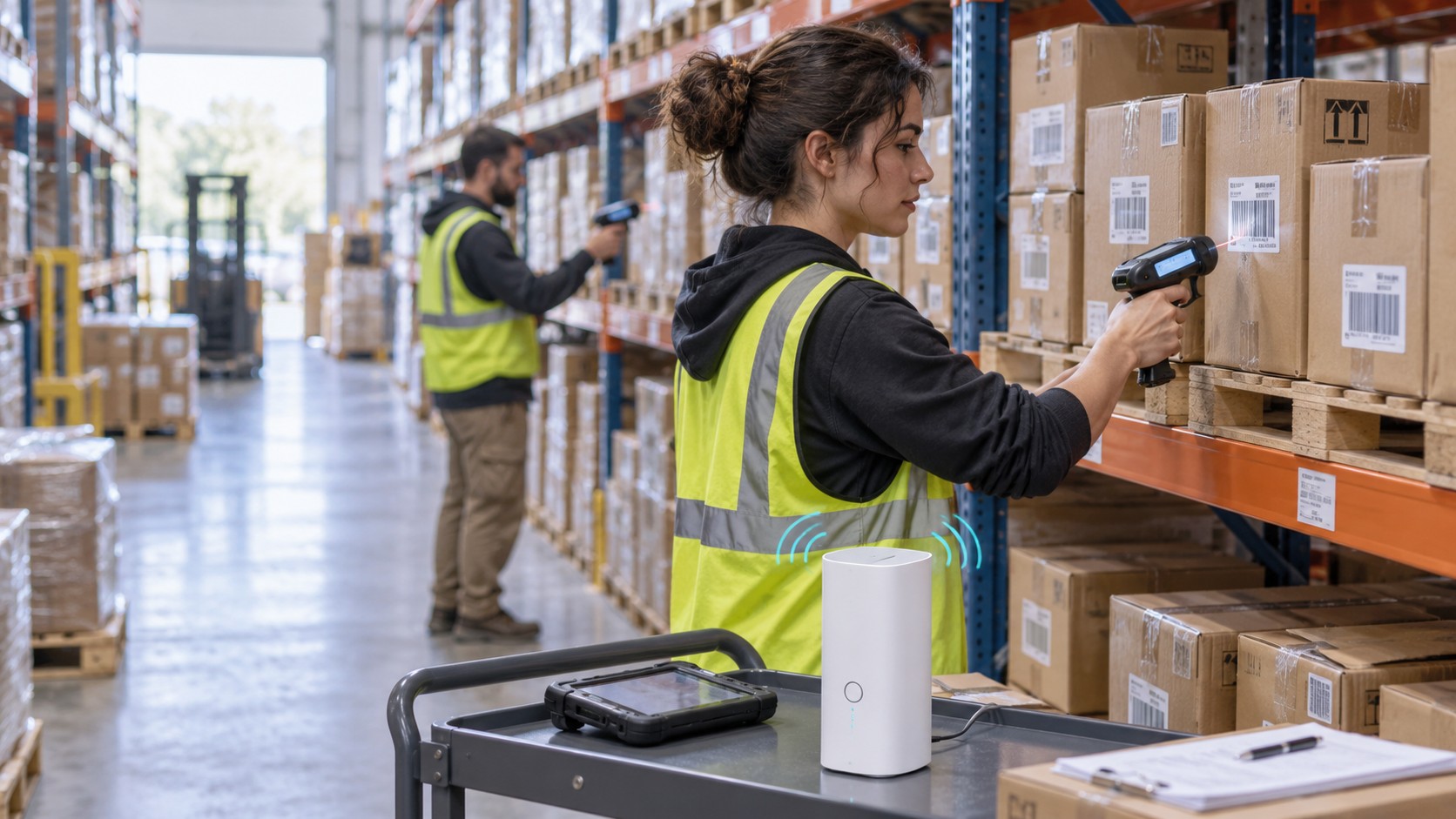
An inventory counting kit may be ready to ship while one question is still unresolved: will its router connect at the next store? For a Texas-based provider sending rental equipment across the U.S. and overseas, that question was creating repeated coverage checks and extra handling. NomadsFi supplied a global CPE router solution built around U.S. multi-network access and shared WiFi for the scanner team.
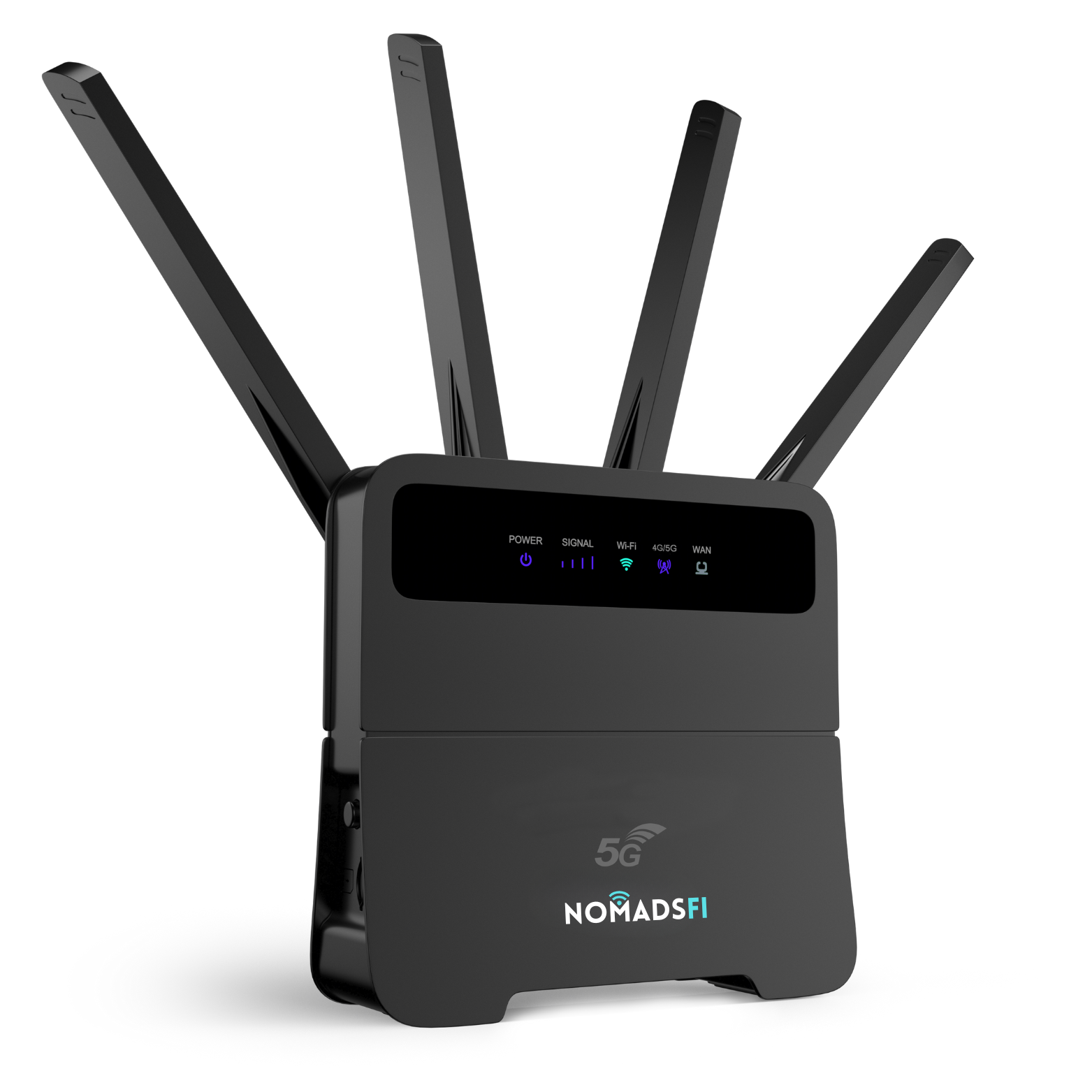
With R4Pro, the provider can connect up to 32 compatible inventory scanners through one router and choose destination packages for international work. NomadsFi reports approximately 50% lower connectivity-related costs, including data fees, compared with the customer's earlier single-SIM CPE setup. This case explains how the arrangement supports retail and warehouse counts, and what another inventory service provider should test before deployment.
The inventory counting case at a glance
| What mattered | The solution |
|---|---|
| Customer | A large inventory counting service provider headquartered in Texas, serving retail programs across the U.S., Canada, Europe and Asia. |
| U.S. connectivity | Multi-network access to AT&T, T-Mobile and Verizon through the agreed enterprise service. |
| International deployment | The same R4Pro hardware with appropriate regional or global data packages, using NomadsFi's 200+ country service footprint. |
| Scanner connections | Up to 32 compatible WiFi scanners sharing one router's internet connection. |
| Cost result | Approximately 50% lower connectivity-related costs, including communication data fees, compared with the customer's former single-SIM CPE setup. |
For inventory service providers sending equipment to changing locations, we recommend evaluating R4Pro as part of a standardized scanner rental kit. It gives the dispatch team a shared connection to prepare and support. A site test still needs to confirm both the cellular signal and the WiFi coverage where people will count.
The customer: inventory services and rented equipment
The customer supplies inventory counting services and solutions through a rental model. Equipment goes to a retail location for a count, then returns or moves to another assignment. Its programs span the United States, Canada, Europe and Asia.
It supports large retail customers across several markets, so the same equipment fleet has to serve different venues and counting schedules. We are keeping the provider and its retail customers unnamed in this case study.
That operating model makes connectivity part of the equipment handover. Dispatch needs to know whether a router will work at the next location before the kit leaves. A scanner that is ready to count is only part of the preparation; the inventory application also needs a way to send its results back.
The work can range from a wall-to-wall physical inventory, covering a whole store or warehouse, to a cycle count of selected SKUs or locations. The counting application records quantities and supports reconciliation against the inventory system. The network provides the path those records take back to the server.
1. U.S. multi-carrier connectivity for changing count locations
Under the customer's former single-SIM CPE model, each router depended on its configured carrier. Before sending a kit, staff had to work out whether that network would provide suitable service at the destination. A poor match could mean another coverage check and a change of equipment or SIM, with extra handling and shipping.
The NomadsFi service gives this deployment access to AT&T, T-Mobile and Verizon. That expands the supported network options available to the inventory team across U.S. assignments and reduces the need to organize a separate carrier-specific kit for every location.
For a provider coordinating many retail inventory counts, the benefit begins before the count. Dispatch can prepare a consistent router setup, and support has fewer carrier-specific arrangements to work through when a team calls from a store.
Where it helps
Scanner rental programs that move between cities, retail chains or temporary counting sites, especially when the provider has limited information about the venue's own internet.
What to check
Confirm the networks included in the enterprise package, how network selection works, and reception at the actual site. Multi-carrier access gives more network choices; local signal and congestion still affect service.
2. One global CPE router for international inventory programs
CPE stands for customer premises equipment. In this setup, the cellular router provides an internet connection and shares it over WiFi with the counting team's devices. The global service adds eligible destination packages for equipment used across countries.
An inventory team shipping equipment from the U.S. to Canada or an overseas assignment also has to arrange data service for the destination. Buying local SIM cards for each project adds another item to the deployment checklist, particularly when equipment will be reused in a different country.
With NomadsFi R4Pro, the customer can use the same router hardware and select a suitable regional or global package. NomadsFi's network service spans 200+ countries, giving the provider a common connectivity approach for its international inventory counting programs.
The practical idea behind “one global network” is a consistent service arrangement across destinations. The router still connects through supported local mobile networks. The country, compatible device and purchased package need to match, including any country where the equipment will be used between assignments.
For this customer, that approach supports its strategy of delivering inventory services internationally without sourcing a local physical SIM for every job. It also lets operations plan data service as part of the same equipment preparation process used for U.S. counts.
See NomadsFi's business connectivity program for an enterprise discussion based on your deployment countries. Teams that also need employee travel connectivity can read our 2026 international company IT roaming guide.
3. Connect up to 32 inventory scanners through one R4Pro
R4Pro supports up to 32 connected WiFi devices, allowing compatible handheld inventory scanners to share one cellular internet connection. A WiFi-connected scanner uses the router's data service, so it does not need its own active cellular SIM for that connection.
In a warehouse count, workers scan carton or shelf labels with their handheld devices. The scanner application sends its data over WiFi to R4Pro, which carries the traffic over the mobile network to the customer's central server. Supervisors can use the inventory platform to follow incoming results as the application uploads them.
Consider a typical count along a warehouse aisle. One employee works through cartons in a bin location while another moves to the next bay. Both scanners use the same router connection, and their count records reach the central platform according to the application's sync settings. The supervisor can check incoming data and arrange a recount where the system flags a variance. This describes the workflow the connection supports; the counting software supplies the reporting and validation.
This shared model reduces the need to configure and maintain an individual SIM and data package for each scanner. It also gives the counting team one connection setup to check before work starts.
The approach is used elsewhere in the sector: Scan Count Pro describes scanners communicating with its software through WiFi or a mobile hotspot. For any deployment, scanner compatibility and the inventory application's upload behavior need to be tested together.
Size the counting area as well as the device count
The 32-device limit describes connections, not the area covered by one router. Metal racks, stacked goods and the layout of the building can affect WiFi reception. A large warehouse may need additional WiFi infrastructure or several counting zones. All connected scanners also share the available cellular bandwidth and data allowance.
4. Approximately 50% lower connectivity costs in this deployment
NomadsFi reports that this customer reduced its connectivity-related costs, including communication data fees, by approximately 50% compared with the previous single-SIM CPE arrangement.
The changes address several sources of recurring expense. One shared router can provide data for a group of WiFi scanners. The customer can reuse a common connectivity setup for different assignments, and its team spends less effort matching each kit to a single carrier or obtaining local SIM cards for overseas jobs.
The customer also reduced repeated coverage checks and equipment handling associated with unsuitable carrier assignments. NomadsFi describes the deployment as improving operational efficiency and customer satisfaction; the project brief does not provide numerical scores for those outcomes.
The 50% figure is specific to this customer's cost comparison. For your own scanner fleet, compare data fees and the related connectivity costs over an equivalent set of assignments, including hardware allocation, configuration work and any repeat shipment costs. Keep ordinary inventory labor and scanner rental charges outside the comparison unless they are part of the agreed cost baseline.
Inventory counting internet options compared
A store with an approved, well-supported network may already have the connection an inventory team needs. A service provider sending rental equipment to changing sites has different requirements. Compare the available options against both the count itself and the work needed to prepare the kit.
| Option | Useful when | Deployment considerations |
|---|---|---|
| Existing store or warehouse WiFi | The venue permits scanner access and its network covers the count area. | Arrange credentials and application access before the team arrives. |
| Single-SIM cellular CPE | One carrier has been tested at a known site. | Check that carrier again when the kit moves; overseas jobs may require another arrangement. |
| A cellular SIM in each scanner | Each compatible scanner needs an independent mobile connection. | Manage service and activation for each device; compare the full fleet cost. |
| NomadsFi R4Pro multi-network CPE | A team shares connectivity across changing domestic and international count locations. | Confirm package coverage, up to 32-device compatibility, power and WiFi reach for each count area. |
R4Pro is a strong fit for the shared-kit approach described in this case. For a single permanent facility, compare it with the network already in place. Our warehouse internet guide covers related connectivity needs beyond an inventory event.
How to prepare a connected inventory counting kit
List the destinations and scanners
Give the connectivity team the count locations, countries, dates and expected number of handheld devices. Check that every scanner can join the router's supported WiFi and that the selected package covers the assignment.
Include connectivity in the pre-count checklist
Join a scanner to R4Pro, scan a test item and confirm that its SKU, quantity and location reach the correct central server. Check the application's required access controls and any approved VPN. Agree on the count window and support contact before the kit leaves. The inventory software determines how records are captured and synchronized.
Walk the working area
Test at the shelves and warehouse aisles where workers will count. Find a powered position for the router with usable cellular reception and enough WiFi reach. If the count extends beyond that area, plan additional access points or separate zones before the kit is dispatched.
Check the full team and the return process
Test the expected number of scanners together, including uploads during a busy count. Decide who checks remaining data and handles connectivity problems. When equipment returns, confirm the next destination package and remove the previous assignment's scanner data and access details under your own procedures.
For temporary sites with an established primary connection, our backup internet guide can help frame the fallback requirement.
Frequently asked questions
What is an inventory counting service provider?
It is a business that helps retailers or warehouses perform physical inventory counts. Depending on the service model, it may provide rented barcode scanners, counting software, trained staff or a combination of these.
Can WiFi barcode scanners use a cellular CPE router?
Yes, compatible WiFi scanners can join a cellular CPE router and use its internet connection to reach their inventory software. Test the scanner, WiFi settings and application access before deployment.
How many inventory scanners can NomadsFi R4Pro connect?
NomadsFi specifies up to 32 connected WiFi devices for R4Pro in this solution. Scanners share bandwidth and must remain within usable WiFi range. A connection limit does not guarantee coverage throughout a large warehouse.
Does each connected scanner need its own SIM card?
A scanner using R4Pro over WiFi does not need an active cellular SIM for that connection. R4Pro carries its traffic through the selected data service. The scanner still needs compatible WiFi and the required inventory application.
Which U.S. mobile networks are available in this case?
NomadsFi identifies AT&T, T-Mobile and Verizon as the U.S. network options available to this enterprise deployment. Confirm the networks included in your own package and reception at the intended counting site.
Can the same router be used for international inventory counts?
The same R4Pro hardware can be used with eligible destination packages within NomadsFi’s 200+ country service footprint. Confirm country support, device compatibility and local service before shipping equipment.
What does the approximately 50% saving cover?
NomadsFi reports approximately 50% lower connectivity-related costs, including communication data fees, for this customer compared with its previous single-SIM CPE arrangement. This is a case-specific result; other deployments require their own cost comparison.
Will one R4Pro cover an entire warehouse?
That depends on the building and the working area. Test WiFi reach around racks and stocked shelves as well as the cellular signal. Large facilities may need additional WiFi infrastructure or multiple counting zones.
Sources and case scope
This NomadsFi case study uses an anonymized customer account summary supplied by NomadsFi. The customer locations, U.S. network access, R4Pro's 32-device specification and approximately 50% cost result come from that summary. The public resources below explain the service context. The cover is an AI-generated warehouse illustration based on the supplied router reference.
- Scan Count Pro: scanners communicating over WiFi or a mobile hotspot
- NomadsFi: business connectivity and global coverage
Plan connectivity for your next inventory program
Tell the NomadsFi business team where your kits will go, how many scanners each team uses and how your inventory application uploads data. Request an R4Pro proposal and a pilot at representative retail or warehouse sites.
Request a NomadsFi R4Pro business solution
Discuss enterprise coverage and data packages · Explore global business connectivity