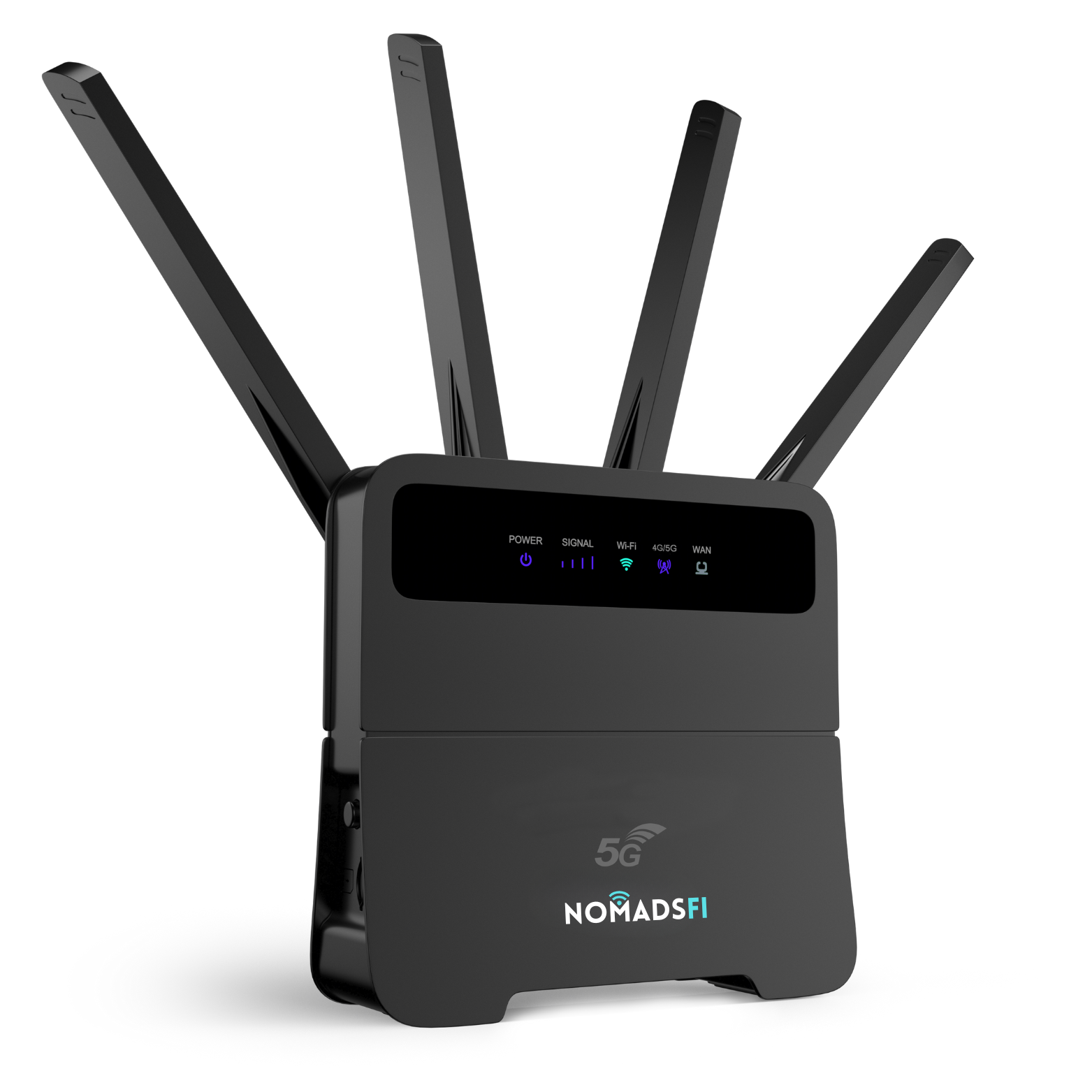
A mobile hotspot can provide backup internet during a power outage when it has power and a working cellular connection. For one PocketFi 5G customer, that meant better communication and a few familiar routines during recovery from a tornado.
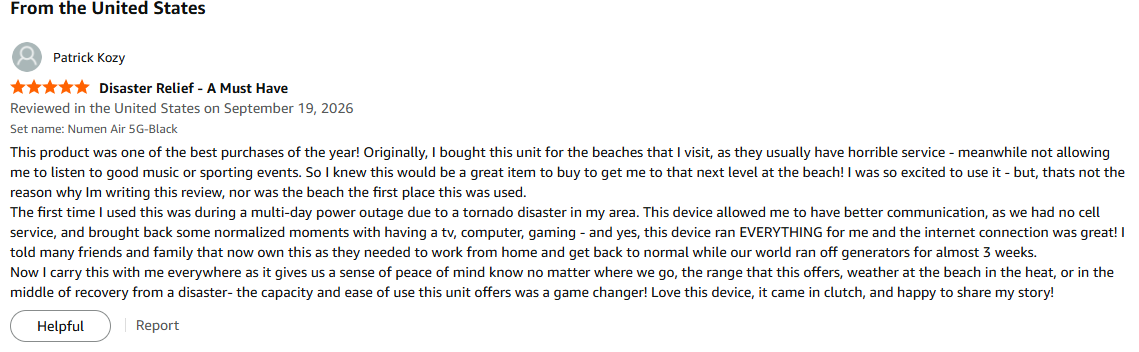
They had bought the device for beach trips. Its first use turned out to be much closer to home, during a multi-day outage. Their experience offers a practical starting point for choosing a WiFi hotspot for disaster internet: consider what you need to connect, how you will power it and which networks remain available.
This NomadsFi-authored guide draws on a customer review supplied to us as an Amazon review dated September 19, 2026. The account is one person's experience, not a controlled performance test. We have not independently verified the event, purchase or network conditions.
Disaster internet options at a glance
| What matters | Phone hotspot | Dedicated WiFi hotspot |
|---|---|---|
| Equipment | Your phone, with supported tethering. | A separate device such as PocketFi 5G. |
| Sharing | Your phone provides the connection and must stay nearby. | Connected devices stay within WiFi range of the hotspot. |
| Power | Tethering shares the phone's battery with its other tasks. | The hotspot has its own battery and charging requirements. |
| Service | Requires usable phone-network service and a plan allowing tethering. | Requires usable supported cellular service and a compatible active plan. |
| Costs | Check hotspot allowances and top-ups on your phone plan. | Include the device, data and charging accessories. |
| Failure risk | Affected by network outages or congestion. | Also affected; a separate device does not ensure an independent network. |
Bought for the beach, first used during tornado recovery
The review, titled “Disaster Relief - A Must Have,” begins with a simple plan: the customer wanted better connectivity at beaches where their usual service was poor, so they could listen to music and follow sporting events.
Before that beach outing, a tornado brought a multi-day power outage to their area. The customer reports using PocketFi for communication and to connect a TV, computer and gaming activities.
“The first time I used this was during a multi-day power outage due to a tornado disaster in my area.”
“this device ran EVERYTHING for me and the internet connection was great!”
They also describe recommending it to friends and family who needed to work from home during a recovery period when their community relied on generators for almost three weeks. The review does not establish three weeks of uninterrupted hotspot service or operation on one battery charge.
What stands out is the change in purpose. A device bought for leisure became useful for communication and ordinary home activities during disruption. That is a good reason to test the everyday equipment you already own as part of a backup plan.
Which WiFi hotspot setup fits your recovery needs?
A household checking updates and contacting family
Start with the tasks that matter most: checking official local updates, sending messages and coordinating with relatives. If your phone's service and tethering work, it may already provide enough internet for those tasks.
A separate mobile hotspot is worth considering when several devices need access while the phone stays available for other uses. Keep the hotspot with the people using it; its WiFi connection does not follow someone who leaves the area.
A home worker returning to essential tasks
Disaster recovery can stretch beyond the first night. A laptop connection may help with email, work documents and recovery paperwork when regular broadband remains unavailable. Test the apps you need and plan enough data before treating a hotspot as a workday connection.
The customer also enjoyed TV and gaming. Those familiar routines mattered to them, but a personal report is not a promise about the speed or data allowance another household will receive. Give essential tasks priority when capacity is limited, and pause large downloads or cloud backups.
First response WiFi for volunteers and recovery teams
For a volunteer desk, temporary office or community recovery group, a portable hotspot may support routine tasks such as email, online forms and supply coordination where cellular service is available and the organization's policies permit it.
First response WiFi and public-safety communications are different requirements. The FirstNet Authority describes dedicated public-safety capabilities including priority access and preemption. We have not established those capabilities or FirstNet certification for PocketFi 5G. Agencies should select operational communications through their own approved processes.
Compare the full cost of emergency backup internet
Choose a realistic period to budget for, such as a few days of essential use or a longer period of working from home. Compare the same tasks across each option rather than matching two headline prices.
- Phone hotspot: check the existing tethering allowance, any additional data charges and your charging setup.
- Dedicated hotspot: include the hardware, compatible plan, likely top-ups, renewal terms and any charging accessories you need.
The NomadsFi data-plan selector lists regional options and package terms. Check validity, AutoPay, usage limits and any speed restrictions. A device-only purchase is not an ongoing internet subscription.
Will a mobile hotspot work when your phone has no service?
Sometimes—but only if the hotspot can reach usable supported cellular service. In the supplied review, the customer says they had “no cell service” while PocketFi provided internet. They do not identify their phone carrier, the hotspot's serving network, location or signal measurements.
One possible explanation is that a supported network available to the hotspot remained usable while the customer's phone connection did not. That is an explanation of what can happen, not a verified account of this customer's network conditions.
NomadsFi describes carrier-switching functionality on the PocketFi 5G product page. Check coverage and the selected plan. Switching cannot restore a damaged tower, create service where none is available or ensure every nearby carrier can be used.
Disaster WiFi still depends on the connection behind it. A hotspot may broadcast a local WiFi network even when it has no internet access. Actual performance may vary with network damage, congestion, signal conditions, device placement and plan restrictions.
What to check before a power outage
Activate and test your mobile hotspot
Follow the NomadsFi Help Center to charge PocketFi, activate the correct plan using its IMEI and connect using its WiFi credentials. Confirm that a connected laptop can open a webpage through the hotspot rather than your normal home WiFi.
Save setup instructions and support details offline. An unactivated device in a drawer may be harder to prepare when your normal internet connection is already down.
Plan charging for every device
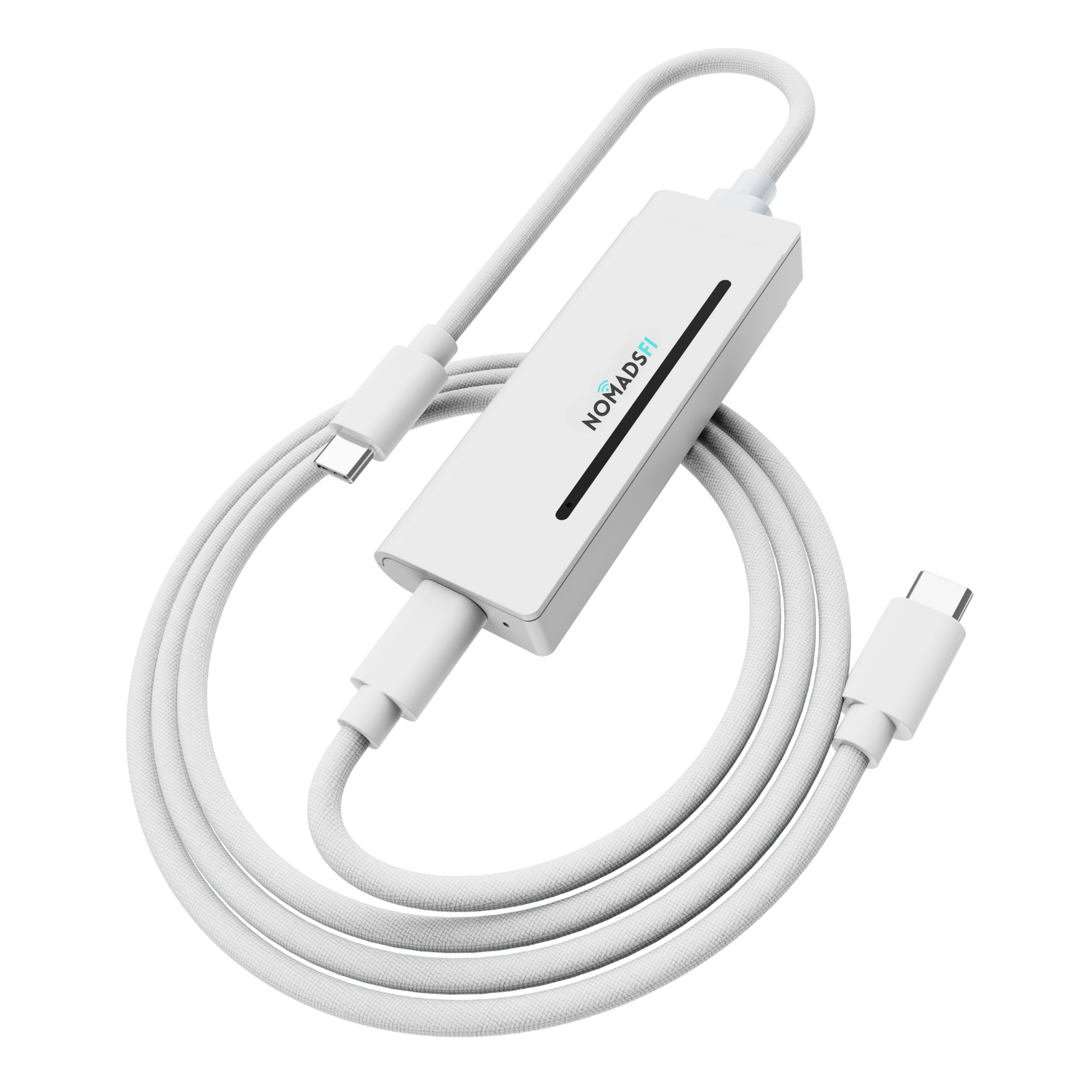
A hotspot battery is only one part of the setup. Your phone, laptop and any other connected equipment need power too. Keep compatible charging equipment ready and follow the manufacturer's charging instructions. The customer's generator-powered recovery period is not evidence of extended battery runtime.
Decide how to share the connection
Keep the WiFi password available to the people who need it, review data usage and agree which tasks come first. Download essential contact details and documents ahead of time. These small steps make a backup connection easier to use when routines are disrupted.
Can you use a phone and portable hotspot together?
Yes. A household could use PocketFi for shared devices while retaining phone service for individual use. A separate hotspot can be useful without being a fully independent backup: both services may rely on the same local network infrastructure.
Check the underlying services when planning redundancy and retain other ways to receive official updates. For everyday use between emergencies, our Travel eSIM vs Portable WiFi guide explains when separate phone service or a shared hotspot fits better. Our portable WiFi hotspot comparison covers other hardware options.
Frequently asked questions
Can a mobile hotspot provide internet during a power outage?
Yes, if the hotspot has power, an active compatible data plan and access to a working supported cellular network. A WiFi hotspot can share that connection when home broadband is unavailable, but damage or congestion affecting cellular service can also interrupt it.
What is disaster WiFi?
Disaster WiFi describes temporary wireless internet used during an emergency or recovery period. It is a use case, not a special network standard. A cellular hotspot provides local WiFi through a mobile network; it still needs power and usable cellular service.
Will PocketFi 5G work when my phone has no service?
It may work if the hotspot can reach a supported network that your phone cannot use, but that outcome is not assured. The customer described this experience without identifying the networks involved. PocketFi cannot provide cellular internet if no usable supported network is available.
Can PocketFi 5G provide first response WiFi?
A portable hotspot may support routine internet tasks for recovery volunteers where service is available and organizational policies allow it. This guide does not establish PocketFi as a certified first-responder device or as providing priority, preemption or mission-critical communications.
Did the customer run PocketFi for three weeks on one charge?
No such battery claim appears in the review. The customer described a multi-day power outage and a recovery period when their community relied on generators for almost three weeks. They did not provide charging records, battery runtime or a continuous connection log.
Can a WiFi hotspot connect a TV and computer during an outage?
Compatible devices can connect over WiFi while the hotspot has usable service. Each connected device needs its own power, and all traffic shares the hotspot connection and data allowance. Streaming, game downloads and cloud backups can use substantial data.
Do I need a data plan for emergency backup internet?
Yes. Buying a hotspot does not provide ongoing cellular data by itself. Check the package, activation, renewal, validity and usage limits before an outage, then test your devices with the active service.
Is a mobile hotspot an independent backup to my phone?
Not necessarily. Both may depend on the same carrier or local infrastructure. Check the underlying networks when planning redundancy and retain offline contact information and other ways to receive official updates.
Sources and review date
Reviewed September 30, 2026. Customer account: “Disaster Relief - A Must Have,” supplied to NomadsFi as an Amazon review dated September 19, 2026. Excerpts preserve the customer's wording. Product and service information comes from the official sources below; check current terms before purchase.
Choose a WiFi hotspot for everyday use and backup
This customer bought PocketFi 5G for beach days and found it useful during tornado recovery. Their story shows why a portable connection can earn a place in both a travel bag and a household backup plan.
If you want a dedicated mobile hotspot for shared devices, start by checking your coverage and data needs. Set it up while your usual internet is working, and make sure everyone who needs it knows how to connect.