

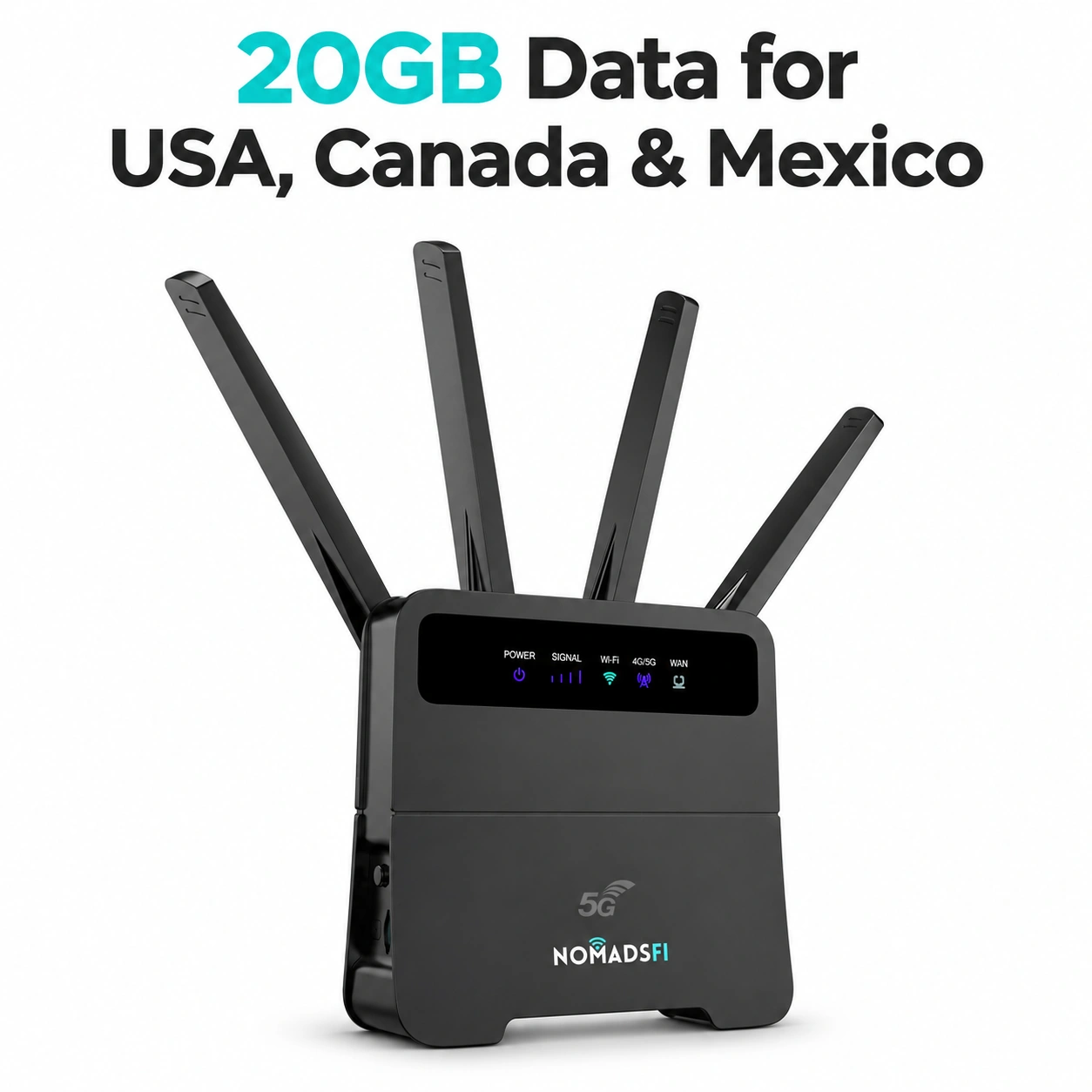
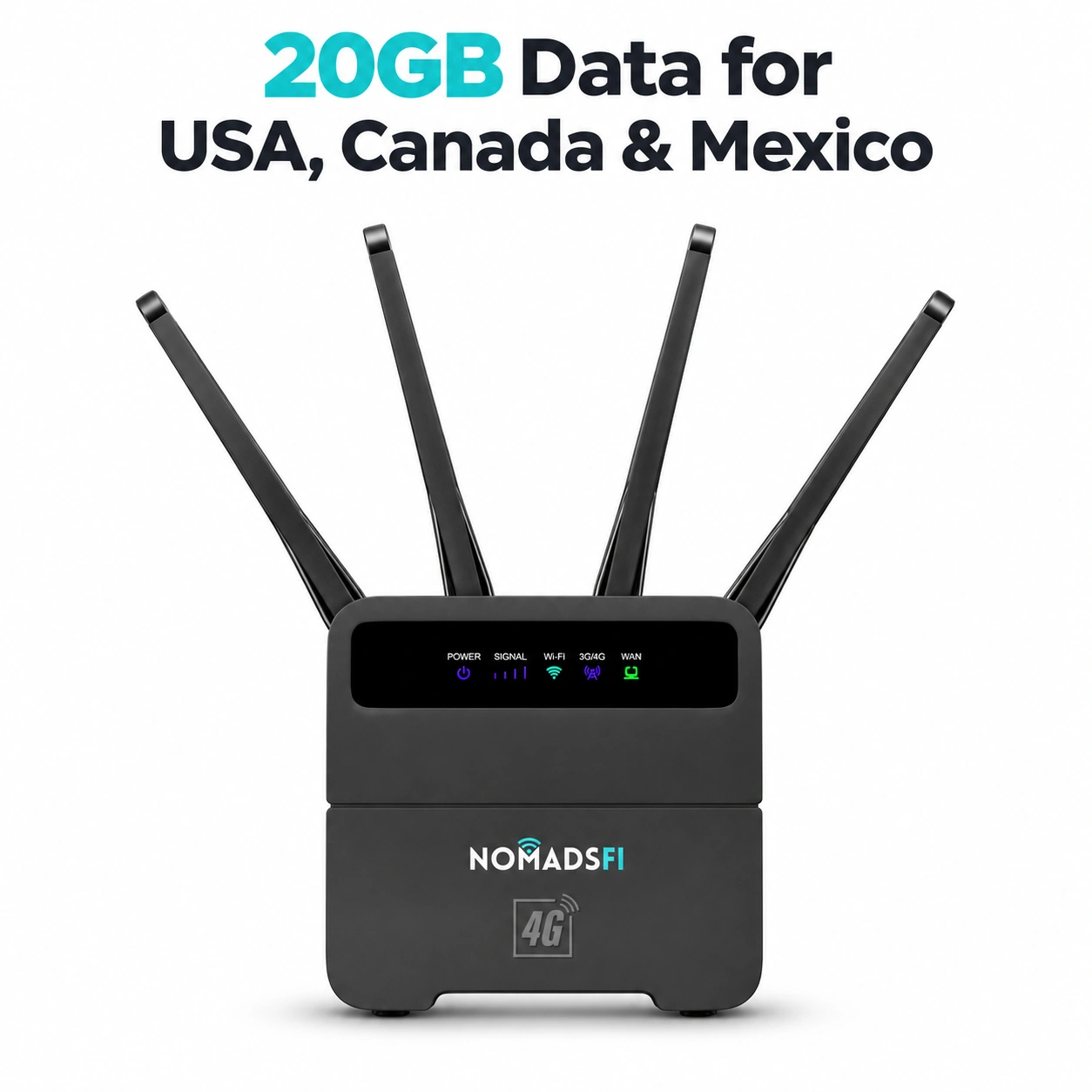
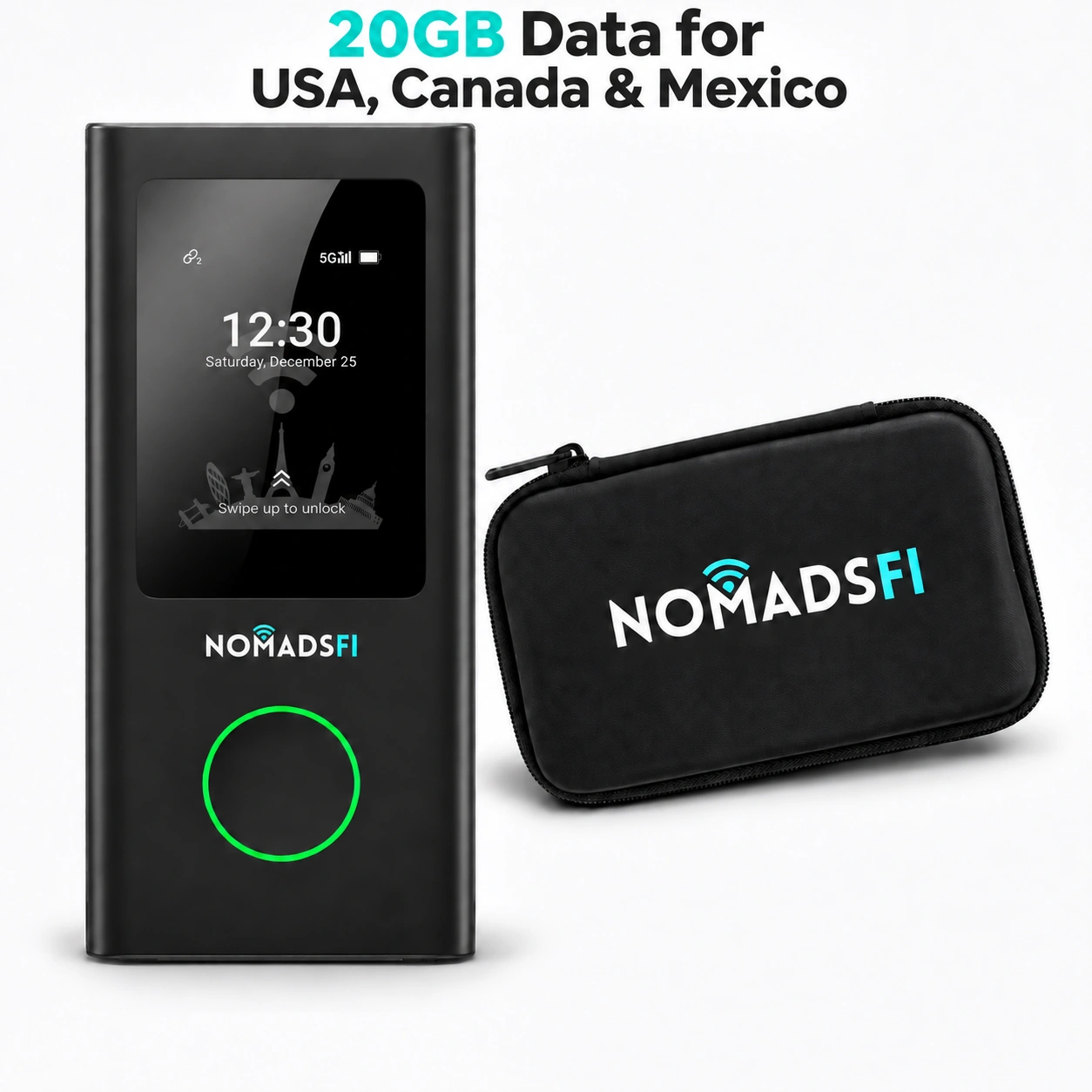
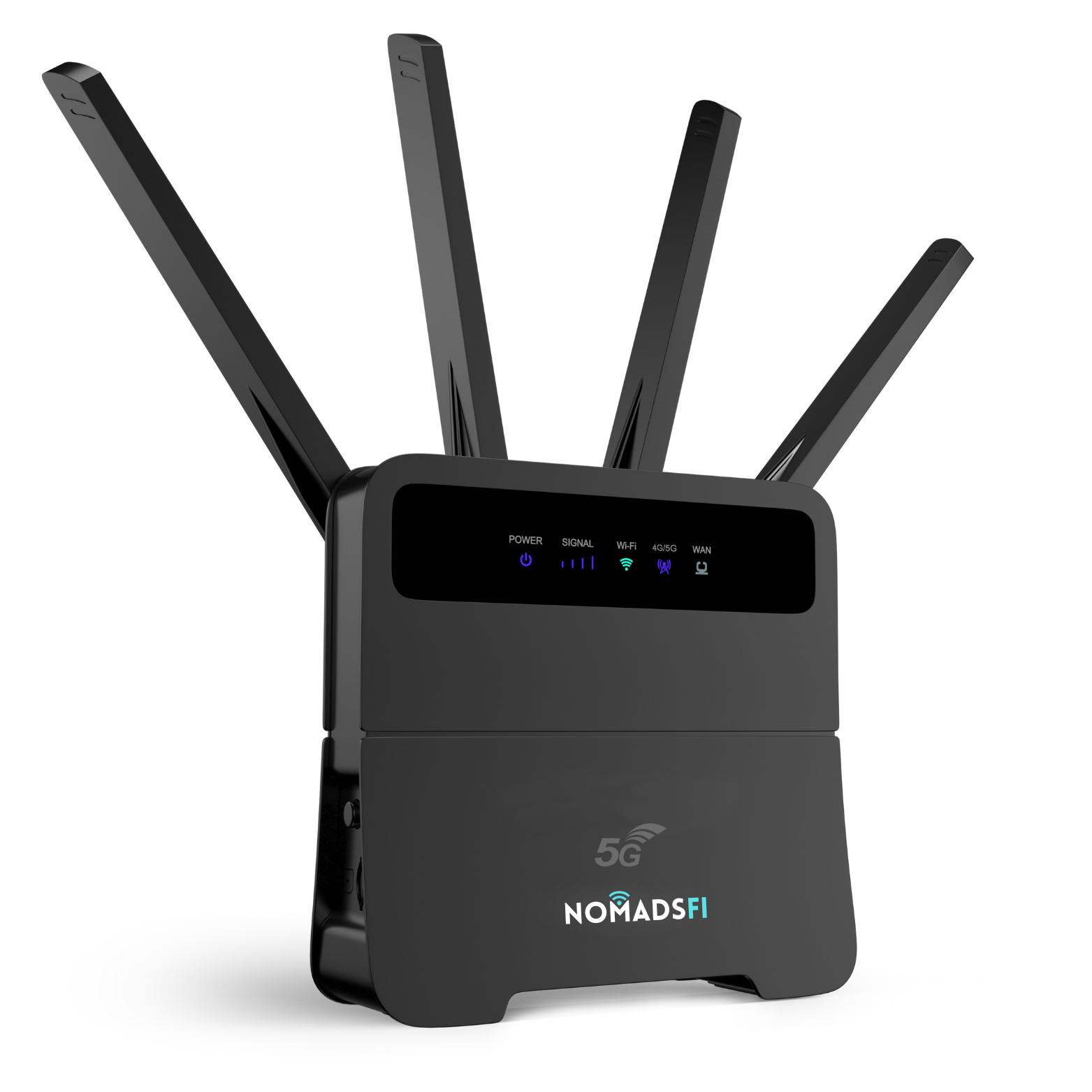

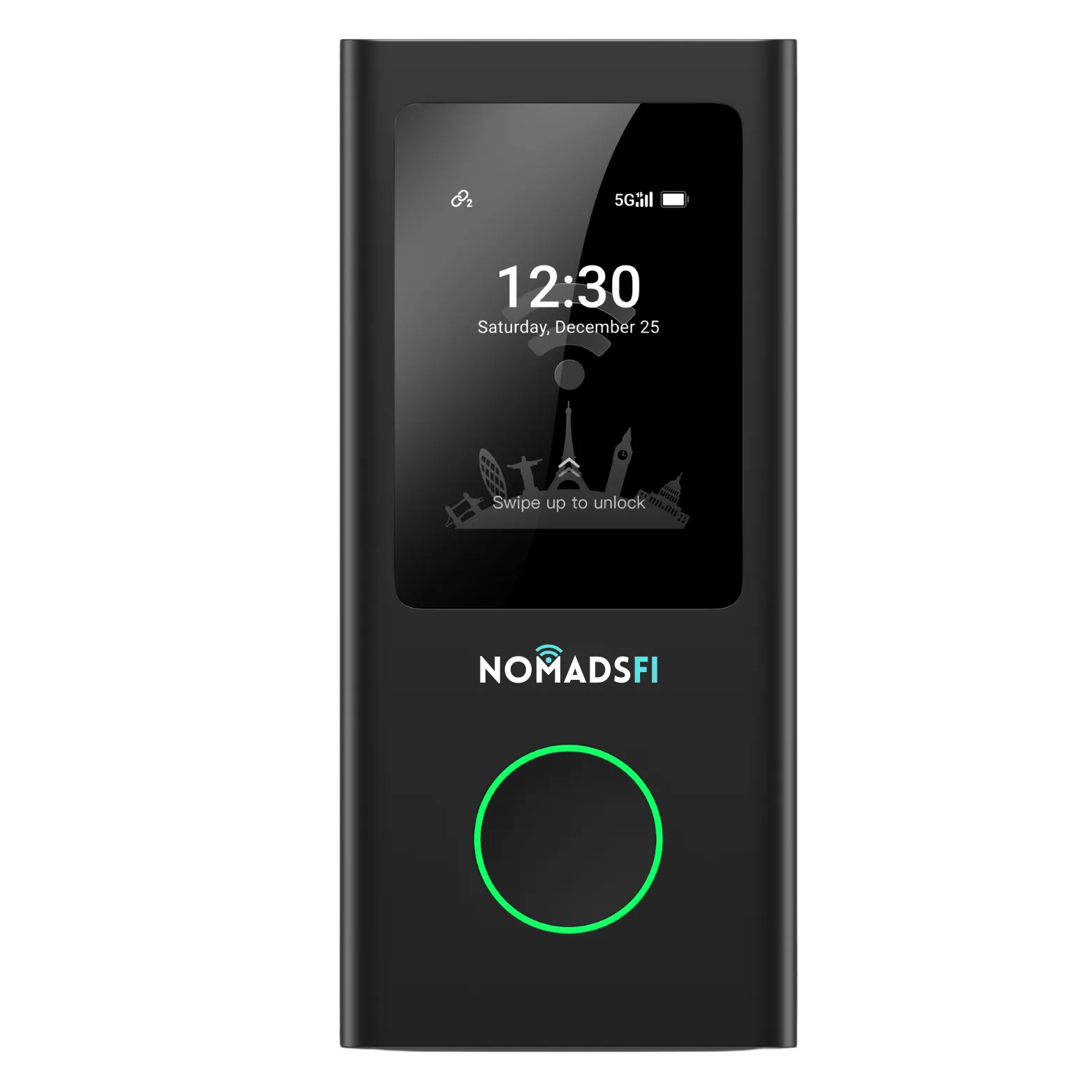
For frequent international travelers who work on laptops and share a connection, a dedicated pocket hotspot is a practical starting point. Shortlist it by destination coverage, eligible carrier choice, upload performance and data terms. PocketFi is the NomadsFi option to evaluate, with the device and package chosen for the places where you will actually work.
The best portable Wi-Fi options for travel or remote work depend on the workday. Occasional phone tethering, several shared devices and a month at one desk call for different setups. Use the comparison below to choose a connection, then test your meetings and uploads at the intended location.
What network strengths help frequent international travelers?
Look for supported local coverage, a useful choice of eligible networks, sufficient upload capacity and consistent call performance. Then check the data allowance and power arrangement. A country list, signal bars or a peak download figure tells you only part of that story.
| Capability | Why it matters | What to check |
|---|---|---|
| Coverage at the actual work location | A supported country does not establish reception inside your hotel or meeting room. | Check the destination and package, then test at the desk where you will use the service. |
| Eligible local network alternatives | Another supported carrier can be useful when one is unsuitable at a location. | Ask which operators the device and package can use, how selection works and what a change may interrupt. |
| Upload and download capacity | Calls, screen sharing and file transfers compete for the shared connection. | Run the applications together, including any employer-approved VPN. |
| Delay, jitter and packet delivery | A connection can download quickly while conversation becomes delayed or audio breaks up. | Check the meeting application's connection statistics and how a real call sounds. |
| Usable Wi-Fi sharing | The hotspot's cellular link and its Wi-Fi connection to your laptop are separate parts of the setup. | Keep devices within usable range and test the number that will work simultaneously. |
| Data and power for the workday | A reduced-speed condition, exhausted allowance or empty battery can stop a session. | Confirm package limits, charging access and the exact model's operating requirements. |
Start with the official NomadsFi coverage information and the destination plan selector. Include transit stops and side trips. Confirm the selected package's validity and conditions rather than treating the provider's entire service footprint as one inclusive plan.
Compare portable Wi-Fi options by how you work
For regular shared laptop work between destinations, begin with a dedicated mobile hotspot. It gives the working devices a connection separate from a personal phone. Keep phone service available for individual outings, and consider a fixed connection when most of the trip takes place at one workspace.
| Option | A useful fit | Main checks and tradeoffs |
|---|---|---|
| Dedicated pocket hotspot, including PocketFi | Frequent trips, shared work sessions and people who want reusable, separate hardware. | Check eligible destinations, network selection, simultaneous applications, data and charging. Users need to remain within its Wi-Fi range. |
| Phone hotspot with an eligible SIM or travel eSIM | A solo traveler sharing occasionally with a laptop. | Check tethering permission and allowance. The phone must stay nearby and supply the connection while it is also being used. |
| Compatible hotspot with a local SIM | A longer stay where a suitable local offer is available. | Confirm device compatibility, registration, activation and tethering terms. Consider the setup required at each new destination. |
| Fixed or venue broadband, with portable service as an alternative | A booked workspace or longer stay at one address. | Test busy-hour performance and follow the employer's access policy. Establish what you will use if that connection is unavailable. |
A local SIM may be a sensible choice when its terms and setup suit a longer stay. Hotel or café Wi-Fi can also work well after testing. Frequent border crossings make it useful to compare how much configuration each option requires across the whole itinerary.
For the detailed sharing question, see Travel eSIM vs Pocket WiFi for Multiple Devices. An eSIM can support tethering when the phone and service permit it; dedicated hardware is a separate buying decision.
When PocketFi belongs on your shortlist
Consider PocketFi when you regularly travel with a laptop and other Wi-Fi devices, work together with colleagues, or prefer to keep the shared connection separate from a personal phone. Reusing compatible hardware across eligible trips can reduce repeated device setup, while the active service still needs to match each destination.
The official PocketFi 5G page describes NomadSwitch-AI as automatic carrier-network selection. This is a reason to ask about eligible local network alternatives for your itinerary. It does not establish that every carrier is available, that a change preserves an active call, or that the device outperforms every eSIM service.
Compare PocketFi 4G against the same requirements. Its official page advertises a service footprint of more than 200 countries. Confirm the exact model and selected package for each stop; the advertised footprint is not one plan covering every country. A 5G label alone does not establish the quality of a particular meeting-room connection. Choose by supported service, the location and your applications; confirm each model's features separately.
Plan for meetings, uploads and shared capacity
Upload performance deserves attention when your day includes video, screen sharing or sending large files. A speed check taken while everything else is idle will not show what happens when several applications run together.
Zoom's desktop requirements recommend 2.6 Mbps upload and 1.8 Mbps download for a 720p group video call. Two laptops using that mode give an arithmetic planning baseline of 5.2 Mbps upload and 3.6 Mbps download, before other traffic and overhead. These are application recommendations, not measured PocketFi speeds or a promise that a connection at those figures will always work well.
Microsoft's network assessment guidance evaluates Teams quality using latency, jitter and packet loss. In practice, also listen for delayed conversation, missing words and broken audio. Test through the same approved VPN and software configuration you will use for work.
Ask what happens after the package's high-speed allowance is used. A reduced-speed connection may still open email while struggling with a meeting. Include background backups and updates in the data budget, and schedule large transfers away from important calls when practical.
A practical check before the first important call
Use this as a preparation routine, not a certification of continuous service. Repeat it after moving to a new workspace or changing the connection.
- Confirm that the device, destination and active package are compatible. Keep activation instructions available before arrival.
- Set up at the actual desk. Compare another permitted position if the first performs poorly, while keeping the hotspot in suitable operating conditions.
- Connect the devices that will work together. Join the meeting platform and send a representative file.
- Check conversation, screen sharing and application statistics while the expected workload runs. Note the place and time of the check.
- Verify charging and the remaining allowance. Follow your employer's access and device policies.
- Try the permitted alternative connection and decide how you will rejoin a call if needed. Owning a second service does not create automatic switchover.
For a hypothetical example, a consultant may find that a connection works well in a hotel lobby but struggles in the room booked for an afternoon call. The useful response is to test a suitable location or permitted alternative before the meeting. This example is a planning scenario, not a NomadsFi customer result.
Cellular service still requires a usable supported mobile network. A pocket hotspot cannot create reception in an area where none is available. If the itinerary includes such locations, assess another appropriate connection and prepare essential information offline.
Compare the whole trip cost
Price the same destinations, dates, shared workload and number of people. Include hardware when buying a new hotspot, data packages, top-ups and any independent phone service needed when travelers separate. For repeat trips, state how you allocate the device cost rather than hiding it.
A shared setup can cost less when its total is below the separate services the group would otherwise purchase. The result depends on the itinerary and offers. Check recurring billing and cancellation conditions as well as the starting price, especially when comparing regional and global packages.
For a team assessment, send NomadsFi your destinations, trip dates, device count and simultaneous applications. Include the work locations, expected meeting hours and whether colleagues will travel separately. Confirm any management or billing requirements individually.
Frequently asked questions
What are the best portable Wi-Fi options for travel or remote work?
Start with a dedicated pocket hotspot for regular shared laptop work between destinations. Consider eligible phone tethering for occasional solo use, a compatible local-SIM setup for a longer stay, and tested venue broadband at a fixed workspace. The suitable offer depends on coverage, applications, data and power.
What network features matter most on frequent international trips?
Prioritize supported coverage at the actual work location, eligible operator alternatives, usable upload capacity and consistent call performance. Then confirm the data conditions and power arrangement. A supported country or strong signal indicator alone does not establish the quality of the whole connection.
Does automatic network selection guarantee uninterrupted calls?
No. Confirm the behavior of the selected device and service. A network change may affect an active session. PocketFi 5G's official automatic-selection description is not a guarantee of seamless handover or continuous reception.
Should I choose a 5G hotspot or a 4G hotspot?
Compare eligible local service, the actual location and the simultaneous applications. Test the setup you intend to use. Neither cellular generation by itself establishes the upload performance or meeting quality you will receive.
Can several devices work through one pocket hotspot?
Compatible Wi-Fi devices can share a hotspot within the model's supported limits. They also share its cellular connection and allowance. Check the exact specification and test the devices doing their work together, rather than treating a connection limit as a simultaneous video-call capacity.
Is portable Wi-Fi always better than hotel Wi-Fi?
No. A tested hotel or workspace connection may suit the workday. Portable service is useful as a separate option between locations or when venue access is unsuitable. Follow your employer's policy and check the connection before relying on it.
Is one shared hotspot always cheaper than individual eSIMs?
No. Compare the same itinerary and expected use, including hardware, top-ups and independent service for people who leave the hotspot. Sharing can reduce cost when the complete quote is lower; it is not a universal saving.
Choose PocketFi for your next working trip
Compare the portable models, then confirm a suitable package for the destinations and devices on your itinerary.
Ask for a device and plan assessment if your team depends on calls, uploads or several shared devices.
Reviewed November 16, 2026. Product statements use official NomadsFi information; meeting requirements use Zoom and Microsoft documentation. The recommendations are planning guidance. No comparative device benchmark or customer deployment test was performed.