


A renter can connect to a WiFi network and still have no internet. For an RV rental operator, that distinction belongs in the handover, before the vehicle leaves the lot. A useful WiFi service needs an appropriate device and data plan, a tested power source, clear instructions and someone responsible for support.
For U.S. operators evaluating WiFi for RV rental fleets, a small hotspot pilot is a practical starting point where supported cellular service is available. A router installation or satellite kit may suit different routes and operating needs. This 2026 checklist explains how to compare those choices, prepare each rental and decide whether a NomadsFi device fits a limited trial. It is a planning guide, not evidence of a completed customer deployment.
What should an RV fleet internet service actually provide?
Start with what you intend to sell or include. A guest checking reservations and maps has different needs from two people making video calls while another streams a movie. Ask about the number of users, devices, travel nights and intended destinations before choosing equipment.
Write a short service description for your listing and handover sheet. State the included data allowance, supported geography, activation timing and what happens when the allowance is exhausted. Say who can buy additional data and who pays. Avoid an unqualified promise of internet everywhere along a route.
An independent campervan operator, Find Your Blue, publishes hotspot instructions alongside its other vehicle tutorials. It also warns about idle shutdown and weak local signal. That is a useful example of setting expectations at handover, not a NomadsFi customer reference or proof that the same equipment suits your fleet.
Compare phone tethering, portable hotspots, routers and satellite kits
| Option | Potential fit | Operator responsibilities | Limits to check |
|---|---|---|---|
| Renter's phone hotspot | Guests already have an eligible phone and tethering allowance. | Explain that the guest supplies the service; provide a safe place to charge their device. | Phone battery, tethering terms, destination coverage and simultaneous use. |
| Operator-supplied portable hotspot | A removable kit with a consistent handover process. | Track the device, activate the correct plan, supply the approved charger and prepare current credentials. | Local cellular service, data limits, tested concurrent load, temperature and battery condition. |
| Cellular router installed in the RV | A more permanent location after power and installation checks. | Validate mounting, input power, ventilation, cabling and access for service. | Exact model interfaces and ratings; antennas do not establish coverage or vehicle suitability. |
| Satellite kit | Routes where an eligible satellite service and suitable setup location warrant the extra equipment. | Check service terms, installation, power, deployment instructions and equipment return. | Sky visibility, obstructions, regional eligibility and authorized stationary or in-motion use. |
Campground WiFi can be another connection for a guest, but it is operated by the destination. Ask whether it reaches the assigned campsite, needs a login and permits the intended use. The National Park Service's connectivity guidance describes service that varies by location; WiFi at a visitor facility does not establish availability at an RV site.
For the traveler's broader comparison, share our RV internet options guide. Keep your rental listing focused on the particular service you can support.
Choose equipment and data before building an RV rental hotspot program
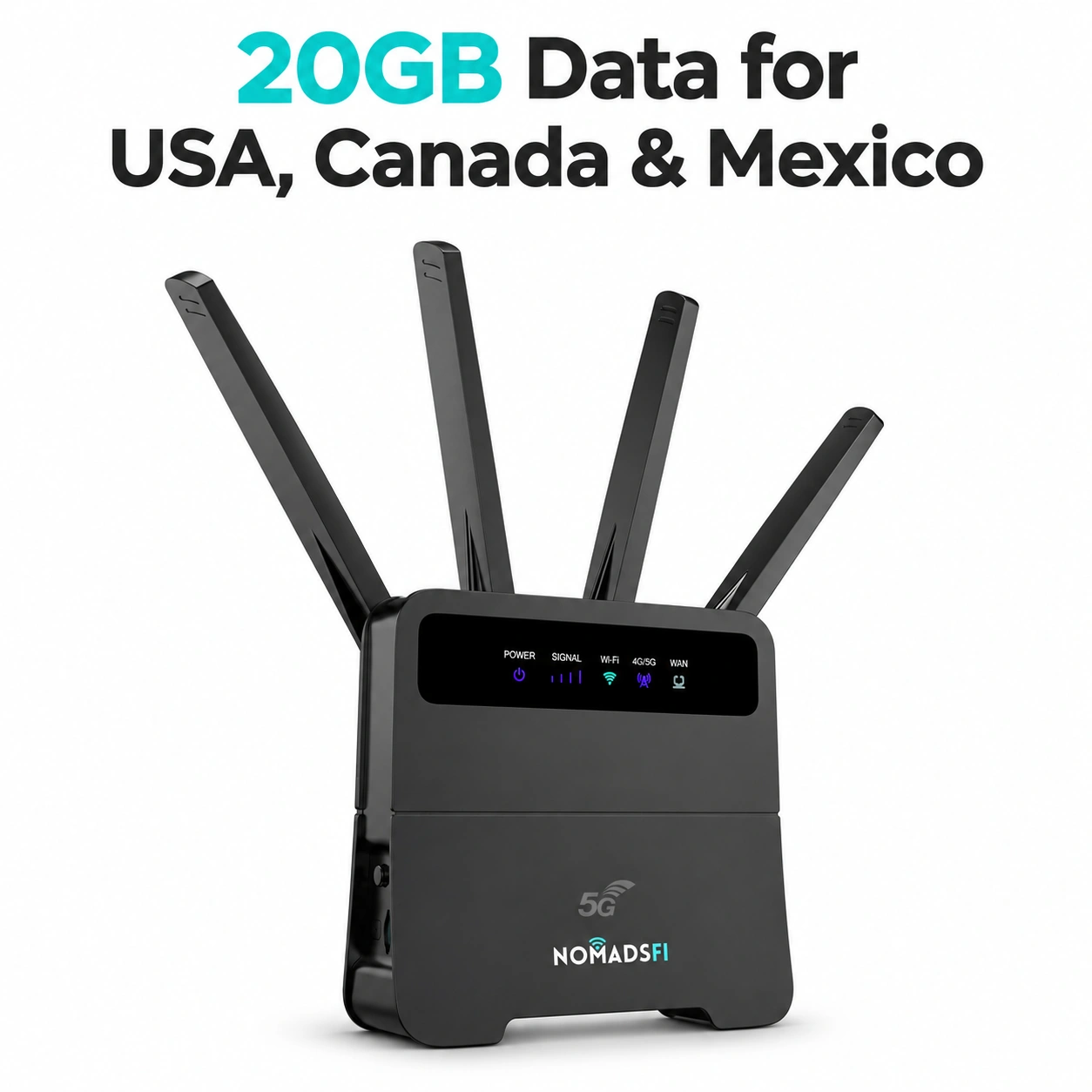
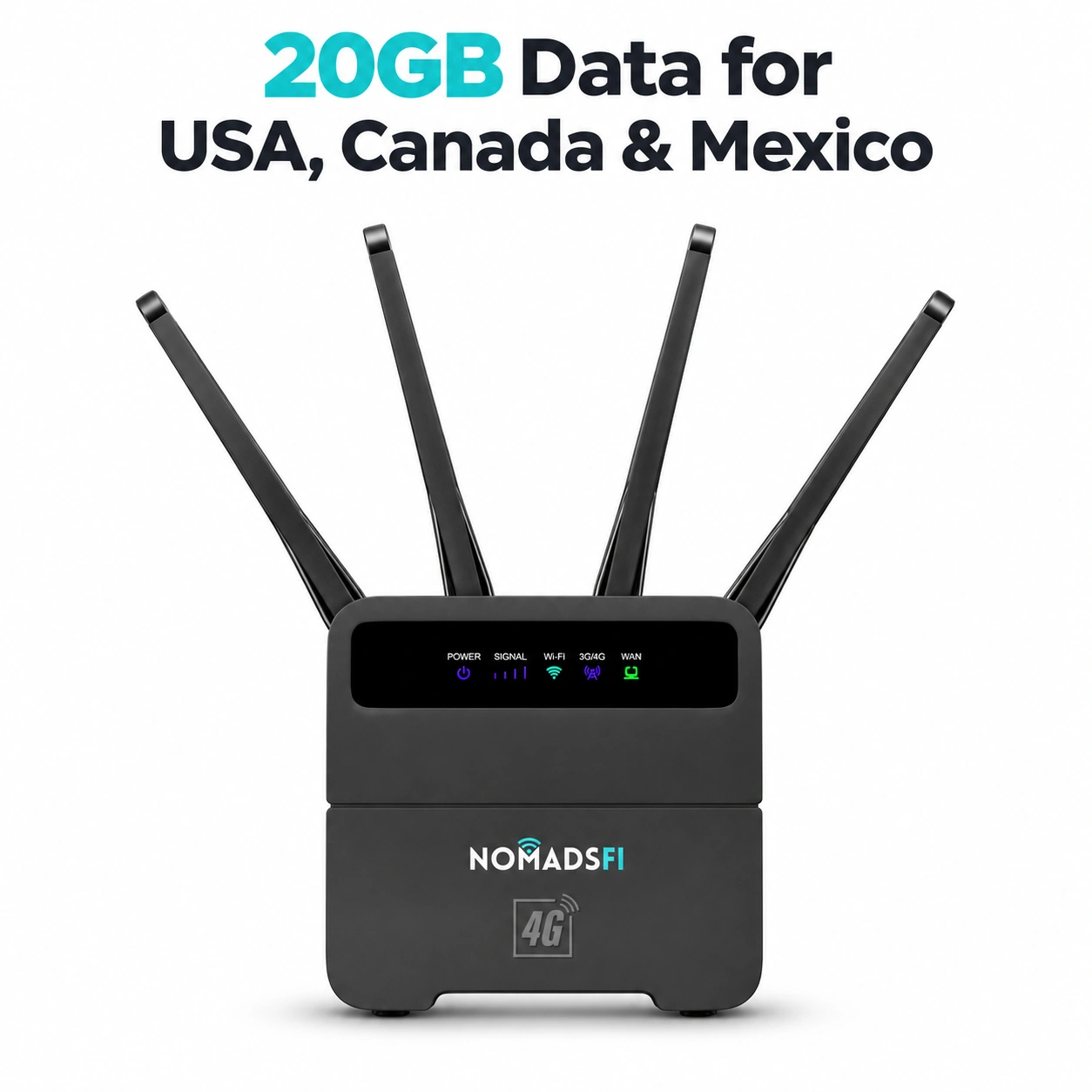
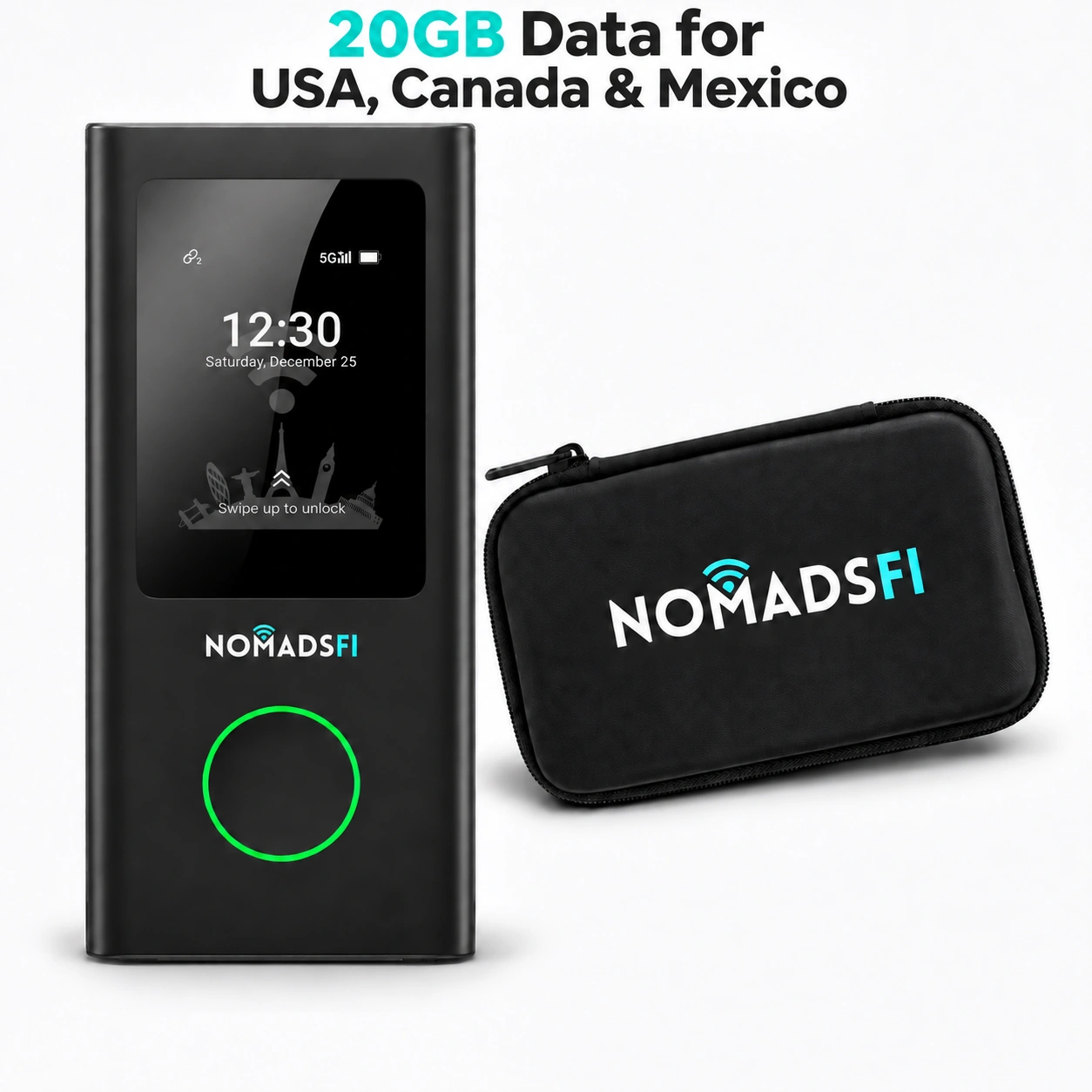
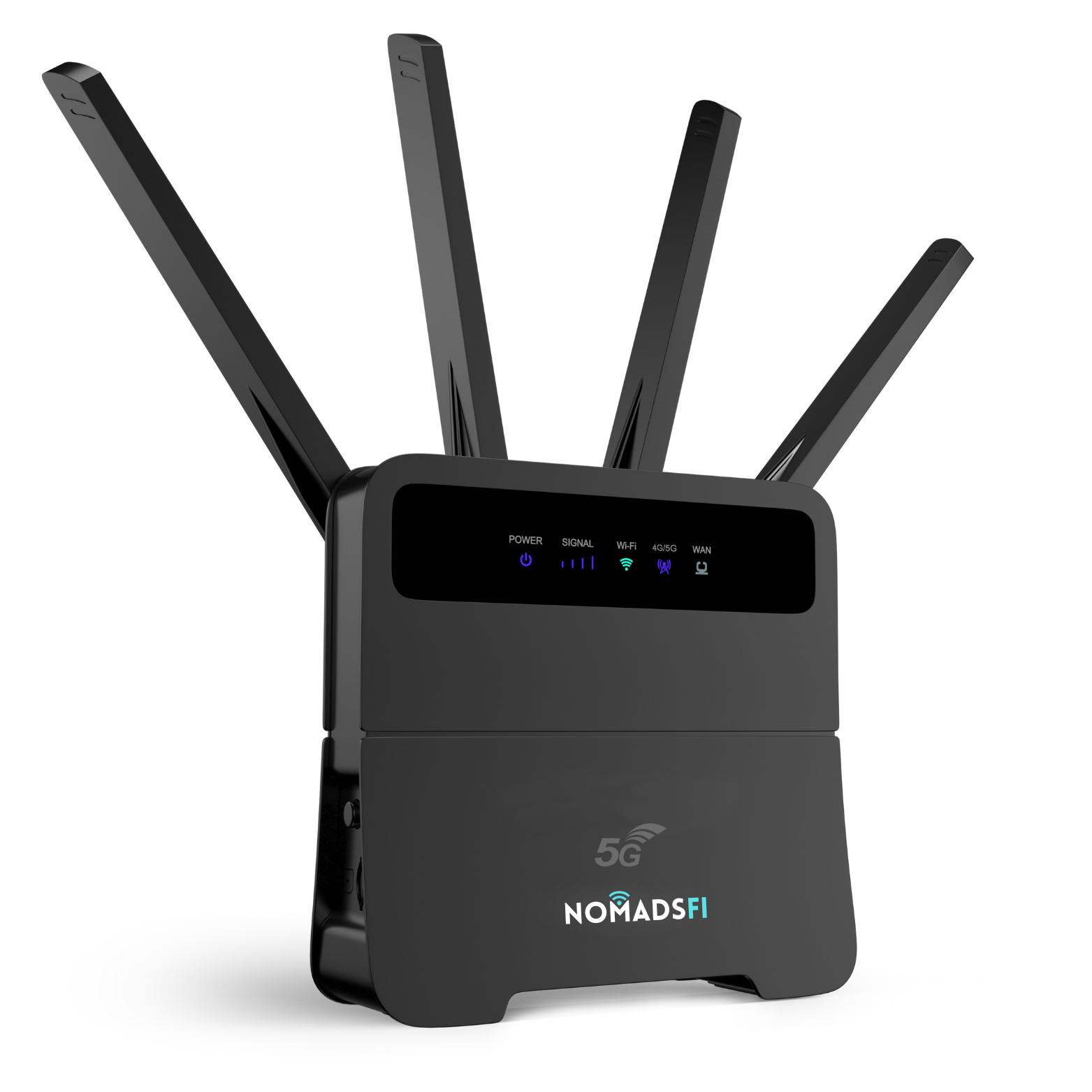
Review a portable model such as NomadsFi PocketFi 5G when you want a device that staff can issue and collect. Review the NomadsFi 5G router or 4G LTE router when evaluating a router-based configuration. These are starting points for model-specific checks, not a claim that every model is suitable for permanent vehicle installation.
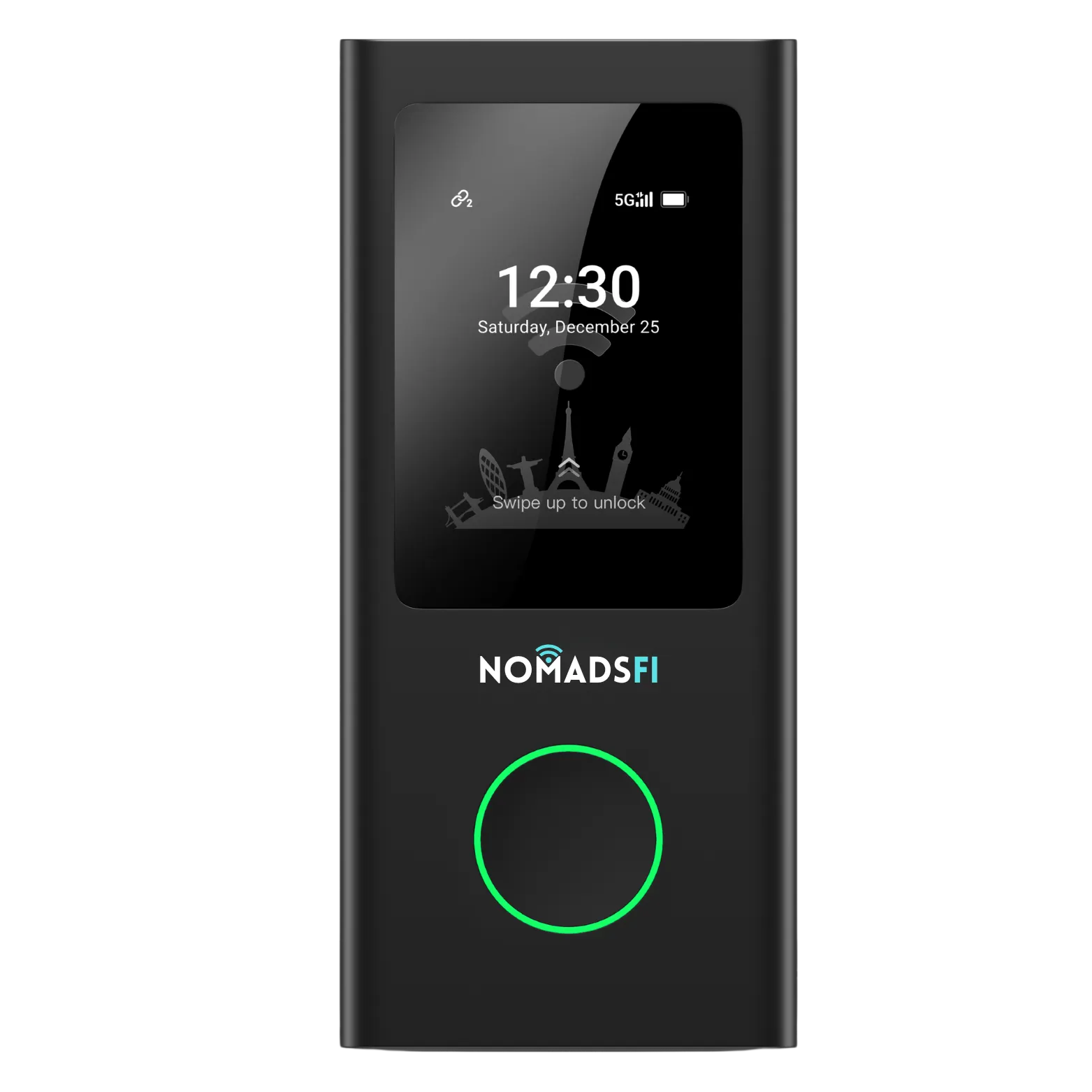
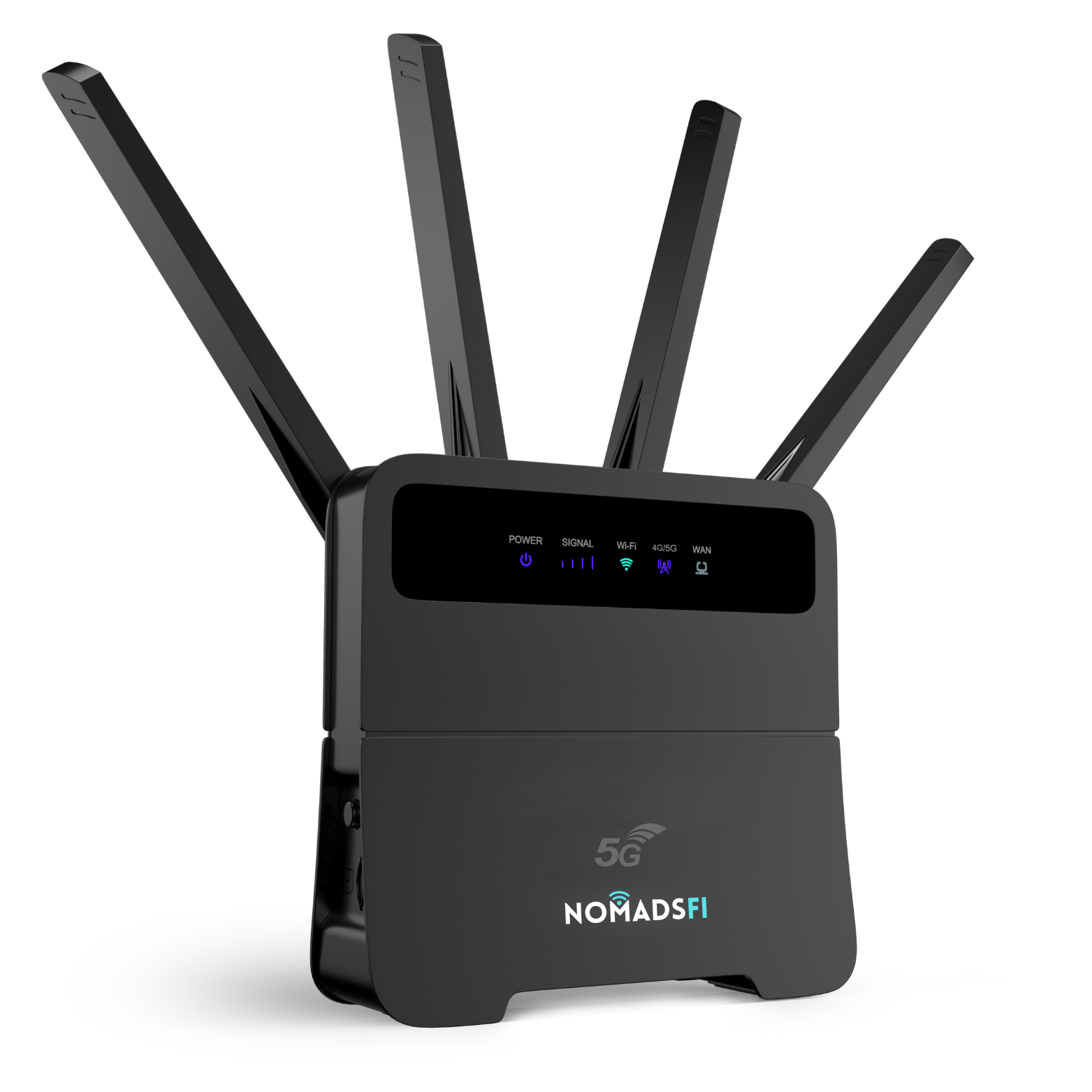
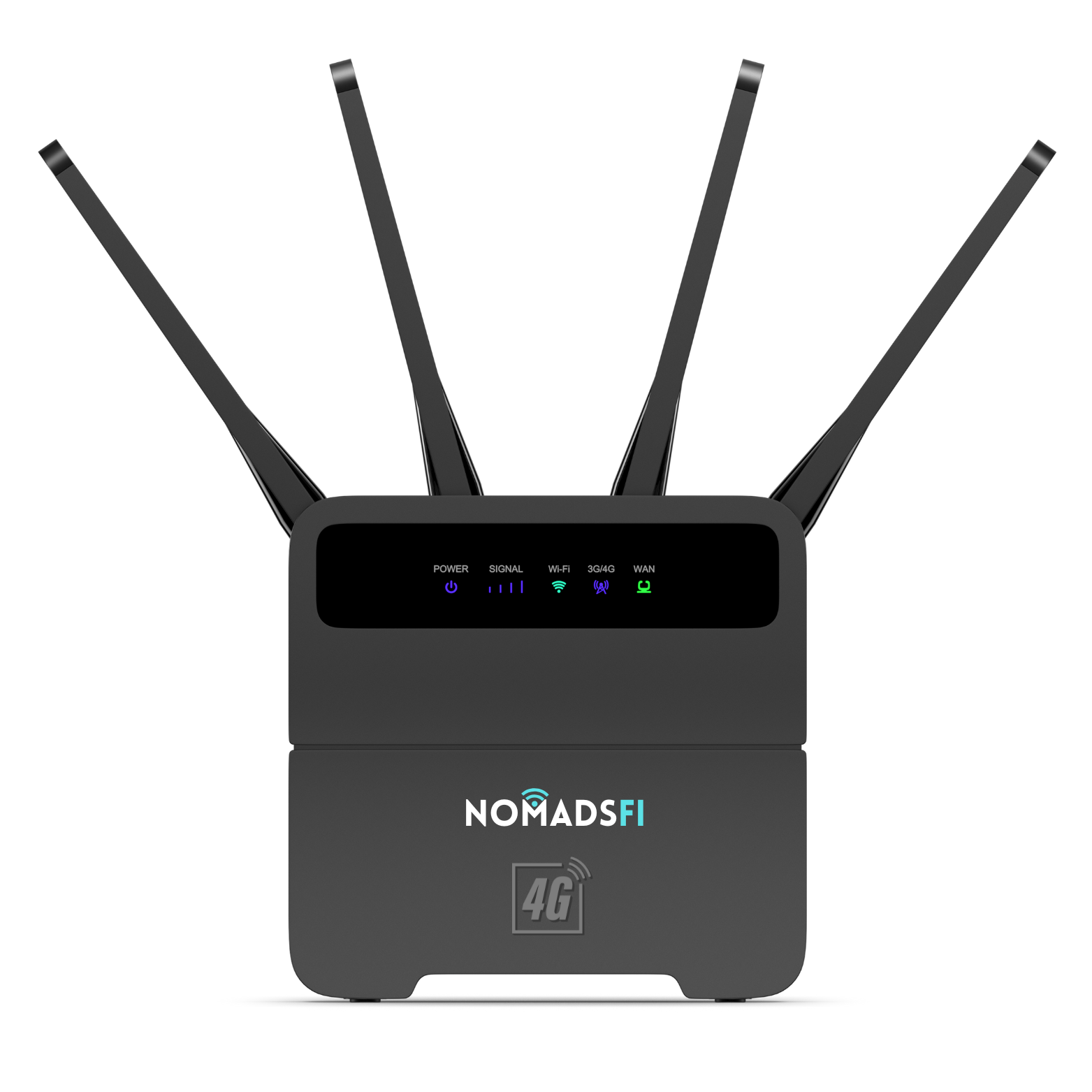
Confirm supported destinations and the exact package through NomadsFi's plan selection page and coverage information. Ask which networks the particular device and plan can access. Access to more than one eligible network does not guarantee an uninterrupted call or connectivity where all supported networks are unavailable.
For a data budget, list activities rather than devices alone. As an illustrative assumption, one shared activity using a combined upload and download rate of 2 Mbps for one hour per day over seven days would transfer about 6.3 GB: 2 × 1 × 7 × 0.45. This uses decimal gigabytes and excludes overhead. It is not a measured application rate or a recommended plan size. Add other users, updates and streaming, then check actual usage during the pilot.
Test routes, interior reception and parked-vehicle power
The FCC's National Broadband Map guide explains that mobile coverage represents outdoor or in-vehicle conditions, not indoor coverage. Use it as an initial route check. Separately test the intended device inside each type of RV with its normal doors, blinds and equipment in place.
Test a few representative stops while safely parked. Record the device and plan, general location, time, connection behavior, application used and whether an upload completes. A successful connection at the rental lot says little about a shaded campsite several hours away. Do not publish a guest's itinerary or precise location as a case study without permission.
Check what happens when shore power is disconnected and when the approved vehicle power outlet turns off. Follow the selected device's voltage, charger, ventilation and temperature requirements. Secure removable equipment before driving. A consumer hotspot's portability does not imply automotive electrical certification, suitability for a hot parked cabin or permission to leave it charging unattended.
Use a repeatable WiFi handover and return checklist
Build the same steps into every vehicle turnaround. Keep account credentials and guest information in your private operational system, not on a public checklist.
| Stage | Staff action | Record privately |
|---|---|---|
| Before pickup | Match the device, charger and case to the vehicle; confirm activation, allowance and validity for the booking. | Asset ID, condition, plan reference, preparation date and staff initials. |
| At handover | Show power-on and network selection. Let the renter connect and load a page. Explain signal limits, usage checks and support hours. | Handover completed and the agreed equipment inventory; do not collect guest account passwords. |
| During the rental | Follow a short diagnostic script before changing settings or purchasing extra data. | Issue category, time spent, resolution and any authorized purchase. |
| At return | Inspect equipment, follow the manufacturer-approved turnover procedure, rotate guest WiFi access where supported, and confirm the next plan. | Condition, missing items, usage and readiness for the next booking. |
The FTC's router security guidance distinguishes the WiFi password from the administrator password and recommends current software and supported encryption. Apply those general principles to your turnover procedure. Give renters network access without handing over the operator's administrative account. If a model cannot support your required credential or access controls, choose a different configuration.
Do not factory-reset a device casually between bookings. First confirm what the manufacturer's reset removes and whether service credentials or activation settings need to be restored. Check that the next renter can connect after the turnover is complete.
Explain WiFi for campervan rentals without promising service everywhere
Use a support sequence that staff and guests can follow: confirm power, confirm the correct WiFi network, distinguish a WiFi connection from an internet connection, then check service status and data validity. Ask the guest to stop safely before troubleshooting. Use the NomadsFi help center for the selected model's instructions rather than an improvised reset sequence.
If the local network is unavailable, move the work to a verified connection when practical. Download directions and essential booking details before departure. Hotspot access is not an emergency communication guarantee, and it should not be represented as a replacement for vehicle safety, tracking or other critical systems.
Start with a small RV fleet connectivity pilot
A proposed pilot could use two or three vehicles through a few normal bookings. That is a test design, not a documented NomadsFi customer result. Include one staff owner, the devices and approved power accessories, written guest instructions and a way to record data use and support time.
Evaluate activation success, whether guests can connect without staff intervention, completed application tasks, equipment returns, data consumed and staff time per booking. Decide your own acceptance criteria before the trial. Count hardware, accessories, data, turnaround labor, support and potential replacements when estimating the cost per booking. Do not infer profitability from the device price alone.
What to ask an RV connectivity partner
Before offering a paid add-on, confirm the applicable commercial-use and resale terms with the provider. Ask about stock, replacement arrangements and support responsibilities. This guide does not establish wholesale pricing, a centralized dashboard, pooled data, automatic billing or a ready-made NomadsFi fleet management platform.
Frequently asked questions about RV rental fleet WiFi
What is a practical starting point for WiFi for RV rental fleets?
Compare a removable hotspot kit with the renter's own phone hotspot and other route-appropriate options. Test the device, plan, power and handover process on a small number of vehicles before expanding.
Will a mobile hotspot work in every campground?
No. It needs usable service from a network supported by the exact device and plan. Terrain, local capacity and reception inside the RV can affect the connection. Check destinations and test representative stops.
Should a fleet choose a portable hotspot or a 4G or 5G router?
A removable hotspot may suit equipment issuance and return. A router configuration needs model-specific installation, power, ventilation and interface checks. Choose after testing the intended devices and applications, not the generation label alone.
How much data should an RV rental include?
Estimate the booking length and intended activities, including video calls, streaming and updates. Explain the allowance and any speed or validity limits, then use pilot measurements to refine the package. There is no single allowance that fits every renter.
Can an operator advertise unlimited RV WiFi?
Only use wording supported by the exact package and its current terms. Explain any high-speed allowance, speed reduction, network management, hotspot restrictions and geography. Do not describe a limited package as unlimited.
Can a U.S. NomadsFi rental be taken to Canada or Mexico?
NomadsFi's current rental policy is for U.S. use only. Do not bundle that rental service into a cross-border booking. For purchased fleet equipment, separately confirm the destination, exact plan, compatible device and commercial-use terms before offering connectivity.
Should WiFi credentials change between renters?
Use a manufacturer-approved turnover process that removes previous guest access and keeps administrator credentials private. Confirm the selected model supports the required controls, and test connectivity after changes.
Does this require a centralized fleet management platform?
A small pilot can use a private asset register and a consistent staff checklist. If centralized administration, remote access or pooled billing is required, verify those capabilities separately. This article does not claim NomadsFi provides them.
Discuss an RV connectivity pilot with NomadsFi
Tell us your U.S. pickup location, proposed vehicle count, typical booking length, intended destinations and guest applications. Include the available power source and whether you want removable equipment or an installation assessment. These details help identify what needs to be checked before any rollout.
Request partner information from NomadsFi, review current device and data-plan options, or send renters the RV travel internet guide for a broader comparison.
Sources and editorial scope
Reviewed November 5, 2026. This is an operator planning checklist, not a hands-on product benchmark or a customer testimonial. Sources support the specific guidance linked in the text; they do not endorse NomadsFi. Product eligibility, commercial terms and destination coverage require confirmation for the proposed deployment.