![[Copy2]copy PocketFi 5G.](https://img-va.myshopline.com/image/store/1738987129708/ZHUTU1.jpg?w=1563&h=1563)
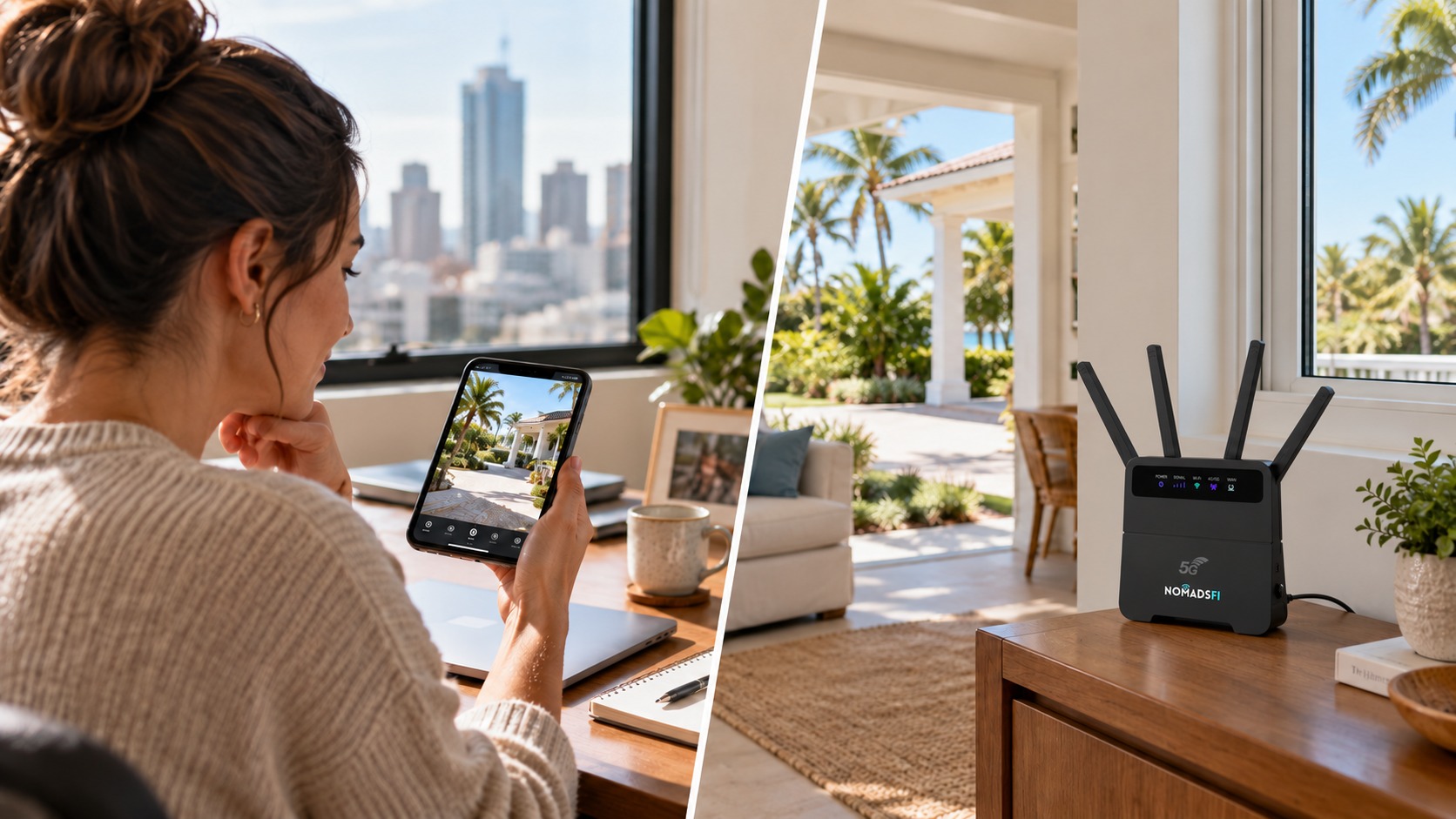
You live in New York, but your vacation house is in Florida. Most weeks, nobody is there. You want to open the camera app and check the driveway, then close it and get on with your day. Paying for a full household broadband package can feel excessive for that routine.
The calculation changes when you visit, or when Airbnb guests arrive with laptops and streaming apps. The same property needs a small amount of data while empty and a much larger allowance during a stay. Choosing vacation home internet around that difference can make the running costs easier to manage.
NomadsFi offers a cellular router approach: keep a suitable router at the house, select eligible data service and connect compatible WiFi devices. The U.S. plan selector includes a 5GB AutoPay option for $16, useful to consider for carefully managed camera check-ins. For occupied months, choose service around the actual household demand.
This is a NomadsFi-authored guide using official provider information reviewed on October 5, 2026. Prices shown are in U.S. dollars. The New York and Florida scenario is illustrative. Comparisons are based on published features and terms, not comparative field tests.
What is the best internet setup for a vacation home?
For a second home with usable cellular coverage and modest data needs, our recommendation is a dedicated NomadsFi router with a plan matched to the property. It can provide security camera internet without arranging a new cable or fiber installation. If the house hosts frequent bookings or uploads video continuously, compare a larger cellular plan with available fixed broadband.
A remote house does not have to be in a cellular dead zone. It may simply be a house far from its owner. First decide whether you need access while away, internet during visits, or both.
| Property situation | Practical setup | What remains available? |
|---|---|---|
| Empty, with occasional camera checks | Powered router with active, low-use data service | Remote access while power, signal and data are available |
| Family visit or Airbnb booking | Active service with a larger allowance, tested at the house | Guest WiFi and permitted connected devices share the connection |
| Empty, with no online monitoring required | Arrange service cancellation or eligible suspension | No remote camera viewing or cloud alerts while disconnected |
Remote house internet for checking your property from another state
A dedicated cellular router or WiFi hotspot stays with the property when your phone leaves. A compatible WiFi camera connects to that router, which carries its internet traffic over supported cellular service. You access the camera through its own app from wherever your phone has an internet connection.
For a private vacation home, this can make it easier to check an entrance or review a supported camera's event clips between visits. The camera's features, storage method and subscription determine what you can see. The router supplies the connection; it does not supply a camera recording service.
NomadsFi's U.S. service offers access to supported networks among AT&T, T-Mobile and Verizon. That gives an eligible setup alternatives to depending on a single carrier. Availability depends on the device, package and location. It does not combine three connections into one or guarantee reception at every rural address.
Test the actual camera from your phone using a separate mobile connection before leaving. Check upload performance as well as WiFi signal at the camera. A strong download speed near the router says little about a camera struggling to send video from the far end of the house.
Can 5GB cover remote security camera access?
A small data allowance can be useful when the camera sends limited traffic and you only open live view briefly. It can disappear quickly when a camera continuously uploads video. Motion sensitivity, event frequency, resolution and viewing habits all affect consumption.
For a U.S. property, NomadsFi's listed 5GB AutoPay option is $16 per month. Confirm that the package is available for your selected router and account before ordering. Device purchase, camera hardware, cloud recording subscriptions and any applicable charges are separate from that data price.
| Video transferred over the internet | Approximate use over 30 days | What it means for 5GB |
|---|---|---|
| 5 minutes each day | 1.125GB | Leaves room for other traffic, subject to actual use |
| 10 minutes each day | 2.25GB | Limited viewing could fit; event uploads also count |
| 30 minutes each day | 6.75GB | Already exceeds the allowance |
| Continuous upload, 24 hours a day | 324GB | Requires a substantially different plan |
The calculation is bitrate multiplied by time, divided by eight to convert bits to bytes, using decimal gigabytes. At 2 Mbps, these amounts double. Protocol overhead, cloud event clips, device updates and other connected equipment add usage. Record a full week of normal activity and leave headroom before committing to a small allowance.
Local recording to a memory card, where the camera supports it, may reduce continuous cloud uploads. Remote playback can still transfer data. Read the camera documentation rather than assuming that local storage makes every remote check data-free.
Seasonal internet: activate for a stay or keep a small plan running
For owners who need no online access during empty periods, plan service around visits and bookings. Arrange eligible service before arrival, test it and change the renewal arrangement when the property will no longer need internet. Turning off the router alone does not cancel an AutoPay subscription.
If you own your NomadsFi device, the cancellation policy allows subscription cancellation without returning owned equipment. Confirm the effective date, renewal setting and how to restart eligible service with support. Already billed charges are generally non-refundable outside the stated refund conditions.
Rental terms differ: the policy lists temporary suspension at $15 per month for up to three months, with data inactive. Cancellation requires confirmation and any required equipment return. A bought router is therefore worth considering for repeated seasonal use, after comparing its upfront price.
Owners who want camera access throughout the year should keep active service and enough data available throughout the year. Ring's offline-device guidance, for example, explains that an offline device cannot deliver live video, notifications or event recording through its service. Other cameras may continue supported local recording, but you cannot view them remotely without a working connection.
NomadsFi vs Starlink, T-Mobile and Xfinity for a second home
The useful comparison is the service you need during an empty month, plus what it takes to support an occupied one. Some providers already offer seasonal arrangements. Include their options before deciding that a new router will reduce your total bill.
| Solution | Published example | Where it fits | Check first |
|---|---|---|---|
| NomadsFi cellular router | U.S. 5GB AutoPay: $16/month | Limited remote checks; a reusable router with supported multi-network access | Router eligibility, purchase cost, local signal, usage and renewal terms |
| Starlink Residential / Roam | Residential 100 Mbps: $55/month in select areas; Roam 100GB: $55/month | Consider satellite where available terrestrial service is unsuitable | Equipment, installation conditions, address and plan availability; Standby Mode has a monthly fee |
| T-Mobile Rely Home Internet | $50/month with AutoPay; $35 with an eligible voice line | Regular household use at an eligible U.S. address; gateway included | T-Mobile coverage, current offer and taxes/fees; confirm any suspension option separately |
| Xfinity Seasonal Internet Access | $20/month, listed at 20 Mbps down and 10 Mbps up | Existing eligible customers who want connected devices while away | Local eligibility; seasonal periods of two to nine months |
| Xfinity Internet Suspend | $8/month, with internet unavailable | An eligible empty property that does not need remote access | No remote WiFi device control during suspension |
| Existing phone hotspot | Depends on the phone plan | Short visits when the owner and phone are present | An unattended property needs a connection that stays there |
NomadsFi vs Starlink for vacation home internet
NomadsFi is our preferred starting point for modest monitoring traffic where supported cellular reception works. Starlink is worth considering if local terrestrial options cannot meet the property's needs. Its official plan page describes Roam Standby Mode for low-use messaging and reactivation, so compare the current standby charge and applicable terms. Do not assume it is a free pause or suitable for normal camera video.
NomadsFi vs T-Mobile Home Internet
The T-Mobile comparison page lists Rely with unlimited data and an included gateway. That can suit a frequently occupied house. NomadsFi's smaller eligible package offers a lower entry point for limited traffic, with hardware priced separately. A $16 allowance and an unlimited home internet plan serve different needs.
NomadsFi vs Xfinity seasonal internet
Xfinity's connected seasonal option is a credible choice for an existing eligible subscriber. It supports remote smart-device access at a reduced service level; its cheaper suspension option does not. If your house already has suitable fixed broadband, compare this seasonal offer with buying new equipment.
Compare the yearly bill, including the router
For light monitoring that stays within the allowance, twelve months at $16 equals $192 in data service. Against an illustrative existing broadband bill of $60 per month, or $720 per year, that is a $528 difference in service charges. The $60 figure is a hypothetical household bill, not a competitor quote.
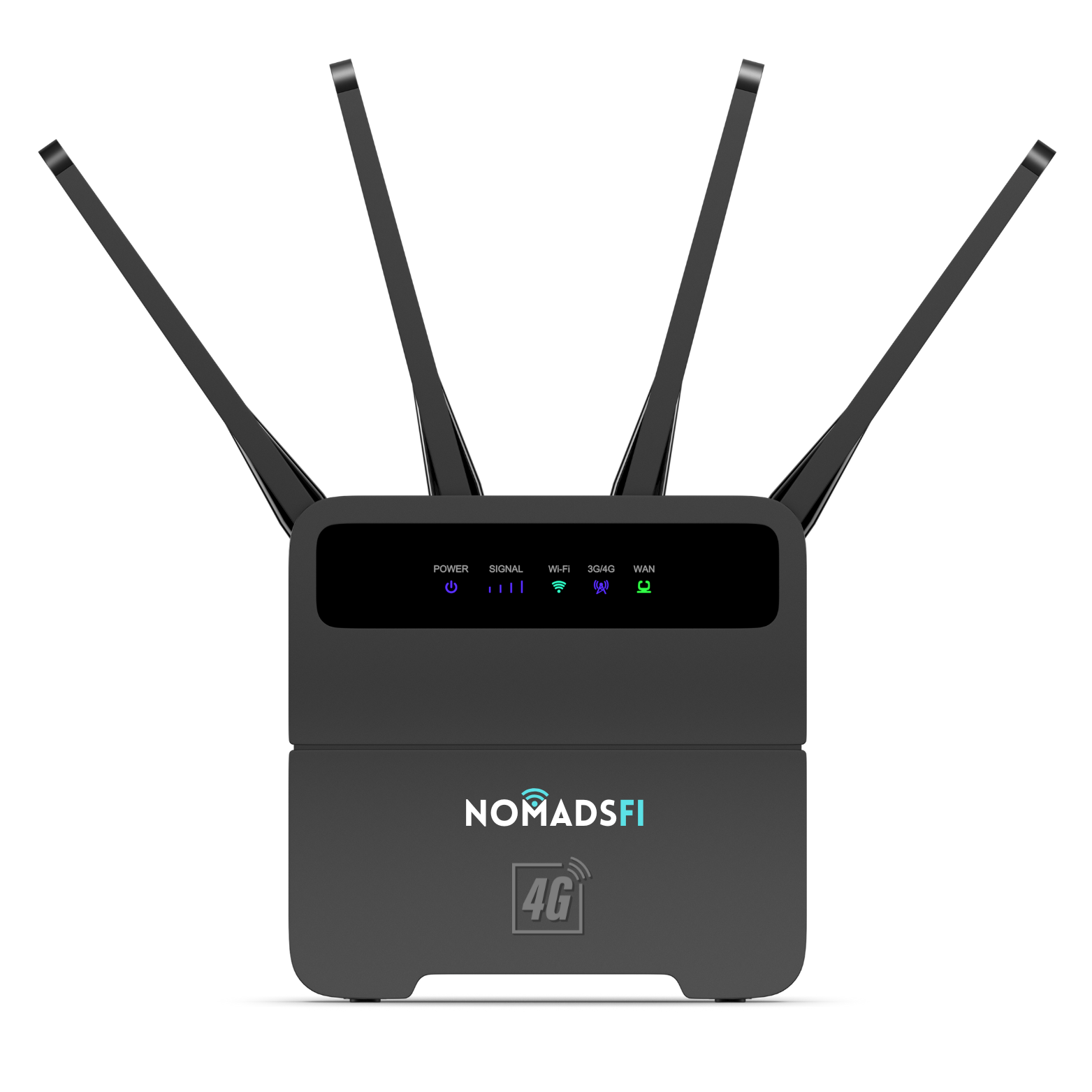
At the reviewed device-only listing price, a NomadsFi LTE router costs $249.99. Adding that purchase to $192 of eligible data would make the first-year subtotal $441.99, before shipping, taxes, cameras or top-ups. Confirm package compatibility. If the house needs more data, the calculation changes.
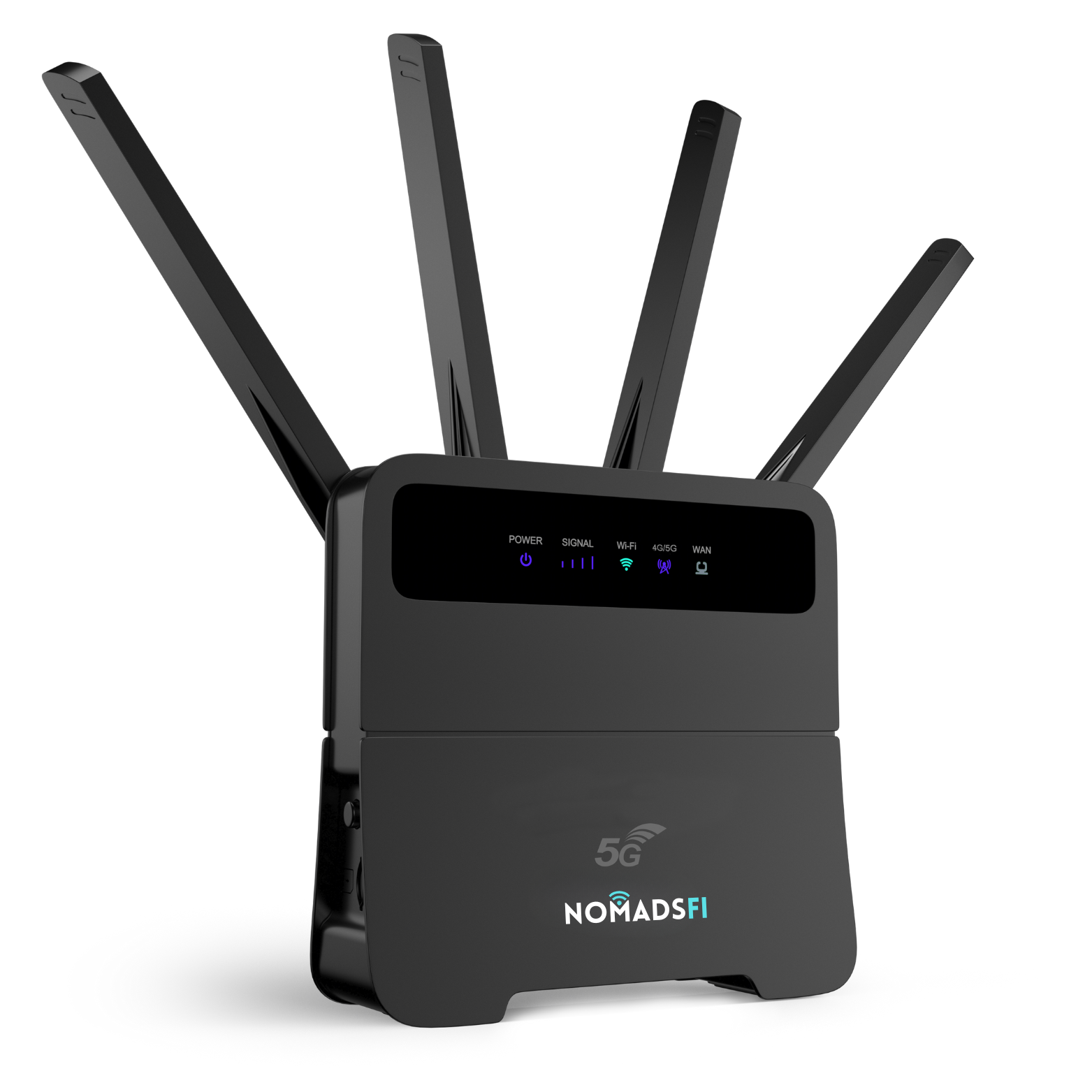
The NomadsFi 5G Router pictured in this guide is a separate device listed at $449.99. With twelve months of the eligible $16 plan, its equivalent first-year subtotal would be $641.99 before additional charges. Choose the hardware around reception and usage at the house; 5G service still depends on supported local coverage.
For a mixed year, calculate each period separately: empty months with monitoring, occupied months with suitable guest service, and disconnected months. Include any applicable suspension fees. An existing broadband seasonal offer can narrow the difference, and guests who stream heavily may make a full household service better value.
Airbnb internet needs a plan for guest use
A guest may be on a video meeting while another person streams a film. That is a different workload from an owner's short driveway check. Before the first booking, measure coverage in the rooms guests use and choose enough data for the stay. A 5GB monitoring allowance should not be advertised as a month of normal guest internet.
NomadsFi lists larger U.S. options, including 50GB at $55 and 200GB at $79, along with Unlimited Lite and Unlimited Pro offers. Use the current plan selector to compare eligible options, fair-use terms and any speed restrictions. A larger package still needs adequate local signal and WiFi reach.
Airbnb's host guidance explains how to test WiFi and display the measured speed in the listing. Its fast-WiFi designation begins at 50 Mbps. A router's advertised capability does not establish that the house reaches that speed.
Provide clear WiFi instructions and a local contact who can help if equipment needs attention. If your router supports a separate guest network, configure one. For a busy rental with established fixed broadband, a cellular connection may be more useful as backup. Our home internet backup guide covers that use.
Remote property monitoring and Airbnb camera rules
Keep private-home monitoring and rental monitoring separate. Airbnb prohibits cameras monitoring indoor spaces, including devices that are turned off or disconnected. An indoor camera used at your private vacation house cannot simply remain in a listed rental because you switch it off.
Permitted exterior cameras must comply with Airbnb's rules and be disclosed in the listing. They must not monitor indoor areas or exterior spaces with greater expectations of privacy. Choose an appropriately rated outdoor camera for the location and follow applicable rules. The connectivity advice in this article does not change those requirements.
Can a smart plug switch vacation home internet back on?
An ordinary WiFi smart plug needs a working internet path to receive an off-site command. If it disconnects the only router that provides that path, it cannot receive your next command to switch the router on. Cancelling the data service creates a similar remote-access problem.
For unattended operation, leave the router powered while monitoring is required. If you need a recovery method, consider equipment with a supported local restart schedule or a separately connected power controller, and test its behavior. These are features to check on the chosen equipment, not assumed NomadsFi router functions.
Account changes can be arranged from elsewhere, but service activation cannot restore electricity to an unplugged router. Have a local caretaker available for power or hardware faults. A compatible backup power supply may cover short interruptions; it does not guarantee that the mobile network remains available.
Internet for a Canadian cottage or a home across the border
The same planning applies to a Canadian cottage: determine empty-period monitoring needs, test coverage and budget separately for occupied periods. NomadsFi's North America selector currently starts with a 10GB AutoPay package listed at $29.90. Confirm Canadian destination coverage, validity and eligible hardware. The U.S. 5GB/$16 offer is not a Canada price.
For a Canadian comparison, Rogers 5G Home Internet uses the Rogers mobile network and an included gateway. Ask for the current local offer and seasonal terms. Compare actual reception and expected upload use with an eligible NomadsFi package before choosing.
If you move a router between a U.S. second home and a Canadian cottage, check service for each destination before the move. NomadsFi's broader international service is useful for reusing compatible hardware, but a U.S. purchase does not automatically include Canadian data.
Set up second home WiFi before you leave
- Check destination coverage and confirm your chosen router can use the intended package. Test at the property, not just at your main home.
- Place the router in a powered, ventilated position and test signal at each connected device. For a larger house, verify any additional WiFi equipment is compatible.
- Connect the camera, check live view from a separate mobile connection and review its recording settings. For Airbnb, use only permitted and disclosed equipment.
- Measure data use for normal viewing and event activity. Set available usage reminders and keep enough allowance for the period away.
- Check restart behavior after a power interruption. Agree on who will visit if the connection cannot recover.
- Review AutoPay, service end dates and guest arrival dates. Activate and test adequate service before a booking, then arrange the next empty-period plan.
If you also need a device for visits and road trips, our portable WiFi hotspot guide compares that category. A mobile hotspot can be useful during travel, while an unattended home setup needs appropriate power and recovery arrangements.
Frequently asked questions
What is remote house internet?
It is internet service at a house you manage from elsewhere, such as a second home, vacation rental or cottage. It can support remote camera access while the property is empty and household WiFi during visits, provided power, active service and coverage are available.
Can I use NomadsFi for vacation home security cameras?
A compatible WiFi camera can use a NomadsFi router with eligible active data service and adequate signal. The camera supplies its own app, recording and subscription features. Test remote access and data use at the property before leaving.
Is the $16 NomadsFi plan enough for a security camera?
The U.S. 5GB AutoPay option can be considered for limited traffic and brief check-ins. Continuous uploads, frequent events or long viewing sessions can exceed it. Measure your camera usage and confirm package eligibility for your router.
Can I view cameras when the data plan is inactive?
No. Remote viewing and cloud alerts need an active internet path. Supported local camera recording may continue, but it cannot be viewed remotely through an inactive connection. Keep service active when off-site monitoring matters.
Can I activate internet only for Airbnb bookings?
You can plan eligible service around occupied periods, with the next booking activated and tested in advance. Confirm renewal, cancellation and restart terms. Turning off a router does not stop AutoPay, and rental suspension terms differ from owned-device arrangements.
Is NomadsFi always cheaper than Starlink or seasonal broadband?
No. It can be economical for modest data use, but compare hardware, the active months, guest demand and local alternatives. Xfinity offers eligible connected seasonal service, while Starlink offers Standby Mode on eligible arrangements. Larger or frequently occupied properties may need a different tier.
Does the U.S. 5GB/$16 plan cover a Canadian cottage?
Do not assume that it does. Select an eligible North America or Canada-covered package and confirm validity and router compatibility. NomadsFi lists North America packages separately from the U.S. offer.
Can a WiFi smart plug restart my offline router from another state?
Not if that router is its only internet connection. Once the router is off or the data path is inactive, the plug cannot receive your remote command. Check for independently connected control or supported local recovery, and keep a local contact for faults.
Sources and price review
Official plan examples and policies were reviewed on October 5, 2026. Prices, availability and terms can change. These comparisons explain different property needs; they do not establish equivalent performance or a guaranteed saving. The camera data examples are calculations using stated assumptions.
- NomadsFi U.S., North America and global data plan selector
- NomadsFi coverage and U.S. multi-network service
- NomadsFi LTE router: device purchase option
- NomadsFi 5G router: device purchase option
- NomadsFi subscription cancellation and rental suspension policy
- Starlink: official service plans and Standby Mode overview
- T-Mobile: home internet plans and eligibility
- Xfinity: Seasonal Internet Access and Internet Suspend options
- Rogers: 5G Home Internet overview for Canada
- Ring: what happens when a connected camera is offline
- Airbnb: restrictions on security cameras in homes
- Airbnb: testing and displaying listing WiFi speed
Find a NomadsFi setup for your vacation home
Tell us where the house is, whether it needs monitoring between visits and how often guests stay. We can help check the router and data package for that use before you order.
Shop NomadsFi LTE RouterShop NomadsFi 5G Router
Compare data plans · Check coverage · Ask about your property's setup