

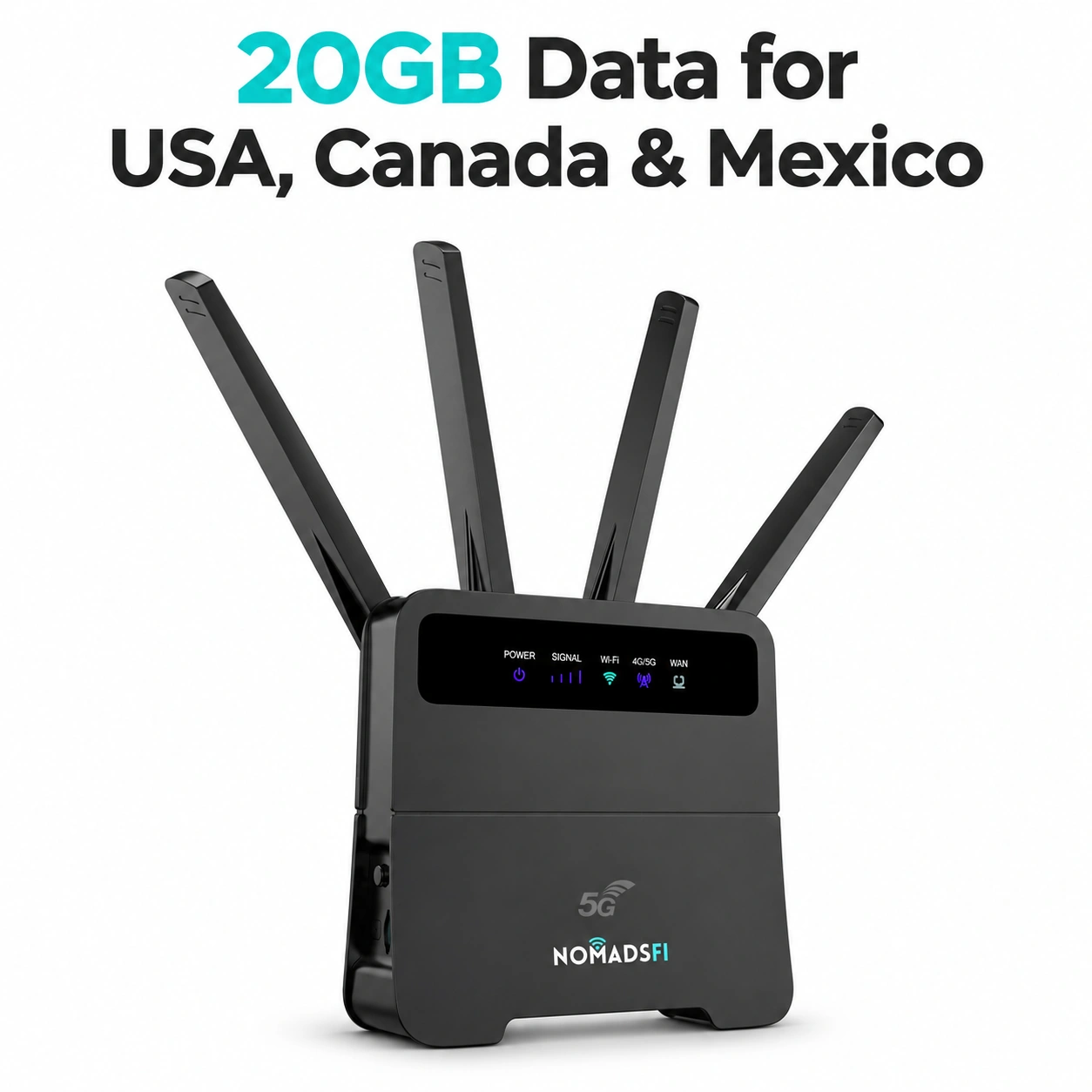
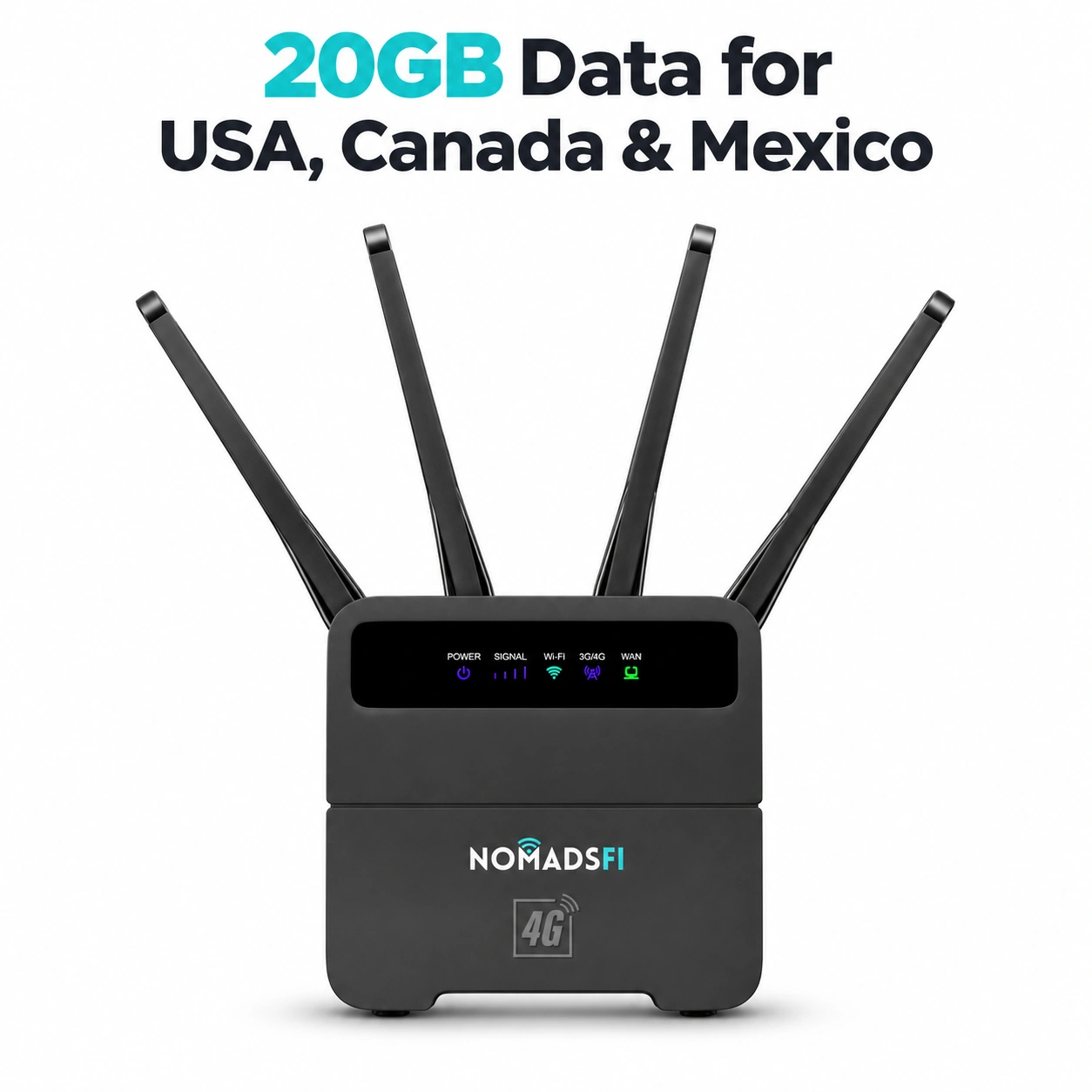
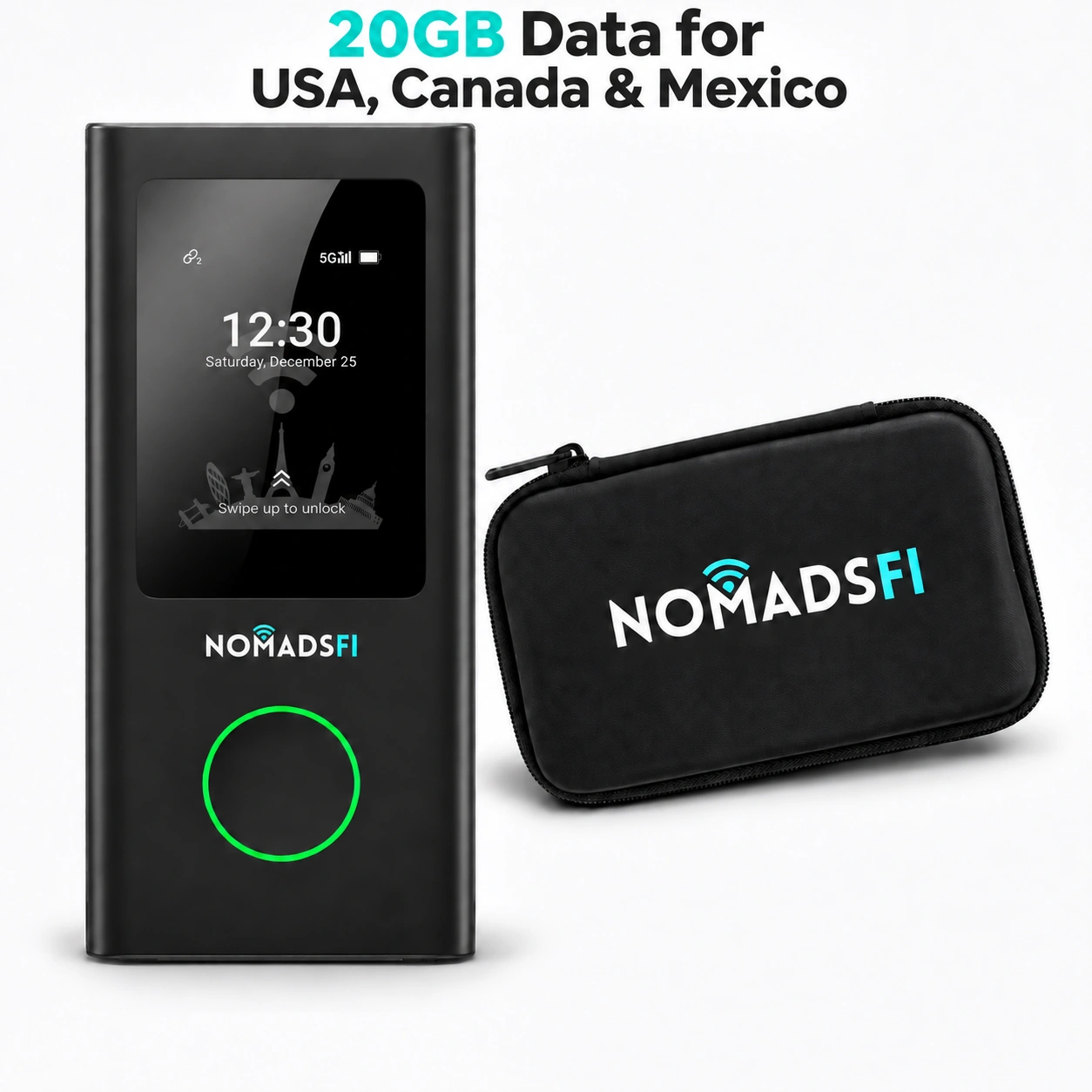
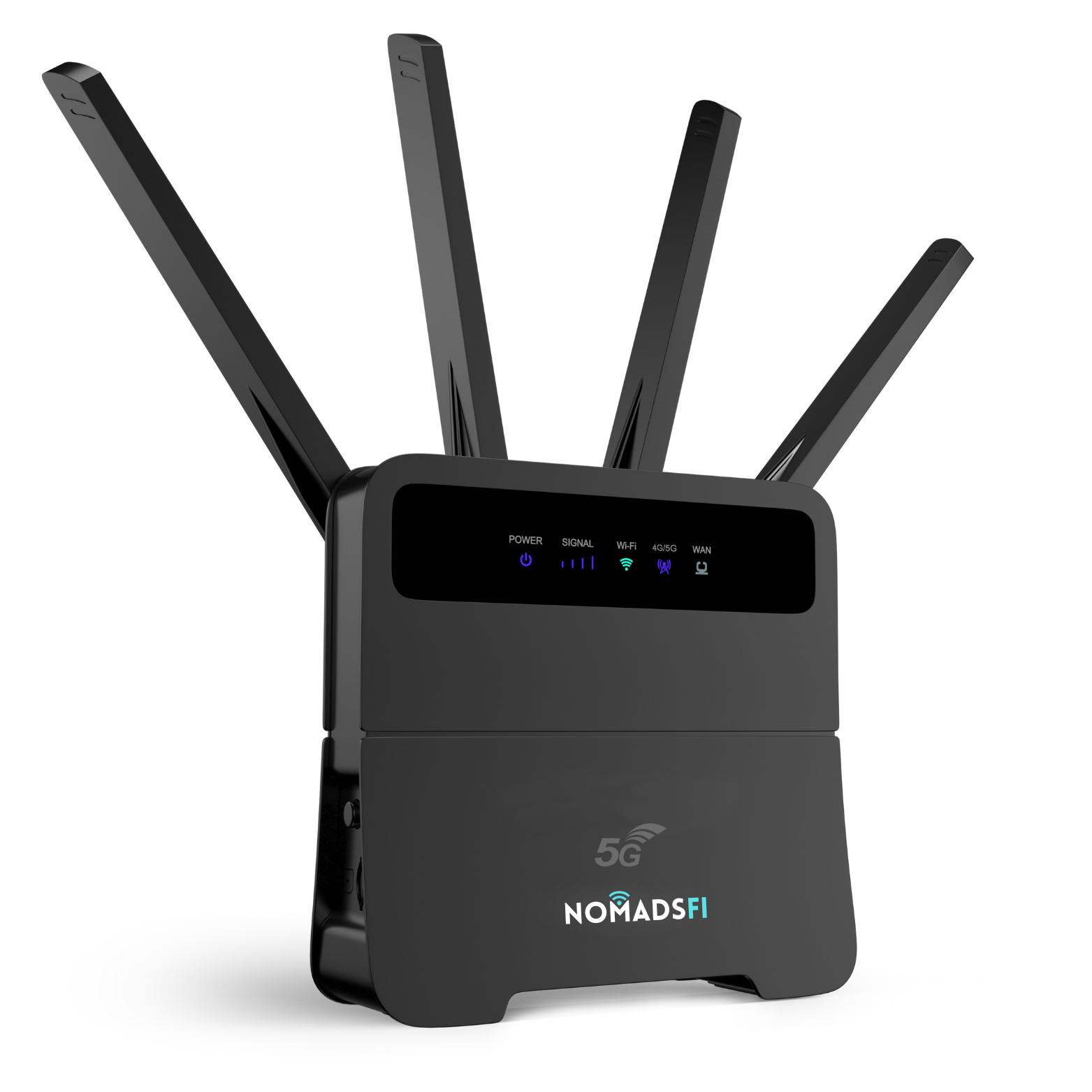

Quick answer: The decision that changes everything downstream is whether your 5G broadband router stays at one address or moves with you. That single call picks your placement, your power setup, and your plan before you unbox anything. Do day one in this order: test signal at the exact spot, place the unit, power it on, connect one device, then size the plan. Skip the test and you'll spend a week blaming hardware for a problem that lives at your address.
What it actually solves
Most people search for a 5G broadband router because they're stuck. The cable company wants three weeks and a deposit. The apartment has one coax jack, in the wrong corner. The jobsite trailer has power, a lock, and no internet. What they actually want isn't a router. It's a working network by Thursday.
Here's the plain version of what the equipment does: it picks up the cellular signal that already reaches your address, turns it into a normal WiFi network with at least one wired Ethernet port, and lets your laptop, TV, card reader, and cameras join it like they'd join any other network. No installer. No drilling. No waiting on a truck.
The load differs by setup. A 5G broadband router for home usually carries streaming, video calls, backups, and a couple of smart devices. A pocket unit in a backpack carries one laptop and a phone. Same machinery, very different job, and the sizing decisions that follow are not the same.
Here's the trade-off you're accepting: you don't own a pipe. You're borrowing the tower's performance at whatever address you're standing in, and that performance shifts with buildings, weather, tower congestion, and which band the device latches onto. Anyone telling you this is identical to fiber is guessing about your address. The rest of this guide is about shrinking that guess before you spend money.
How it works, in four steps
Strip the packaging and a 5G broadband router is three radios in a plastic shell plus a billing handshake. That's it.
1. The radio hears the tower. An internal modem and antenna array listen for the nearest cell site on the bands your carrier uses. This is the step placement controls, and placement is the step most buyers rush.
2. The modem turns radio into data. Signal becomes packets. Signal strength and actual throughput are related but not the same thing — strong bars on a crowded tower can still deliver a slow connection.
3. The router shares it out. WiFi for phones and laptops, Ethernet for the desktop or the printer. Address assignment, routing, and the rest of the boring plumbing that makes a network feel normal instead of fussy.
4. The plan authorizes the traffic. This is the part buyers underestimate. The device is sold SIM-free and can switch between carrier networks, so the hardware isn't locked to one provider. But the plan is what grants access and sets your high-speed allowance. A good router on a wrong-sized plan still feels broken. If you want the mechanics of how a device moves between carrier profiles without you swapping plastic, read what is cloudsim a simple guide to portable wifi without sim swapping.
What to check before buying
Four checks. Do them in this order, because the first one can cancel the other three.
Signal at the exact address
Coverage maps are marketing. They're drawn in hexagons and they don't know about the brick wall, the metal roof, or the hill behind the parking lot. Use the carrier's map for a rough answer, then verify with hardware you already own: stand where the router will sit, on the carrier you intend to use, and run a speed test at the hour you'll actually be working. Test twice — once at the window, once where the desk goes. The gap between those two numbers is the most useful thing you'll learn all week.
How much data you'll actually pull
Add up the week, not the day. A work laptop on video calls, a TV streaming in the evening, cloud backups running at midnight, and two cameras uploading clips is a different animal from email and a card reader. Read the high-speed allowance, not the headline. If a plan is advertised as unlimited, a fair-use high-speed allowance applies and speeds may reduce after you pass it. For a 5G home router running a whole family, that allowance is the only number that matters.
Power
Fixed setups want a wall outlet, and ideally a small battery backup so a two-second flicker doesn't drop your call. Mobile setups want runtime. A pocket unit that lasts a full shift beats a faster one that dies at lunch. Check the actual cord and voltage too — the wrong barrel plug or a missing USB-C PD adapter turns day one into a hardware hunt.
Contract terms and the boring paperwork
Month-to-month with no long-term contract should be the standard you refuse to drop. Ask three questions: what happens to my speed after the allowance, what's the return window, and where does it ship. Devices ship within the US only, and the rental program is for US use only, so a plan built around living abroad needs a different starting point. If you're still comparing device classes rather than specific models, this breakdown of the best mobile wifi hotspot options will save you a week of tab-hopping.
Match the setup to the situation
Same hardware, two completely different jobs. Pick the column that sounds like your week and stop reading the other one.
| What changes | Fixed at one address | Moves with you |
|---|---|---|
| Placement | One tested spot, window-side, high, then never moved. | Re-tested at every stop; yesterday's good spot means nothing. |
| Power | Wall outlet, plus a backup you actually test. | Battery first, wall charger second, car cable third. |
| Plan size | Sized to streaming, backups, and full-time work. | Sized to one or two people, with room to switch carriers. |
| Device count | Whole household, TVs and consoles included. | Work gear first; entertainment added only after testing. |
| Main risk | The address has weak signal and no window fixes it. | You assumed coverage somewhere you never checked. |
For an RV, the unit lives near a window and gets re-aimed at each stop — an rv wifi booster setup adds range, not speed, so it helps you hear a distant tower without making that tower faster. For a jobsite trailer, lock it down, keep it off the floor, and put the wired port to work for the printer or the time clock. For a temporary office, treat Ethernet as your reliability layer and WiFi as convenience. For a family road trip, the rule is simple: whoever is driving doesn't troubleshoot.
If you're still deciding whether a portable unit earns its place in your bag at all, 5 situations you need pocket wifi nomadsfi covers the edge cases without the sales pitch.
Day one, in the right order
This sequence is the whole article. Everything before it was preparation; everything after it is troubleshooting you can now avoid.
1. Walk the space with a phone before you unbox anything. Same carrier, speed test at the window, at the desk, and at the spot the router would realistically live. Write the numbers down. Memory lies.
2. Pick two candidate spots, not one. Highest point, fewest walls between the unit and the outside, away from metal shelving and the microwave.
3. Power the unit at spot A and leave it alone for two minutes. Indicators settle. First boots sometimes finish an update you didn't ask for.
4. Test with one device, within ten feet. If that number is bad, adding devices won't fix it, and you've just saved yourself an hour of blaming the wrong thing.
5. Move to spot B and repeat. Keep the winner. Then stop moving it — every relocation resets your baseline and your sanity.
6. Change the admin password and the network name before anything else joins. Default credentials on a device that broadcasts your work traffic is a bad trade for two minutes saved.
7. Add devices in order of importance. Work laptop first. Phones next. TVs and consoles last, because they'll eat the allowance you just carefully sized.
8. Set a check-in for day three. Compare actual usage to your estimate. Three days of real numbers beats any calculator you'll find online.
If step one produces numbers that won't support your work, stop. The honest move is to not buy, or to buy a plan you can walk away from, rather than to hope a better box appears.
What most people get wrong
They buy the router before they test the address
Buying first inverts the whole process. Hardware can't create signal that isn't there, and a return window is a lousy debugging tool. Test with a phone on the carrier you plan to use, at the hour you plan to work, from the exact room. Do it before you order anything, including the plan.
They set it up where the outlet is
The outlet is the easiest thing in the room to move. An extension cord costs less than a week of bad calls. Put the unit where the signal is, then solve power, then tidy the cable. Convenience-first placement is the single most common reason people conclude the hardware is bad when the hardware is fine.
They connect everything on day one and call it slow
Twelve devices, three streams, and a backup running at once will make any connection look weak, and you'll have no idea which one caused it. Stage it: measure with one device, add your work gear, re-measure, then add entertainment. And if you're currently tethering the whole household to a phone, that's its own trade-off — portable wifi vs phone hotspot for travel explains where the phone genuinely wins and where it quietly drains your day.
Cost and what changes month to month
Two separate bills, and mixing them up is how people end up feeling cheated. The hardware is a one-time purchase; the data plan is a monthly one. I'm not quoting figures here because they move, and stale numbers are worse than none. Check current pricing on the nomadsfi 5g hotspots page before you budget.
What's stable: plans are month-to-month with no long-term contract, and devices are sold SIM-free so you can switch between carrier networks without replacing hardware. That combination is the actual value here. You're buying the ability to leave, which most home internet doesn't offer.
What changes month to month is mostly you. Data use creeps when a new streaming service lands or a kid discovers cloud gaming. Travel changes it — international plans advertise coverage in 200+ countries, and the sane way to use that is to buy the device and the international plan in the US before you fly, not to scramble at the destination. Rental is a US-only program, so it isn't a travel option either.
The other variable is carrier performance, and it isn't yours to control. Tower congestion on a weekday evening, a new building going up across the street, seasonal load in a resort town — all of it shows up on your speed test without warning. Budget for the possibility of switching carriers once, and you'll be less annoyed when it happens.
The one honest limitation
The tower sets your ceiling, and the router cannot lift it.
A 5G broadband router converts signal into a network. It does not manufacture signal. Placement, band selection, and a decent antenna can recover a meaningful slice of performance you were losing to a bad spot in the room — that's real. But if the address sits in a weak pocket, no amount of setup order, firmware fiddling, or repositioning turns it into a fast connection. The number you measure with a phone in step one is roughly the number you're buying.
Two consequences follow. First, this is cellular, not magic: a tower outage, a power cut without a battery, or a true dead zone takes your network down with it, and no router on the market changes that. Second, performance is address-specific, not device-specific. A neighbor two blocks away with the same unit can have a completely different experience because they're talking to a different tower sector.
That's why the honest recommendation is boring: test before you buy, keep the return window in mind, and don't cancel your existing line until the new setup has survived a full working week.
Frequently asked questions
Do I need a technician or a contract to set up a 5G broadband router?
No technician. You place the unit, power it on, connect a device, and activate a plan. Devices are sold SIM-free, and plans are month-to-month with no long-term contract. What you do need is a signal check at the exact spot before you buy, because nothing in the box changes what the tower delivers to that address.
Can a 5G home router replace cable or fiber?
Sometimes, and only after testing. Count your devices, add up your weekly data, and check the plan's high-speed allowance — if it's advertised as unlimited, a fair-use allowance applies and speeds may reduce after you pass it. Then run a full week on cellular before cancelling your old line.
Can I take the router to another country?
Buy the device and an international data plan in the US before you fly. International plans advertise coverage in 200+ countries, though actual performance depends on the local carrier network at each stop. Devices ship within the US only, and the rental program is US use only, so plan to own the hardware outright.
Coverage and speed depend on carrier signal at the address, and the rental program is for US use only. Confirm device compatibility and current plan terms on the NomadsFi product and plan pages before ordering.