


Quick answer: You’ll pay for RV internet in one of three ways: a month-to-month cellular plan, a campground WiFi gamble, or satellite service that needs clear sky. For most US RV travelers who need workable internet, the best internet for RV use is a cellular hotspot or RV router with month-to-month service, plus the ability to switch carrier networks without a SIM swap. It won’t fix a true dead zone, and it isn’t satellite service. Start with cellular if you move often and need a predictable workday.
What actually differs
RV internet options aren’t separated by marketing labels. They’re separated by what you control, what you depend on, and how the thing fails when you need it most. A cellular hotspot and an RV router pull from carrier towers. Campground WiFi is a shared network someone else owns. Satellite service comes from a dish or terminal that needs a clear view of the sky. Those are different systems with different failure modes.
The first decision is not “which box is fastest.” It’s “what happens when the connection drops at 9 a.m. on a Tuesday?” If you’re answering email from a picnic table, a weak campground network may be fine. If you’re running a job trailer, taking client calls, or filing payroll from the road, you need a setup you can troubleshoot and a plan you can change. That’s why a SIM-free device and month-to-month service matter. You’re not married to one carrier’s signal at one address.
If you want the full comparison of cellular, campground WiFi, and satellite in one place, read best internet setup for RV travel. The short version: cellular is the default for moving RVs, campground WiFi is a bonus, and satellite is a location-specific tool.
| Criterion | Cellular hotspot or RV router | Campground WiFi | Satellite |
|---|---|---|---|
| Best for | Work, calls, moving often, multiple carriers | Light browsing, weather, backup | Remote stops with clear sky |
| What you control | Device, plan, carrier choice | Almost nothing | Setup location and power |
| Main dependency | Carrier signal at the specific address | Campground network and shared load | Clear sky and power |
| Common failure | Dead zone, congestion, tower outage | Weak signal, logins, peak-hour slowdowns | Trees, storms, blocked view |
| Plan flexibility | Month-to-month plans; SIM-free devices can switch networks | Varies by campground | Varies by service and hardware |
The table is deliberately blunt. Cellular isn’t magic. Satellite isn’t a replacement for a tower. Campground WiFi isn’t a plan you can run a business on. If a seller blurs those lines, walk away. The useful question is whether the option fits the way you travel and the work you need to finish.
Most buyers make the same mistake: they buy the device first and ask about coverage last. Reverse that order. Pick the signal source you can live with, then pick the hardware and plan. If you move every few days, a portable hotspot with a month-to-month plan is easier to test than a roof-mounted system. If you stay put for weeks, an RV router with an external antenna may make more sense. If you park under trees, satellite may be blocked no matter how good the terminal is. The hardware can’t override the location.
Option-by-option verdict
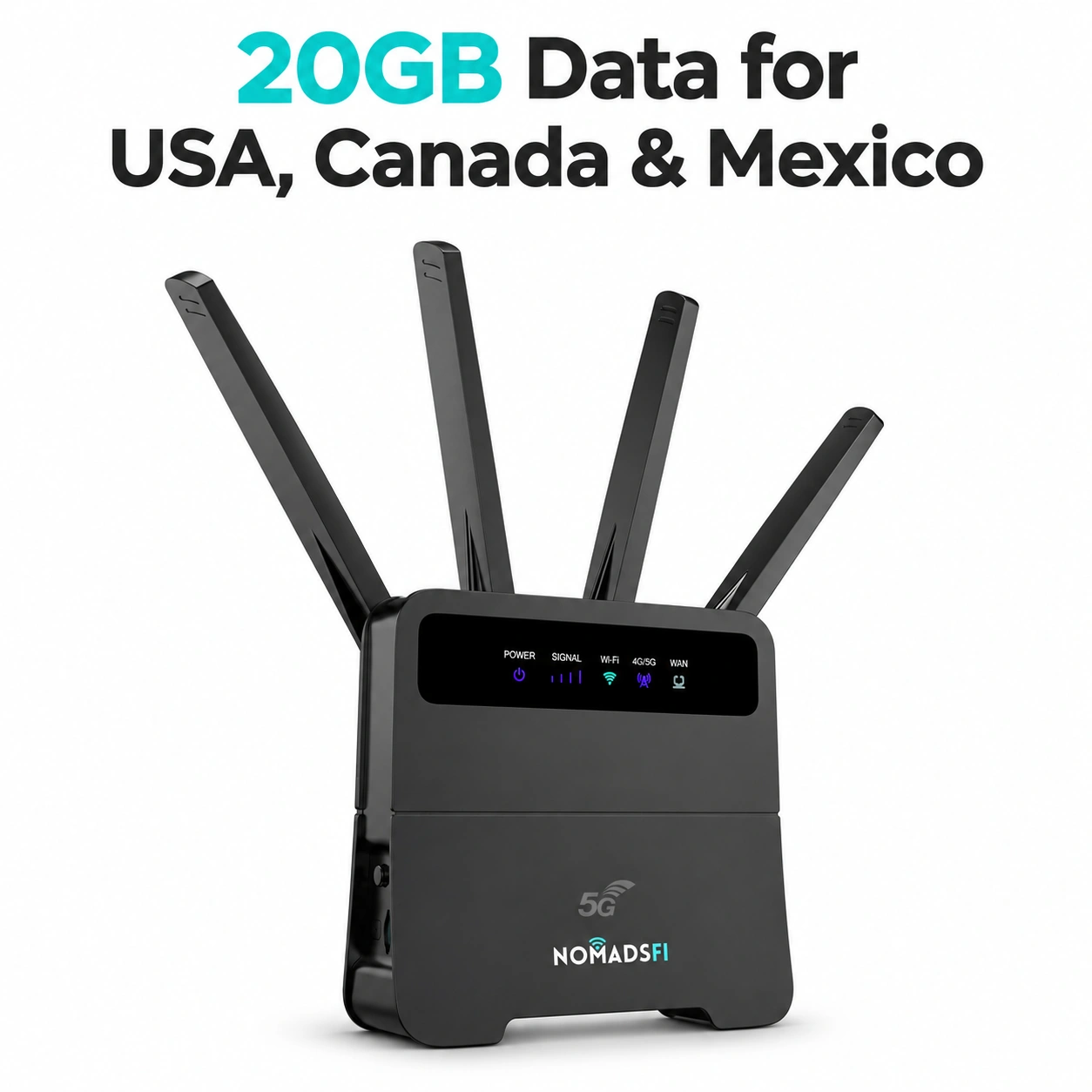
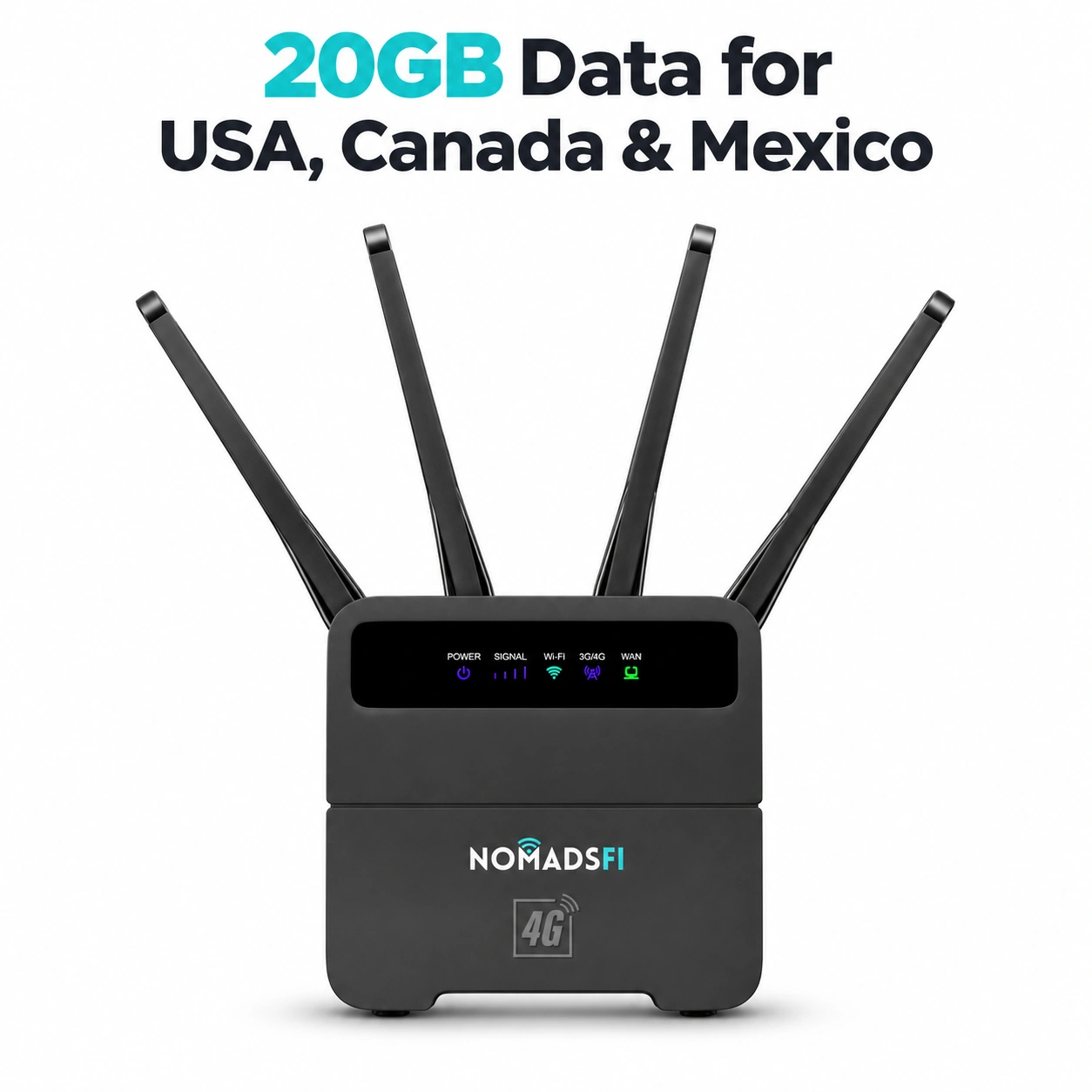
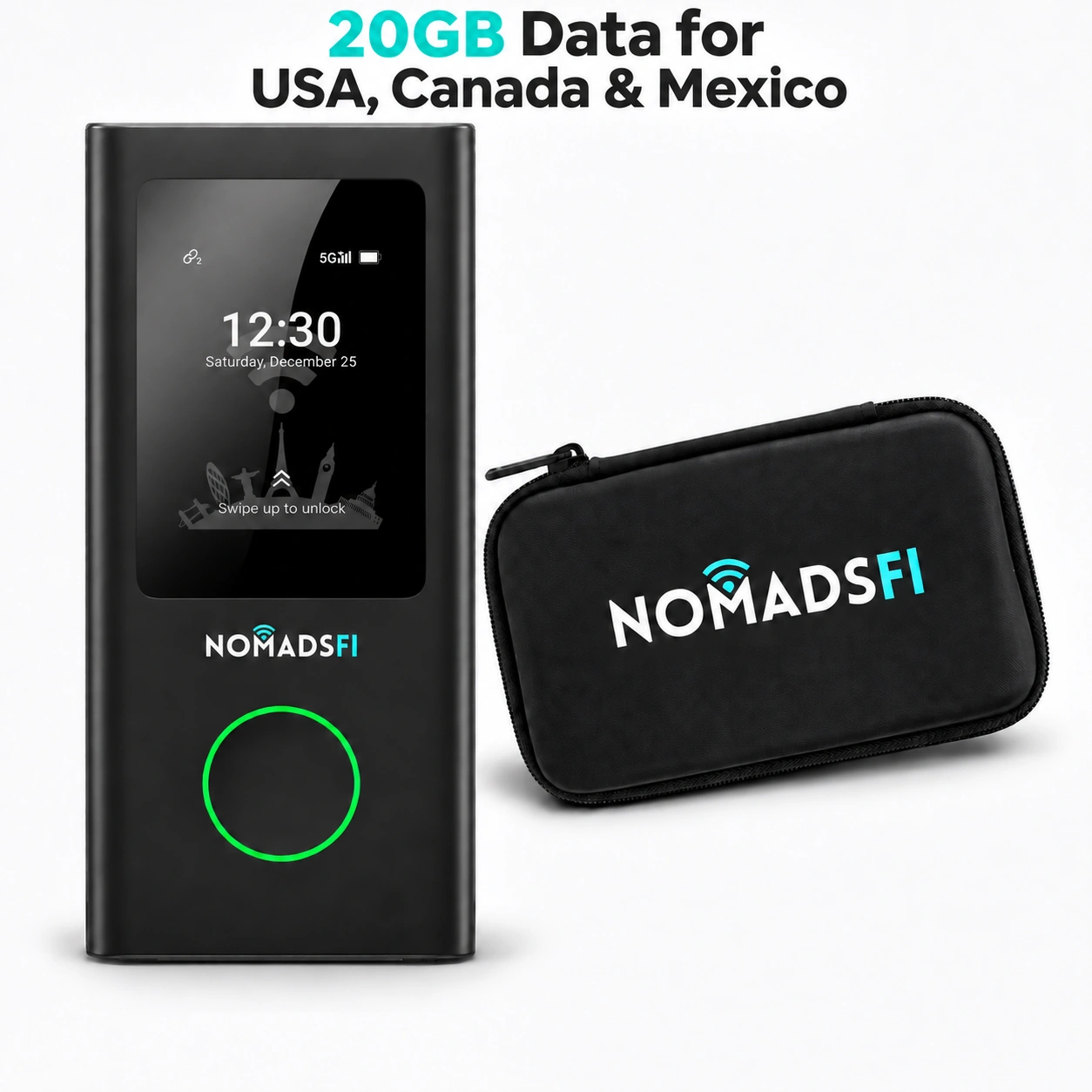
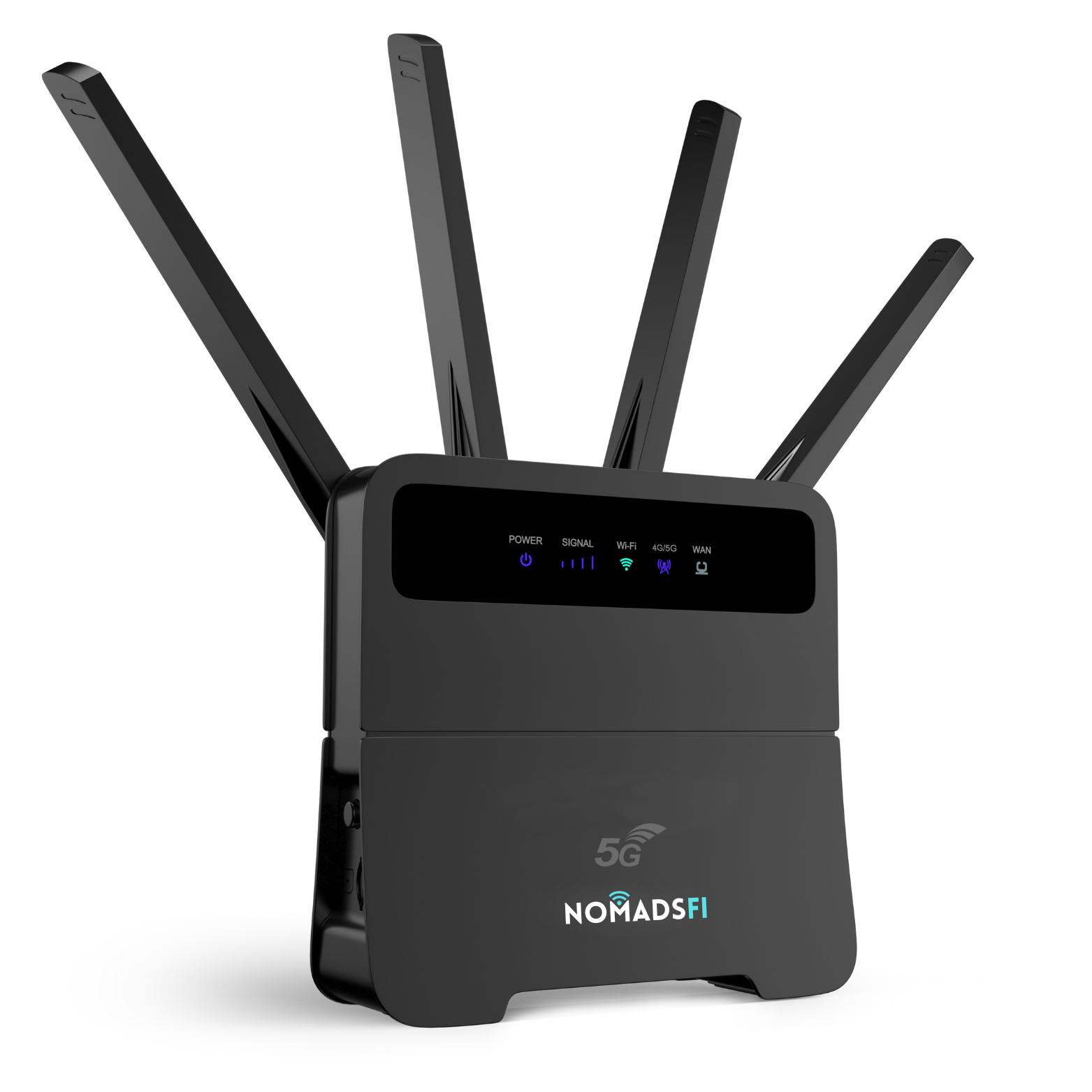
Cellular hotspot or RV router: pick this first for most people. The best RV internet setup for a working traveler is usually a cellular device with a month-to-month plan, not a campground password. You get a connection you can test, move, and troubleshoot. SIM-free hardware lets you switch between carrier networks when one signal is weak. The trade-off is real: performance depends on carrier signal at the specific address. No hotspot works through a tower outage, power cut, or true dead zone. If you need a portable option for remote work, this portable WiFi for RV travel and remote work checklist is a practical starting point.
Campground WiFi: use it as a bonus, not a foundation. It’s the cheapest-looking option because it’s often included with a site. That’s also why it’s unpredictable. You’re sharing a network with every other rig, the office router may be far away, and the login or captive portal can be annoying. It can handle a weather check or a short email. It’s a poor bet for a client call, file upload, or anything with a deadline. If the campground says “WiFi,” ask where the access point is and whether it reaches your site. Then assume the answer is optimistic.
Satellite: a location tool, not a default. Satellite service can be the right answer when you’re parked far from towers and have a clear view of the sky. It can also be the wrong answer under trees, in a canyon, during a storm, or on a shady site where you can’t move the hardware. Read a satellite RV internet guide before you buy, because the setup and sky view matter as much as the plan. Don’t buy satellite because you’re tired of asking about signal bars. Buy it because you know your stops have sky.
Phone tethering: a backup, not a primary setup. Tethering is fine for a quick email or a map download. It’s a bad primary connection for a workday because your phone battery, heat, plan limits, and the need to use the phone itself all get in the way. It also keeps you tied to one carrier. Use it as a bridge when your main device is rebooting. Don’t build your RV internet plan around it.
One more category gets blurred: a dedicated RV router versus a portable hotspot. They both use cellular. The router is better if you want a fixed install and multiple devices; the hotspot is better if you want to carry it to a job trailer or a different vehicle. Neither fixes a dead zone. Pick based on how you move, not the label on the box.
Who should pick what
Full-time remote worker: Start with a cellular hotspot or RV router and a month-to-month plan. Add a second carrier option if your device is SIM-free, or keep a phone hotspot as a bridge. Your priority is a predictable workday, not the cheapest campground. You should confirm signal at the specific address before you book a long stay, and you should be ready to move sites if the tower is congested. If you’re comparing plans and want the best unlimited internet for RV use, read the fair-use details. A plan described as unlimited still has a fair-use high-speed allowance, and speeds may reduce after it.
Family road trips and weekend campers: A single cellular hotspot is usually enough. You’re checking weather, streaming a show, and handling the occasional email. Don’t overbuild. Pick a plan that matches your travel months, and keep the device charged. If the campground WiFi works, great. If it doesn’t, you’re not running payroll from the picnic table.
Boondockers and remote-site workers: You need to be honest about location. Cellular can work well in many remote spots, but it depends on carrier signal at the specific address. Satellite can fill gaps when you have clear sky and power. The practical answer is often both: cellular as the daily driver, satellite for the stops where towers are weak and sky is open. That’s expensive and bulky, so only carry both if your work justifies it.
Temporary office or jobsite: Treat internet as part of the site setup. Confirm power, placement, and carrier signal before the crew arrives. Use a month-to-month plan so you can stop it when the job ends. If multiple people need access, don’t crowd one phone hotspot. A dedicated router with a plan is easier to manage. Keep a backup phone hotspot for the day the primary device needs a reboot.
Rental fleet operators: Don’t rely on one shared hotspot for a whole fleet and call it done. You need a checklist for devices, plans, signal, and support. The RV WiFi for rental fleets connectivity checklist for operators is the right place to start. For a temporary office or trailer, treat connectivity like power: plan for the failure, not just the install.
Where each option breaks down
Cellular breaks down at the edge of coverage and under load. A carrier map is not a promise for your campsite. Signal depends on the specific address, the terrain, the trees, the vehicle, and how many people are using the tower. A booster can help a weak signal reach your device, but it adds range, not speed. If the tower is congested, a booster won’t create capacity. Read RV WiFi booster setup before you buy one and expect miracles. Also remember that no cellular device works through a tower outage, power cut, or true dead zone. What to do instead: check the exact address, keep a second carrier option if your hardware allows it, and move sites when the tower is congested.
Campground WiFi breaks down when everyone shows up. The network may be fine at 6 a.m. and useless at 8 p.m. The access point may be at the office, not your site. The login page may time out. The owner may reboot the router when it acts up. You don’t control any of that. If you need a reliable connection for work, don’t make campground WiFi your primary plan. Use it for what it is: a convenience you didn’t pay much for. What to do instead: use it for low-stakes tasks and keep a cellular plan for work. If you need a call, don’t start it on campground WiFi.
Satellite breaks down when the sky is blocked. Trees, buildings, mountains, and storms can interrupt service. You may need to move the dish or terminal, which isn’t always possible on a rented site. Power draw and setup time matter too. Satellite can be the right tool for a remote stop with open sky, but it’s not a fit for every shady campground. Check the view before you commit to a long stay. What to do instead: scout the sky view before booking, ask whether you can move the dish, and keep a cellular backup for tree-covered stops.
Phone tethering breaks down when you need your phone. The battery drains, the device heats up, and you can’t take a call while you’re using it as a hotspot. Plan limits can also bite. It’s a useful backup, but it’s not a workday foundation. Keep a charger and a backup plan. What to do instead: use a dedicated hotspot for work and save tethering for emergencies.
What to confirm before ordering
Before you buy any RV internet gear, confirm the boring details. They decide whether the setup works on your first trip or becomes a return.
- Signal at the specific address. Check the carrier’s coverage map, then check real-world reports or ask the campground. Coverage at the highway exit is not coverage at your site.
- Month-to-month terms. Confirm the plan has no long-term contract. You want to change it when your travel changes.
- SIM-free hardware. Confirm the device is sold SIM-free and can switch between carrier networks. That flexibility is the point.
- Fair-use language. If a plan is described as unlimited, confirm the fair-use high-speed allowance and what happens after it. Speeds may reduce after the allowance.
- Shipping and rental limits. Devices ship within the US only. The rental program is for US use only. Don’t plan on international shipping or an overseas rental.
- Power and placement. Confirm how the device is powered, where it will sit, and whether you can get it near a window or antenna. Heat and battery life matter in a small RV.
- Support and returns. Know how to get help before you’re on the road. A device that’s hard to troubleshoot is a bad device for RV travel.
Before you order, write down your first three stops. For each, note carrier coverage, tree cover, and whether you can move sites. If all three are weak, don’t buy a cellular-only setup and hope. That’s not a hardware problem; it’s a route problem. If you want a shortcut, use the help choose a NomadsFi data plan page to match a plan to your travel and work style. Then double-check the coverage question for your first stop. The plan is only half the answer; the address is the other half.
One honest caveat
The honest limitation is simple: no RV internet setup fixes a bad location. Cellular depends on carrier signal at the specific address. Satellite needs clear sky. A hotspot is not satellite service, and no cellular device works through a tower outage, power cut, or true dead zone. That means the “best” option can still fail on a given Tuesday. The right response is not to buy more marketing. It’s to carry a backup, check your first stop before you commit to a month, and be willing to move. If your work can’t tolerate that uncertainty, you need a different travel plan, not a different box.
This is why I’d rather see you buy a month-to-month plan and test it than sign a long contract for a promise. Test the exact site. Test at the hour you actually work. Test with the number of devices you actually use. If it holds, keep it. If it doesn’t, switch carrier networks or change sites. That’s the trade-off view: the setup that wins is the one that fails in a way you can recover from.
Frequently asked questions
Is a cellular hotspot the best internet for RV use?
For most US RV travelers who need a workable connection, yes—a cellular hotspot or RV router is the default. It runs on carrier towers, supports month-to-month plans, and SIM-free hardware can switch networks. It is not satellite service and won’t work in a true dead zone. Check signal at the exact address first.
Can I use campground WiFi for remote work?
It’s a gamble. Campground WiFi is a shared network you don’t control, and it can slow down when other rigs are online. It’s fine for weather checks and short email. For calls, uploads, or deadlines, use a cellular hotspot or RV router as your primary connection. Treat campground WiFi as a bonus, not a workday plan.
What if I need unlimited RV internet?
Look for a plan described as unlimited, but read the fair-use terms. A fair-use high-speed allowance applies, and speeds may reduce after you pass it. Also confirm the plan is month-to-month with no long-term contract and works with SIM-free hardware. Test the plan at your actual campsite before you commit to a long stay.
Coverage and speed depend on carrier signal at the address, and the rental program is for US use only. Confirm device compatibility and current plan terms on the NomadsFi product and plan pages before ordering.