
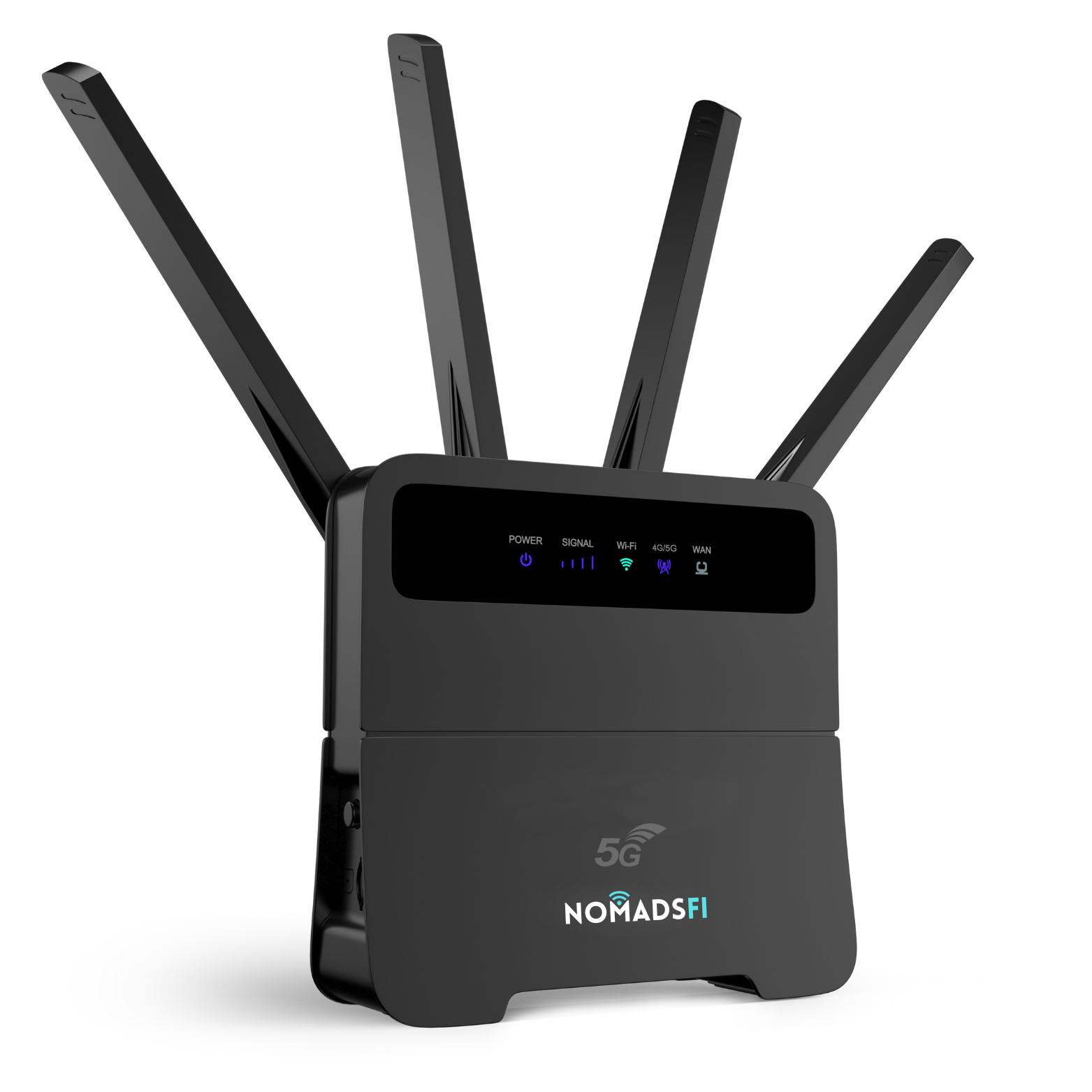

Quick answer: A 5G mobile hotspot device is a battery-powered router that turns one cellular connection into your own WiFi network. It's the right buy when you need internet somewhere a cable can't or won't reach: a jobsite, an RV, a truck cab, a short-term office. The device can't create signal, though. Check the carrier's coverage at your exact address first, then buy SIM-free so a change of network costs you a plan change, not new hardware.
What a 5G mobile hotspot device actually solves
Answer one question before you read a single spec sheet: which carrier's signal reaches the exact spot where the device will sit? That answer decides more about your experience than the chipset, the battery size or the badge on the box. A 5G mobile hotspot device is a small cellular router. It takes one data connection from a tower and hands it out as WiFi to a laptop, a tablet, a card terminal, a kid's iPad. The outcome is plain: internet in a place where nobody ran a cable and nobody is going to.
That's the honest job description. It isn't a magic box, it doesn't pull internet out of the air on its own, and it has no opinion about why you need it. You're buying a radio and a router that ride on somebody else's network. Everything else — the aluminum shell, the app, the screen — is packaging around those two parts.
The situations where this wins are the ones where the alternative is waiting or wiring. A jobsite with no wired service, where the office trailer moves twice before the project ends. An RV park whose shared WiFi collapses at 8pm when everyone streams. A truck cab where you run dispatch and payroll between loads. A short-term office for a project that finishes before an install would. These buyers aren't shopping for tech. They're removing a bottleneck, and they want it removed this week. 5 situations you need pocket wifi nomadsfi covers the recurring ones.
The trade-off shows up immediately: you're borrowing a tower you don't control. If that tower is far, crowded, or behind a hill, no device fixes it. Buy a hotspot for mobility and fast setup. Don't buy one expecting the consistency of a wired line, and don't buy one because the box says 5G — the network at your address decides what you actually get.
How it works, in four steps
Strip away the packaging and four things are happening.
- A data plan gets attached to the device. NomadsFi plans are month-to-month with no long-term contract, so the commitment is a billing cycle, not a year. The devices are sold SIM-free and can switch between carrier networks. That matters more than any spec once you find out which carrier is actually strong where you park.
- The radio finds a tower. It connects on the bands it supports. Band support is the number worth reading on a spec sheet. A device that hears the band your local tower broadcasts will beat a fancier one that doesn't, every time.
- The router half hands out addresses. The device runs a small DHCP server and broadcasts a WiFi network. Your laptop joins it the same way it joins home WiFi. Nothing to install, no driver, no account screen on the laptop itself.
- Everything shares one pipe. Every connected device draws from the same cellular uplink. Two laptops on a video call are competing with each other, not with the WiFi signal.
That mechanism explains the most common failure. Your WiFi bars can be full in the back room and the connection still crawls, because the bottleneck is the uplink to the tower, not the short hop between your laptop and the device. When someone says the hotspot is slow, the answer is almost never the WiFi side.
There's a second layer: how the plan is provisioned. NomadsFi uses CloudSIM, which is worth reading if you've ever swapped plastic cards on a tailgate in the rain. what is cloudsim a simple guide to portable wifi without sim swapping explains the short version — the profile travels with the plan, so changing networks is a settings change rather than a hardware change.
What to check before you buy
Four checks, ordered by how much they'll cost you if you skip them.
Signal at the address, not the metro area
Coverage maps are drawn for a city. You don't use the city — you use a specific address, at a specific elevation, behind a specific wall. Before you buy anything, take a phone on the carrier you're considering to the exact spot and run a test at the hour you'll actually work. Morning and evening can behave like different networks, because congestion is local and hourly.
If the device will live in a trailer or an RV, look for external antenna ports and plan the antenna before the trip rather than after. An antenna adds range to the network you already have; it doesn't add range to a network that isn't there. If you're weighing that upgrade, rv wifi booster setup is blunt about what a booster can and can't do. Signal is the one variable you cannot fix in software.
Your real data use
Guess your usage and you'll guess wrong. Video is the expensive habit; email, messaging and dispatch software are close to free by comparison. Spend a week tethering your phone and watch the meter, then pick a plan that matches what you actually saw. Because plans run month-to-month, a bad estimate costs you one cycle instead of a year.
One rule worth memorizing: if a plan is described as unlimited, a fair-use high-speed allowance applies and speeds may reduce after it. Read the allowance, not the banner.
Power, heat and placement
Hotspots run warm, and warm devices throttle. Don't bury one in a closed metal toolbox or under a seat cushion. Keep it near a window, on a hard surface, out of direct sun. Use pass-through charging on long days so battery life isn't the length of your shift. If the device lives in a vehicle, plan the cable route before you plan the mount — the best placement in the cab is usually useless if nothing reaches it.
Contract terms and switching
Insist on month-to-month with no long-term contract. Then insist on SIM-free hardware that can switch carriers, because the most likely thing to go wrong isn't the device. It's discovering the network is weak where you parked, three weeks in. SIM-free turns that discovery into a plan change instead of a new purchase.
Match the setup to the situation
There's no single right box. There's a right setup for what you're doing this month.
| Situation | What matters most | Setup that usually wins | Where it loses |
|---|---|---|---|
| Jobsite or temporary office | Fast setup, mains power, several users | 5G hotspot on AC power near a window | Fails where the site sits in a signal shadow |
| RV travel | Coverage as you move, antenna options | SIM-free hotspot with external antenna ports | Fails in remote spots with no tower nearby |
| Truck route | Tower handoffs, long runtime | Hotspot with pass-through charging, dash mount | Fails in the dead zones the route is known for |
| Family road trip | Several devices, back-seat range | Charged hotspot with a long charging cable | Fails when four people stream at the same time |
| Home backup | Data allowance, uptime, antenna | Router-style device with an external antenna | Fails during a tower outage or a power cut |
Read the last column first. That's the honest way to shop, because every row above has a condition where it stops being the right answer, and that condition is usually geographic rather than technical.
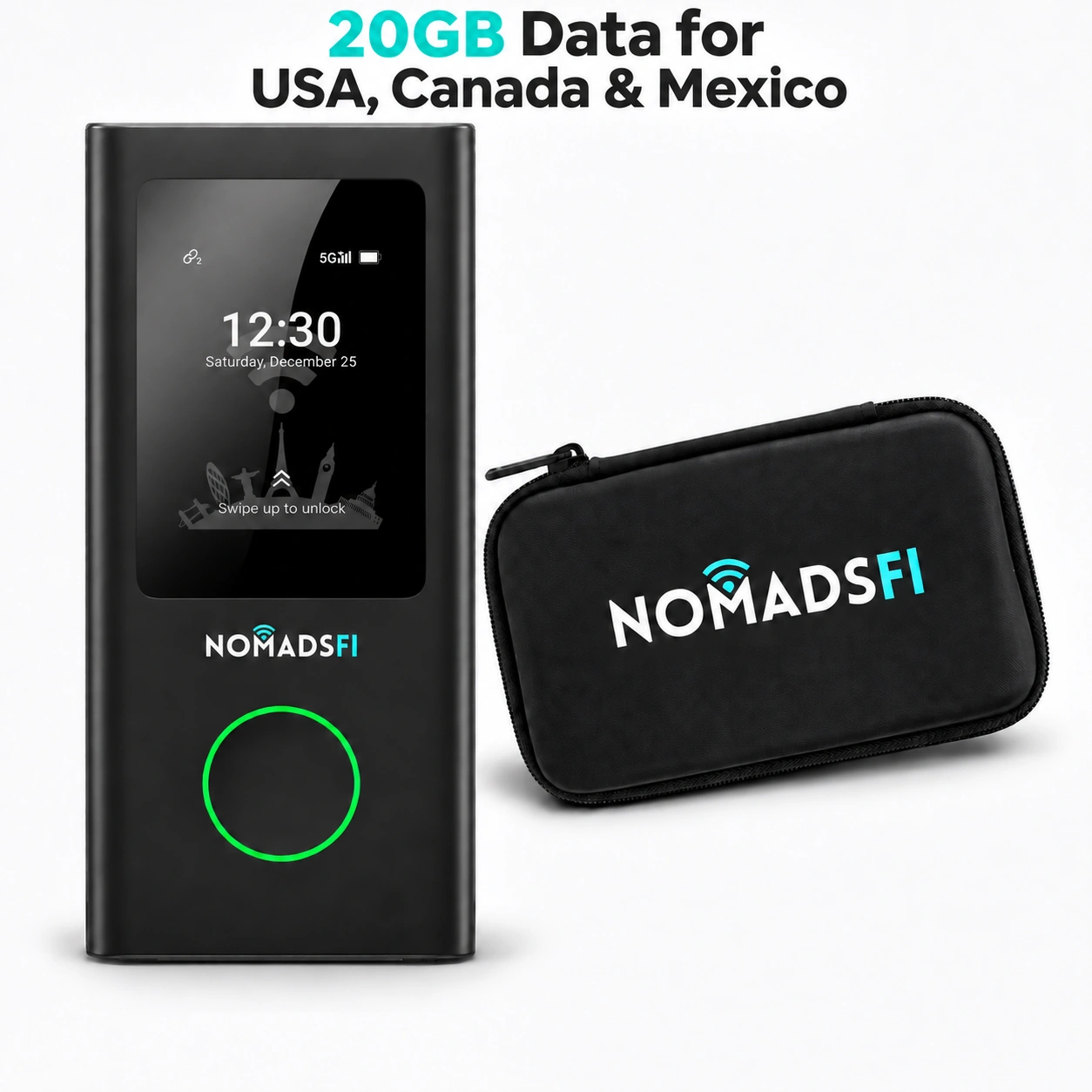
People searching for a 5g pocket wifi are usually after the same thing in a smaller shell: something that carries its own battery, fits in a bag, and doesn't tie up the phone. The form factor changes where you can put the device. It doesn't change the network question at all. If you want to compare specific hardware rather than categories, the best mobile wifi hotspot roundup walks through current picks and what each one is for.
What most people get wrong
Three mistakes account for most of the returns and most of the complaints.
Choosing the device before the network
People read spec sheets for a week and never test a single carrier at the address. Then they're surprised when the shiny box performs worse than the phone in their pocket did.
Do this instead: spend one afternoon with a phone on the carrier you're considering, standing exactly where the device will live. If that test is bad, the device doesn't matter. If it's good, buy for band support and return terms, and buy SIM-free so the decision isn't permanent when a tower gets congested a month later.
Assuming the phone hotspot already covers this
A phone hotspot is fine for a meeting. Used as a work connection all day, it drains the battery you need for calls, it runs hot, and it pins the phone to one corner of the room. Every device you connect is also competing with the phone's own work.
The fix is to be honest about the shift length. If you're tethering for an hour, your phone is the cheaper answer and you should keep your money. If you're tethering for a workday, in a vehicle, for weeks, a dedicated device carries its own battery and its own radio and lets the phone be a phone. portable wifi vs phone hotspot for travel breaks down where each one actually wins.
Buying on the unlimited headline
People commit to a plan based on one word, then get frustrated in the heavy weeks of the month. It's an expensive way to learn to read a spec line.
Do this instead: find the fair-use high-speed allowance before you buy, and compare it against the usage number you measured. Then buy month-to-month so a wrong guess is a one-cycle problem. If a plan is described as unlimited, a fair-use high-speed allowance applies and speeds may reduce after it — that's true across the category, not just here.
What it costs and what changes month to month
Two separate purchases: hardware once, data recurring. Keeping those separate in your head is the whole point of SIM-free. You aren't buying a subsidy. You're buying a radio, then paying a network to use it.
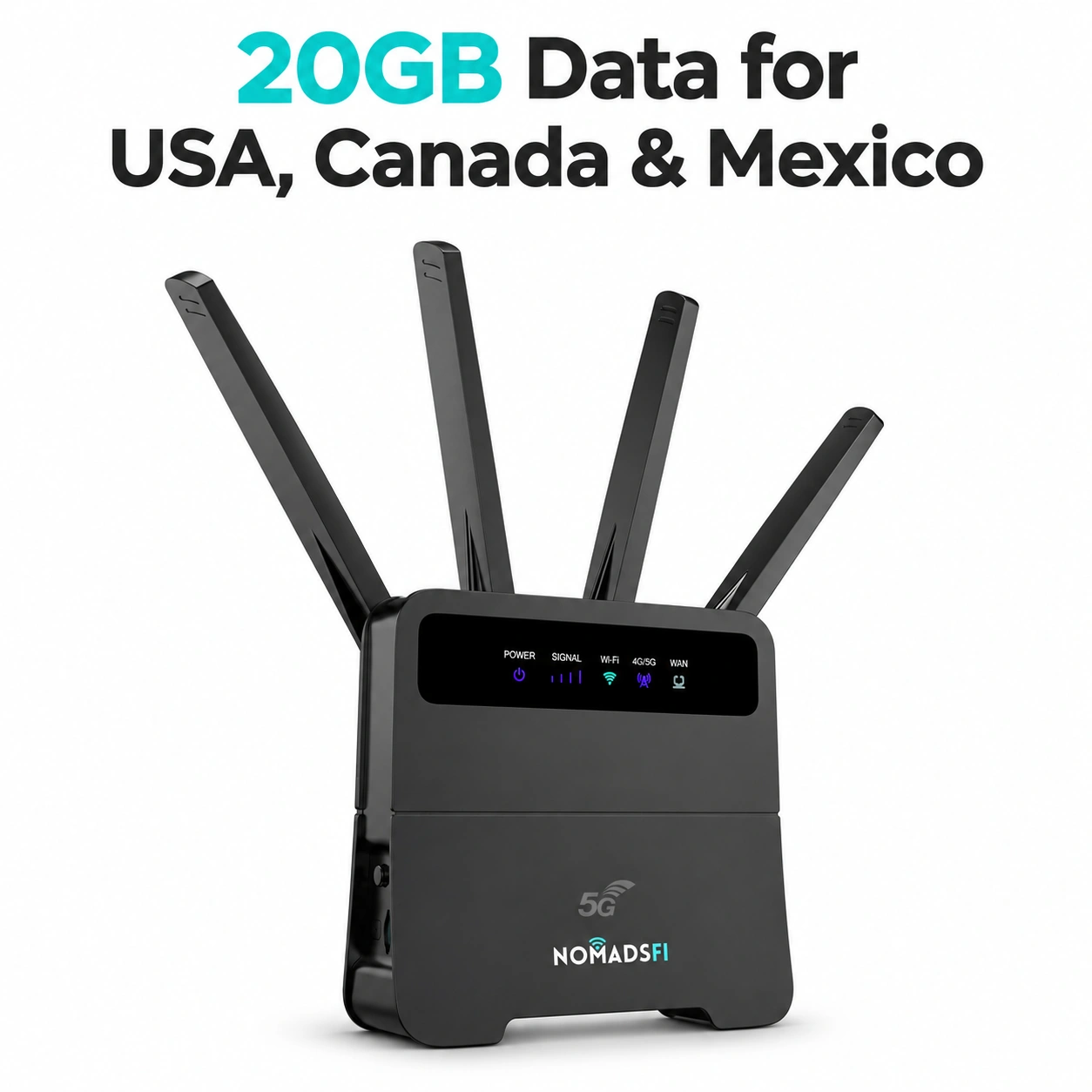
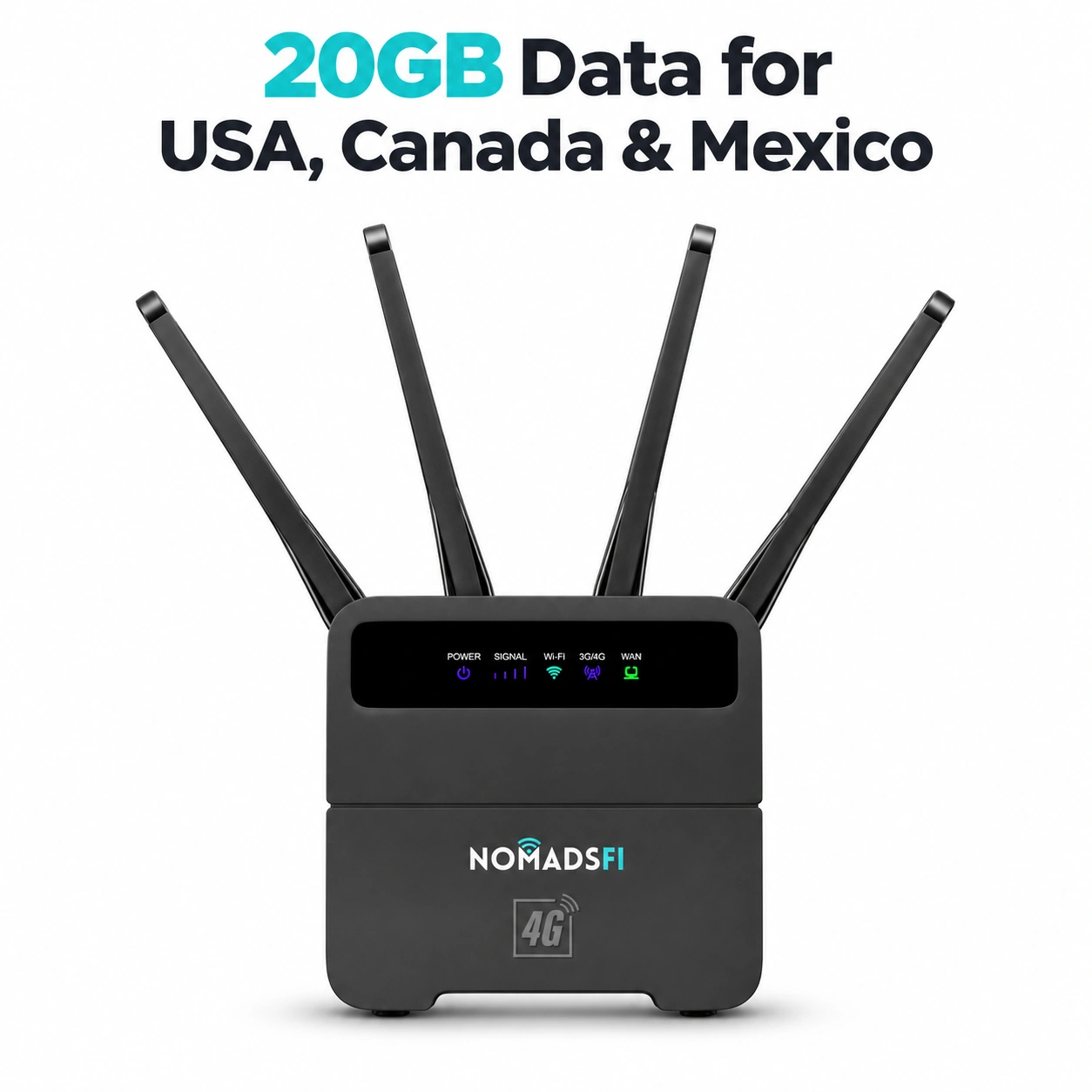
Hardware cost tracks three things — whether the modem is 4G LTE or 5G, how big the battery is, and whether the device has external antenna ports. We're not going to quote numbers here, because bundles and plan terms change and a stale price helps nobody. Check the current nomadsfi 5g hotspots page for what's actually available today.
If you only need this for a month or two — a single job, a season, a temporary office — the rental program exists for US use and is described at nomadsfi.com/pages/rentprogram. Devices ship within the US only, and the rental program is US-only as well. That's a real constraint if you're planning from abroad; it isn't a shipping delay you can wait out.
Three things change month to month, and none of them are the device.
- Where you are. A job moves, an RV moves, a route changes. Coverage is an address-level fact, and last month's good spot is this month's bad one.
- How much you use it. A month of email is not a month of video calls. Your usage will drift toward whatever the connection makes easy.
- How crowded the tower is. Congestion is seasonal, hourly and local. Nothing you can buy fixes it.
Because plans run month-to-month with no long-term contract, you can move tiers once your usage stops being a guess. Do that instead of overbuying in month one.
One honest limitation
The 5G label describes a ceiling, not a floor.
The faster 5G bands travel shorter distances and get blocked more easily than the longer-range bands. The further you sit from the tower, and the more walls you put between the device and the outside world, the more often a "5G" device ends up working on something slower. That's not a defect in the hardware. It's how the radio behaves. Buy a 5G device for the days the signal is genuinely there, and check what reaches your address before you assume the badge means anything at your site.
The related point, and the one that matters more: this is a cellular device, not a satellite terminal. If the tower is down, overloaded or simply absent, the hotspot is a battery with a light on it. It is not a disaster-proof connection, it won't reach into a true dead zone, and it won't keep working through a tower outage or a power cut. If those are your requirements, you're shopping in a different category and a hotspot will disappoint you. Be clear with yourself about which problem you're solving.
Frequently asked questions
Is a 5G mobile hotspot device worth it over my phone's hotspot?
It depends on how long you tether. For an occasional hour, your phone is fine and cheaper. For full workdays in a truck, trailer or temporary office, a dedicated device keeps its own battery and radio running while your phone stays a phone, and it doesn't pin your handset to one corner of the room.
Will a 5G hotspot work at my address?
Only the carrier's signal there can answer that. Coverage maps are drawn at neighborhood scale, and 5G reach shifts with the band and whatever sits between you and the tower. Test with a phone on the carrier you're considering, at the address, at the hour you'll actually work. Then buy SIM-free so a wrong guess costs a plan change, not a device.
Can I take it overseas?
Yes, if you buy the device and an international data plan in the US before you fly. Devices ship within the US only, and international plans advertise coverage in 200+ countries. Coverage still depends on carrier signal where you're staying, so check your destination against the plan and test the device at home first.
Coverage and speed depend on carrier signal at the address, and the rental program is for US use only. Confirm device compatibility and current plan terms on the NomadsFi product and plan pages before ordering.