

Quick answer: A crew trailer, a phone held up to the sky, a permit PDF that won't load — that's usually when the question comes up. A pocket wifi sim card setup means a battery-powered hotspot that takes a data plan and shares one cellular connection with your laptop and a few coworkers. Buy the device SIM-free, choose a month-to-month plan, and check signal at your actual address first. It solves shared connectivity and phone battery drain. It doesn't create coverage that isn't there.
What this actually solves
The problem usually isn't that you have no internet. It's that one phone is carrying four people's work. The project manager is tethering to a laptop for a permit upload, the estimator is on a video call, and someone else is trying to pull a drawing from a shared drive — all off one handset that's now at 18% battery and hot enough to notice through a work glove.
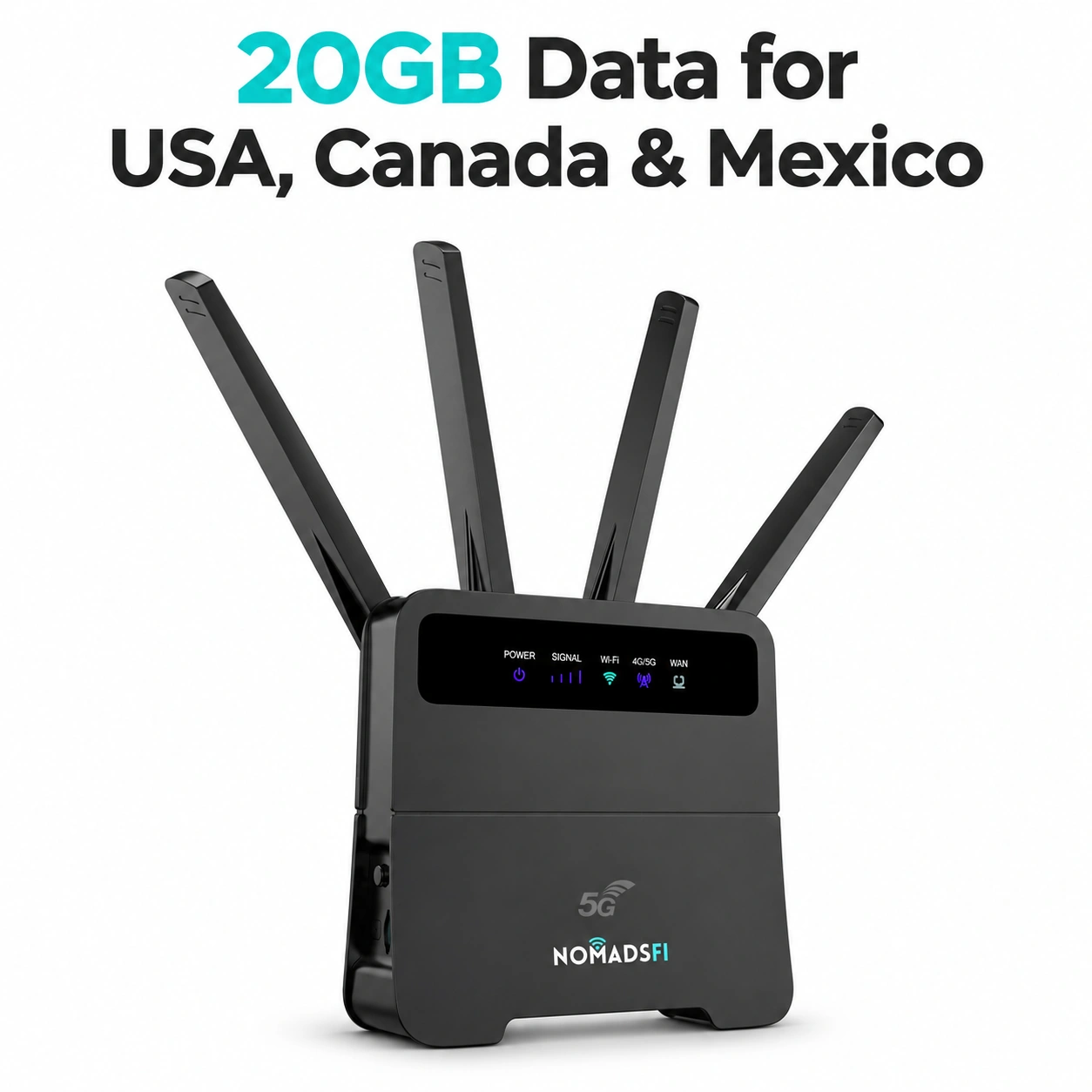
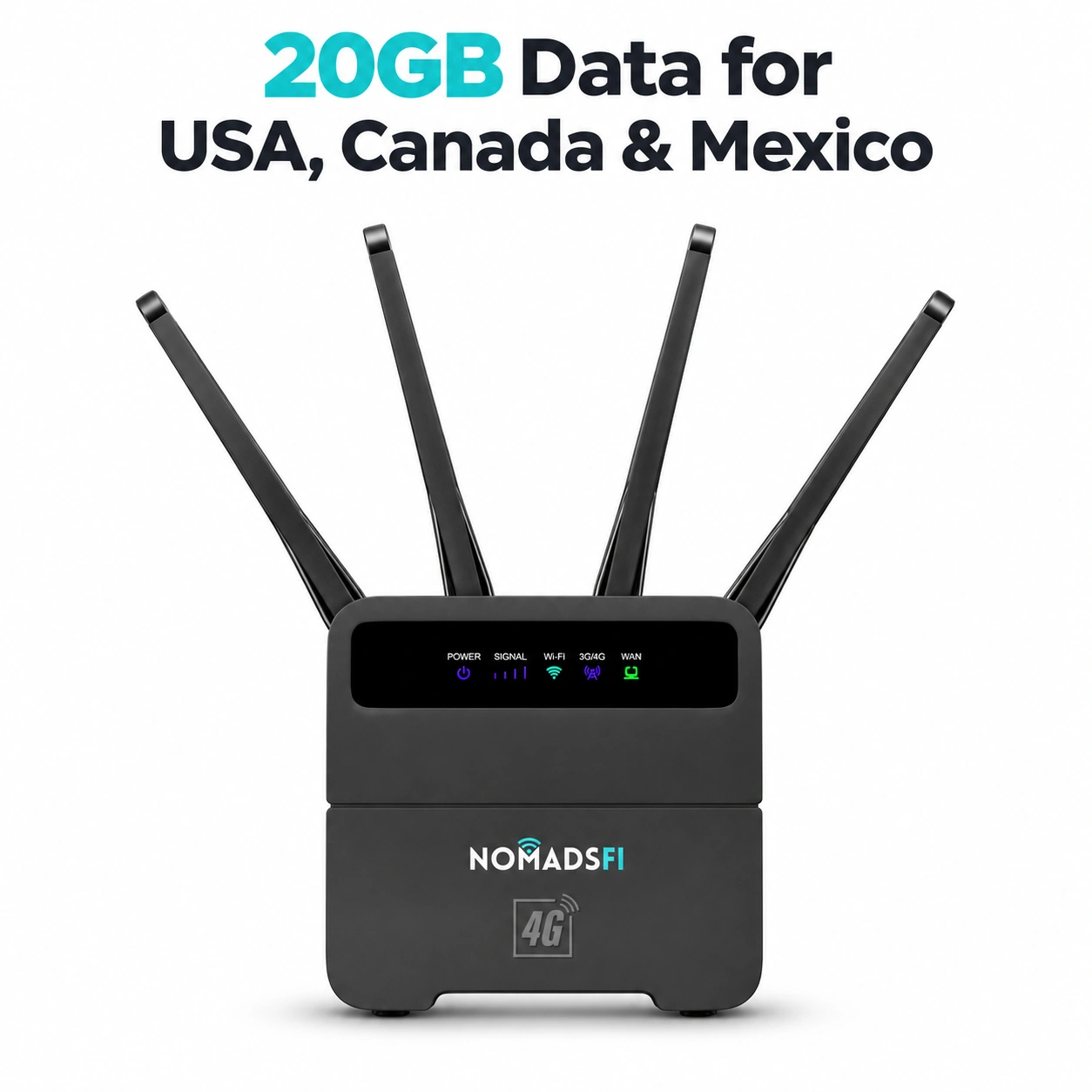
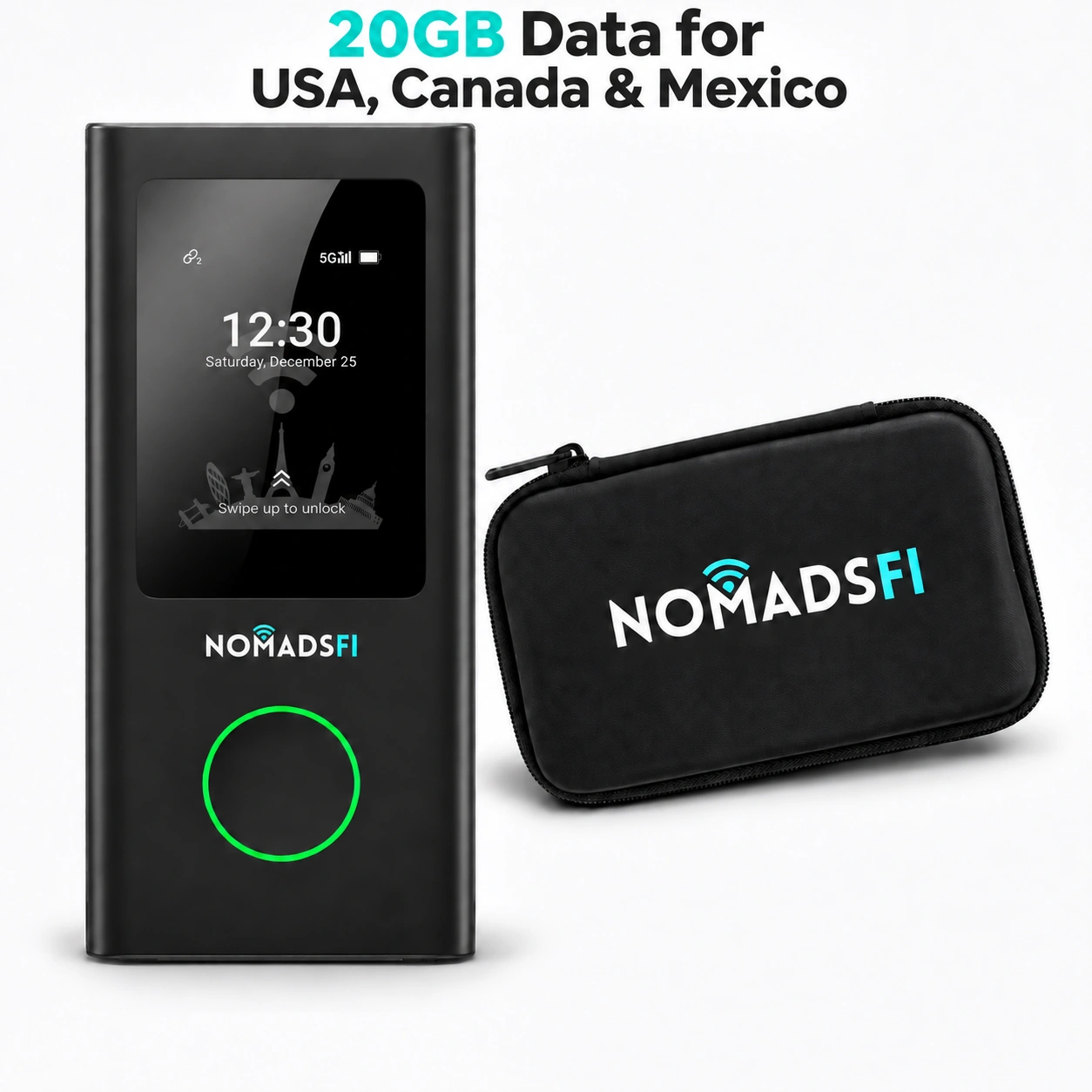
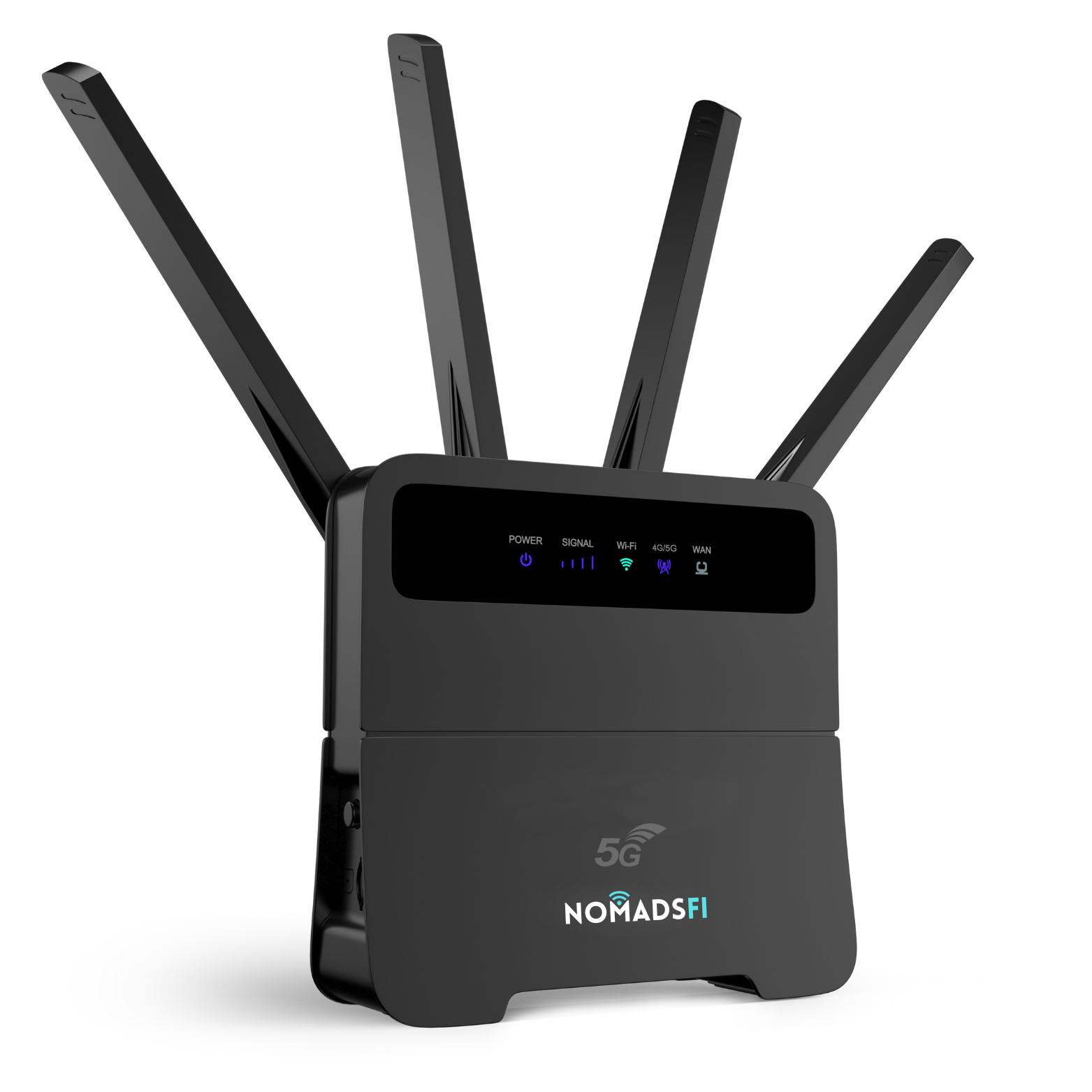
A pocket wifi hotspot is a dedicated radio. It has its own modem, its own battery, and its own WiFi network. Your phone goes back to being a phone. Laptops, tablets, a printer, whatever the crew brought, all connect to one device that doesn't need to leave the table when somebody walks to the truck. That's the whole outcome: a shared connection that doesn't drain the device you need for calls.
Here's the stance, because you asked for one. For a US buyer planning a real job site, a temporary office, an RV leg, or a long family drive, a dedicated hotspot is usually worth the extra device. Not by a landslide — you're adding a thing to charge and a bill to manage. If you travel alone and mostly answer email, tethering is fine and costs you nothing extra. Our breakdown of portable wifi vs phone hotspot for travel covers that fork in more detail. The rest of this guide is for people who've decided their phone shouldn't be the office.
How a pocket wifi sim card setup works
Four steps, and none of them are clever. The confusion comes from treating the SIM and the device as one product. They aren't.
- The device is a small router with a cellular modem inside. It has an antenna, a battery, and a WiFi radio. It does the same job your home router does, except the "line" coming into it is a cellular connection instead of a cable.
- The data plan is what actually connects it. A pocket wifi sim card is really two purchases: hardware and service. The plan is tied to a carrier network. NomadsFi devices are sold SIM-free and can switch between carrier networks, so the hardware isn't stranded if one network performs badly at your address.
- The device registers on the network and puts out WiFi. You turn it on, wait for it to find a tower, and it broadcasts a network name. That's the part people expect to be complicated. It isn't.
- You connect your devices and share the connection. That might be two laptops and a phone, or a whole RV. Every device behind the hotspot shares the same pipe, so the more you add and the more bandwidth-hungry the work, the more everyone feels it.
That fourth step is where expectations go wrong most often. Sharing is the feature and the limitation at the same time. One strong connection split three ways beats three weak tethers, but it doesn't become three connections.
What to check before you buy
Four checks. Do them in this order, because the first one can kill the purchase before you spend anything.
Signal at the exact address. Not the city, not the county, not "the map says we're covered." Carrier coverage maps are predictions, not measurements. Performance depends on carrier signal at the specific address — which floor, which side of the building, which direction the trailer faces. If you're buying for a fixed site, get someone to stand there with a phone on the carrier you're considering and run a speed test during working hours, not at 6am. If the site moves, accept that you're buying flexibility and that some stops will be weak.
Your real data use. Don't guess. Your phone already logs data per app in its settings. Look at a heavy month, not a light one. Video calls and cloud file sync eat far more than email and browsing. If your work involves uploading site photos, walkthroughs, or large drawings, be honest about that number when you pick a plan tier — and note that if a plan is described as unlimited, a fair-use high-speed allowance applies and speeds may reduce after it. That's normal across the industry, but it matters if you're planning to run a whole office off one device.
Power, including charging while running. A hotspot that can't charge and run at the same time is a paperweight on a ten-hour shift. Look for USB-C charging, check whether the device passes through power while it's working, and think about where it'll sit — a truck dash in July is not a kind environment for a battery. Bring a power bank if the workday outlasts the device.
Contract terms and lock-in. Read this part twice. NomadsFi data plans are month-to-month with no long-term contract, which matters if the job ends in six weeks or the carrier turns out to be weak at your second site. Compare that against anything that wants a year of commitment before you've tested the address. Also check shipping and rental scope: devices ship within the US only, and the rental program is for US use only, described at nomadsfi.com/pages/rentprogram.
If you want the device-side comparison rather than the plan-side, our guide to the best mobile wifi hotspot options walks through what separates them.
Match the setup to the situation
The right setup depends less on the device spec sheet than on how the connection gets used. Here's the short version.
| Situation | What matters most | Setup that fits |
|---|---|---|
| Job site or crew trailer | Shared uploads, dust, long days, no outlet | Hotspot with a big battery and a plan you can pause |
| RV or truck route | Moving between markets, power from the vehicle | Hotspot plus a booster for range, not speed |
| Temporary office or pop-up site | Several laptops, video calls, one fixed address | Hotspot near a window, tested at that exact address |
| Family road trip | Kid tablets, streaming, one charger in the car | Hotspot with passthrough charging and a data cap you know |
| Home during a move or build | No wired line yet, work hours only | Hotspot as a stopgap, not a permanent line |
Two notes on that table. First, the RV row: a booster extends range to a tower you're already pointed at. It does not add speed to a congested one. Our piece on rv wifi booster setup explains the difference, because a lot of people buy the wrong box first.
Second, the pop-up office row. If the address is fixed for weeks, test before you commit to a plan tier. If it moves daily, pick a device you can carry and a plan you can change. And if you recognize your own trip in this list, 5 situations you need pocket wifi nomadsfi covers the edge cases — including the ones where a hotspot is the wrong answer. For a wider shortlist of hardware, see best portable wifi hotspots for travel.
Three assumptions that don't hold
Most bad hotspot purchases come from three beliefs that sound reasonable and aren't. Here's what to do instead of believing them.
Myth one: the SIM card is the product
People search for a pocket wifi sim card expecting one purchase, then get surprised by two. The SIM or plan doesn't decide your coverage. The device's radio, the bands it supports, and the carrier's signal at your exact spot do. A great plan on a device that performs poorly at your address is a bad outcome, and so is good hardware locked to the wrong network.
What to do instead: buy hardware that isn't tied to one network. NomadsFi devices are sold SIM-free and can switch between carrier networks, which turns a coverage problem into a settings change rather than a new device purchase. Then buy service separately, month to month, so you can walk away from a plan without losing the radio.
Myth two: more bars means faster internet
Bars measure how strongly your device hears a tower. They say nothing about how much capacity that tower has left, how many people are on it, or how the carrier's backhaul is holding up. A site with four bars at 5pm on a Friday can crawl while a site with two bars at 7am feels fine. This is why speed tests run at different times tell such different stories.
What to do instead: test at the hours you'll actually work, and test more than once. Treat a single speed test as a rumor. If your work is time-sensitive — a live call, a scheduled upload — build in a fallback rather than trusting bars as a promise.
Myth three: unlimited means there's no ceiling
"Unlimited" describes how much data you can move, not how fast it moves all month. If a plan is described as unlimited, a fair-use high-speed allowance applies and speeds may reduce after it. That's not a trick buried in the fine print — it's how the plan is priced. Where people get burned is assuming a hotspot plan will carry a household or a full crew at full speed indefinitely.
What to do instead: match the plan to the load. If you're running a temporary office with video calls and file sync, pick a tier sized for that and check the fair-use terms before you commit. If you only need it for a couple of weeks, the rental program (US-only) may fit better than buying. Devices ship within the US only, so plan the purchase before you need it, not the day you leave.
What it costs and what changes month to month
Skip the sticker-price question for a second. A hotspot setup has three cost lines, and people usually only budget for one.
The hardware. One-time, and it's the part you keep. This is where buying cheap tends to cost more, because a device with a small battery or a weak radio push you back into tethering within a month. It's also the line item that survives a plan change — the device stays, the service moves.
The data plan. Recurring, and this is where the flexibility actually lives. NomadsFi plans are month-to-month with no long-term contract. That structure is worth more than it sounds: if the job ends, you stop. If a carrier underperforms at a new address, you change networks rather than eating a year of a bad decision.
The cost of getting it wrong. This one doesn't show up on an invoice. It's the week you spent fighting a locked device, or the month you paid for a tier far above what you used. Both are avoidable with about ten minutes of checking before checkout.
What changes month to month is mostly on your side, not the plan's. Data use moves with the job — a month of email is not a month of site walkthroughs. Device count moves with the crew. Local carrier performance moves with the season and the neighborhood. And your location moves if the work moves. If you're weighing tiers, the help choose a nomadsfi data plan page lays out the options without pushing you to the largest one.
One more thing that catches US buyers: an international plan is a separate purchase, and the assumption is that you buy the device and the international plan in the US before you fly. NomadsFi international data plans advertise coverage in 200+ countries, but devices ship within the US only and the rental program is US-only. Sort that out before the trip, not at a departure gate.
One honest limitation
A pocket wifi hotspot moves the modem off your phone. It does not move the tower.
That's the limitation, and it's the one worth internalizing before you buy. If the carrier signal at your address is weak, a dedicated hotspot reproduces that weakness for every device connected to it — and it does so while draining its own battery. You'll get shared access to a mediocre connection, which is genuinely useful, but you won't get a good one. Nothing about a hotspot setup changes what the network delivers at that spot.
The same honesty applies to failure modes. A hotspot is a radio that needs a working tower and a charged battery. It can keep a charged laptop online during a short power cut if the tower stays up, but it can't create coverage in a dead zone, and it won't restore a network that's down. It is not satellite service and it is not a generator. If you need connectivity in a place with no carrier signal, this is the wrong category of product, and no amount of plan-shopping fixes it.
There's a smaller limitation too. A hotspot is a shared pipe, and sustained heavy uploads from one device will be felt by everyone else. For a crew doing occasional file transfers and calls, that's fine. For a site pushing large files all day, a wired line or a different class of equipment is the better answer.
Frequently asked questions
Do I need a separate SIM card for a pocket wifi hotspot?
Treat it as two purchases. The hotspot is the radio; the data plan is what connects it. NomadsFi devices are sold SIM-free, so they aren't tied to a single carrier network — you can switch networks without replacing the hardware. Budget for both, and check that the plan covers the places you actually work.
Can a hotspot replace my home internet?
Sometimes, with conditions. It works if carrier signal at your address is decent and your day is browsing, email, and video calls. It's a poor fit if you push large files daily, run servers, or need the same speed at 9pm as at 9am. Test at the address before you cancel a wired line.
Will a pocket wifi sim card setup work during a power cut or tower outage?
No. A hotspot is a radio that needs a working cell tower and a charged battery. It can keep a charged laptop online during a short power cut if the tower stays up, but it can't create coverage in a dead zone and won't restore a network that's down. Treat it as shared connectivity, not backup infrastructure.
Coverage and speed depend on carrier signal at the address, and the rental program is for US use only. Confirm device compatibility and current plan terms on the NomadsFi product and plan pages before ordering.