


Quick answer: Satellite internet for an RV can work, but the decision that changes everything downstream is whether it's your main connection or your backup for the places cellular dies. That answer sets your hardware, your power budget and your plan. Before spending anything, check the sky view at the spots you actually park, measure a real week of data use, add up the power draw, and read the pause and contract terms. Most RVers end up running cellular first and satellite second.
What satellite internet for an RV actually solves
Here's the outcome in plain words. You park for a night, or for a season, somewhere with no cable, campground wifi that only works near the office, and a phone that shows a usable bar only when you hold it above your head. A connection that reaches past the cell grid turns that site into a place you can stay: email goes out, calls hold, a work meeting happens, a kid watches something without a loading wheel.
Satellite doesn't care how far you are from the nearest town. It cares about the sky above your rig. That's the trade you're making. Reach in exchange for a clear view of one patch of sky, more power draw than you'd expect, and a plan you have to manage seasonally rather than set and forget. Nobody tells you that part at the counter.
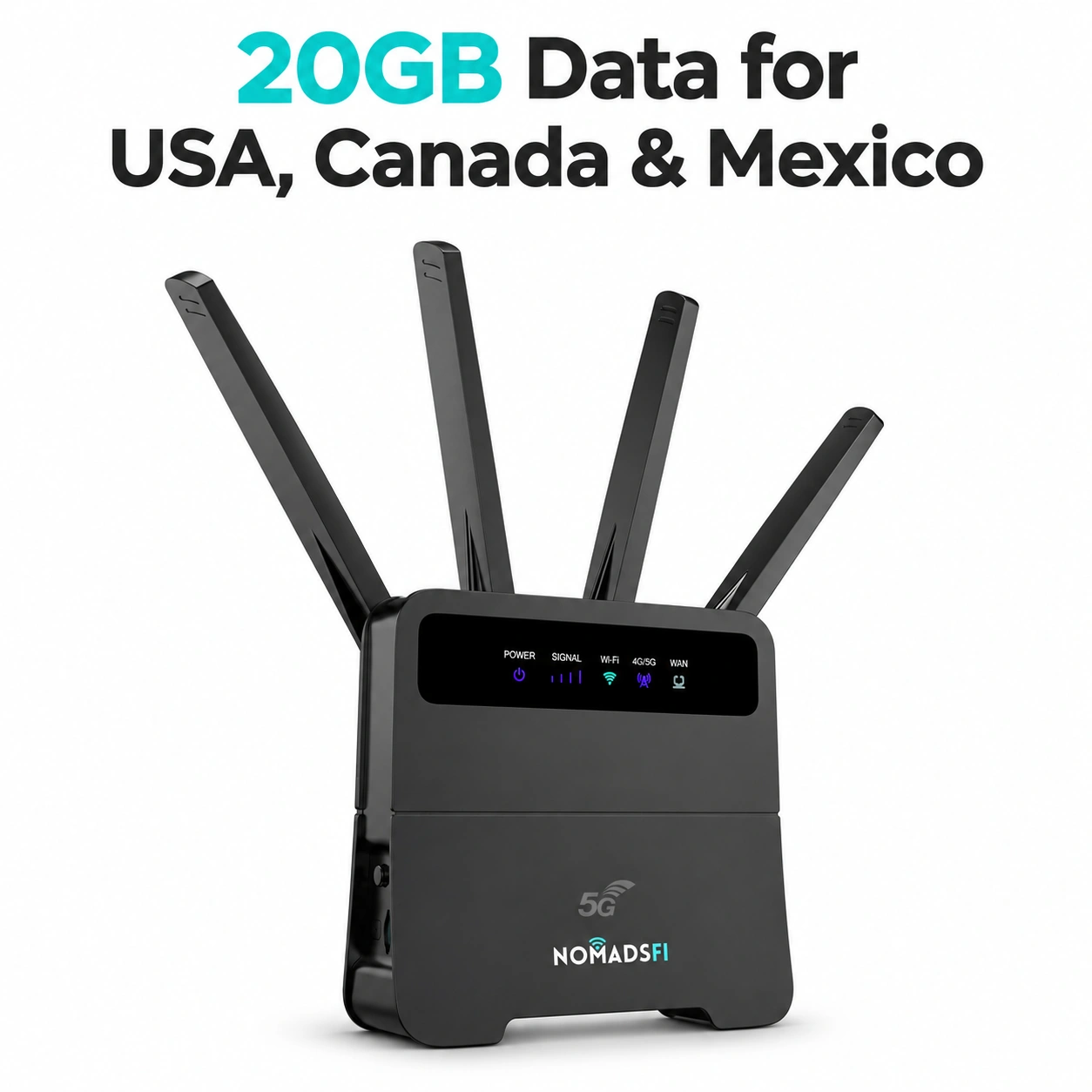
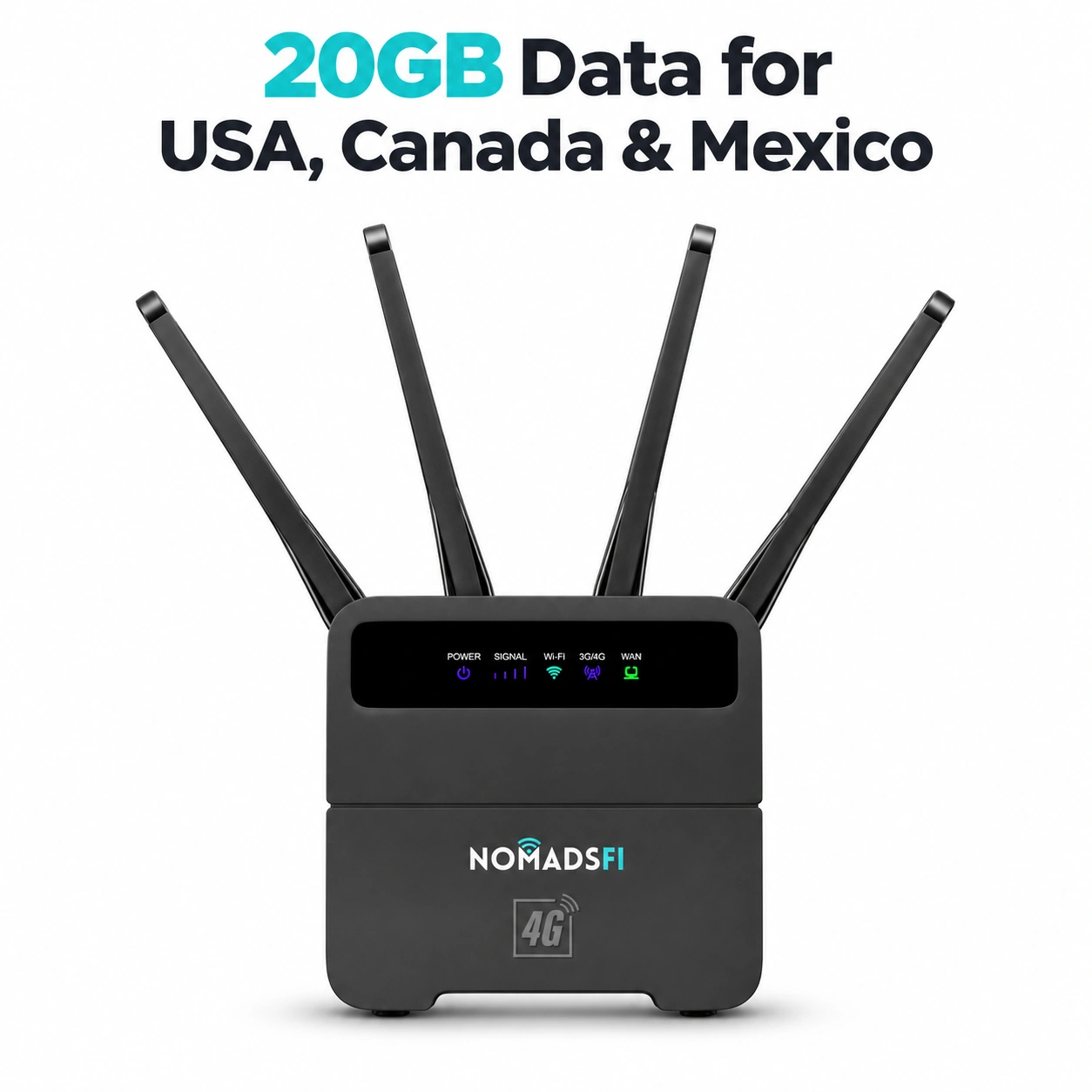
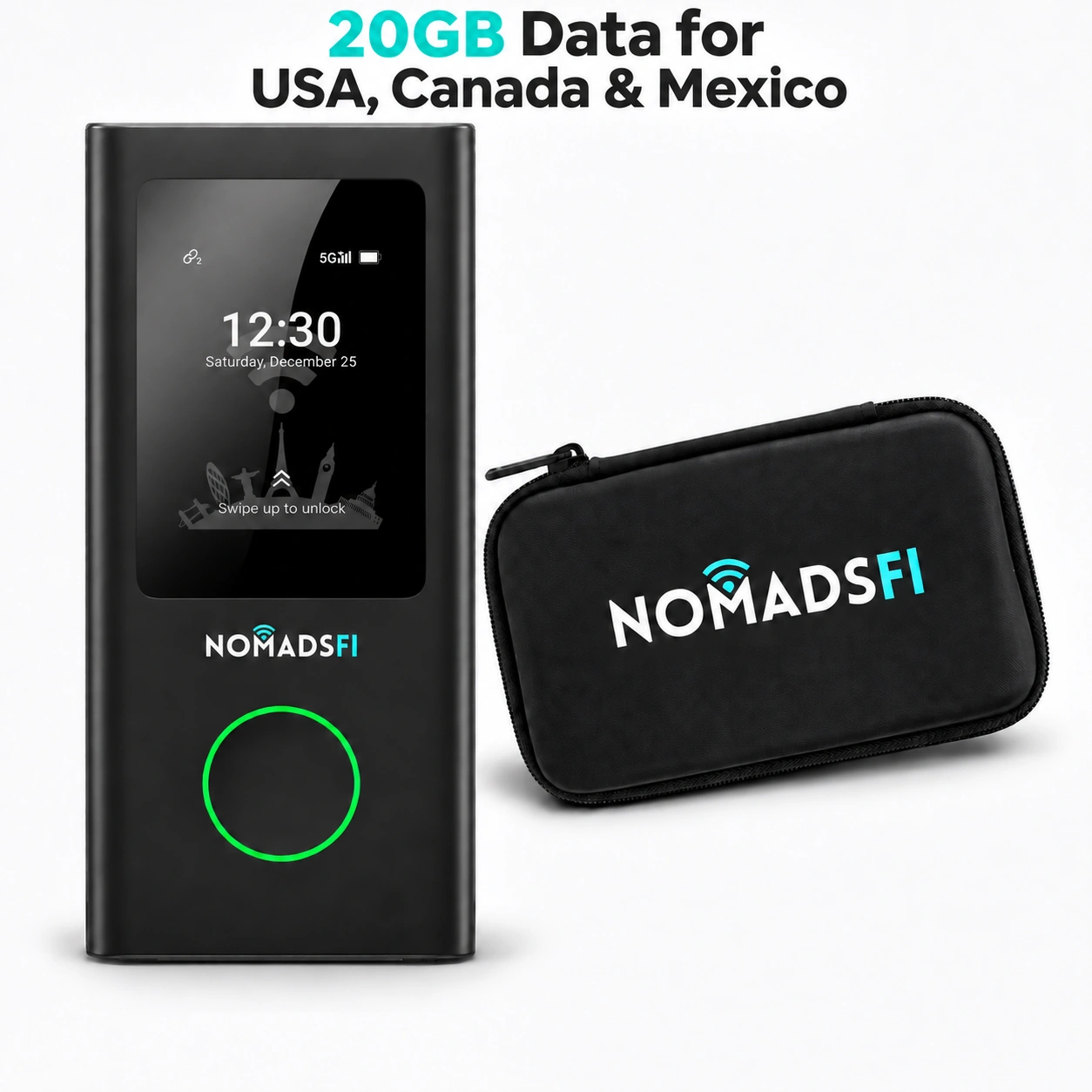
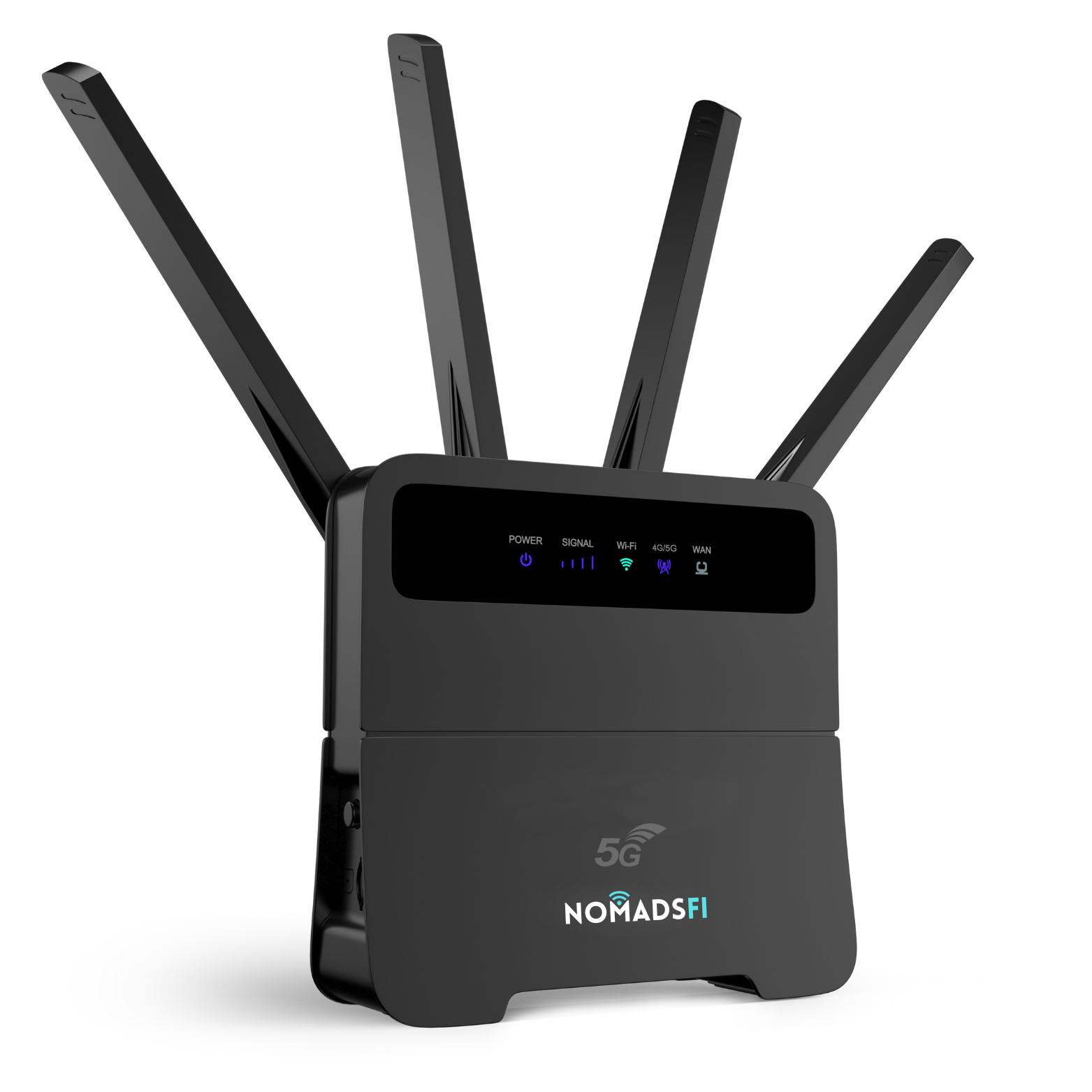
We sell cellular hotspots and routers with month-to-month data plans, so weigh our bias. Here's the honest version anyway: most RV buyers don't need a satellite terminal as their first connection. They need to know when satellite earns its place, and when a cellular router at the same address does the job with less setup. Satellite internet for an RV is a real option. It's just not the automatic one.
How satellite internet for an RV works, in four steps
Strip out the marketing and every satellite setup does the same four things.
- Point at the sky. The terminal has to see its satellite. Some aim themselves, some you aim by hand, but all of them need open sky in one specific direction with nothing solid in the way. Trees, a canyon wall, a fifth wheel parked on the wrong side — all of those block the link.
- Turn the radio link into a normal network. The terminal converts what it receives into ordinary WiFi and, usually, an ethernet port you can plug into a router.
- Share it inside the rig. A router hands that connection to your laptop, phones, TV, and whatever else is on board. This is the part people underestimate: one weak link shared across eight devices feels worse than one weak link on a single phone.
- Meter it. The plan decides how much data you get, whether you're deprioritized when the network is busy, and whether you can pause it in the off-season.
Cellular works differently, and that changes your checklist. A hotspot or an RV router talks to a cell tower, so the question isn't "is there sky" but "is there carrier signal at this exact address, and what's standing between me and the tower." A cellular hotspot is not satellite service and won't behave like it. It also won't keep working through a tower outage, a power cut, or a true dead zone. Anyone selling you that is selling you something else.
What to check before you spend anything
Four checks, in this order. Do them before you buy hardware, not after.
Check signal at the address, not on a map
Coverage maps are marketing. They're drawn for a region, not for your pad. A campground can have five bars at the office and nothing at site 42, and you won't find out until you've backed in and leveled.
For satellite, the check is sky view. Walk the spot you'll actually park in, at the angle the terminal needs, and look for what's in the way. Trees are the enemy here, and trees grow. A site that works in April can fail in July because the canopy filled in. Ask the park for a photo of the pad, or better, a photo looking up from it. If you're going to move every week, remember you're not testing one site — you're testing the range of sites you'll accept.
For cellular, you want real-world numbers from the exact spot: a speed test at the pad, at the time of day you'll use it most. Our rv internet signal setup guide walks through how to test without buying gear first.
Measure a real week of data
Most people guess their data use, and most people guess low. Look at your home connection for a month before you buy anything. Work calls burn different amounts than streaming, cloud photo backups run quietly in the background, and game or system updates can chew through a whole trip's allowance in one evening without you noticing.
Write down what a normal week looks like: hours of video calls, hours of streaming, how many devices, whether anyone games or uploads large files. Then match that to a plan with real headroom. If a plan is described as unlimited, a fair-use high-speed allowance applies and speeds may reduce after you pass it. That's how these plans work, including ours. Read the allowance, not the word. Our portable wifi for rv travel and remote work a practical connection checklist breaks that down device by device.
Add up the power, not just the hardware
Every connection you add to an RV is also an electrical load, and the one people forget is the inverter. A satellite terminal that needs AC power means running the inverter, which means losses on top of the draw, which means a bigger battery or more solar than you planned.
Ask two questions before buying: what does this draw at idle, and what does it draw while working? Get watt figures, not adjectives. Then check your solar and battery math against a cloudy week, not a good one. Cellular routers are typically built to run off 12 volts, which fits an RV electrical system without an inverter in the middle. That's a real practical advantage on a rig with limited roof space.
Read the contract terms before the spec sheet
Speeds get the headlines; terms decide whether you regret the purchase. Six things to pin down:
- Is the plan month-to-month, or does it lock you into a term?
- Can you pause it, and what does pausing cost you in reactivation?
- Is the hardware yours, rented, or tied to a contract?
- Can you move the plan between addresses, or is it fixed to one?
- Can you switch carriers later, or is the device locked?
- What's the return window if the first week goes badly?
For reference on how we structure it: our data plans are month-to-month with no long-term contract, and our devices are sold SIM-free and can switch between carrier networks. Devices ship within the US only, and our rental program is for US use only — you can read the details at nomadsfi.com/pages/rentprogram. If you're buying satellite hardware instead, ask the same six questions and expect different answers on pausing and portability.
Match the setup to the situation
The right answer depends on how you travel, not on which technology wins an argument. Use this as a starting point, then verify against your own spots.
| Situation | Lead with | Keep as backup | Verify first |
|---|---|---|---|
| Seasonal site with open sky | Satellite as primary | Cellular router for storms and busy evenings | Sky view from the exact pad |
| Moving every few days, near towns | Cellular router or hotspot | Campground wifi where it's decent | Carrier signal at each stop |
| Daily video calls for work | Two independent paths | Phone hotspot as a third | Uplink, not just download |
| Boondocking in trees or canyons | Cellular where terrain allows | Nothing reliable | Walk the site before you commit |
Two patterns show up over and over. The first is the traveler who buys one expensive path and then discovers it fails in exactly the places they bought it for. The second is the traveler who buys two cheap paths, tests both, and ends up with more usable hours per week than the first person spent money on.
A second path is worth more than a faster first path. That's the whole argument. If you're weighing options, our comparison of best internet setup for rv travel a practical guide for working on the road lays out cellular, campground wifi and satellite side by side without pretending one wins everywhere.
One more thing about the table: it assumes you'll be stationary when you work. If your travel days are also work days, that changes the ranking fast, because a satellite terminal you have to set up and aim doesn't travel well. Test your plan against your worst day, not your average one.
What most people get wrong
They buy for the coverage map instead of the parking spot
The map shows a region. You live in a spot. Those are different things, and the gap between them is where refunds come from.
Instead: test the way you'll actually use it. Get a photo looking up from the pad. Run a speed test standing where the router will sit, not in the campground driveway. If you can't test before buying, buy something you can return or rent first — that's the entire point of a trial period.
They test on a good day, at home
A connection that works at 11am on a Tuesday in your driveway tells you almost nothing. Networks get busy in the evening. Weather affects satellite links more than people expect. Trees leaf out. Your neighbor's rig blocks the angle you assumed was clear.
Instead: test on a rainy evening, with the rig closed up and everyone streaming at once. Test with the laptop where you'll actually work, not next to the router. If the connection only holds up under ideal conditions, you've learned something useful before the trip instead of during it.
They buy one connection and call it a system
Single-path internet is a single point of failure, and RV life supplies failures for free: a tower outage, a crowded park on a holiday weekend, a storm, a site with no sky view.
Instead: decide up front which path is primary and which is the fallback, then make the fallback genuinely independent — a different network, not a second device on the same one. A phone hotspot counts as a third path if your plan allows it. Budget for two modest connections before you budget for one expensive one.
What it costs and what changes month to month
We're not quoting prices here, because they move and because a number from today is a bad planning tool for next season. What doesn't move is the structure. Every RV internet purchase is three cost lines, and they behave differently.
Hardware is a one-time cost you can usually resell, which makes it the least scary line if you buy something that holds value. Service is the line that actually decides your annual spend — not the monthly rate, but how many months a year you're paying it. The second path is the line people skip and then rebuild at a truck stop at full price.
The monthly stuff is where plans separate. Watch for deprioritization during busy hours, allowance changes, whether pausing is allowed and what reactivation costs, and whether the hardware is locked to one carrier or can move. Our own terms are deliberately boring: month-to-month with no long-term contract, SIM-free devices that can switch between carrier networks, US-only shipping, and a US-only rental program at nomadsfi.com/pages/rentprogram if you'd rather test before committing. If you're still working out what the hardware actually does, start with our internet hotspot device guide.
One budgeting habit that pays off: price a full year, not a month. Four months of heavy use plus eight months of pausing is a very different number from twelve months of service, and only one of those matches how most people actually travel.
The one honest limitation
Satellite internet needs open sky, and open sky is the one thing you can't buy. A terminal blocked by a cottonwood, a canyon wall, or a rig parked a few feet off is not a slow connection — it's no connection. Tree cover is the reason a lot of people who bought satellite for boondocking end up running cellular as their primary anyway. If your favorite spots are wooded, shaded, or in a draw, that's not a setup problem you can solve with better hardware. It's the terrain.
The second half of the same limitation: no connection survives a true dead zone, a tower outage, or a power cut. Not satellite, not cellular, not a hotspot with a big antenna. If your work genuinely cannot tolerate an outage, RV internet is best-effort infrastructure and you should plan around that — offline files, a backup site, a phone that works on a different network. Buy for the 90% of nights that work, and have a plan for the rest.
Frequently asked questions
Can I use satellite internet for an RV while driving?
Not with a terminal you have to aim. Those need to be stationary, so expect to set up when you park and put it away before you move. Cellular hotspots and RV routers work while the vehicle is moving, as long as there's carrier signal along the route. Plan your travel days around the second option, not the first.
Is satellite internet better than cellular for RV travel?
It's better in places the cell grid doesn't reach, and worse in places with trees overhead or limited power. Cellular is simpler to mount, works while moving, and depends on signal at the exact address. Most full-timers we hear from run both, with one as the primary and the other as the fallback. Test your own spots before deciding which is which.
Do I need an unlimited data plan for an RV?
Usually not. Measure a real month at home first, then add headroom for updates and backup jobs. If a plan is described as unlimited, a fair-use high-speed allowance applies and speeds may reduce after you pass it, so compare the allowance figure instead of the label. A metered plan you understand beats an unlimited plan you don't.
Coverage and speed depend on carrier signal at the address, and the rental program is for US use only. Confirm device compatibility and current plan terms on the NomadsFi product and plan pages before ordering.